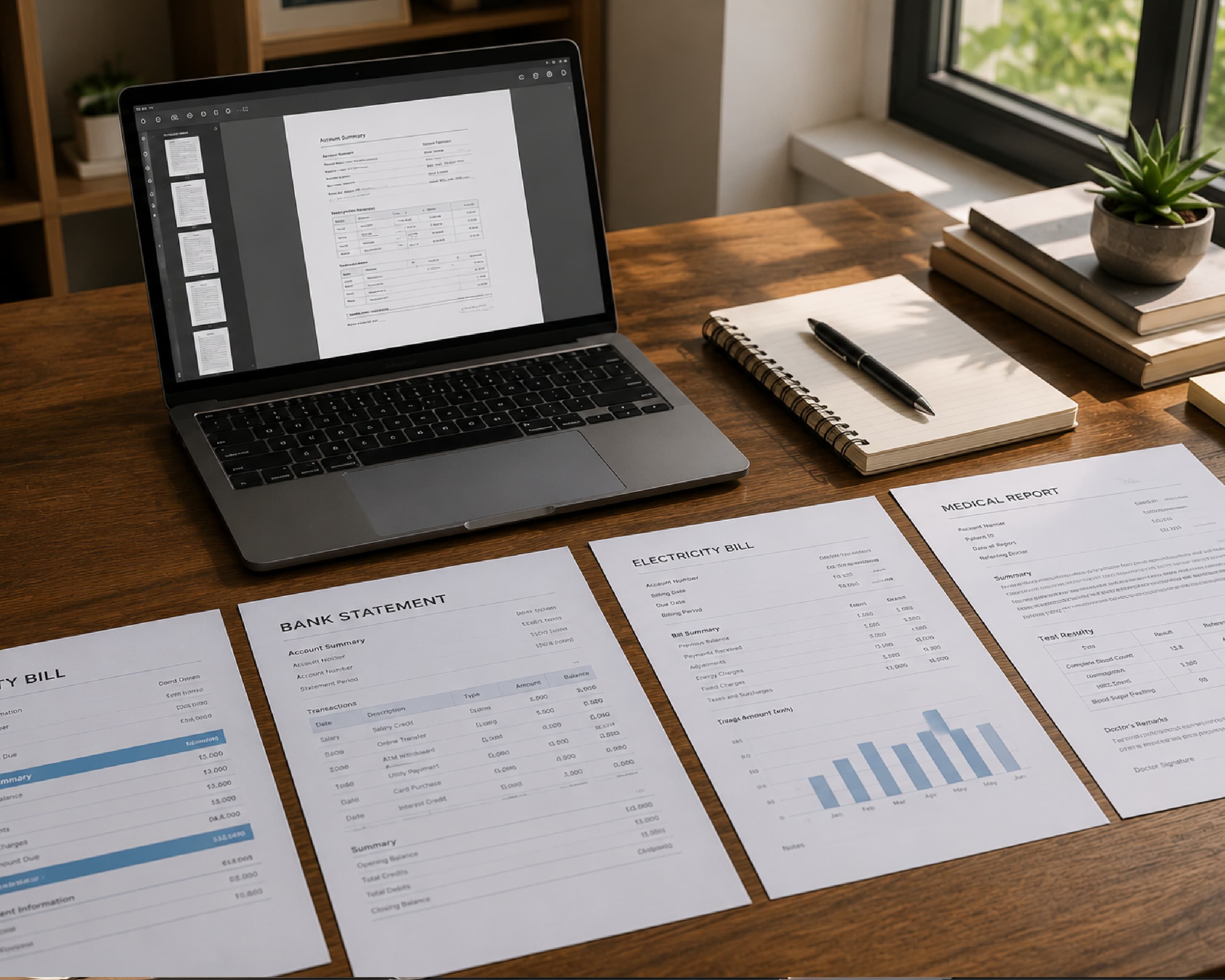
How to Convert PDF to Word (and Keep Your Layout Looking Right)
My cousin needed to update her resume. Easy job. Change one phone number, add one new job. But all she had was a PDF, because the Word file died with her old laptop. So she retyped the whole thing. Every line, every bullet. An hour and a half later she was still fixing the spacing, and one of her job dates had somehow turned into 2019. When I told her she could have converted the PDF to Word in about a minute, she just stared at me. Then she said, “Why does nobody tell you this?” So here it is. How to convert PDF to Word, what to expect, and what to fix afterward.
Why Can’t You Edit a PDF?
A PDF is built to look the same everywhere. Great for sending a finished file. Not great when you need to change a word.
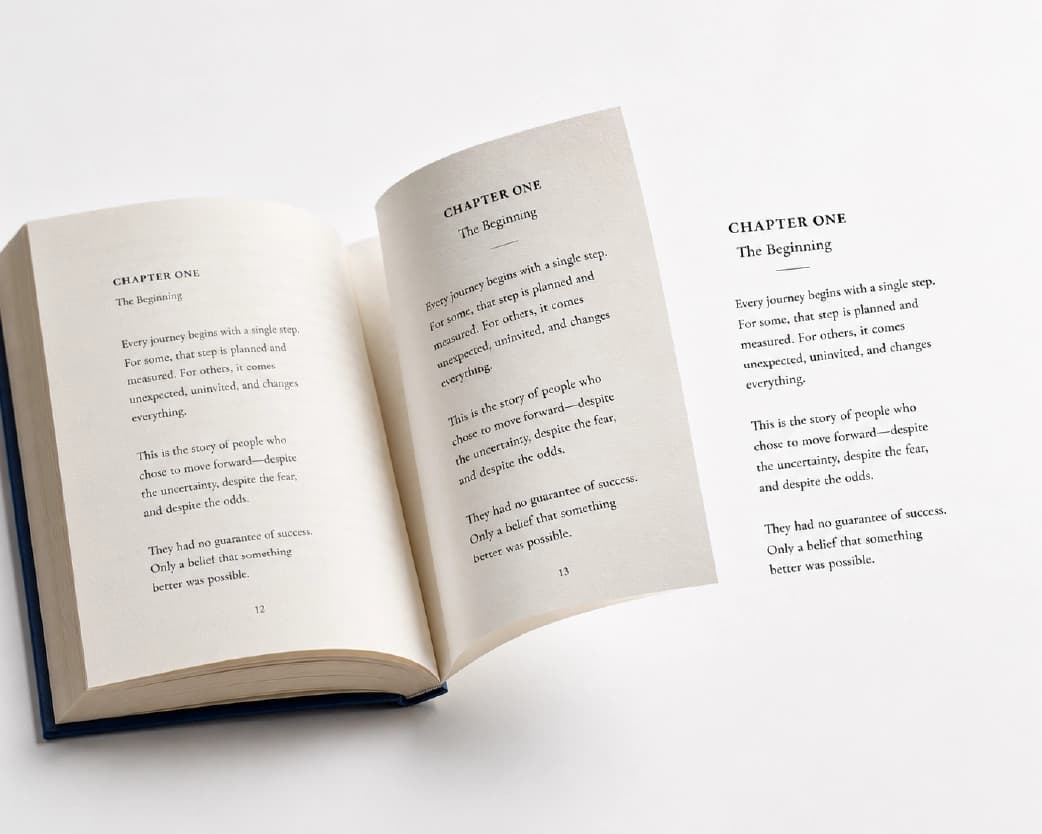
A Word file stores text as paragraphs, so you click and type. A PDF stores text more like a drawing, with each piece placed at an exact spot. There’s no real “paragraph” inside. That’s why clicking in doesn’t work.
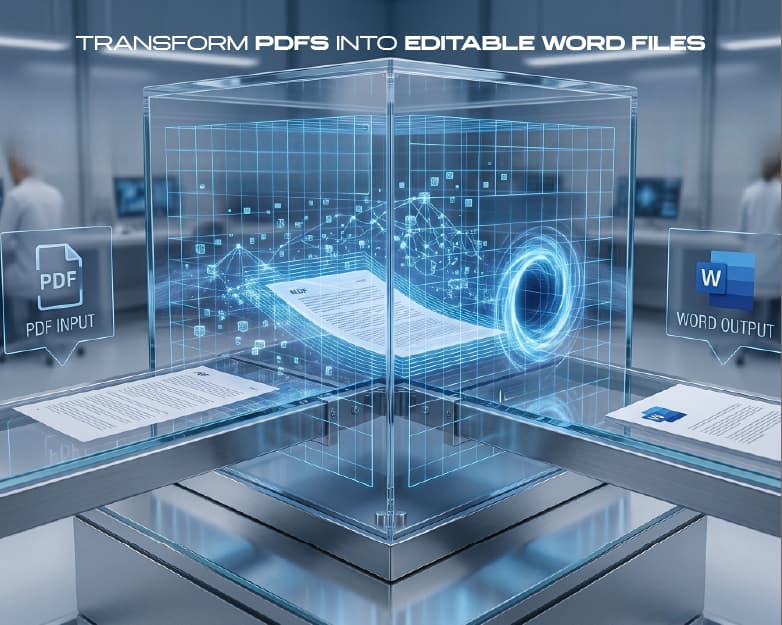
A PDF to Word converter reads the page, works out what’s a heading, a table, or a picture, and rebuilds it as an editable document.
When Should You Convert?
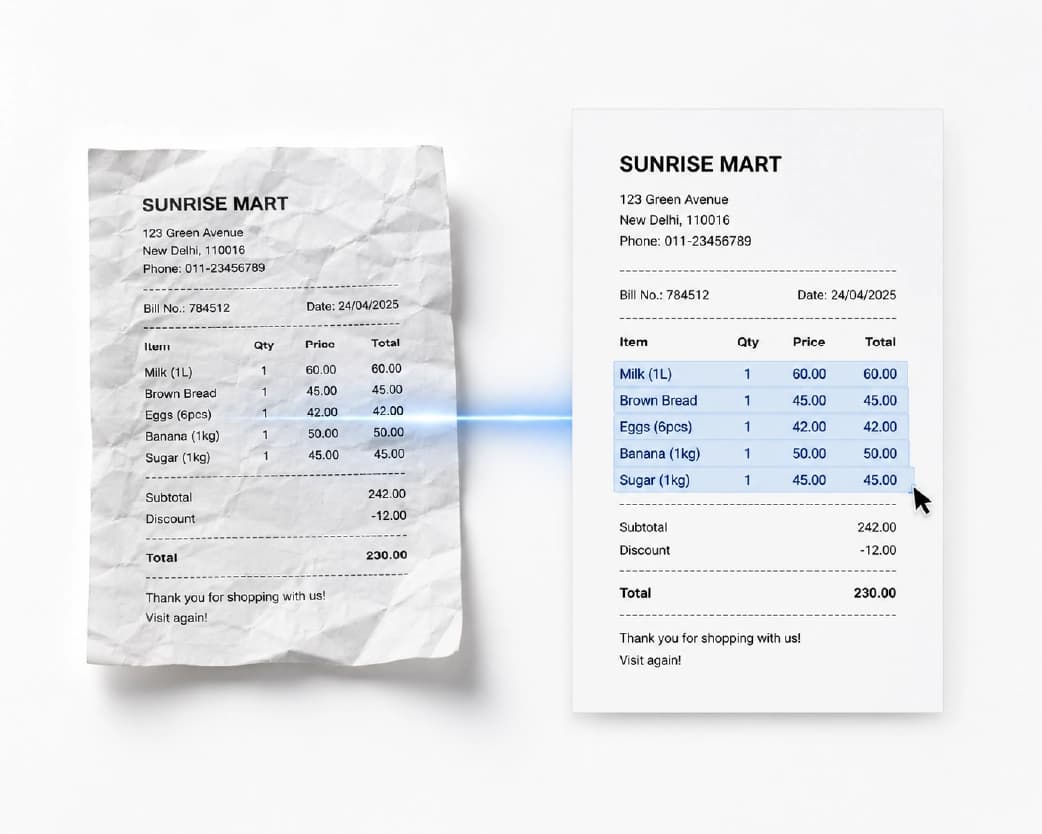
When you lost the original file, like my cousin. When someone sends a contract or report and you need to change it. When you want to copy a big chunk of text without it pasting as a mess. When you want to reuse an old document as a template.
If you’ve ever searched “how do I edit a PDF,” converting is probably your answer.
Two Kinds of PDFs
Please read this part. It matters most.
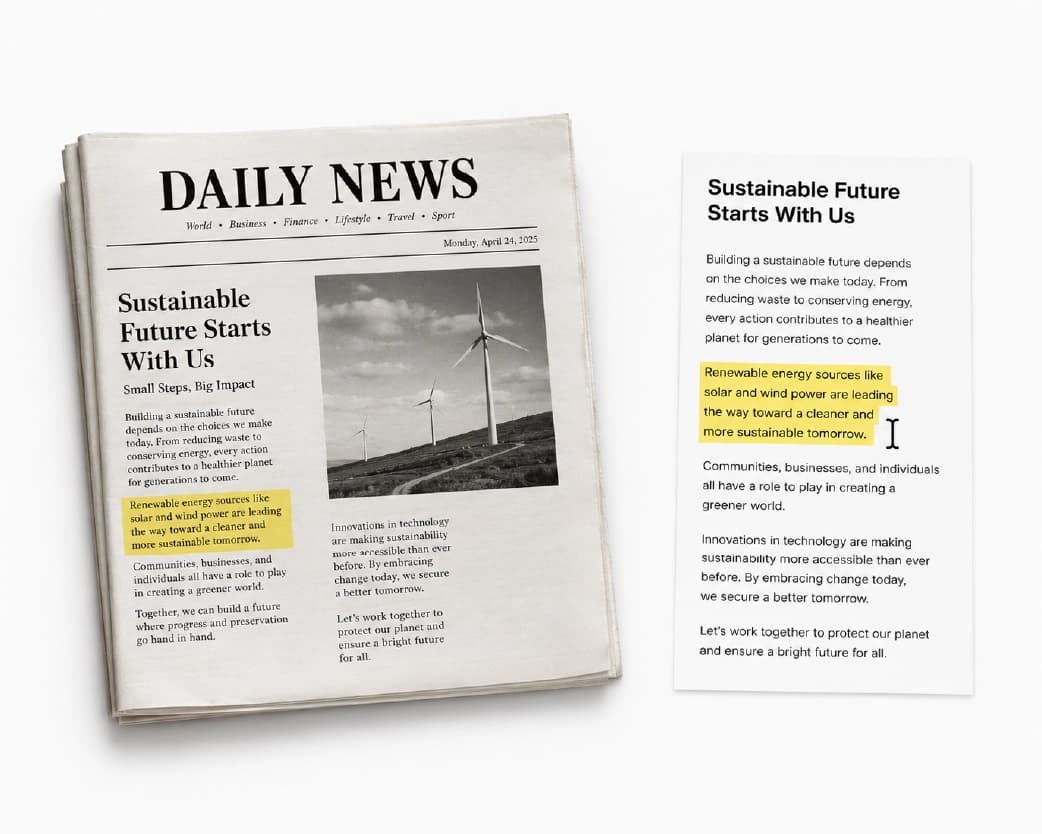
Text-based PDFs come from Word, a website, or an app. The words are real text, and these convert well most of the time.
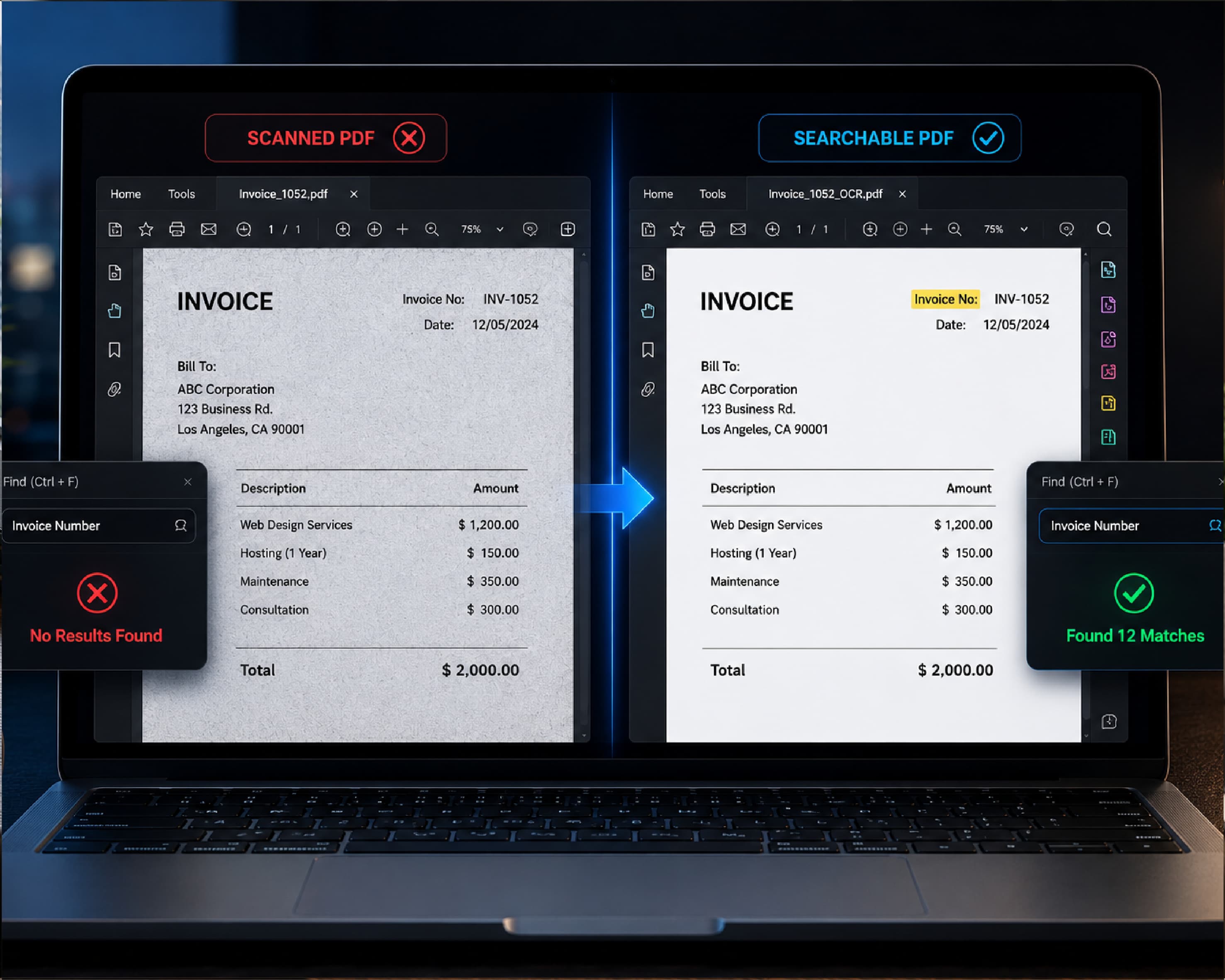
Scanned PDFs come from paper or a photo. They’re pictures of pages, so there’s no text to grab. A plain converter may give you blank pages or a pile of images.
To convert a scanned PDF to Word, you need OCR first. That stands for optical character recognition, and it reads the picture and turns it into real text. Plainscan’s Scan & OCR tool does that.
Quick test: try highlighting a sentence. If it highlights, it’s text-based. If nothing happens, it’s a scan.
How to Convert PDF to Word Online with Plainscan
Plainscan runs in your browser and has over 100 document tools. Nothing to download. Laptop, tablet, or phone, it all works.
- Open the tool. Go to the PDF to Word tool on Plainscan.
- Upload your PDF. Drag it in or browse for it. Free accounts can upload up to 50 MB.
- Convert it. Click the button and wait a few seconds. Longer files take longer, so don’t refresh.
- Download the Word file. Open it and see how it looks.
On a standard multi-page document, the conversion takes about three to five seconds, reconstructing styles and font layouts right in your browser.
Is it free?
To start, yes. After you create a free account, you can process up to 4 documents a day with the basic PDF tools, and it resets every 24 hours. The PDF to Word tool falls under that free daily allowance. AI features and unlimited use need a paid plan, or you can buy credits and use them when you need them.
Continue Reading:Free PDF Repair Tool: How to Fix a Corrupted PDF Online
What to Expect
Conversions are good, but rarely perfect. PDFs and Word files work differently, so a few things can shift.
- Fonts. If the PDF uses a font your computer doesn’t have, Word swaps in another one. The words are fine, but the look can change a little.
- Spacing. Lines can break in new places, and a page may spill over.
- Tables. Simple ones usually come through well. Complicated ones with merged cells may need tidying.
- Images. They usually stay, but may shift position.
- Headers and footers. They sometimes turn into plain text you need to move or delete.
None of that means something broke. A few minutes of cleanup still beats retyping.
When I ran my cousin's resume through Plainscan, all font sizes and bullet hierarchies stayed intact—only one table border needed a quick touch-up.
Quick Cleanup Checklist
- Scroll through the whole file. Look for odd gaps, missing pictures, or text that jumped.
- Check numbers. Dates, phone numbers, prices. One wrong digit can cause trouble.
- Look at headings and bullets. Make sure they still look right.
- Run spell check, especially on scanned files, where OCR can mix up letters.
I always check the page count and compare the first and last pages side-by-side with the original PDF before editing.
Tips for Better Results
- Start with the best file you have. If you can choose between a scan and the original digital file, use the digital one.
- Fix sideways pages first with the Rotate PDF tool.
- Only convert what you need. If you want pages 3 to 5, split the file first. You’ll get a cleaner Word file.
- Keep the original PDF. You’ll want it if the Word version looks off.
- And don’t expect magic from a bad scan. If a person would squint at it, the software will too.
Who Uses This?
Job seekers updating resumes. Students pulling quotes from papers. Office workers editing contracts and reports. Teachers reusing worksheets. Small business owners updating price lists.
Anyone who’s looked at a PDF and thought, “I just need to change one word.”
Is Uploading Safe?
Fair question, since these files are often private. Plainscan uses encrypted HTTPS connections, and uploaded files are deleted automatically within 24 hours.
Still, be careful with very sensitive files like ID details or bank info on any website. Skim the privacy policy of a new tool first. And delete extra copies you don’t need.
Mistakes to Skip
- Skipping the cleanup check.
- Using a scan without OCR. You’ll get images instead of text.
- Overwriting the original.
- Expecting a perfect copy every time. Small shifts are normal.
- Forgetting the limits. Check file size and your daily cap before a batch.
Conclusion
You shouldn’t have to retype a document because it came as a PDF. Upload the file, convert it, and spend a few minutes tidying up. For scans, run OCR first. If you’ve got a PDF waiting to be edited, try Plainscan on it today. It’s an easy way to convert PDF to Word, and the other free PDF tools are worth a look too. My cousin updated her resume in five minutes, and the phone number was right.
You may also like:PDF to Grayscale: How to Turn Any PDF Black and White Online
Related insights
Get the Plainscan App for iOS & Android