Free PDF Invoice Generator Online: Make a Professional Invoice in Minutes
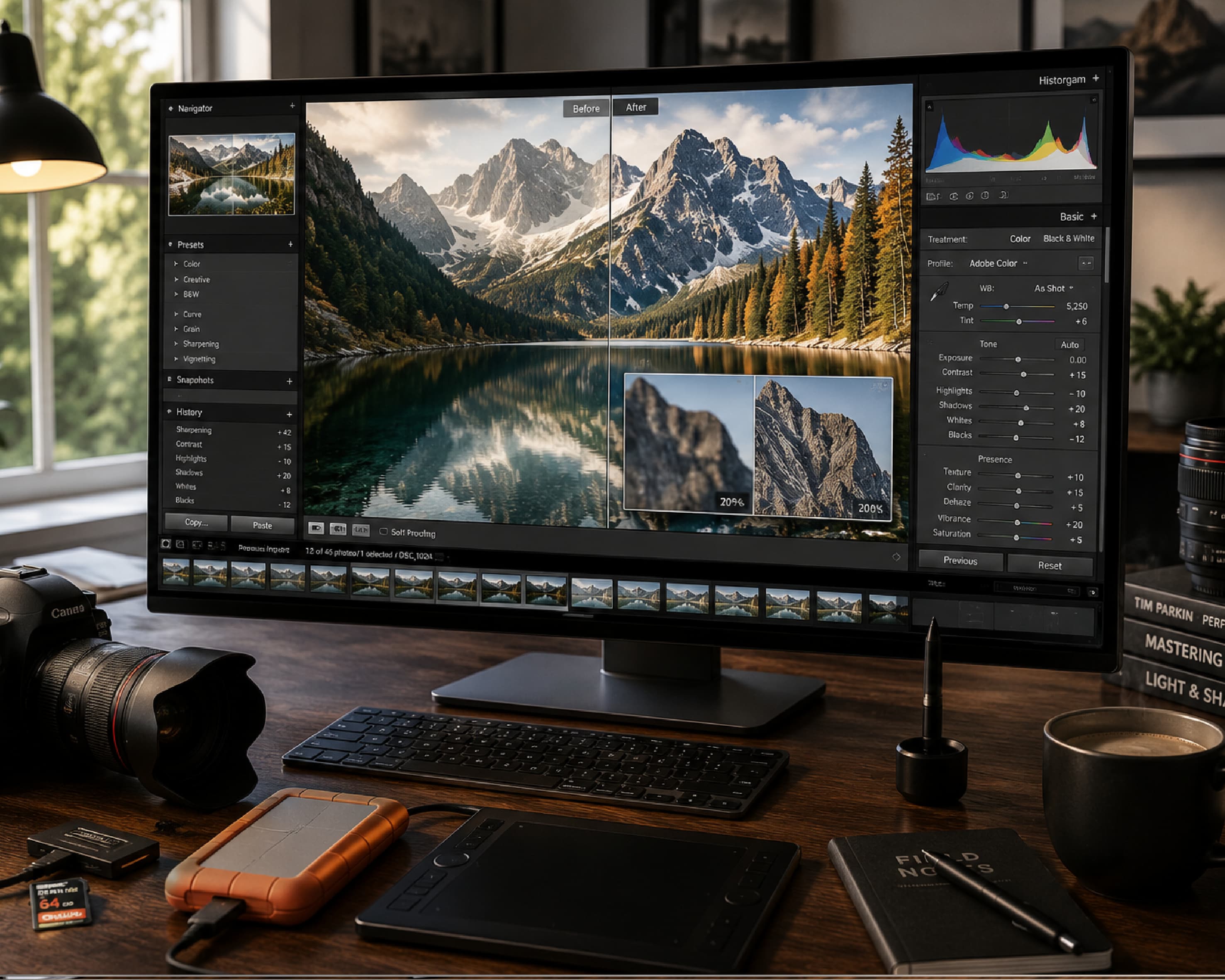
A friend of mine does freelance photography. She’s really good. Weddings, birthdays, the occasional dog in a tiny bow tie. Her photos are the kind that make you stop scrolling. Her invoices, though? Chaos. For a long time she’d open a blank document, type INVOICE in huge letters, guess at the layout, save it, and hit send. Sometimes she forgot her phone number. Once she forgot to put the total. Yes, the actual amount you owe. I’m not joking. Then one client took three weeks to pay her. When she finally asked what was going on, he said, “Oh, I didn’t see a due date, so I figured there was no rush.” Three weeks of waiting because of one missing line. That’s the moment she decided to get serious. Here’s how a free PDF invoice generator online can help, what every invoice needs, and a few habits that get you paid faster.
Why Does an Invoice Matter So Much?
An invoice isn’t just a bill. It’s a record. It shows what you did, what it costs, and when the money is due. It keeps you and your client on the same page, and it’s usually what their accountant asks for at the end of the month.
A messy invoice looks careless, even if your work is great. A clean one makes you look like a real business, even if the whole business is you and a laptop. And here’s the part I like: people pay faster when an invoice is easy to read. Nobody wants to decode a puzzle before paying.
Why Send It as a PDF?
A Word file can look totally different on someone else’s computer. Fonts shift, lines move, and a stray click can change a number without anyone noticing. Scary, when it’s about money.
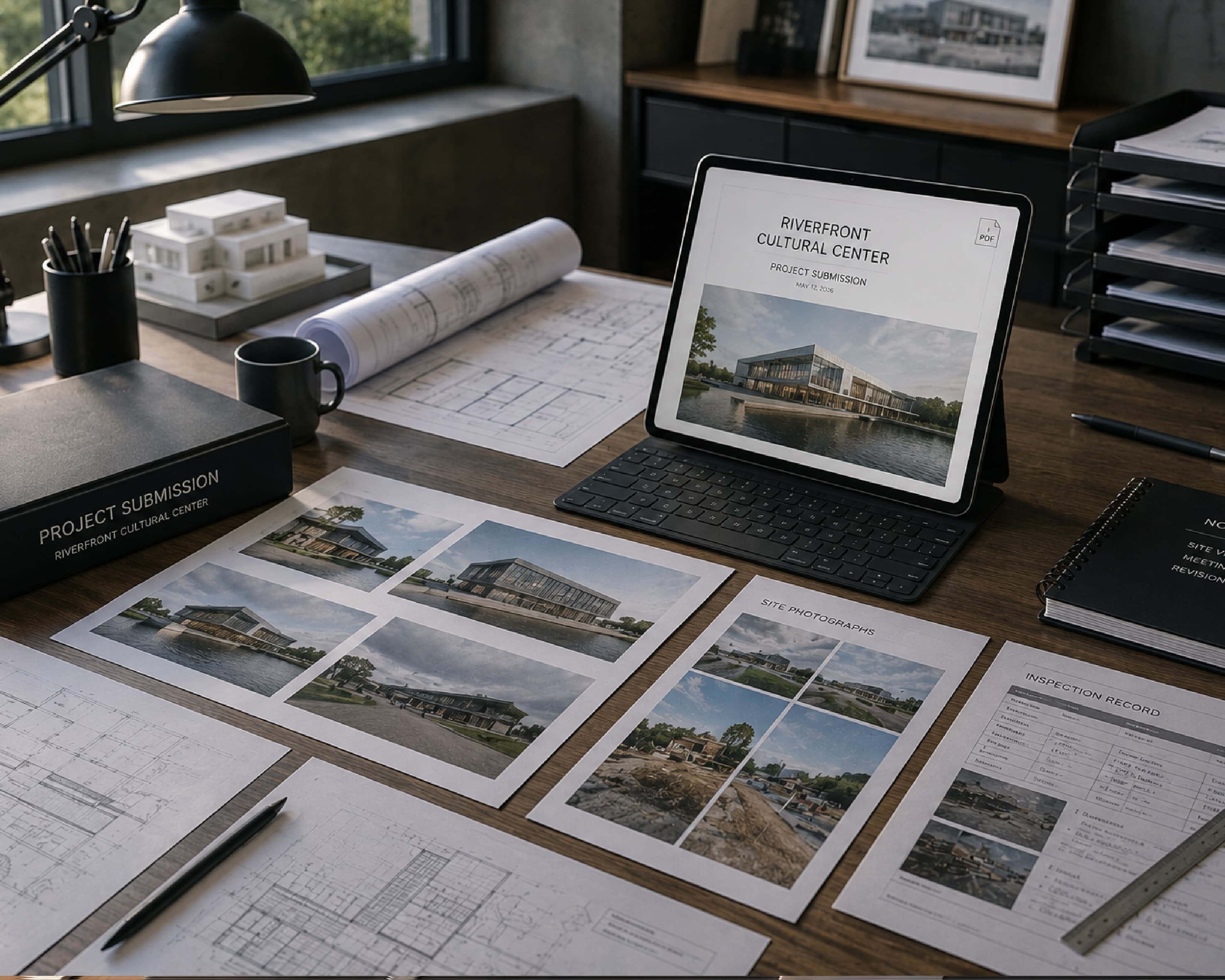
A PDF stays exactly as you made it, on any phone or laptop. It’s easy to email, store, and print. It also just looks more official. That’s why most people send invoices this way.
What Every Invoice Needs
This is the checklist that would have saved my friend three weeks. Screenshot it if you want.
- Your details. Your name or business name, address, phone, and email.
- Your client’s details. Their name, company, and address.
- An invoice number. Give each invoice its own number and keep them in order, like 001, 002, 003. Trust me, you’ll be glad later.
- The date. The day you made the invoice.
- A due date. Say it clearly, like “Due: June 30.” This is the big one.
- A description of the work. “Wedding photos, 6 hours, 150 edited images” beats “Services” every time.
- Prices and quantities. Show each line so nobody has to guess.
- Subtotal, tax, and total. Make the final amount easy to spot.
- Payment details. How should they pay you? Bank transfer, UPI, PayPal, a check? Spell it out.
- Payment terms. Something like “Due within 15 days.” If you charge late fees, mention them here.
If you’ve got all ten, you’re already ahead of most invoices floating around out there.
How to Use a Free PDF Invoice Generator Online with Plainscan
Plainscan runs in your browser and has over 100 document tools. Nothing to download, which is great, because my laptop already looks like a junk drawer. It works on a laptop, a tablet, or a phone.
- Find the tool. Go to the tools page and look for the invoice generator, or open the Invoice Generator tool directly.
- Pick a template. Choose a clean one. Simple works best. Nobody ever paid faster because of a fancy border.
- Fill in the details. Add your business details (name, email, phone, and address), client information, customizable invoice number, dates, and currency symbol. You can add multiple itemized rows with quantities and unit prices, and Plainscan automatically calculates your subtotal, tax amounts, and grand total.
- Check the numbers. Read every line. Then read the total again. Then do it once more. It takes a minute, and it’s much better than sending a wrong amount and writing a awkward follow-up email.
- Download the PDF. Save it with a clear file name and send it off.
Creating a finished invoice takes less than two minutes from start to finish. Once you hit generate, you get a clean, print-ready PDF formatted to international business standards.
Is it free?
You can start for free. After you create a free account, you can process up to 4 documents a day with the basic PDF tools, and that resets every 24 hours. The Invoice Generator falls under that free daily allowance. If you want AI features or unlimited use, there’s a paid plan, or you can buy credits and use them only when you need to.
Habits That Get You Paid Faster
Here’s my honest advice, from watching a lot of freelancers learn this the hard way.
- Send the invoice right away. Don’t wait until the end of the month, when you’ve forgotten half of what you did. The sooner it lands, the sooner it gets paid.
- Be specific about the due date. “Due in 15 days” can mean different things to different people. “Due June 30” means one thing.
- Name your file clearly. “Invoice-014-Sharma-Studio-June.pdf” is easy to find in six months. “invoice final 2.pdf” is a mystery.
- Make paying easy. Put the exact payment details right on the invoice, so nobody has to email you and ask. Every extra step is a reason to wait.
- Add a short thank you. It costs nothing, and it makes you sound like a human being.
- And keep a copy of every invoice in one folder, sorted by month or by client. Tax time will thank you.
I always send invoices on Tuesday or Thursday mornings right after delivery—it lands right when clients are actively handling administrative tasks and gets paid much faster.
A Quick Word About Taxes
Tax rules change depending on where you live. Some countries want GST, VAT, or sales tax on the invoice, and sometimes a tax ID number too. Some places even have rules for how an invoice must look.
I’m not a tax advisor, so if you’re unsure, ask an accountant or your local tax office. One quick question now can save you a big headache later.
What About Your Logo?
A logo makes an invoice look more polished. If your logo file is too heavy, the Compress Image tool can shrink it. If it looks fuzzy because the original is small, the Image Upscaler might help a little, though it can’t invent detail that was never there. A clean, sharp logo always works best.
Who Gets the Most Out of This?
Freelancers, for sure. Writers, designers, photographers, developers. Also small shop owners and service providers, tutors and coaches, contractors and repair workers.
Honestly, anyone who’s ever finished a job, smiled, and then thought, “Oh no, now I have to bill them.”
Is It Safe to Upload Client Details?
Good question, since invoices hold names, addresses, and money. Plainscan uses encrypted HTTPS connections, and uploaded files are deleted automatically within 24 hours.
Still, I’d be careful with very sensitive details, like full bank account numbers, on any website. Skim the privacy policy of a new tool before you trust it. It takes two minutes. And delete extra copies you don’t need once the invoice is sent.
Mistakes I’d Skip
- No due date. It’s the number one reason invoices sit around unpaid.
- Vague descriptions. “Services” tells your client nothing.
- Wrong totals. Check the math before you hit send.
- Skipping invoice numbers. You’ll get lost after about the fifth one.
- Forgetting payment details. If people can’t tell how to pay you, they can’t pay you.
- Forgetting the limits. Check file size and your daily cap before you start a big batch.
Further Reading:PDF to Grayscale: How to Turn Any PDF Black and White Online
Conclusion
A good invoice is clear, complete, and easy to pay. Add your details, the work, the total, and a clear due date. Save it as a PDF and send it right away. If you’ve got a job waiting to be billed, try Plainscan today. It’s an easy way to use a free PDF invoice generator online, and there are plenty of other free PDF tools worth poking around in while you’re there. My photographer friend now gets paid in days instead of weeks, and her due date is in bold.
Related insights
Get the Plainscan App for iOS & Android