Plainscan Blog for PDF, OCR and AI Tool Insights
Stay updated with the latest tips, tricks, and insights on document management, AI tools, and productivity.
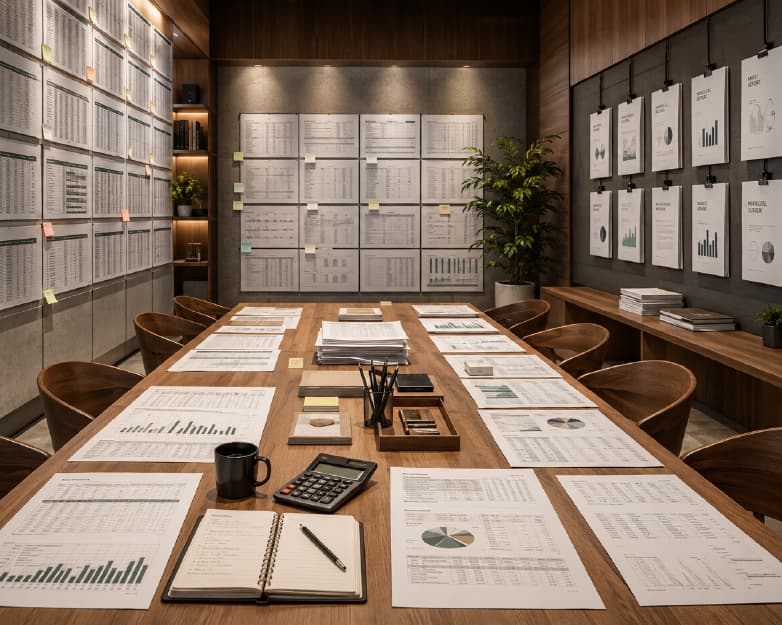
Trapped Data in Reports? 7 Smart Ways to Pull Tables Into Excel.
Extract tables from reports into Excel with 7 smart methods. Learn how to quickly convert PDFs, images, and documents into accurate, editable Excel data.
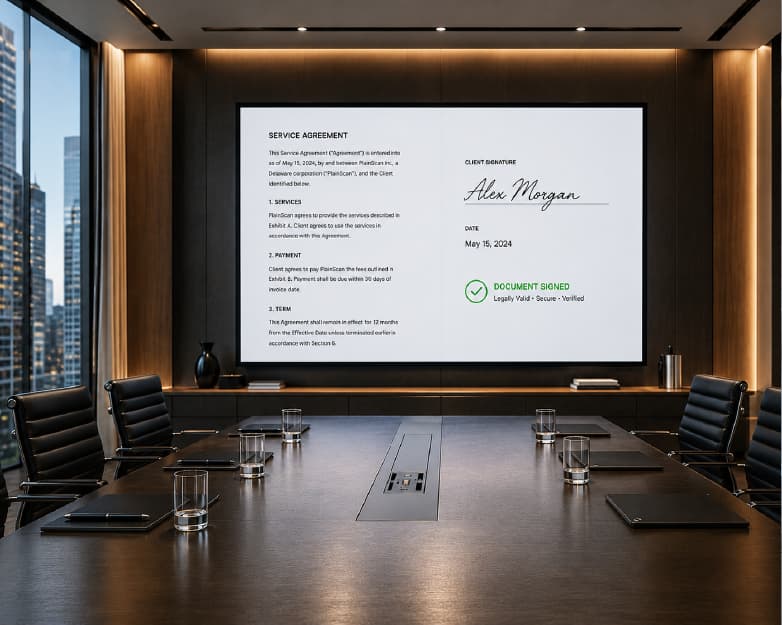
Sign Contracts From Anywhere: A Remote-Ready Paperwork Playbook
Learn how remote contract signing works, why digital signature validity holds up legally, and how to sign documents remotely without paper or delays.
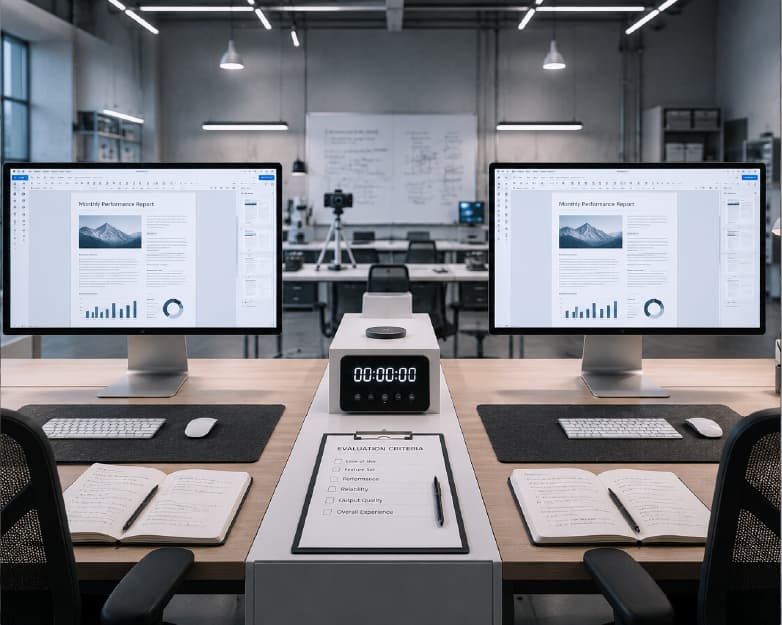
Why Files Look Different on Every Device?(Format Fixes Inside)
Files look different across devices due to fonts, software versions, and rendering engines. Learn the real causes and simple fixes for file format compatibility.
Plainscan vs Adobe Acrobat: Which Free PDF Tool Wins in 2026?
Plainscan vs Adobe Acrobat compared for 2026: see which free PDF tool offers real editing, OCR, and conversion without hidden costs or paid upgrades.
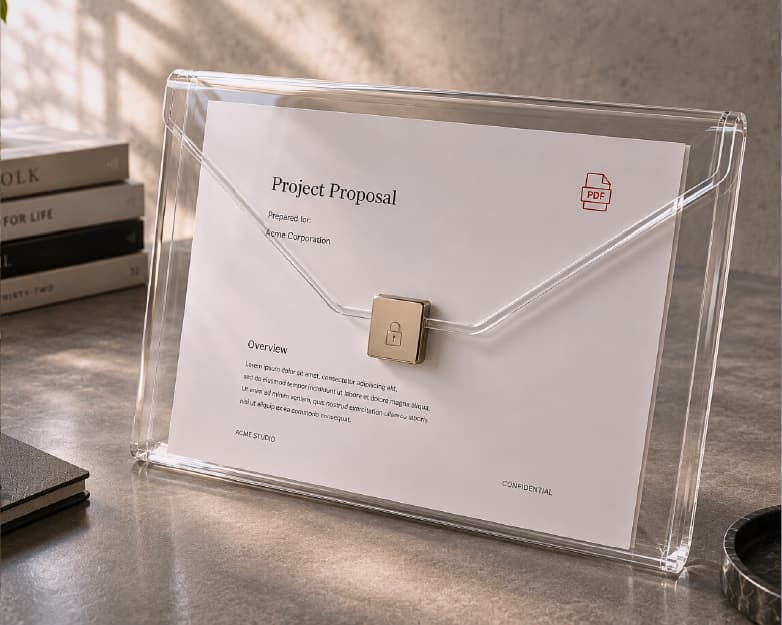
How to Remove a Password From a PDF Without Any Software?
Learn how to remove a password from a PDF without any software using simple browser tricks and safe online tools - fast, free, and no installation needed.
How to Compress Video Files Online Without Losing Quality?
Learn how to compress video files online for free in India - reduce size without losing quality, avoid watermarks, and no sign-up required. Try it now.
How to Redact Sensitive Information from a PDF (Permanently, Not Just Hide It)
Learn how to redact sensitive information from a PDF permanently, not just hide it. Get free steps to black out text safely before sharing any document online now.
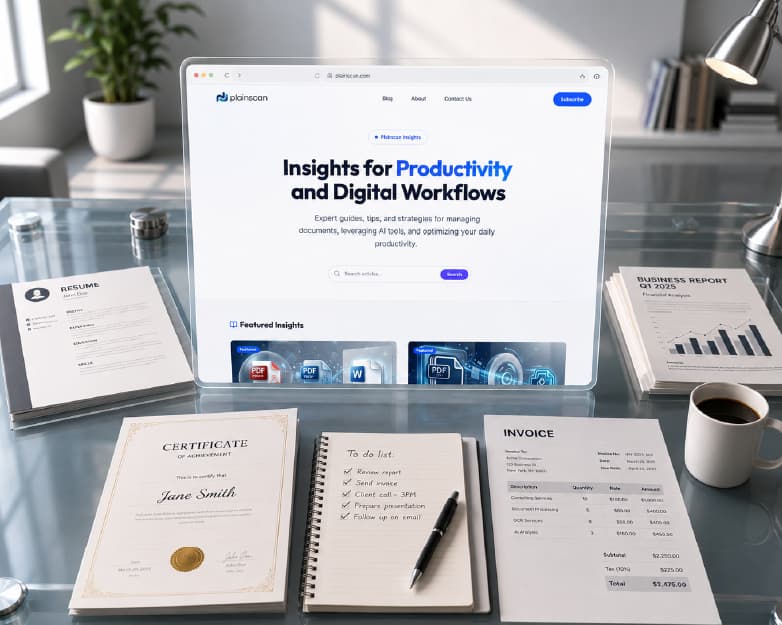
How to Create a Professional Invoice Online for Free (Templates Included)
Create a professional invoice online for free with easy templates. Learn how to make, customize, and download invoices quickly for your business.
How to Humanize AI Text and Pass AI Detectors in 2026
Learn how to humanize AI text and pass AI detectors like Turnitin and GPTZero in 2026.
Best Free Grammar Checker Online in 2026 (Fix Errors Instantly)
Find the best free grammar checker online today in 2026 for Indian writers. No sign up needed - instantly fix grammar, spelling, and punctuation errors with AI.
Free QR Code Generator: How to Create a QR Code in Seconds | Plainscan
Create a free QR code online in seconds - no sign up needed. Learn QR code steps, dynamic vs static codes, and more with Plainscan's QR Code Generator.
Chat with Your PDF: Ask Questions, Get Instant AI Answers
Chat with any PDF using AI. Ask questions in plain language and get instant, accurate answers from contracts, reports, and research papers - free online.
Free ATS Resume Checker: Beat Applicant Tracking Systems
Scan your resume free with our ATS checker. Get your score, fix formatting issues, and beat Applicant Tracking Systems before you apply in 2026.
Convert Bank Statement to Excel Automatically (2026 Guide)
Stop manually typing bank statements into Excel. Learn how to convert PDF bank statements to Excel automatically - fast, accurate, and free to try.
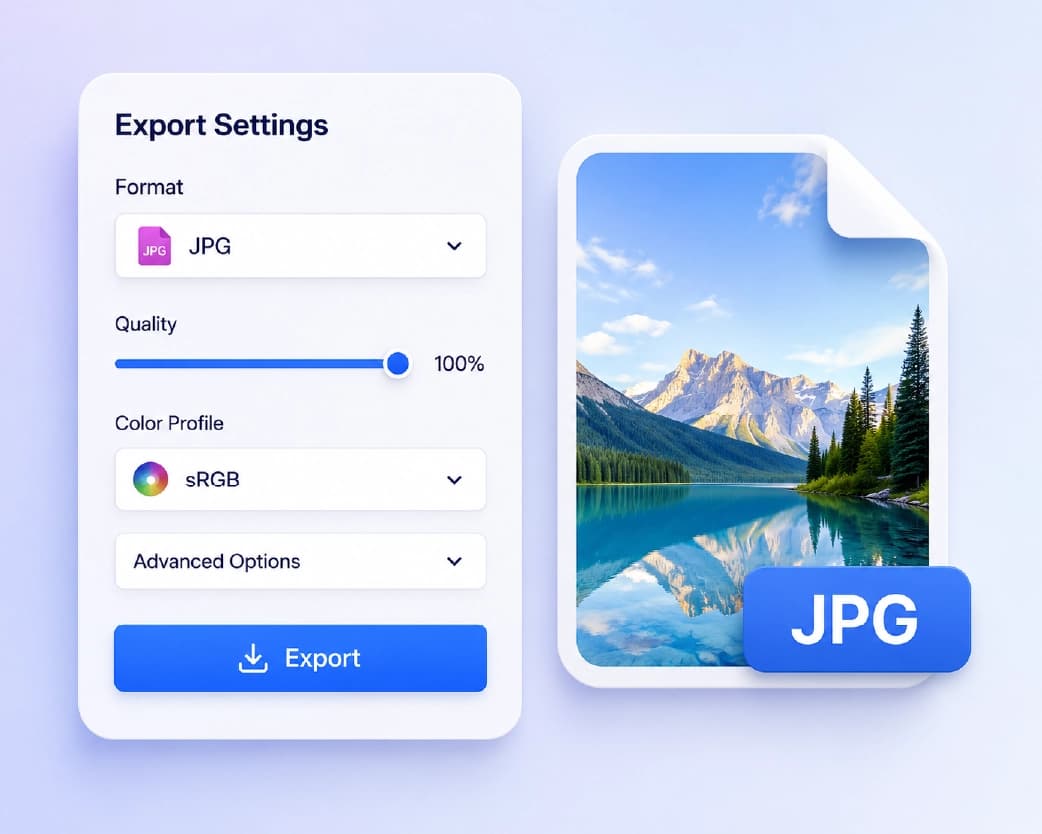
Convert HEIC to JPG Online for Free | iPhone Photos Guide
Convert HEIC to JPG online free, no software needed. Fix iPhone photos that won't open on Windows and keep full image quality - 2026 guide.
Is It Safe to Convert Sensitive Legal Documents Online? Privacy Guide for 2026
Is it safe to convert legal documents online? Learn the real risks, common scams, and how to protect sensitive files when converting them in 2026.
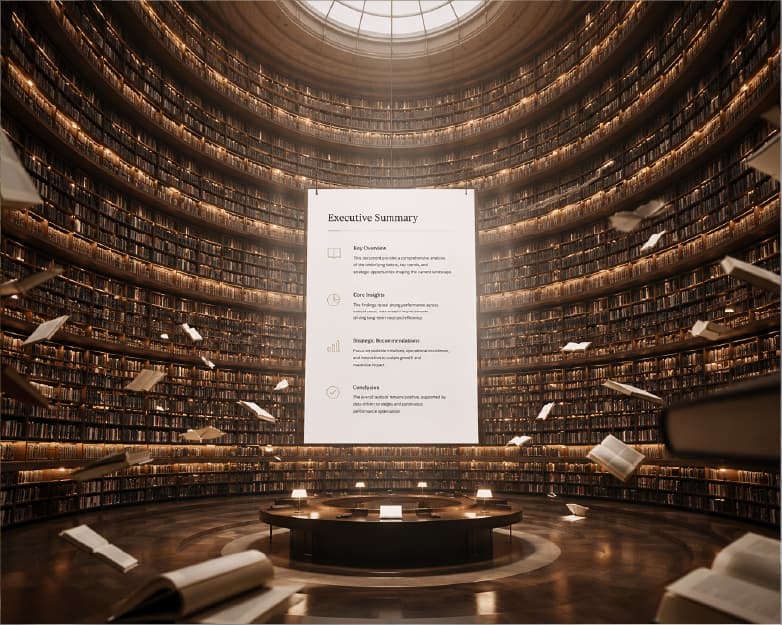
How to Summarize 50+ Page Academic Papers and Research PDFs in Minutes
Struggling with long research papers? Learn how to summarize a 50-page academic PDF in minutes using AI, without losing key findings or accuracy.
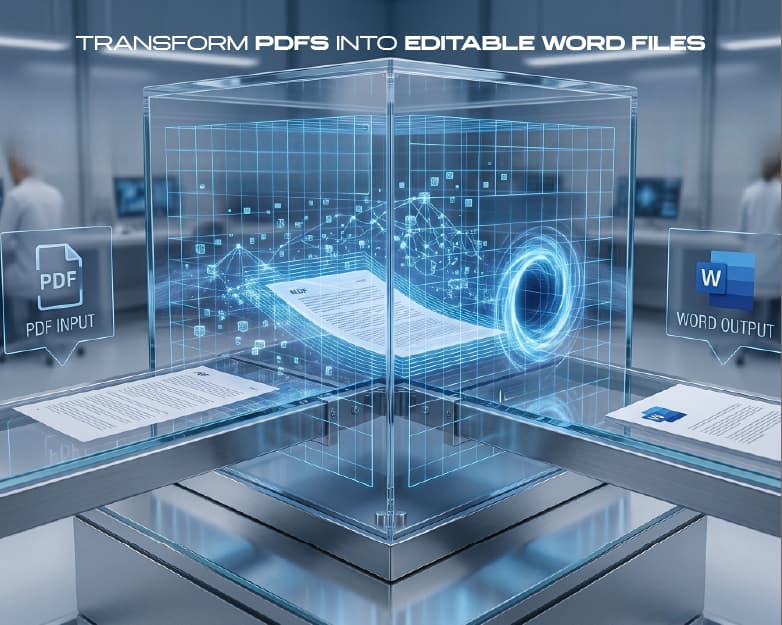
How to Convert Scanned PDF Forms into Fillable & Editable Word Documents
Learn how to turn scanned PDF forms into editable Word documents using OCR, step by step, so you can type, edit, and fill them out with ease.
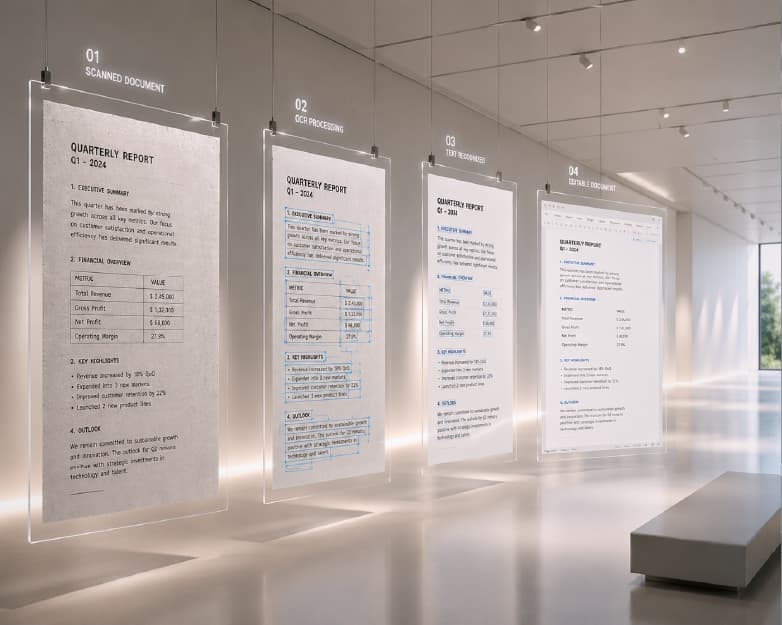
How to Extract Editable Text from Scanned Handwritten Notes & Low-Quality Images
Struggling with messy handwriting or blurry photos? Learn how OCR turns scanned notes and low-quality images into clean, editable text in seconds.
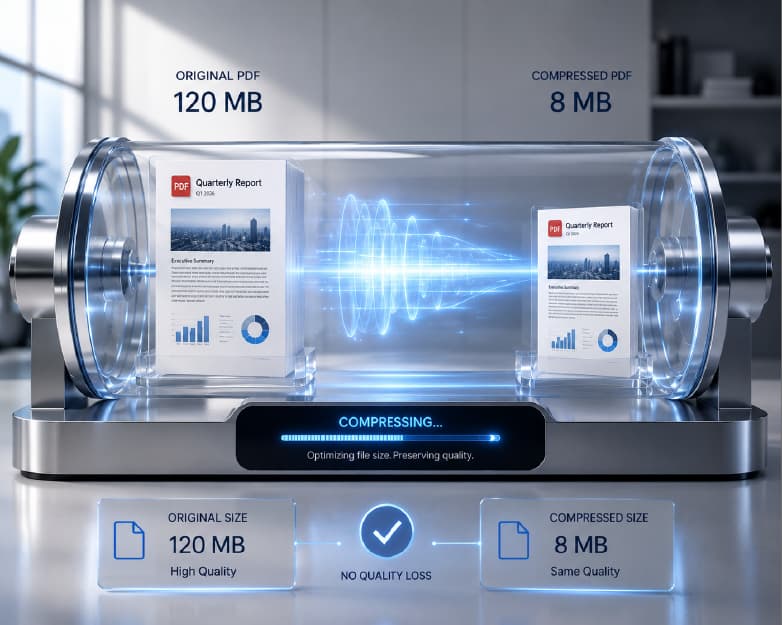
How to Compress Large PDFs for Email Attachments Without Losing Text Clarity
Email attachment too large? Learn simple ways to compress big PDFs for email while keeping your text sharp and easy to read.
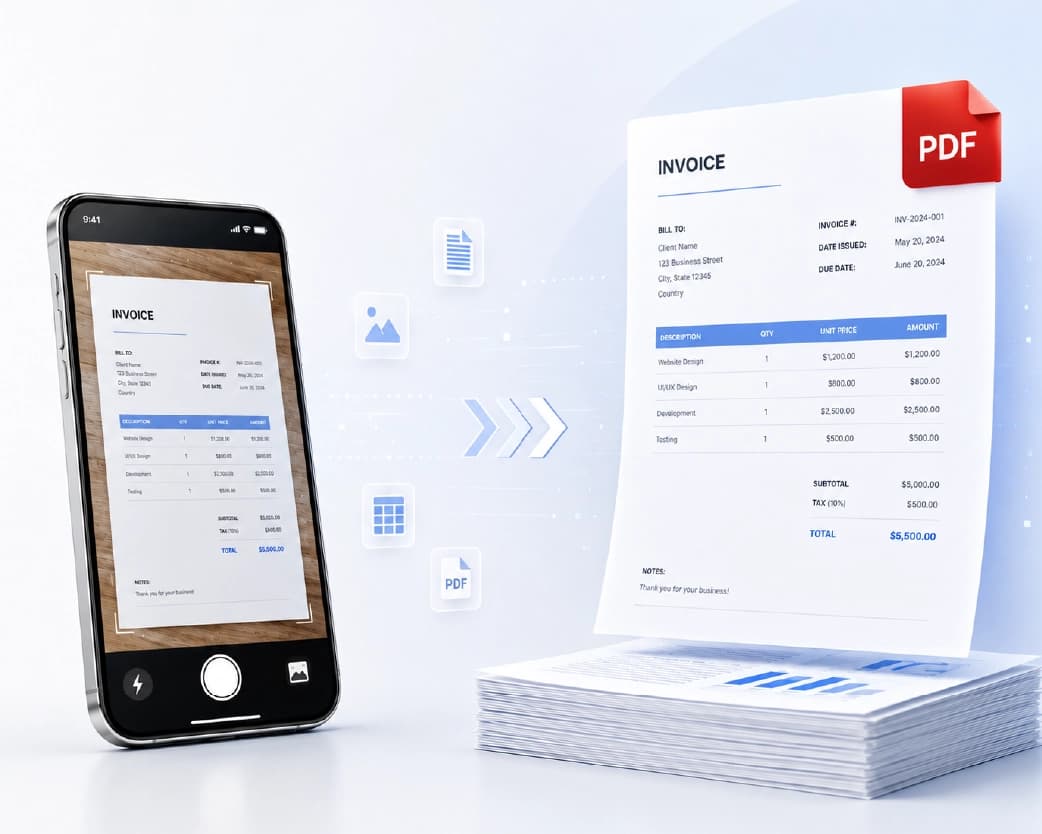
Image to PDF Converter: Convert Phone Photos into Professional Documents
Convert photos to PDF in seconds. Turn JPGs into professional documents. Works as a JPG to PDF converter on mobile or make a PDF from pictures on desktop.
How to Convert PNG to JPG Without Losing Quality: A Designer's Workflow
A designer's step-by-step workflow for converting PNG to JPG without losing quality. Covers compression settings, transparency, and Plainscan's free tool.
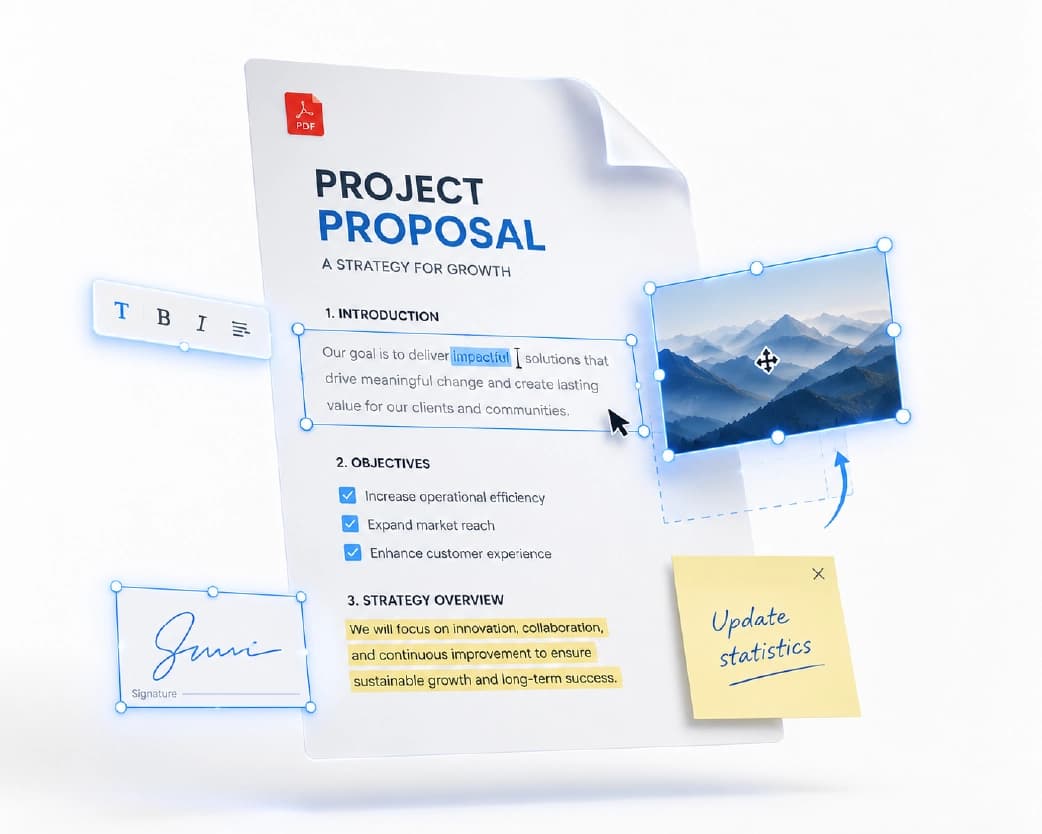
How to Edit a PDF Online for Free Without Installing Any Software
Learn how to edit a PDF online for free without installing software. Edit text, images, pages, forms, and signatures safely with this complete 2026 guide.
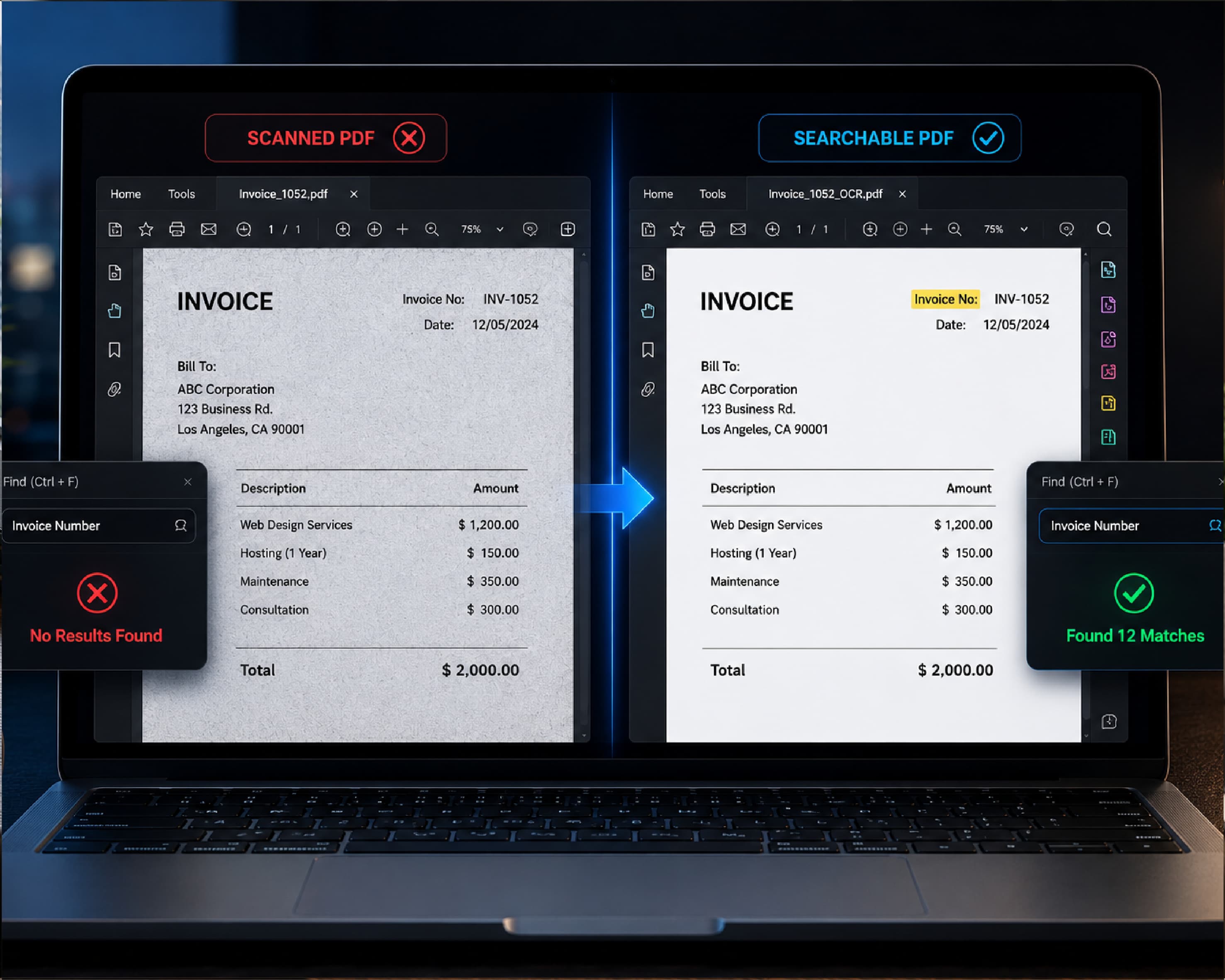
Why Scanned PDFs Are Not Searchable and How to Fix It Permanently
Scanned PDFs aren’t searchable because they’re images, not text. Learn how OCR adds a real text layer and fix any scanned PDF in under 60 seconds.
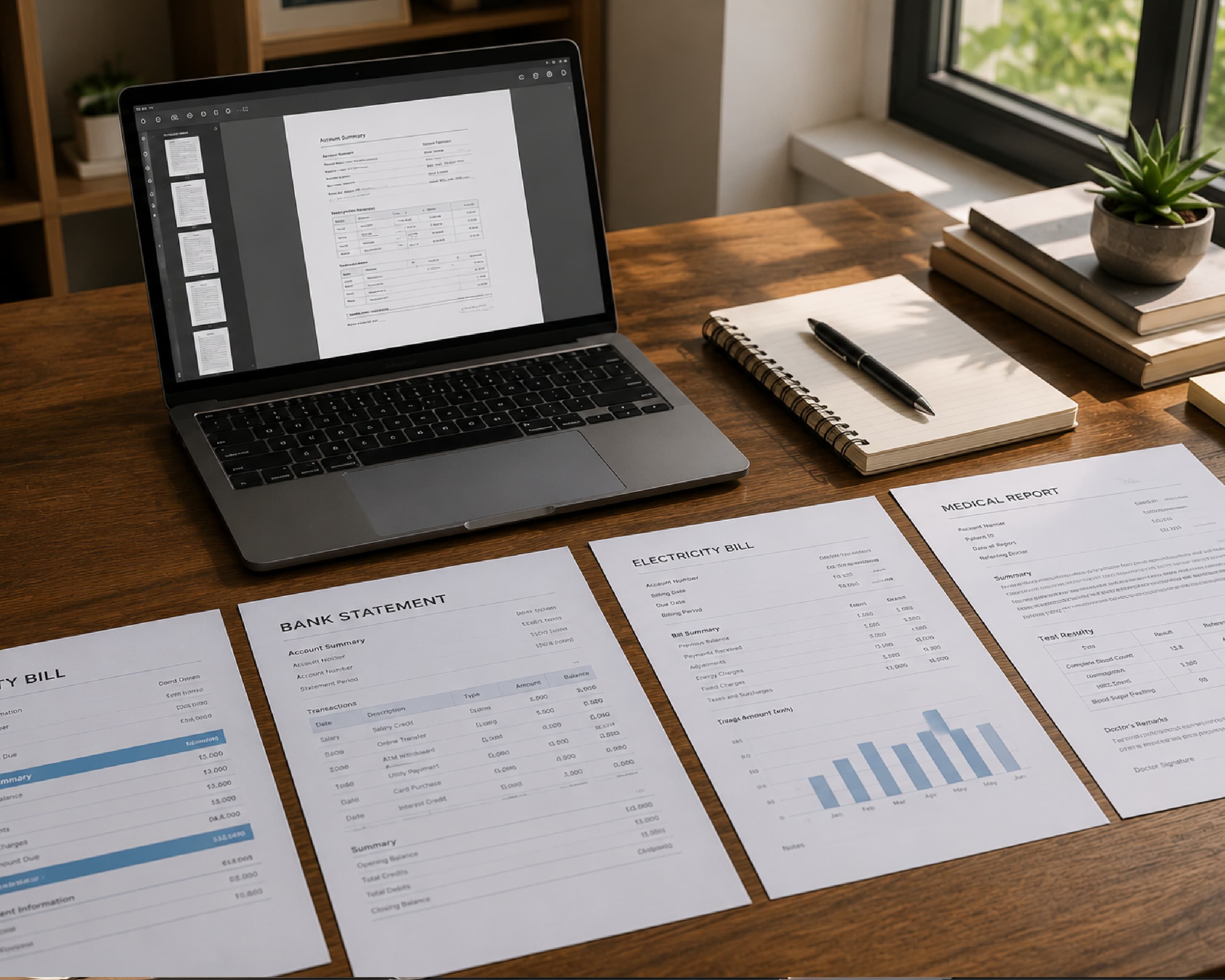
Plainscan vs Sejda: Which One Actually Protects Your Documents?
Compare how Plainscan and Sejda handle file uploads, retention windows, and data collection — and which one actually protects your documents better.
How to Convert PDF to Word: The Complete Free Guide for 2026
PDFs are designed to lock formatting in place. That is their core advantage for sharing documents and their central frustration when you need to edit them. Learn how to convert natively and correctly in this complete guide.
How to Compress a PDF Without Losing Quality: The Complete 2026 Guide
A PDF that cannot be sent via email. An attachment rejected at upload. A file that takes 45 seconds to open on a client's laptop. These are the symptoms of uncompressed PDF bloat, and they are almost always preventable with the right compression approach and the right tool.
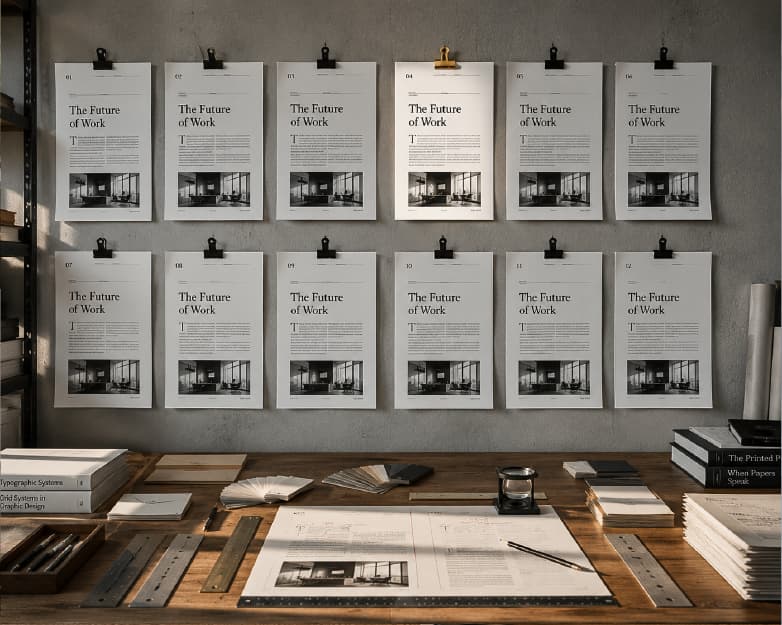
12 Best PDF to Word Converters in 2026: Free, Accurate, and Built for Real Work
Converting a PDF to an editable Word document sounds straightforward until you try it with a real document. Formatting collapses. Tables break into unstructured lines.
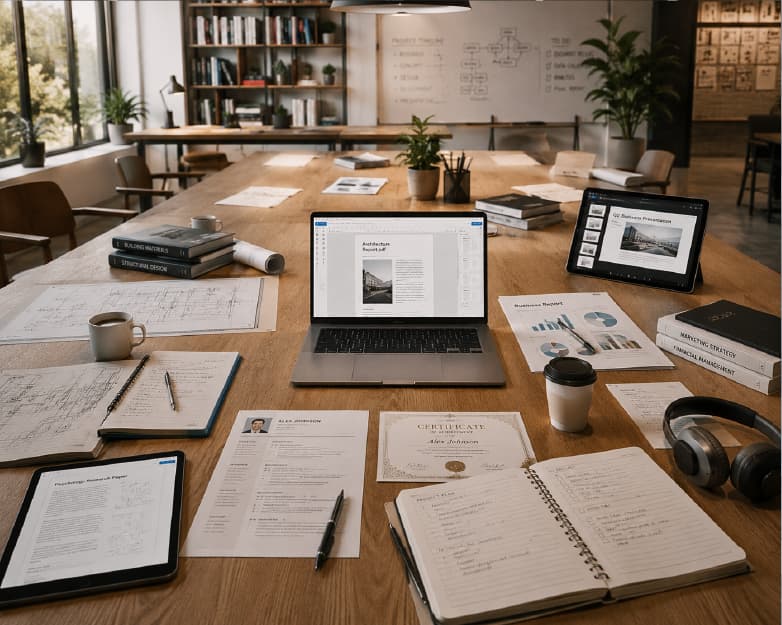
10 Best Free Online PDF Tools for Students and Professionals in 2026
Having a dependable free PDF tool is crucial for today's workflows – just like a word processor. We looked at the top platforms in 2026.
Plainscan vs Smallpdf: An Honest Comparison for 2026
Plainscan is the better choice for anyone who uses PDF tools more than twice a day. Compare features, limits, and AI tools in 2026.
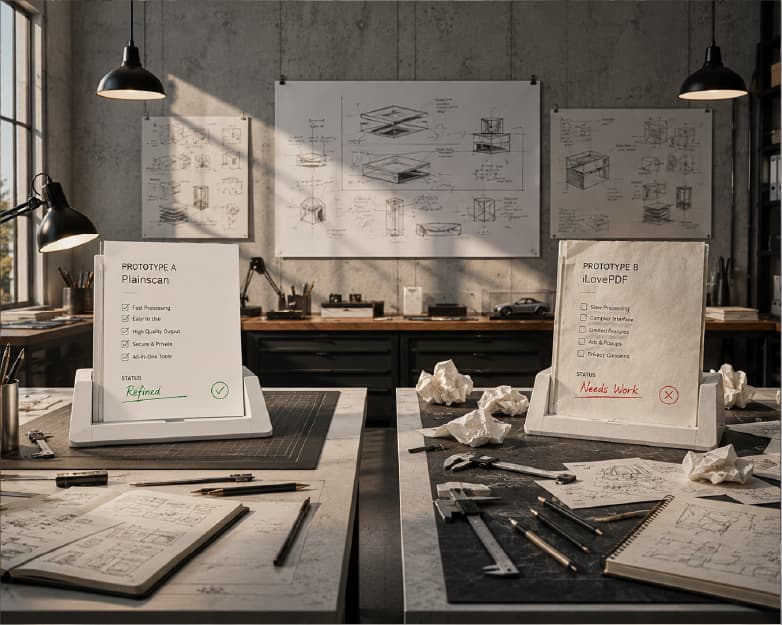
Plainscan vs iLovePDF: Which Free PDF Tool Is Actually Better in 2026?
Plainscan is the better choice for most users in 2026. It provides 100 features compared to 25 of iLovePDF, can handle file size of up to 50 MB freely compared to iLovePDF's 15 MB, works on 100 files daily compared to limited version of iLovePDF that allows only processing files once for free, and has the unique feature that none of the competitors have, i.e., 15 AI-powered PDF tools.
AI Document Summarizer: Summarize Any File for Free
Summarize a PDF, Word document, or text file free online with AI. Covers free vs pro features, safety, and fixes for bad summaries.
How to Password Protect a PDF (and Remove a Password) — Free Online
Learn how to password protect a PDF (and remove a password) online for free. Covers encryption details, open vs permissions passwords, and fixes for common issues.
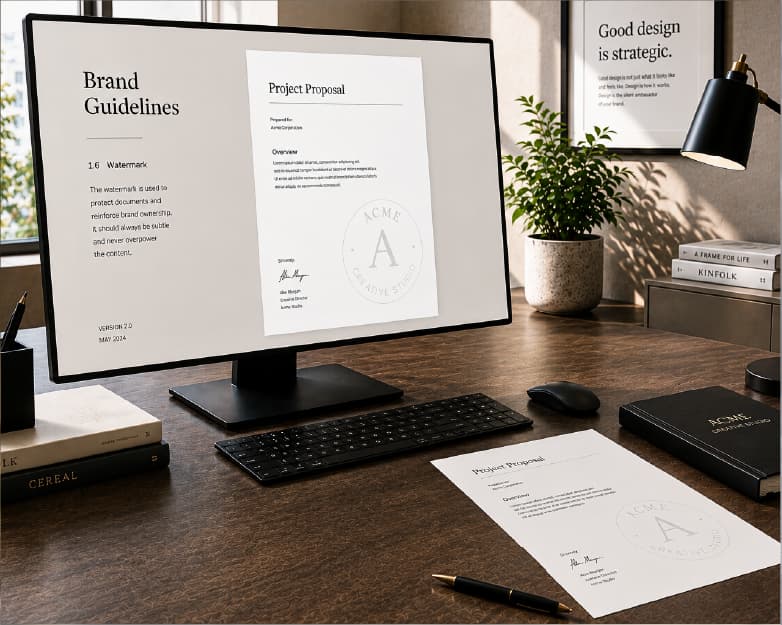
How to Add a Watermark to a PDF Online for Free
Adding a watermark to a PDF comes down to uploading the file, placing the watermark where you want it, adjusting its opacity, and downloading the result.
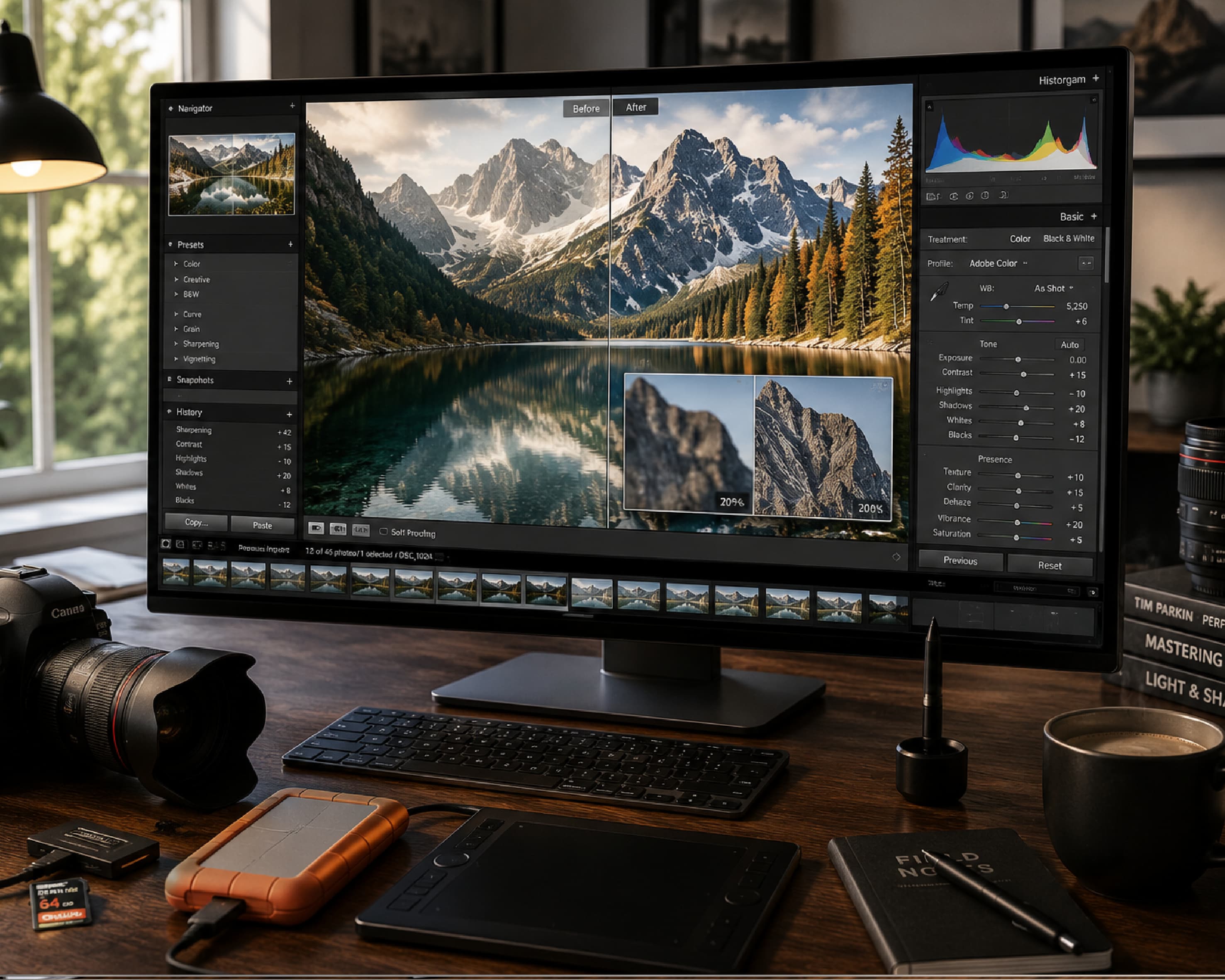
How to Upscale an Image Without Losing Quality (Free AI Image Upscaler)
Upscale an image online free with AI — no blur, no pixelation. Covers scale factors, printing, and common upscaling problems.
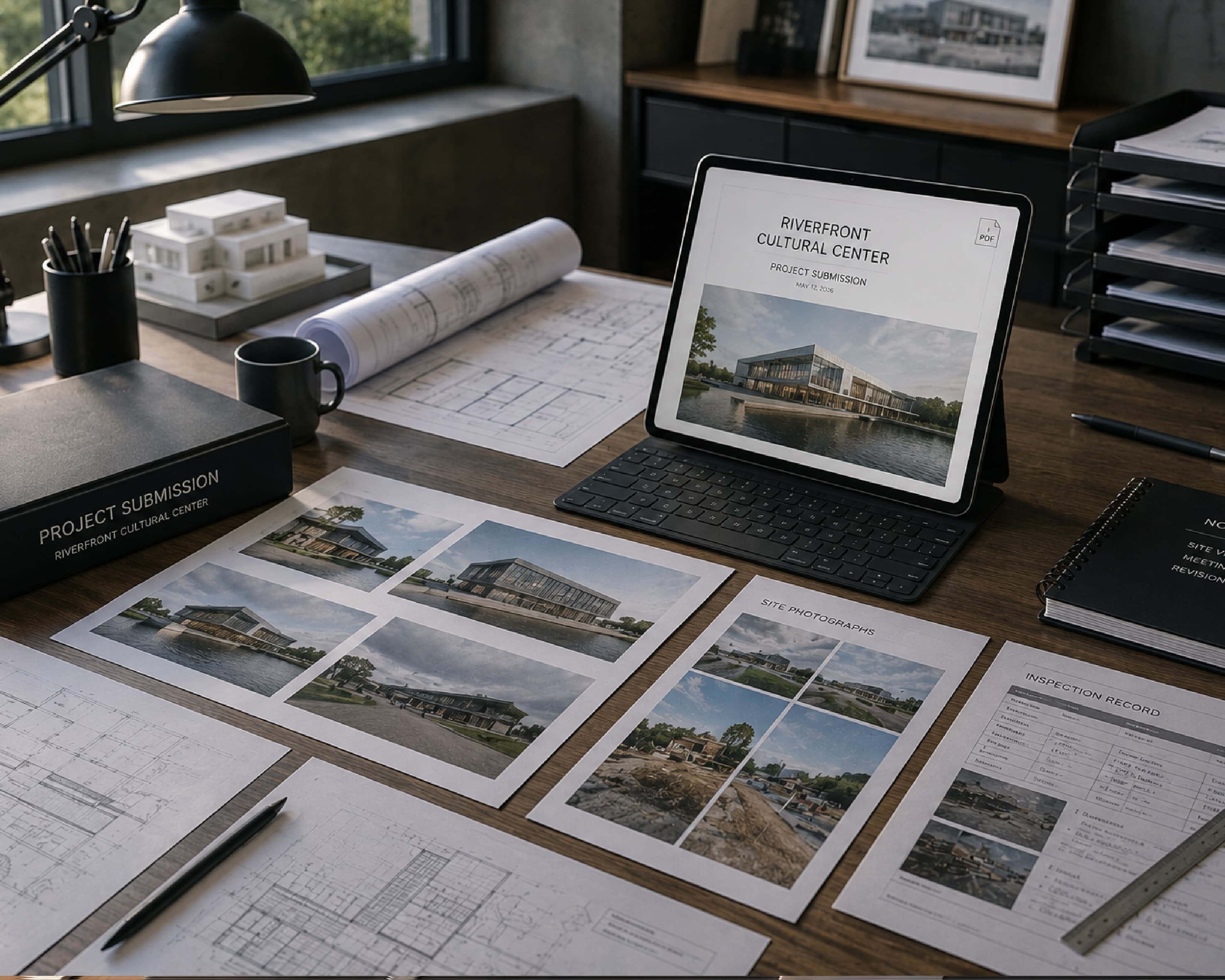
Convert Image to PDF Online Free (And Back to JPG, PNG, or WebP)
Turn JPG, PNG, or WebP photos into a PDF in seconds, or go the other way and pull JPG, PNG, or WebP images out of a PDF. Free, browser-based, no installs.
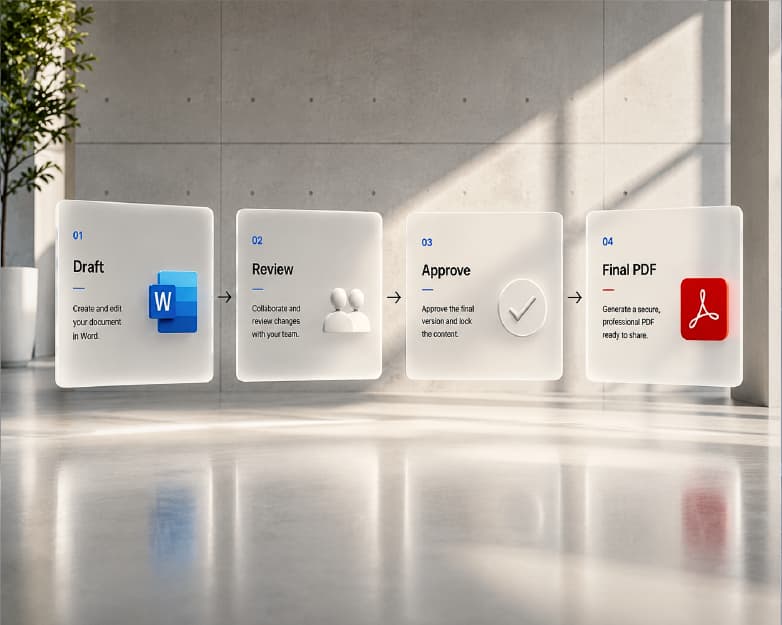
How to Split a PDF Into Multiple Files (Free, Online, No Software)
Split a PDF into multiple files free online — by range, into individual pages, or extract specific pages. No software needed. Covers bookmarks, scans, and locked files.
PDF to Excel & Excel to PDF: The Complete Free Conversion Guide (2026)
Convert PDF to Excel or Excel to PDF free, no signup. Works with scanned PDFs via OCR, keeps table formatting intact. Step-by-step guide + FAQ.
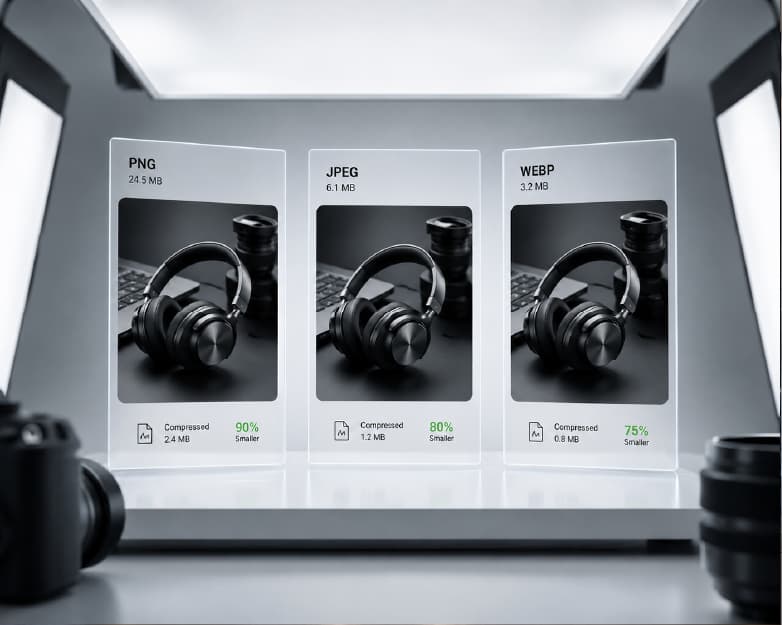
How to Compress an Image Without Losing Quality (2026 Guide)
Compress a photo or image to an exact KB size without losing quality. Step-by-step guide for exam forms, passport photos, job applications, and web use.
How to Sign a PDF Online for Free (No Printing, No Scanning)
Sign a PDF online free, no printing or scanning. Covers legal validity, electronic vs digital signatures, form filling, and fixes for common signing issues.
What Is OCR? How to Extract Text from Scanned Documents and Images (Free)
Extract text from scanned documents, images, and screenshots free online — no software needed. Covers accuracy, handwriting, and multiple languages.
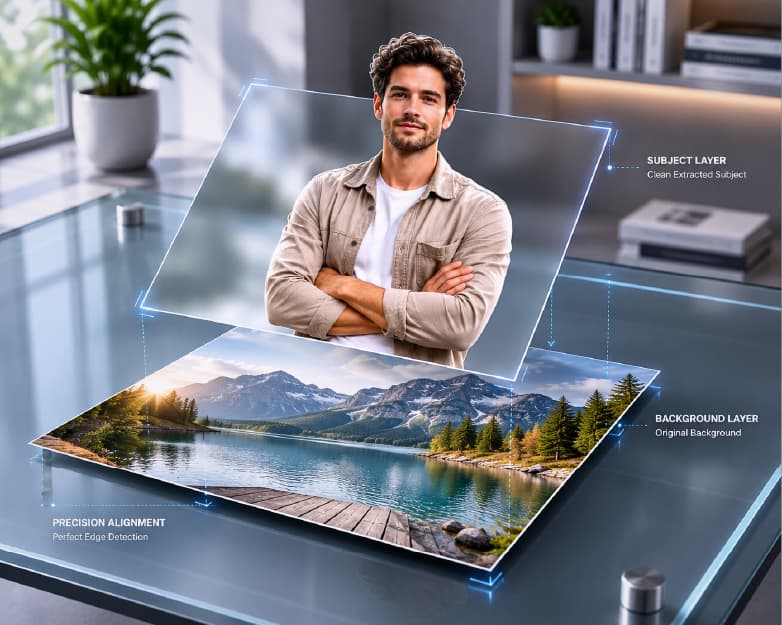
How to Remove the Background from an Image for Free (No App, No Photoshop)
Remove backgrounds from any photo free online — AI-powered, no app or Photoshop needed. Transparent PNG or white background, plus fixes for hair & glass.
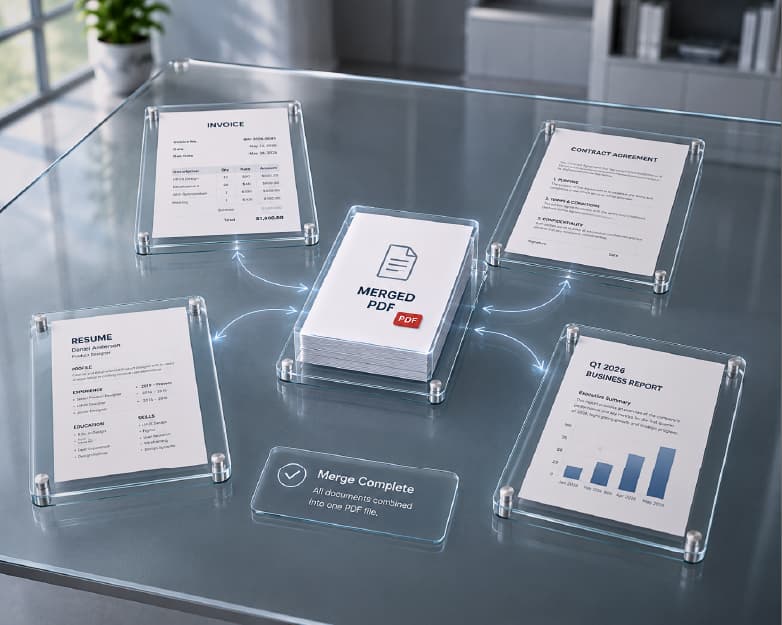
How to Merge Multiple PDFs (and Word Documents) into One File, Free
Merge multiple PDFs or Word documents into one file free online. No software, no signup. Step-by-step guide plus fixes for locked, scanned, and oversized files.
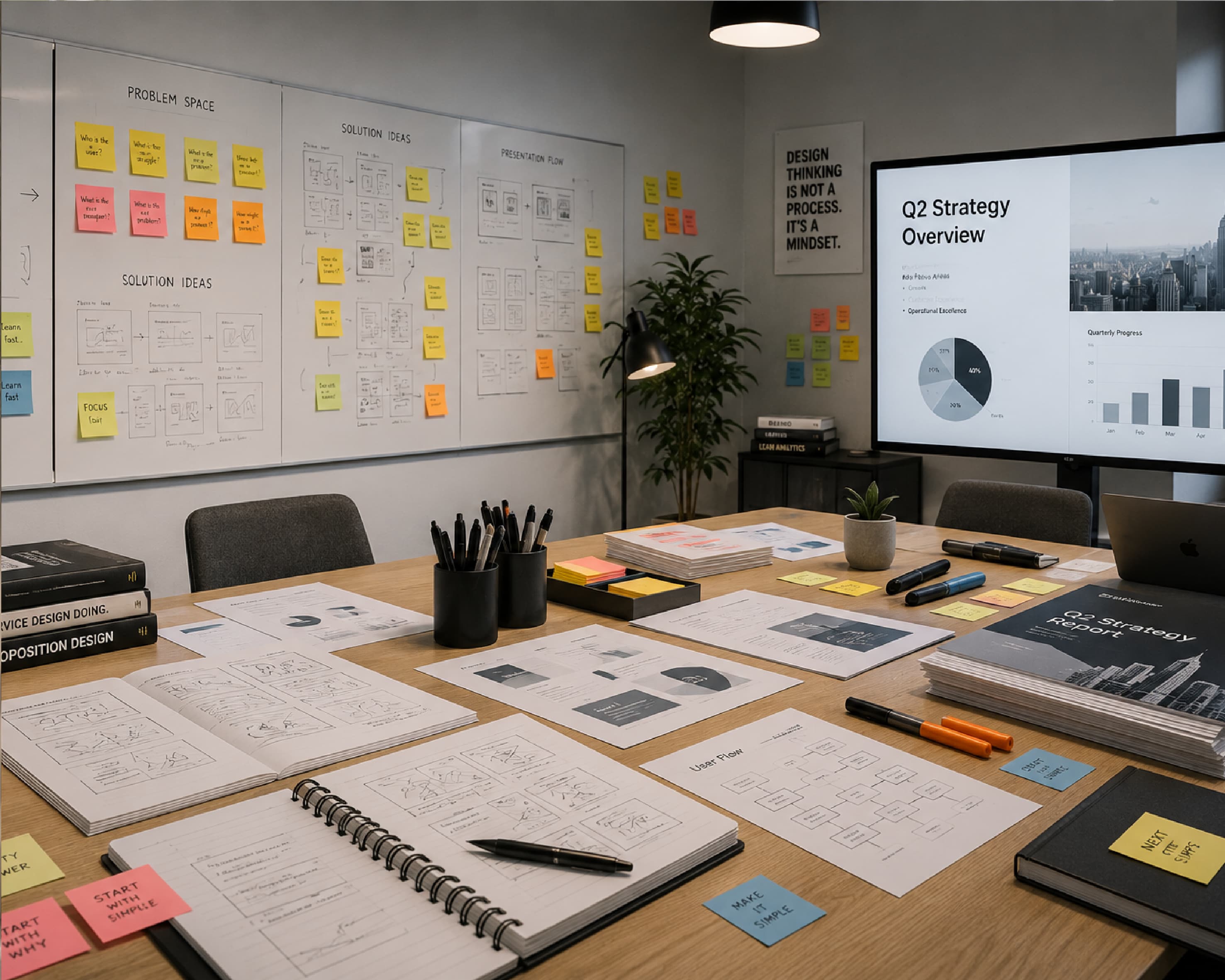
How to Convert PDF to PowerPoint (and PowerPoint to PDF) for Free
Convert PDF to PowerPoint or PowerPoint to PDF free online. Covers OCR for scanned PDFs, formatting fixes, and what converts cleanly vs. needs cleanup.
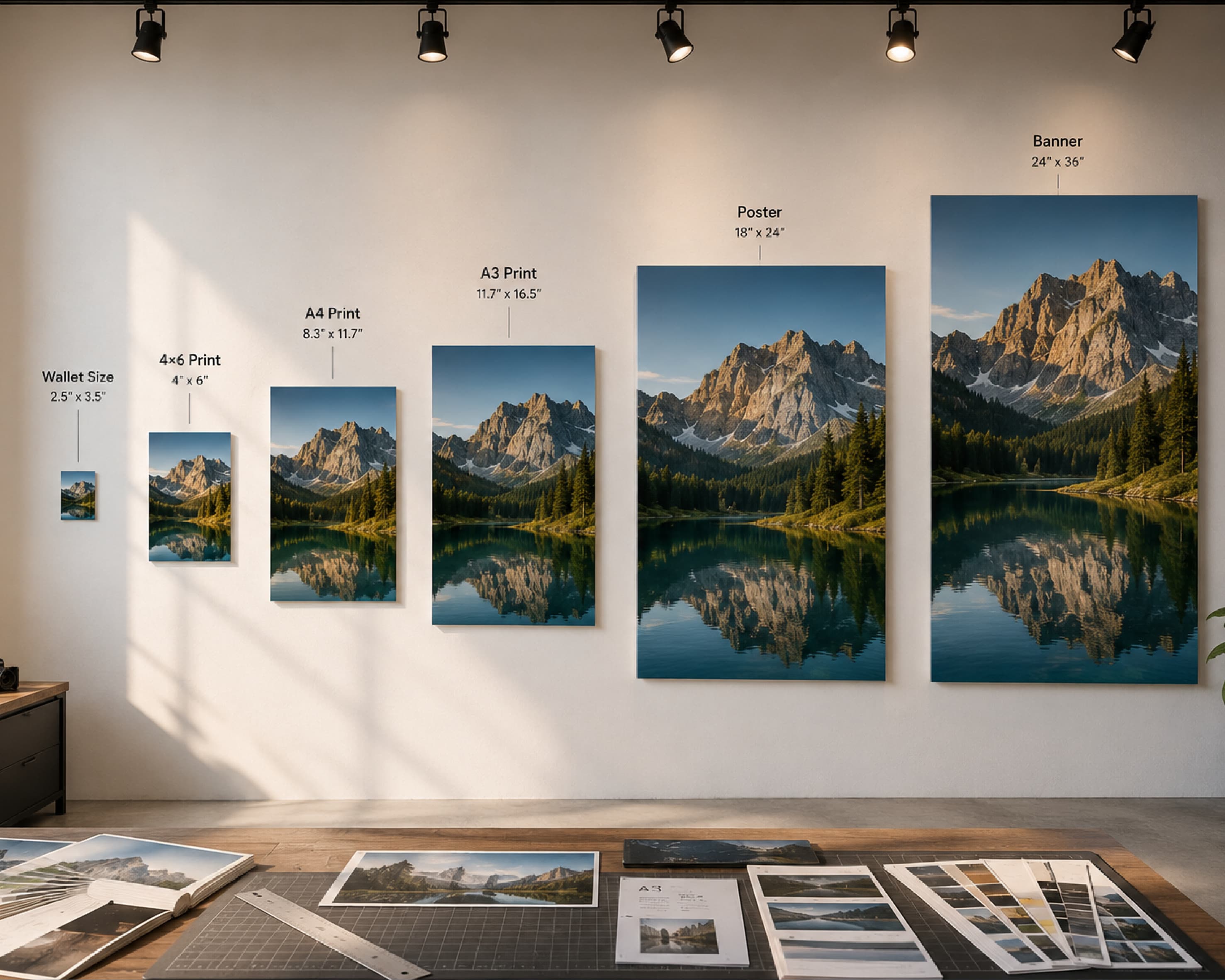
How to Resize an Image Online (Free, No Blur, No Distortion)
Resize an image online free — exact pixels or percentage, no blur, no distortion. Instagram, YouTube, and Facebook presets included. Batch resize supported.
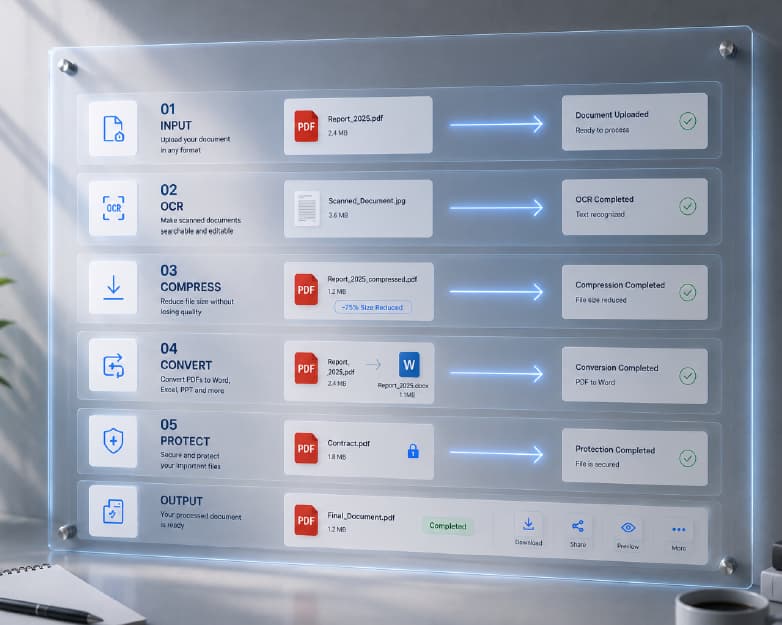
PDF to Word, Compression, OCR & More: The All-in-One Document Tool
Convert PDF to Word, compress files, scan with OCR, edit, sign & check plagiarism — all free in one platform. No software, no watermarks, no sign-up.
The All-in-One AI-Powered Document and Productivity Platform
In today’s fast-paced world, managing files, documents, and images can be overwhelming. Discover how Plainscan simplifies your workflow with AI-powered tools.
Get the Plainscan App for iOS & Android