How to Split a PDF Into Multiple Files (Free, Online, No Software)
The fastest way to split a PDF is to upload it to a browser-based PDF splitter, choose how you want it divided - by page range, into individual single-page files, or by extracting just the specific pages you need - and download the result. No software installation, no account required for occasional use, and for most documents, the whole process takes under a minute. People describe this task with a surprising number of different words - split, separate, divide, cut, break apart, even "unmerge" - and they're almost always describing one of a few genuinely different outcomes: breaking one PDF into several smaller PDFs by range, breaking it into one file per page, or pulling out just a handful of specific pages while leaving the rest behind. This guide covers all three, plus the situations that come up often enough to be worth knowing about in advance - page order, bookmarks, scanned documents, and splitting a file that's password-protected.
Splitting, Extracting, and Separating: Which One Do You Actually Need?
Though these two terms may be used in an interchangeable way, yet there is a real difference between them and using the correct one before using the software will spare you having to go back to it again.
Splitting by range implies splitting one PDF file into several smaller files where each small file includes a range of pages – pages 1-10 become one file, 11-20 become another, and so forth. The correct term for such a process will be when a big file is split into separate parts which should exist as individual files.
Separation into individual pages entails separating the files so that each page ends up as an individual one-page PDF file. This will be the best decision to take in case there is the real need for each page to be separated from the rest. This can apply where a pile of individual documents are scanned at once in a single file.
Extracting specific pages means pulling out just the pages you actually need - page 4, or pages 7 through 9 - while leaving the rest of the original document alone (or discarding it, if you only needed those pages in the first place). This is the right choice when you don't need the whole document broken up, just one relevant section of it - grabbing a single signed page from a longer contract, or pulling one relevant chapter out of a larger report without touching the rest.
All three are variations on the same underlying tool, but knowing which one you actually need before you start avoids ending up with the wrong output - a folder of forty single-page files when you only wanted one specific page, or a single extracted page when you actually needed the document broken into three logical sections.
Step-by-Step: Splitting a PDF Online
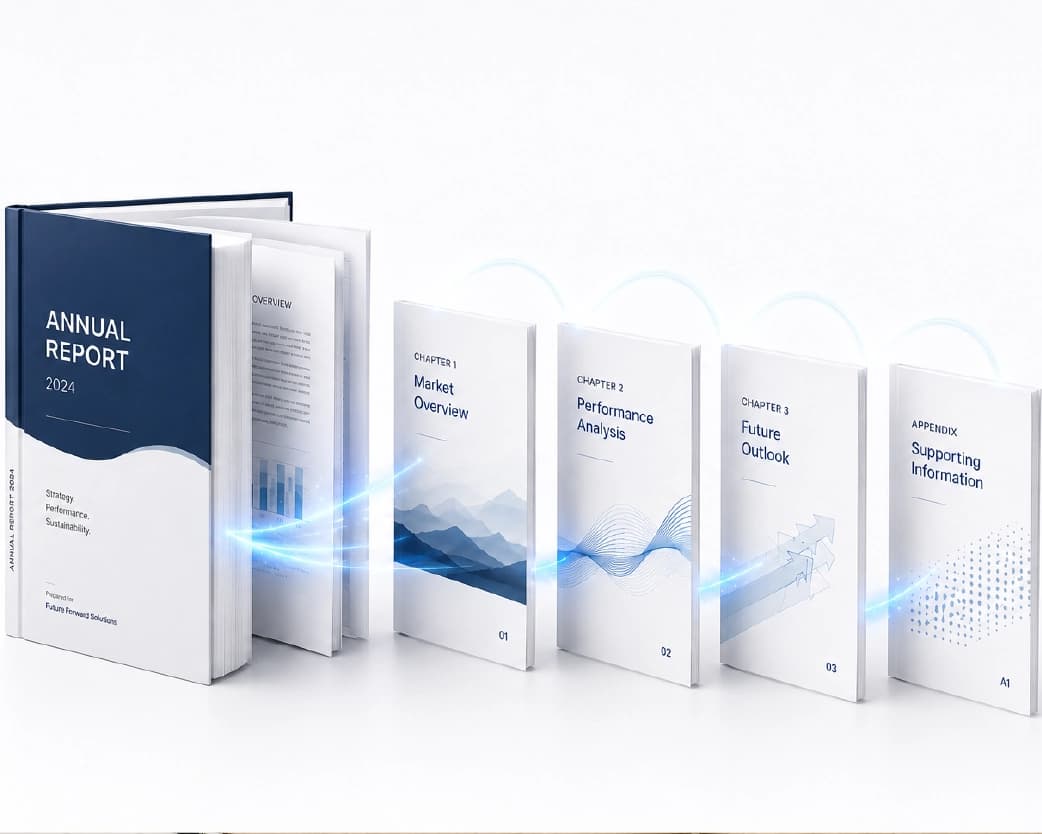
Using Plainscan's PDF split tool:
- Upload your PDF. The document loads directly in the browser, typically with a page-by-page thumbnail view.
- Choose your split method - by page range, into individual pages, or by selecting specific pages to extract, depending on which outcome from the section above matches what you need.
- Define the ranges or select the pages, using the thumbnail view to confirm you're selecting the correct pages rather than relying on page numbers alone, especially for longer documents.
- Preview the resulting files if the tool offers it, to catch a miscounted range before committing.
- Download the result. For a range split or full page-by-page separation, this typically comes as a ZIP file containing multiple PDFs; for a single extracted page or range, it's usually just one file.
That covers the core workflow. The sections below go into the specific variations and the situations that need a bit more care.
Splitting by Page Range
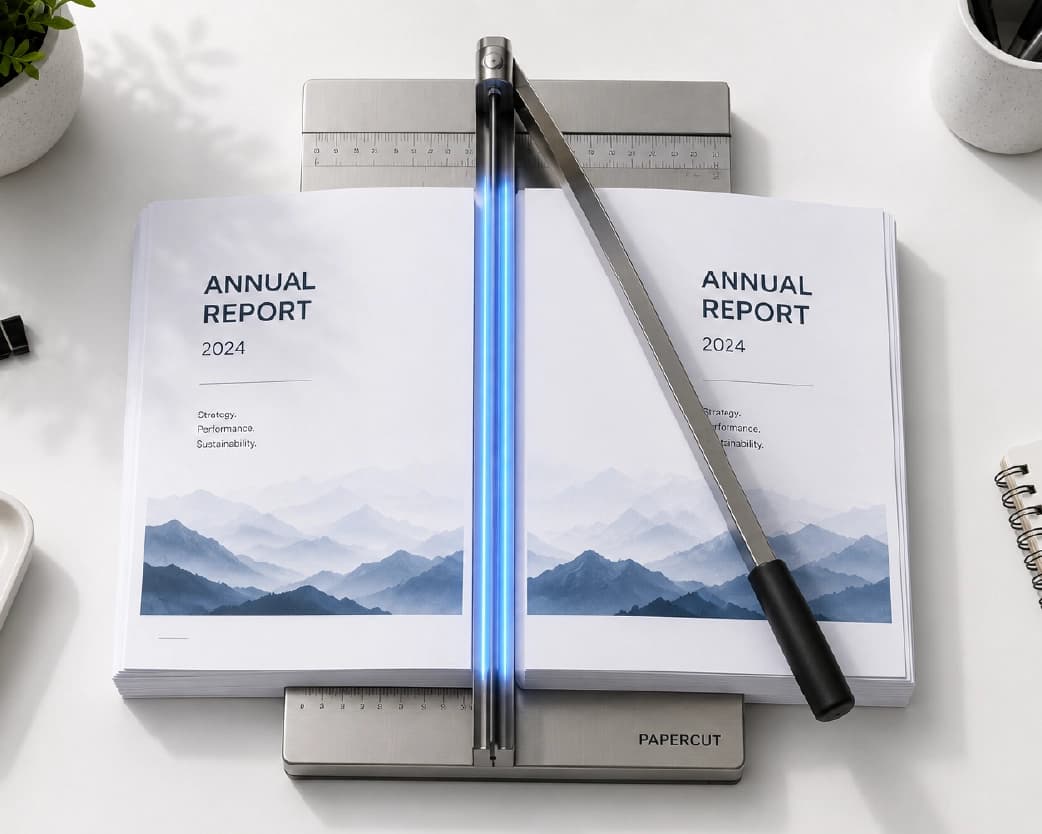
This is the most common use case for genuinely large documents that need to become several smaller, logically distinct files. A 60-page annual report might need to split into a 20-page financial section, a 25-page operations section, and a 15-page appendix - each department or recipient only needs their relevant section, not the entire combined document.
The practical step that matters most here is confirming the exact page boundaries before splitting, ideally by reviewing the thumbnail view rather than trusting a remembered page count - it's a common and easy mistake to be off by one page at a section boundary, especially in a document where a section doesn't start exactly at a round page number. Most split tools let you preview or adjust the range before finalizing, which is worth using rather than downloading and discovering the boundary landed one page early or late.
Separating Every Page Into Its Own File
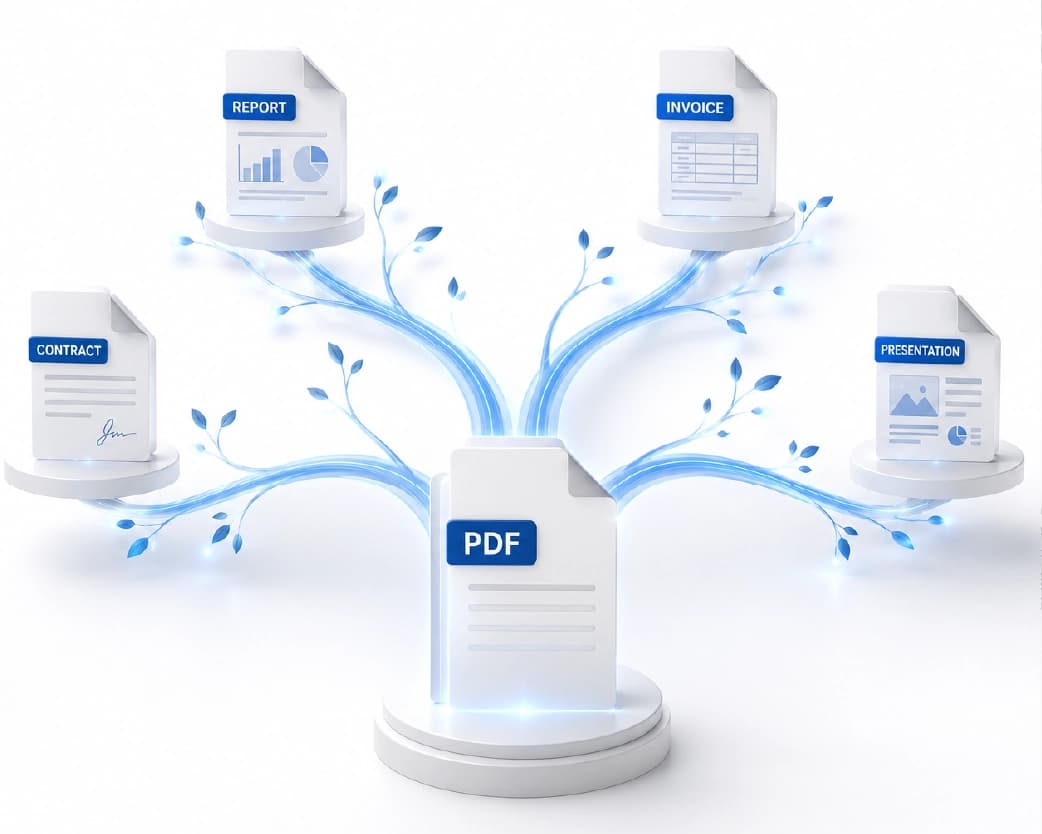
This produces one PDF per page of the original document - useful specifically when the source file is really a batch of unrelated individual documents that happened to get scanned or combined into one PDF. A common real-world version of this: a stack of paper documents - individual certificates, ID cards, signed forms from different people - gets run through a scanner in one batch for convenience, producing a single multi-page PDF, when what's actually needed afterward is each original document as its own separate file.
For a large batch like this, checking whether the tool supports automatic renaming or numbering of the resulting files (rather than generic names like "page-1," "page-2") is worth doing before processing a large document, since sorting through dozens of identically-patterned generic filenames afterward to figure out which page was which defeats a lot of the time savings the split was supposed to provide.
Extracting Specific Pages
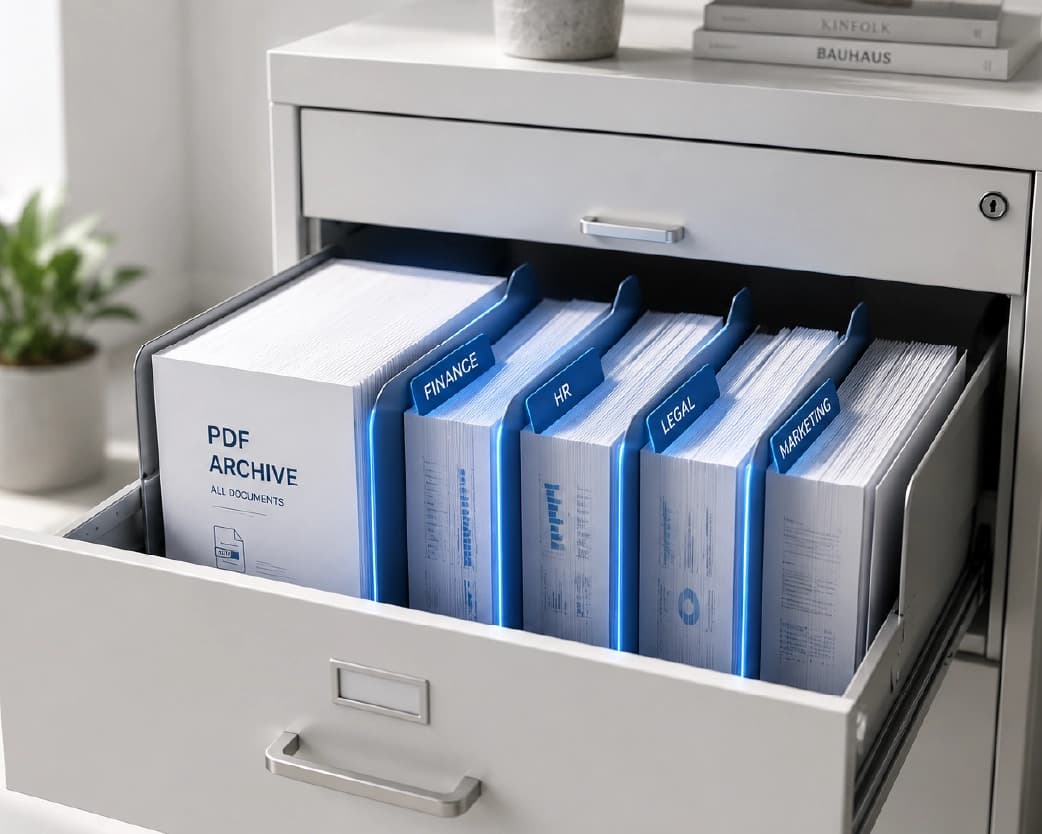
Sometimes the actual need isn't "break this document apart," it's "get me just this one section, and I don't need the rest as separate files." A signed authorization page buried in the middle of a 30-page contract, a single relevant appendix from a longer report, or one chapter from a larger document - extraction pulls out exactly what's needed without generating a pile of unwanted additional files for every other page.
The practical approach: select the specific page or page range you need directly (most tools let you click individual page thumbnails to select non-contiguous pages, not just a continuous range), and export just that selection as a single new PDF. This is meaningfully different from splitting by range, which is built around dividing the entire document into multiple outputs - extraction is built around getting one specific piece out cleanly.
"Unmerging" a PDF
There is indeed a certain percentage of users who see this task as the opposite of a previous merge – they have merged multiple files into a single PDF before and now need to return these documents back to their separate files. Technically, this is the same task as splitting into ranges or splitting into pages, as there is no separate "unmerge" function that would differ from splitting in any way, as the merge tool does not use any unique sign to indicate where one file ended and another started (unless there are bookmarks in the merged document that correspond to the original structure of files, but it is not necessarily so). If you know how many pages each of the original files consisted of, splitting by range will restore your files; otherwise, the only way to find the right splits is to look at the thumbnail view and notice the transition between documents visually.
Splitting a PDF on Mobile
This works in exactly the same way whether you are using your mobile device's web browser or your desktop computer - select the PDF that is stored in your device or your cloud drive, select the type of split that you want to use, and then save the split document. This is especially helpful when someone has received an e-mail of a certain document, which he needs to be split into sections without waiting till he reaches his desktop computer. When working on a mobile device, it is recommended that the page thumbnails be carefully examined before confirming the split, as it is easier to make a mistake on a small screen.
Splitting Files Stored in Cloud Storage
In case the file that needs to be split is located in the cloud, such as Google Drive or Dropbox and not in the device, nothing much changes because most split tools in browsers would allow the splitting process in the same way; the only difference being the source of the file which is either directly integrated in the split tool if possible, or downloaded to the device and then uploaded using the regular upload process. The files that result from the process can then be uploaded back to the cloud again.
Impact of Splitting on Page Numbering of Printed Pages
In the same way, the combination of the PDF files does not affect the page number inserted manually in the body of the file, the split up of the PDF files does not have any impact on the page number inserted manually in the body of the file. This is due to the reason that the manually inserted page number such as "Page 15 of 60," that is found at the bottom of the page, would be the same even after the split up process since it is inserted in the body of the page. The newly split file containing 10 pages would, therefore, seem to contain "Page 3 of 10" at the bottom of the page.
File Size After Splitting
A natural assumption is that splitting a large PDF into several smaller files should meaningfully shrink the total combined size, but this generally isn't the case - splitting divides existing page data across multiple files without recompressing or altering it, so the combined size of all the split output files is typically very close to the original file's size (occasionally very slightly larger, due to each output file needing its own PDF structure overhead). If the actual goal is a smaller file size rather than genuinely separate documents, compression - either before or after splitting - is the tool for that job, not splitting itself, since splitting and compressing solve different problems even though people sometimes expect one to accomplish the other.
Choosing Logical Split Points for a Multi-Section Document
For documents that don't have obvious, pre-labeled section breaks, deciding where to actually split takes a bit of judgment. A few practical approaches: if the document has a table of contents, use the listed section start pages as your range boundaries rather than guessing; if it doesn't, scan through the thumbnail view looking for visual breaks - a new heading, a title page, a clear shift in formatting or topic - which usually indicate where one logical section ends and another begins. For scanned batches specifically (a stack of individual documents scanned together), look for blank separator pages, different paper sizes or orientations, or a visible shift in document type (an ID card followed by a signed form, for instance) as natural dividing lines. Getting this right the first time avoids having to re-open and re-split a file after distributing an incorrectly-divided section to someone.
Splitting for Compliance and Record-Keeping Purposes
Some regulated industries and formal processes specifically require certain documents to exist as separate, standalone files rather than combined into a larger document - a compliance audit that needs individual signed consent forms as separate files rather than one large combined PDF, for instance, or a records-retention policy that specifies individual document types must be filed separately. In these cases, splitting isn't just a convenience - it's often a genuine requirement, and getting the split boundaries exactly right (matching each resulting file to exactly one required document type) matters more than it would for a casual, personal-use split. Double-checking each resulting file against whatever the compliance requirement actually specifies, rather than assuming a rough split is close enough, is worth the extra few minutes in these contexts specifically.
Common Problems and How to Fix Them
Page order comes out wrong after splitting. This is uncommon with a straightforward split, since the tool is generally preserving each page's original position within whichever output file it lands in - if pages do appear out of order, it's worth checking whether the original PDF itself had a page-order issue before the split, rather than assuming the split process reordered anything.
Bookmarks and the table of contents don't carry over correctly. A PDF with an internal bookmark outline built around the full original document doesn't automatically know how to map onto several smaller split files - a bookmark pointing to "Section 3, page 45" doesn't mean much once page 45 is now page 5 of a different, smaller file. This is expected behavior rather than a tool malfunction; if navigation matters for the split files, rebuilding a simple bookmark structure within each resulting file (most PDF editors support this) is worth doing manually after the split, rather than expecting it to transfer automatically.
Splitting a scanned PDF works, but the pages are just images with no searchable text. Splitting doesn't add or remove any underlying text layer - if the original scanned PDF has no selectable text, none of the resulting split files will either, since the split operation only rearranges existing pages rather than processing their content. If searchable text matters for the split files, running OCR either before or after splitting adds that missing text layer.
A password-protected PDF won't split. As with merging, a locked file needs to be unlocked before a split tool can read and divide its pages - the tool can't process pages it doesn't have permission to open. If you have legitimate access to the password, removing the protection first resolves this.
The split file is missing pages, or has extra blank pages. This usually traces back to an incorrect range definition rather than a tool error - double-checking the exact page numbers against the thumbnail view, rather than a remembered page count, catches the most common version of this mistake before it happens.
A very large PDF is slow to upload or process for splitting. Large scanned documents with high-resolution images can take noticeably longer to upload and process than a similarly-paged, purely text-based document. If this becomes a genuine bottleneck for a very large file, compressing the PDF first (without a meaningful quality loss for most everyday viewing purposes) can speed up the whole splitting process, since there's simply less data to transfer and process.
Splitting Large PDFs and Batch Considerations
For a genuinely large document - a report running into the hundreds of pages, or a big batch of scanned records - splitting into many small files at once introduces its own organizational challenge separate from the split mechanism itself. Naming convention matters more here than for a two- or three-way split: if the tool supports custom naming or auto-numbering during the split (rather than generic sequential filenames), using that feature saves significant time versus manually renaming dozens of output files afterward to make sense of which is which.
It's also worth deciding upfront whether you actually need every resulting piece as a separate file, or whether a handful of logical sections (splitting by range) would serve the actual need better than separating every single page - for a 200-page document, "one file per page" produces 200 separate files, which is rarely what's actually useful unless each page genuinely represents a distinct, standalone document.
Is It Safe to Split Documents Online?
The same general privacy principles that apply to merging, compressing, or converting a PDF apply to splitting - the tool needs to receive the document's contents to divide it, so for anything genuinely sensitive (contracts, financial records, personal documents), it's worth confirming the tool's file retention policy and whether the connection is encrypted before uploading. Plainscan's split tool processes files over an encrypted connection and deletes uploaded files within 24 hours, without requiring an account for everyday, occasional use.
Free vs. Paid: What Each Tier Gets You
Plainscan's split tool supports up to 4 splits per day on the free tier, which covers occasional, individual use comfortably - splitting a single large report into sections, or separating a scanned batch of documents a few times a month. A Pro tier matters more for regular, higher-volume splitting needs, such as an office that routinely processes and divides scanned document batches as part of its daily workflow, where the free tier's daily allowance would become a genuine bottleneck rather than a rare inconvenience.
How This Compares to Other Splitting Options
PDFsam Basic is a well-known free, open-source desktop application specifically built around splitting and merging PDFs - a solid option if you'd rather process files locally without any upload step, though it requires installing desktop software rather than working directly in a browser. Adobe Acrobat includes split functionality as part of its broader paid suite, useful if you're already using Acrobat for other work, but a heavier tool than necessary if splitting is the only task at hand. Browser-based tools like Plainscan and iLovePDF cover the same core splitting functionality without requiring installation or a paid subscription, which tends to be the more convenient option for occasional to moderate use across any device, without needing to install anything locally.
Real-World Use Cases for Splitting PDFs
Legal and contract work frequently needs a single large agreement broken into its main body and separate exhibits, or needs one specific exhibit extracted on its own for a targeted review, without redistributing the entire original document.
Accounting and bookkeeping deals with scanned batches of individual invoices or receipts that were combined into one PDF for scanning convenience, needing to become individual files again for entry into an accounting system that expects one document per record.
Academic and research work often needs a single chapter or paper extracted from a larger compiled PDF - a multi-paper conference proceedings document, for instance - without needing the entire volume as a separate file.
HR and administrative teams split large onboarding or policy documents into smaller, topic-specific sections that are easier for employees to reference individually rather than navigating one long combined file.
Anyone reversing an earlier merge - realizing a combined file needs to go back to its original separate documents - uses splitting by range or by content boundary to recover the individual files, per the "unmerging" section above.
Splitting vs. Merging: Opposite Sides of the Same Task
Splitting and merging are inverse operations solving opposite problems - merging brings several files together into one, splitting takes one file and breaks it into several. It's common to need both in the same broader workflow: merging several scanned pages into one document for easier handling, then later needing to split out just one section for a specific recipient, or the reverse - splitting a large combined report so that only the relevant section goes to a specific stakeholder, while the full combined version stays intact for internal records. If you regularly work with both operations, Plainscan's merge tool handles the combining side, and the split tool covered throughout this guide handles taking things back apart - worth knowing both exist as a pair rather than treating them as unrelated tools, since real document workflows often need to move in both directions depending on the task at hand.
Best Practices for Splitting PDFs
- Review the exact page boundaries before committing, using the thumbnail view rather than a remembered page count, especially for range-based splits where being off by even one page shifts an entire section's contents.
- Use custom naming or numbering for large batches if the tool supports it, rather than sorting through generic sequential filenames afterward to figure out what's in each file.
- Decide between range-splitting and full page separation deliberately, based on what you actually need afterward - full separation into individual pages makes sense for genuinely standalone documents, but is usually more output than necessary for a document that just needs to be broken into a few logical sections.
- Keep the original combined file until you've confirmed the split results are correct, the same practice worth following for merging - a quick check of page count and content across the resulting files before deleting anything avoids needing to redo the process from a source file you no longer have.
- Rebuild bookmarks manually for split files where navigation matters, since this doesn't transfer automatically from the original document's outline, as covered in the common problems section above.
Splitting Multiple Source PDFs at Once
Distinct from splitting one large document into many pieces, some situations call for splitting several separate source PDFs the same way - a batch of scanned multi-page forms that all need their cover sheet separated from the rest, for instance, applied consistently across dozens of source files. If a split tool supports batch processing of multiple source documents with the same split rule applied to each, this saves considerable time over uploading and configuring each file individually. For batches without that support, processing one representative file first to confirm the split rule works as expected, then applying the same settings across the rest, at least reduces the risk of discovering a configuration mistake only after working through the entire batch.
ZIP Files and Downloading Multiple Split Results
When a split produces several output files at once - either a range split into multiple sections or a full page-by-page separation - the download is typically delivered as a single ZIP file containing all the individual PDFs, rather than triggering dozens of separate downloads. This is worth knowing in advance if you're not used to working with ZIP files: most operating systems can open a ZIP natively (double-clicking extracts or previews the contents on both Windows and Mac without needing separate software), so this isn't usually a genuine obstacle, but it does mean the split results aren't immediately usable as individual files until the ZIP has been extracted. For a single extracted page or a two-way split, some tools skip the ZIP step entirely and deliver the file(s) directly, since there's less to bundle - the ZIP wrapper mainly comes into play once a split produces more than a couple of output files at once.
Choosing Between a Range Split and Individual Extraction for the Same Document
Sometimes, both methods could potentially work for the same job, but a quick consideration may tell us which one results in something more useful. If we require three different sections of the file which would be equally useful in the future, then a range split method provides an organized collection of the files we needed. On the other hand, if we only require one part of the file at a certain time and have no future plans for using the remaining parts of it as separate files, then extraction is better as it does not create any additional files that we might delete later on. In case there is any doubt as to which method suits the situation more, then the extraction method is preferred as a safer bet; after all, it is always easier to do a range split if the need arises later on.
Frequently Asked Questions
Is it free to split a PDF online?
Yes, for everyday use. Plainscan's split tool supports up to 4 splits per day on the free tier, which comfortably covers occasional individual use, with a Pro tier available for higher-volume needs.
What's the difference between splitting and extracting pages from a PDF?
Splitting divides the entire document into multiple output files, either by range or into individual pages. Extracting pulls out just the specific pages you need, leaving the rest of the document alone rather than generating additional files for every remaining page.
Do I need software installed to split a PDF?
No - a browser-based split tool handles the entire process, from upload through download, without requiring any installation, and works the same way on desktop and mobile browsers.
Will splitting a PDF reduce its quality?
No. Splitting divides existing pages into separate files without re-rendering or recompressing them, so text and image quality stay exactly as they were in the original document.
Can I split a scanned PDF the same way as a regular PDF?
Yes – splitting is possible on the document/page level irrespective of whether or not there is actual text on the page/document. If the original scan documents do not have any selectable text in them, then the split documents will not have any either, as splitting does not add any text layer.
Why don't my bookmarks carry over after splitting?
A PDF's bookmark outline is built around the full original document's structure, and doesn't automatically remap to the page numbers of several smaller split files. If navigation matters for the split output, rebuilding a simple bookmark structure in each resulting file is a separate manual step.
Can I split a password-protected PDF?
It needs to be unlocked first - a split tool can't read or divide pages it doesn't have permission to open. If you have legitimate access to the password, removing the protection resolves this before splitting.
How do I split a PDF into individual pages instead of sections?
Use the "split into individual pages" function as opposed to using the option that will give you a custom range split; this way, you will get a single-page PDF document for each page from the original document.
Can I extract just one page from a PDF without splitting the whole document?
Yes - select just that page (or a specific non-contiguous set of pages) using the extraction option rather than a full split, which exports only your selection as a new file without generating separate files for the rest of the document.
What's the best way to reverse a PDF merge?
There's no dedicated "unmerge" function distinct from a standard split - if you remember the approximate page count of each original file, splitting by that range recovers the original documents; otherwise, reviewing the thumbnail view to spot where content visibly changes between original documents identifies the correct split points.
Can I split a very large PDF, like one with hundreds of pages?
Yes, but it may be useful to determine beforehand whether you require each page as a separate file, or only several pages logically combined into one, as otherwise, you will have an enormous amount of files generated from hundreds of pages, which is quite inconvenient. If you have such an option available in the software, then custom naming will help a lot here.
Does splitting a PDF change its file size?
Not really – the process simply splits already existing data from pages into several files without compressing anything, so that the total size of the output files is nearly the same as the original one. If reducing the file size is your true purpose, then use compression instead.
Will page numbers printed on the pages update after splitting?
No - printed page numbers are part of each page's actual content, not a property the split tool can detect and rewrite. A page that said "Page 15 of 60" in the original will still say that in the split file, even though it might now be page 3 of a 10-page document.
Can I split a PDF stored in Google Drive or Dropbox?
Yes - most browser-based split tools accept files from cloud storage the same way they accept a local upload, either through direct integration or by downloading the file to your device first and uploading it normally.
How do I know where to split a document that doesn't have clear section breaks?
Check for a table of contents first, if one exists, and use its listed section pages as your boundaries. Without one, scanning the thumbnail view for visual shifts - new headings, title pages, or a change in formatting or document type - usually reveals natural dividing points.
Is splitting a PDF the same as compressing it?
No - they solve different problems. Splitting divides a document into multiple files without changing the amount of data; compressing reduces file size by re-encoding or discarding less-visible data, regardless of how many files the document exists as.
Do I get one file back, or several, when I split a PDF?
It depends on the method - extracting a single page or range typically returns one file directly, while a full range split or page-by-page separation usually returns multiple files bundled together as a single ZIP download.
Can I split the same PDF multiple different ways?
Yes - since splitting doesn't alter the original file, you can run the same source PDF through the tool again with different range settings or a different split method as many times as needed, as long as you're working from the original (or a saved copy of it) each time.
Is there a limit to how many pages a PDF can have to be split?
Most tools do not have any restrictions on the number of pages that can be uploaded and processed, although the uploading and processing time will depend on the file size and will be slower if the document consists of scanned images.
Conclusion
Splitting a PDF comes down to picking the right version of the task for what you actually need - dividing a large document into logical sections, breaking it into individual standalone pages, or extracting just the specific pages that matter - rather than defaulting to the most extreme option out of habit. For the overwhelming majority of everyday cases, a browser-based splitter handles any of these cleanly in under a minute, with the main things worth double-checking being page boundaries, bookmarks (which don't transfer automatically), and whether a scanned source document needs OCR alongside the split for the result to stay searchable. Plainscan's split tool handles range-splitting, full page separation, and page extraction directly, and pairs with the merge tool for the reverse operation - all without installing anything or creating an account for everyday use.
Continue Reading:How to Add a Watermark to a PDF Online for ree
Related insights




Get the Plainscan App for iOS & Android