How to Password Protect a PDF (and Remove a Password) - Free Online
Adding a password to a PDF takes under a minute: upload the file to a browser-based protection tool, set a password, and download an encrypted copy that only opens with the right credentials. Going the other way - removing a password from a PDF you already have access to - is just as quick, and searched even more often, since most people run into a locked PDF they need to open, edit, or forward long after they've forgotten why it was locked in the first place. One thing worth being direct about upfront: unlocking a PDF here means removing a password you already know - typing it in once so the file stops asking for it every time. It's not a password-cracking service, and it shouldn't be. If you're trying to open a document that isn't yours and you don't have the password, that's a different situation entirely, and not one any legitimate free tool is going to solve for you.
How to Password Protect a PDF for Free
Adding a password to a PDF takes under a minute: upload the file to a browser-based protection tool, set a password, and download an encrypted copy that only opens with the right credentials. Going the other way - removing a password from a PDF you already have access to - is just as quick, and searched even more often, since most people run into a locked PDF they need to open, edit, or forward long after they've forgotten why it was locked in the first place. Both directions are covered here, along with the encryption details, common mistakes, and edge cases that come up once you've done this more than once.
One thing worth being direct about upfront: unlocking a PDF here means removing a password you already know - typing it in once so the file stops asking for it every time. It's not a password-cracking service, and it shouldn't be. If you're trying to open a document that isn't yours and you don't have the password, that's a different situation entirely, and not one any legitimate free tool is going to solve for you.
How to Password Protect a PDF for Free
- Open the Protect PDF tool and upload your file.
- Set an open password - this is what a recipient will need to type in before the document opens at all.
- Optionally, set a separate permissions password if you want to control printing, copying, or editing without fully locking the document from view (more on the difference below).
- Encrypt and download. The protected PDF is generated in your browser and ready to send, upload, or store.
No software installation, no account required for a single file. If you're protecting documents regularly - say, every invoice you send out - you may eventually hit a daily usage limit that prompts a sign-in; check the tool page directly for the current allowance if you're planning on heavy repeated use, since specific limits can vary and change.
Open Password vs. Permissions Password
These two protection types get confused constantly, and picking the wrong one is the single most common mistake people make with PDF security.
Open Password (sometimes called a "user password") is required before the document opens at all. Anyone without it sees nothing - not even a preview. This is the right choice when the content itself needs to stay private: financial statements, medical records, personal identification documents.
Permissions Password (sometimes called an "owner password") lets anyone open and read the document, but restricts specific actions - printing, copying text, editing, adding comments - unless they enter the permissions password. This is the right choice when you want a document to be readable by anyone who has it, but want to prevent it from being altered or redistributed in an editable form. A signed contract you're sending for reference, for example, might use this so recipients can read and print it but can't quietly edit the terms.
You can set one, the other, or both on the same document. Setting only an open password with no permissions password means anyone who gets past the open password can do anything they want with the file from there - worth knowing before you assume "password protected" automatically means "can't be edited."
What Encryption Does This Use?
Plainscan's Protect PDF tool applies 256-bit AES encryption, the same standard used across banking, government, and enterprise software for securing sensitive files. With a genuinely strong, random password, brute-forcing 256-bit AES encryption is effectively infeasible with any hardware available today - the practical risk isn't the encryption strength, it's password quality. A weak or short password is the far more realistic point of failure than the encryption algorithm itself.
A few habits that actually matter for password strength: use a mix of upper and lowercase letters, numbers, and symbols; avoid anything tied to public information about you or your company (birthdays, business names, addresses); and make it long - length does more for security than complexity once you're past a basic minimum. A password manager is worth using here specifically because PDF passwords are easy to forget once the file's been sitting untouched for a few months, and recovering a forgotten password on a properly encrypted file is, by design, extremely difficult.
How to Remove a Password from a PDF
If you have a protected PDF and know the password, removing it is straightforward:
- Open the Unlock PDF tool and upload your protected file.
- Enter the current password when prompted.
- Download the unprotected version - from that point forward, it opens without asking for anything.
This is useful any time the protection has served its purpose and is now just friction - a contract that's been finalized and no longer needs to stay locked, a document you password-protected temporarily while it sat in a shared folder, or a PDF someone sent you that you now need to edit, merge, or extract data from without re-entering a password every time you open it.
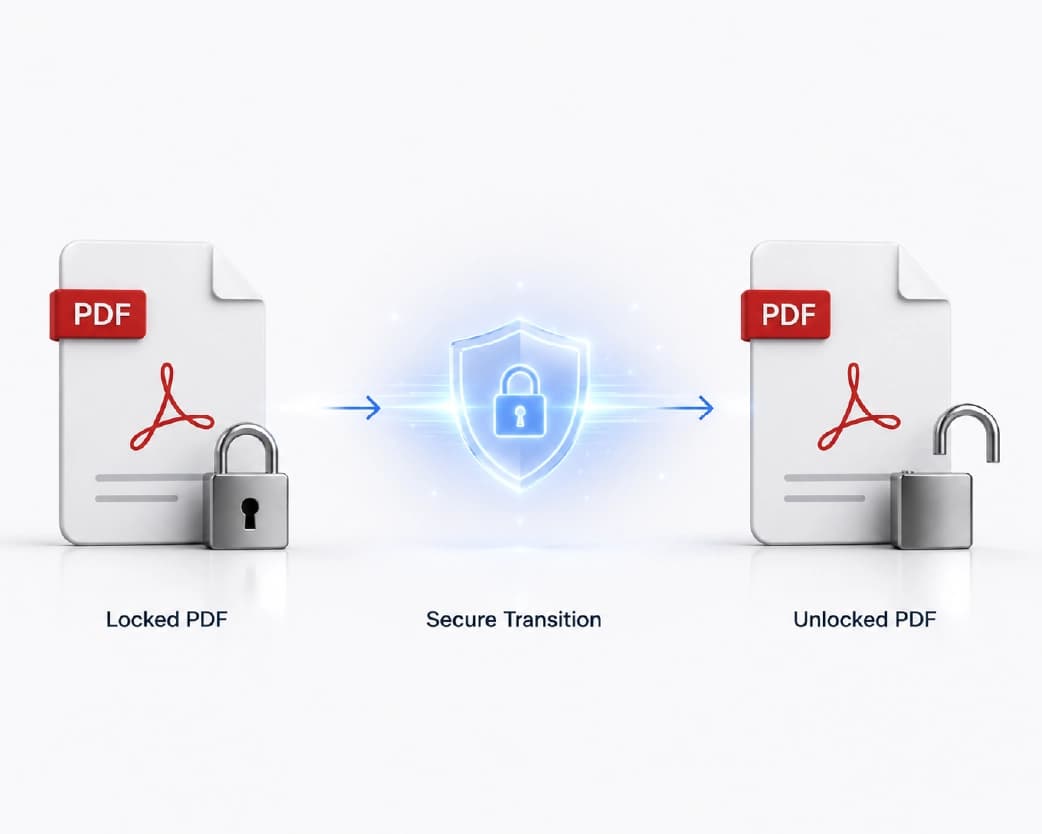
If you've genuinely forgotten the password, this tool won't help, and that's intentional - a tool that could strip password protection without knowing the password would defeat the purpose of password protection existing at all. Your realistic options at that point are limited: check anywhere you might have saved it (a password manager, an email you sent alongside the file, a notes app), ask whoever originally protected the file if it wasn't you, or, if the document isn't essential, accept that a properly encrypted PDF with a forgotten password is functionally gone.
Why "Removing a Password" Gets Searched So Often
It's a genuinely common situation: someone protects a PDF for a specific reason - sending it over email, storing it somewhere shared, complying with a company policy - and months later needs to open it again without remembering why it was locked or, sometimes, what the password even was.
Unlike protecting a PDF, which is usually a deliberate one-time action, unlocking one is often reactive: you're not planning ahead, you're trying to get back into something you already have a legitimate right to access. That's a big part of why this direction gets searched more - protection is a decision you make once, but needing to undo it can happen at any point afterward, often unexpectedly.
Common Problems and How to Fix Them
I entered the correct password but the PDF still won't unlock. Double-check for accidental whitespace or autocorrect changes if you copied the password from somewhere - a trailing space or a smart-quote substitution (common when copying from a document editor) can make an otherwise-correct password fail silently.
The PDF opens fine for me but a colleague says it's asking for a password they don't have. This usually means an open password was set and only shared with some recipients, not all. Check who has the password before assuming there's a technical problem - often it's simply that the password wasn't forwarded to everyone who needs it.
I can open the PDF but can't print or copy text from it. That's a permissions password restriction, not an open password issue - the document isn't locked from view, but specific actions are restricted. You'll need the permissions password (or the file owner) to lift those restrictions specifically.
I protected a PDF and now need to make an edit. Unlock it first using the password you set, make your edit, then re-protect it if you still need it locked. There's no way to edit a fully open-password-protected PDF without unlocking it first - that's the protection working as intended.
My printed or "protect from copying" restriction doesn't seem to be respected everywhere. Permissions restrictions rely on the software respecting the encryption flags - most modern PDF readers honor them, but not universally, and some third-party viewers may ignore permission flags while still requiring the open password if one is set. If enforcement matters for compliance reasons, don't rely on permission flags alone - they're a deterrent, not a guarantee against every possible tool.
Is Password Protection Enough for Sensitive Documents?
For most everyday professional use - sharing a contract, protecting a financial report in transit, restricting who can open an HR document - 256-bit AES password protection is genuinely strong and appropriate. It's the same standard trusted by institutions that have far more to lose from a breach than most individuals or small businesses do.
For documents where a breach would be genuinely severe - highly sensitive legal matters, regulated financial or health data at scale, anything with compliance requirements attached - password protection is a reasonable layer but shouldn't be the only one. Consider it alongside secure transmission (avoiding sending the password over the same channel as the file itself - a common and avoidable mistake), access logging if your organization has that capability, and any specific regulatory requirements that apply to your industry. Password protection secures the file; it doesn't control what happens to it once someone with the password has it open in front of them.
Sending a Password-Protected PDF the Right Way
A surprisingly common mistake undoes most of the value of password protection: emailing the encrypted PDF and the password in the same message, or even the same email thread. Anyone who intercepts or gains access to that email gets both the file and the key to it in one place.
A better pattern: send the file one way (email attachment, shared drive link) and the password a different way (text message, phone call, a separate messaging app). It's a small amount of extra friction that meaningfully improves what the encryption is actually protecting against - someone who only intercepts one channel doesn't get both pieces.
Protecting Multiple PDFs at Once
If you're protecting several documents that all need the same password - a batch of client invoices going out this month, for example - doing each one individually adds up quickly. Check whether the tool offers a batch option before manually repeating the same steps a dozen times; if it doesn't, at minimum keep the password consistent and documented somewhere secure (a password manager entry, not a sticky note) rather than improvising a slightly different password for each file and losing track of which one goes where.
Who Actually Needs to Password Protect a PDF
The use case shapes which protection type matters most, so it's worth being specific about your own situation rather than defaulting to "lock everything."
Legal and HR teams protect contracts, offer letters, termination documents, and disciplinary records - usually with an open password, since the content itself is what needs to stay confidential, not just editing rights.
Finance and accounting protect invoices, tax documents, and financial statements before emailing them, often to clients or auditors who need to view but shouldn't be able to alter figures - a case where both an open password and a permissions restriction on editing make sense together.
Real estate professionals protect purchase agreements, disclosures, and inspection reports during a transaction, frequently needing recipients to be able to read and print the document freely while preventing unauthorized edits to signed terms - a textbook permissions-password scenario.
Healthcare and administrative staff protect patient records and intake forms, where regulatory requirements around data handling often make this a baseline requirement rather than an optional precaution.
Freelancers and small business owners most often protect invoices and proposals - less because the content is highly sensitive, more as a professional norm and a small deterrent against a client forwarding a proposal to a competitor without at least a minor barrier in the way.
None of these need a different tool, but knowing which category you're in helps decide between an open password, a permissions password, or both - the legal-document case and the "just add a light deterrent" freelancer case call for genuinely different setups even though the underlying tool is identical.
Password Protection vs. Redaction: They're Not the Same Thing
This distinction trips people up often enough to be worth a dedicated section. Password protection controls who can open or act on the entire document - it doesn't change the content itself. If a PDF contains a Social Security number on page 3, password protection means someone without the password can't see any of the document, but someone with the password sees everything, including that number, in full.
Redaction is different: it permanently removes or blacks out specific sensitive content - a name, an account number, a paragraph - while leaving the rest of the document readable, regardless of password. If your goal is "everyone who receives this can read it, but this one section needs to be genuinely gone," that's a redaction job, not a password-protection job, and mixing the two up is a real privacy risk. Password-protecting a document that still contains something you meant to remove doesn't remove it - it just adds a lock in front of it, and the lock can be shared, forwarded, or otherwise given to someone the original sensitive content was never meant to reach.
If you need to actually delete sensitive information rather than just gate access to the whole file, a dedicated PDF redaction tool is the correct next step - worth doing before protection, not instead of it, on any document where both apply.
Do You Need Acrobat to Password Protect a PDF?
Adobe Acrobat has built-in password protection, and a lot of people assume it's the only way to do this properly - largely because Acrobat has been the default PDF tool for so long. It isn't the only way. A browser-based tool applying the same 256-bit AES standard gets you an equivalently protected file without a subscription, a download, or opening desktop software at all. The output is a standard encrypted PDF either way - there's nothing Acrobat-specific baked into how PDF password protection works at the file-format level, so a PDF protected in a browser opens and behaves identically to one protected in Acrobat, including in Acrobat itself.
Where Acrobat still has an edge is in bulk enterprise workflows - protecting hundreds of documents through an automated pipeline, integrating with existing document management systems, or applying organization-wide digital rights management policies. For protecting or unlocking an individual document, or even a modest batch, a browser tool gets the same security outcome faster and without the cost.
Converting Images to PDF on Mobile, Then Protecting Them
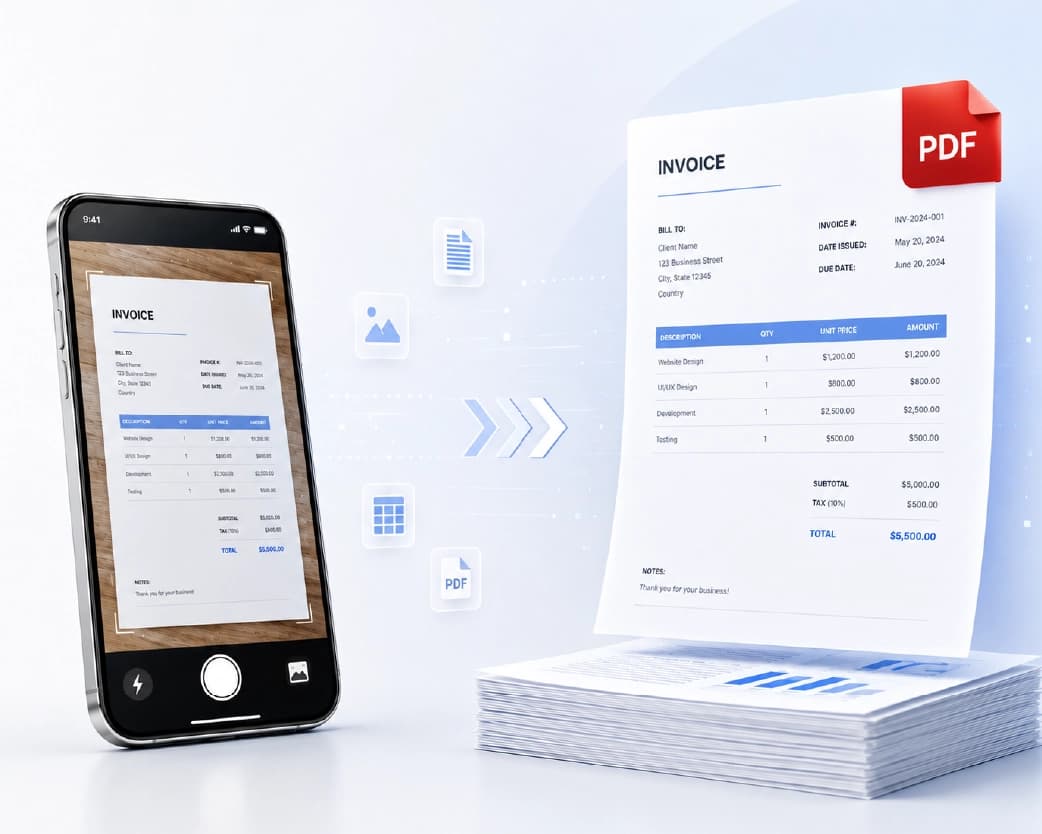
A common combined workflow: someone photographs a document on their phone, converts it to PDF, and wants it protected before sending - all without switching between multiple apps. Because both the conversion and protection tools run in a mobile browser, this can happen in one continuous session: convert the photo to PDF, then immediately run the resulting file through the Protect PDF tool before it ever leaves your device unprotected. This matters most for anything photographed on the spot and sent right away - an ID document handed over during an in-person transaction, for instance - where there's no gap between creating the file and locking it down.
On iPhone and Android alike, downloaded files typically land in the Files app or default Downloads folder, from which you can attach directly to an email or messaging app without needing to save anything to a separate location first.
What Actually Happens When You Encrypt a PDF
It helps to understand the mechanics briefly, since it clears up a few things people assume incorrectly. When a PDF is encrypted, the actual content - text, images, page structure - gets mathematically scrambled using the AES algorithm and a key derived from your password. Without the correct password, that key can't be reconstructed, and the content stays unreadable. This is different from, say, a ZIP file with a password that just gates access to an otherwise-unmodified file sitting behind it; PDF encryption changes the actual bytes of the document, not just who's allowed to open the wrapper around it.
This is also why a forgotten password is genuinely unrecoverable rather than just "hard to find" - there's no separate master key sitting somewhere that unlocks it, and no legitimate tool has a backdoor into AES-256 encryption. The password isn't a lock guarding the content; mathematically, it is the content, transformed. This is a deliberate security design, not a limitation of any particular tool - a system that could always be unlocked without the password wouldn't be providing real protection to begin with.
Permissions restrictions (printing, copying, editing) work slightly differently - they're flags stored in the file that compliant PDF readers check and respect, sitting alongside the encryption rather than being the encryption itself. That's the technical reason permission flags are sometimes described as "softer" than an open password: a reader that chooses not to honor the flag isn't breaking the encryption, it's just not implementing that particular check, which is a real distinction if you're depending on permission restrictions to hold up strictly rather than as a general-purpose deterrent.
After You Unlock a PDF: What Comes Next
Removing a password is rarely the final step - it's usually there to unblock something else you actually need to do. A few common next moves once a PDF is unlocked:
Editing the content. If the whole reason you unlocked the file was to make a change, do it right away rather than leaving the unprotected version sitting around afterward - decrypted files are exactly as sensitive as the information they contain, and an unprotected copy sitting in a Downloads folder defeats the purpose of having protected it in the first place.
Merging or splitting. Password-protected PDFs generally can't be merged with other files or split into separate documents until the protection is removed, since these operations need to read and restructure the actual page content. Unlock first, then run the merge or split.
Re-protecting after your edit. If the document still needs to be locked once you're done - which is common, since the reason it was protected in the first place usually hasn't changed - re-run it through the Protect PDF tool with the same or a new password before it goes back out. Don't assume the old protection somehow reapplies automatically; it doesn't.
Deleting the unprotected copy. Once you've made your edit and re-protected the file, get rid of the unlocked intermediate version rather than leaving it sitting in your downloads alongside the protected final copy - otherwise you've effectively created an unprotected duplicate of a document you specifically wanted protected.
Mistakes Worth Avoiding
Using a weak password because "it's just a formality." Even a password meant as a light deterrent should be more than four digits or a dictionary word - short, common passwords are the single most exploitable weakness in an otherwise strong encryption scheme, and there's little point applying bank-grade encryption on top of a password anyone could guess in a few tries.
Reusing the same password across every protected document indefinitely. Convenient, but it means a single compromised password exposes every file protected with it, not just one. For genuinely sensitive documents, vary the password, or at minimum rotate it periodically.
Forgetting which documents are protected with which password. This sounds obvious until it happens - six months of protected invoices with three different passwords used inconsistently, and no record of which is which. A password manager entry per document (or per client, or per project) prevents this from becoming a real problem later.
Assuming a permissions password is as strong as an open password. As covered above, permissions restrictions are enforced by the reader software, not baked into unreadability the way an open password is. Don't rely on a permissions-only setup for content that genuinely needs to stay confidential - use an open password for that.
Sending the password in the same email as the file. Covered earlier, but worth repeating because it's genuinely the most common way password protection gets undermined in practice - not through weak encryption, but through both halves of the protection being handed over together.
Protecting PDFs as Part of a Regular Workflow
If protecting documents is a routine part of your job rather than an occasional task, a few habits keep it from becoming a bottleneck. Build password protection into whatever step already exists in your process - right after generating an invoice, right before uploading a report to a shared drive - rather than treating it as an extra task to remember separately. Keep a consistent internal policy on when an open password is required versus when a permissions password is sufficient, so you're not deciding from scratch every time. And if you're protecting a genuinely high volume of files with the same password (a monthly batch of statements, for example), check whether a batch tool is available before manually repeating the same four steps dozens of times.
Frequently Asked Questions
How do I lock a PDF with a password for free?
Upload your PDF to Plainscan's Protect PDF tool, set a password, and download the encrypted file. No account is required for a single conversion.
How do I remove a password from a PDF?
Use the Unlock PDF tool, enter the current password when prompted, and download the unprotected version. You need to know the existing password - this isn't a password-cracking tool.
What happens if I forget my PDF password?
Recovering a password from a properly encrypted PDF is, by design, extremely difficult. Check anywhere you might have saved it before assuming it's unrecoverable, and store future passwords in a password manager to avoid repeating the problem.
What's the difference between an open password and a permissions password?
An open password is required just to view the document at all. A permissions password allows viewing but restricts actions like printing, copying, or editing unless entered.
Is 256-bit AES encryption actually secure?
Yes - it's the same standard used by banks, governments, and enterprise software, and brute-forcing it isn't practically feasible with current computing power. The realistic weak point is password strength, not the encryption itself.
Can I password protect a PDF on my phone?
Yes - since the tool runs in a browser, it works the same way on mobile Safari or Chrome as it does on desktop, without needing a separate app.
Will password protecting a PDF change how it looks or reduce quality?
No. Encryption wraps the existing file in a security layer; it doesn't alter the content, formatting, or visual quality of the document itself.
Can I set a password on a PDF without restricting printing or copying?
Yes - set only an open password and skip the permissions password if you want the document fully accessible (printable, copyable, editable) to anyone who can open it.
Is it legal to remove a password from a PDF?
If you have the password and the right to access the document - your own file, or one you've been authorized to unlock - yes. Removing protection from a document you don't have rights to access is a different matter entirely and isn't something a legitimate tool will help with.
Can I convert a password-protected PDF to Word without unlocking it first?
Generally no - most conversion tools need to read the actual content of the file, which an open password blocks. Unlock the PDF first, then run the unlocked version through a PDF-to-Word converter.
Can I print a password-protected PDF?
If only an open password is set, yes - once you're past that password, printing works normally. If a permissions password specifically restricts printing, you'll need that permissions password to print, even though you can already view the document.
Can I protect multiple PDF files with the same password at once?
This depends on whether the specific tool supports batch processing - check the tool page directly, since single-file and batch capabilities vary. If batch protection isn't available, protecting files individually with a consistently tracked password is the fallback.
What's the difference between "locking" a PDF and "protecting" a PDF?
In everyday use, these terms mean the same thing - applying a password so the file requires credentials to open or act on. Some tools and articles use "lock" more loosely to also describe permission restrictions specifically, so context matters more than the exact word choice.
Does password protecting a PDF prevent someone from copying its content?
Only if a permissions password specifically restricts copying - an open password alone controls access to view the document but doesn't independently restrict what a viewer does once they're in, unless copy restriction is set as part of the permissions.
Can I remove just the printing restriction without removing the entire password?
Not directly through most consumer tools - permissions and open passwords are typically managed together. The straightforward path is unlocking the file entirely with the current password, then re-protecting it with whatever restriction set you actually want going forward.
Is there a difference between "encrypt" and "password protect" for a PDF?
Not meaningfully, in this context - password protecting a PDF works by encrypting it, so the terms are effectively describing the same underlying action from two different angles: one describing what you're doing (protecting access), the other describing how it's achieved (encryption)
A Quick Checklist Before Sharing a Sensitive PDF
Worth running through this before hitting send on anything genuinely sensitive, rather than assuming password protection alone covers everything:
- Confirm you're using an open password, not just a permissions password, if the content itself needs to stay private rather than just protected from editing.
- Check the document for anything that should be redacted rather than just locked - a password protects the whole file equally; it doesn't remove specific sensitive details from within it.
- Send the password through a different channel than the file itself - a text message or phone call rather than the same email thread.
- Use a password you haven't reused elsewhere, particularly for anything containing financial or identifying information.
- Delete any unprotected draft or intermediate version once the final protected file is ready to send - an unlocked copy sitting in a downloads folder undermines the protection on the one you actually sent.
- Note the password somewhere secure and searchable - a password manager, not a sticky note or an easily-forgotten mental note - especially if you might need to open the file yourself months later.
None of these steps take more than a minute individually, but skipping them is how "I password protected it" ends up not actually meaning the document stayed private.
Password Protection and Regulatory Requirements
In case you are handling data that is subject to regulations such as HIPAA, GDPR, or other regulations for specific industries, password protection is often one piece of a broader compliance requirement rather than the whole solution by itself. Regulations in this space typically care about the outcome - that sensitive data is protected against unauthorized access - more than the specific tool used to achieve it, but they often come with additional requirements that a standalone password tool doesn't cover on its own: audit trails showing who accessed a document and when, data retention limits, breach notification procedures, or specific encryption standards mandated for your industry.
256-bit AES encryption satisfies the technical encryption-strength bar required by most major frameworks, but "I password protected the PDF" and "I'm compliant with [regulation]" aren't the same claim - compliance usually depends on your broader process, not a single step in it. If password protection needs to satisfy a specific regulatory requirement for your organization, it's worth confirming with whoever handles compliance internally (or outside counsel, for smaller organizations without a dedicated compliance function) that a standard AES-256 password meets the specific standard you're working against, rather than assuming any encrypted PDF automatically checks that box.
For the more common case - protecting a document because it contains information you don't want casually accessible, without a specific named regulation attached - the process covered throughout this guide is more than sufficient on its own.
One more practical note on the compliance angle: file retention matters as much as encryption strength. Uploading a sensitive document to any online tool means it exists on that service's servers for some window of time before processing completes, so it's worth checking a tool's stated deletion policy alongside its encryption claims - a strong password on a file that lingers on a server indefinitely is a smaller improvement than a strong password on a file that's automatically purged shortly after you're done with it. On Plainscan, uploaded files are automatically deleted within 24 hours of processing, which is worth knowing if retention timelines matter for whatever you're protecting.
Conclusion
Whether you're locking a document down or opening one back up, both directions take under a minute and run entirely in your browser - no software to install, no account needed for a single file. Use Protect PDF when you need to secure something before sending it, and Unlock PDF when a password has outlived its purpose and is now just standing between you and your own document. There's no reason to keep two separate habits - one for adding a password, another for removing one - since both live in the same toolset and take the same amount of effort either way. The only real decision left is which direction you need today, and now you've got the steps, the reasoning, and the edge cases for both.
Related insights




Get the Plainscan App for iOS & Android