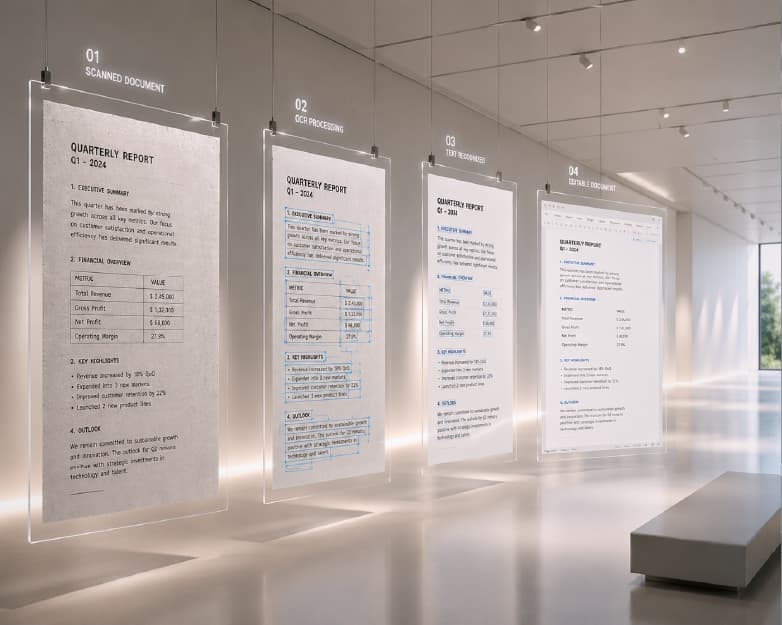
How to Sign a PDF Online for Free (No Printing, No Scanning)
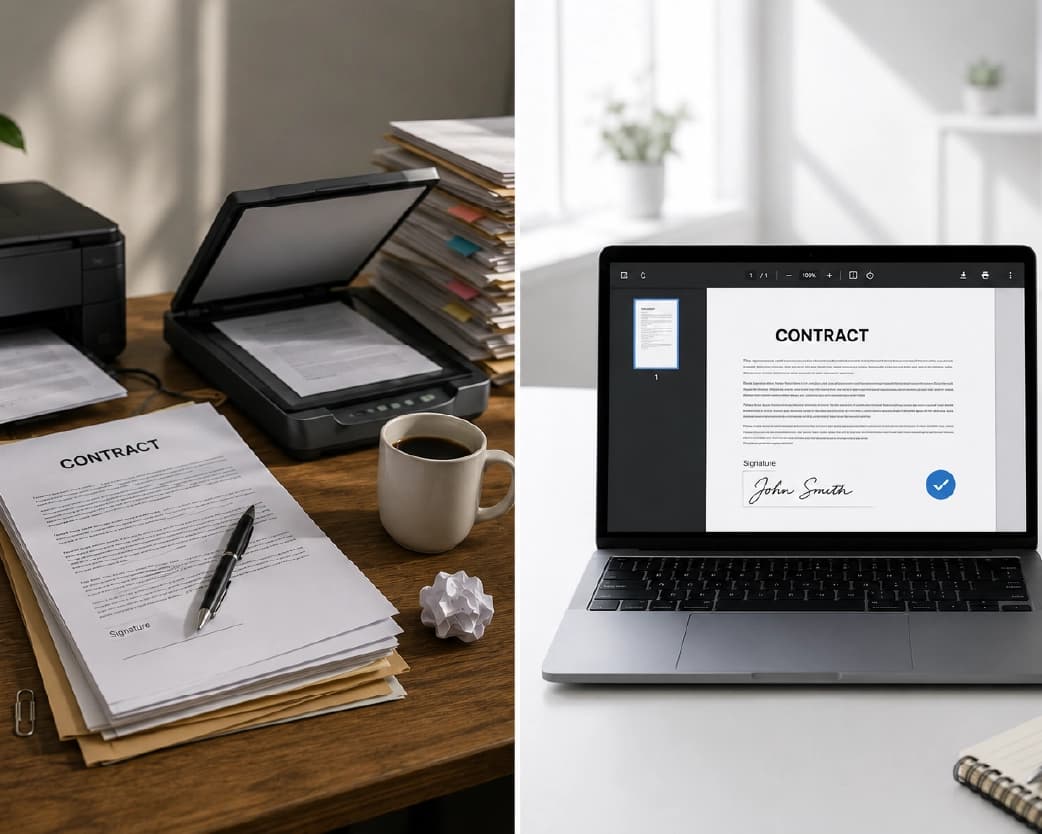
The easiest way to sign a PDF document is to upload the file to an online e-signature service, create or type your signature, put it on the PDF, and save the signed file. There is no need for a printer, a scanner, or any specific software in this process. This is actually how most people do it today since this is the only logical option when you consider that there was a very weird cycle involved in the signing procedure previously: print a PDF, sign it manually, scan it back into PDF. It's not needed anymore for the vast majority of files that require signing.
Electronic Signature vs. Digital Signature: What's the Actual Difference
These terms are interchangeably used by people when talking casually, but in actuality, they do not mean the same thing at all; it becomes essential for someone to know about it before signing anything important.
An electronic signature ("e-signature") is a general term in law, which includes all possible ways of showing consent electronically – a signature that was drawn by a computer mouse or finger, a person’s name that was written in an e-mail, an electronic picture of your handwritten signature, etc. The legality of the electronic signature is not defined by how exactly it was signed, but by the intention to sign and give consent to sign an electronic document, and by the ability to connect the signature with this particular person.
A digital signature is a specific technical implementation, built on cryptography, that uses a certificate issued by a trusted authority to mathematically bind a signature to both the signer's verified identity and the exact content of the document at the moment of signing. If so much as a single character in the document changes after signing, a digital signature's verification will show the document has been altered - that tamper-evidence is the core feature a basic drawn or typed signature doesn't provide on its own. Digital signatures are generally reserved for higher-stakes use cases with formal identity verification requirements - certain government filings, some financial and healthcare contexts, and specific regulated industries.
In most cases when one needs to electronically sign something – a lease, a contract with a customer, an internal approval form, an agreement between two parties – this is the actual signature that is necessary from a legal point of view, and not a certificate-based digital signature. Online signing functionality where a user can sketch, type or upload an image of his/her signature is employed for generating the electronic signature in the mentioned instance, as opposed to the use of a digital signature based on certificates, and it should be noted that these are two entirely different things and that not all "sign PDF" applications utilize certificates in their operations.
Step-by-Step: Signing a PDF Online
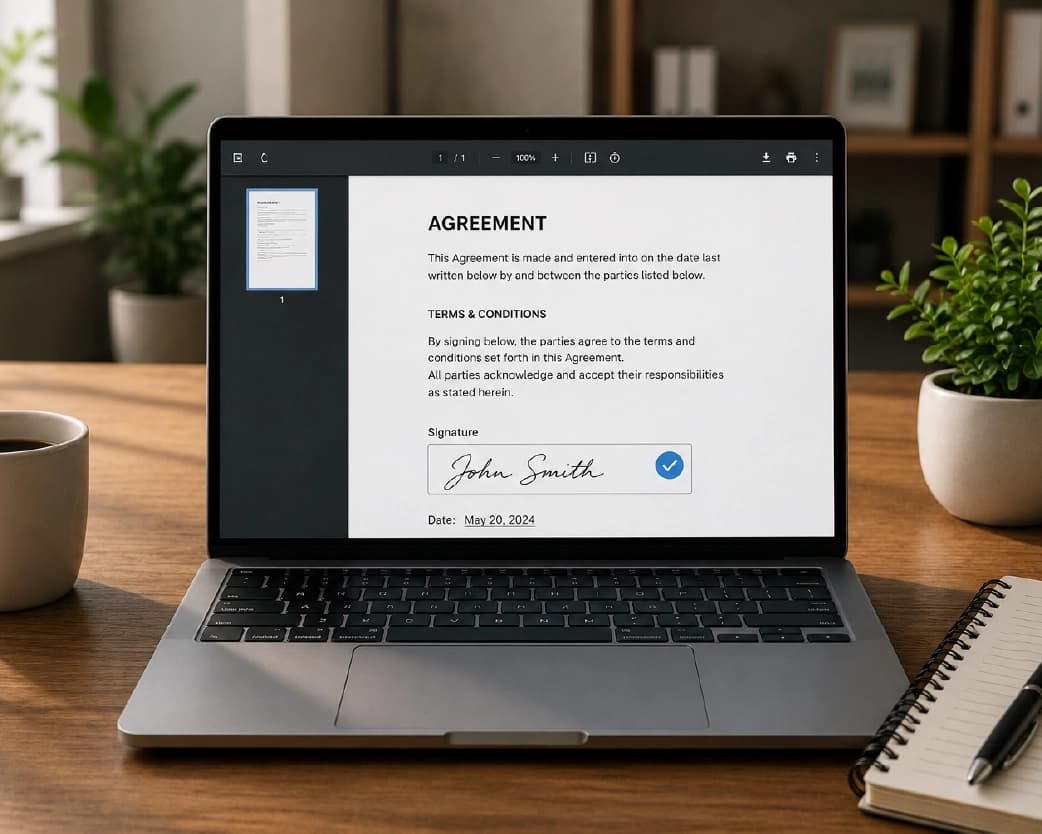
Using Plainscan's PDF sign tool:
- Upload your PDF file. It will automatically be opened in the browser.
- Sign the document. The majority of the software gives some options - you can draw your signature using the mouse, finger, or stylus, or type in your name that will be then presented in the form of signature-style font, or just upload an image of the original signature.
- Place the signature where it belongs. You have to simply drag and drop the signature into the place where it is supposed to be – usually the signature line or the place for the signature at the end of the document.
- Add any further information, such as the date on which it was signed, initial on each page, or your complete printed name along with the signature.
- Check everything before making it final because after signing and downloading the file it may be quite difficult to fix a mispositioned signature - you will most likely need to sign a new document.
- Download the signed PDF. The finished file is ready to send or submit immediately, with no scanning step required.
That covers straightforward single-signature documents. The sections below cover form-filling, multiple signature elements, and the situations that need a bit more care.
Filling Out Forms and Signing in the Same Pass
A large share of documents that need a signature also have other fields that need to be filled in - a name, a date, a checkbox indicating agreement to a specific term, a text field for additional details. Handling both in the same tool, rather than filling out a form in one application and then signing a separate printout, is significantly faster and avoids the printing loop entirely for the whole document, not just the signature line.
Most PDF sign tools support adding several element types beyond the signature itself: text fields for typed information, checkboxes for yes/no or agreement confirmations, and date stamps that can be inserted manually or, in some tools, auto-populated with the current date. This matters especially for forms with multiple fields scattered across several pages - lease agreements, intake forms, employment paperwork - where treating the whole document as one editable pass, rather than only touching the signature line, is what actually eliminates the need to print anything.
Is a PDF Signed Online Legally Binding?
For the most part, indeed, although it may be useful to understand how the law works here rather than accept it as a statement of fact. In the USA, the ESIGN Act (Electronic Signatures in Global and National Commerce Act), and the UETA (Uniform Electronic Transactions Act, enacted in the great majority of US states), establish that electronic signatures have the same legal power as handwritten signatures in respect to most kinds of contracts and agreements provided that all parties agreed to use the former. In the EU there is the analogous system under eIDAS, which, however, adds another layer in that it classifies electronic signatures into different categories (basic, advanced, and qualified signatures), giving different legal value to each; the last requires a more strict process of verifying the party's identity. The UK uses a corresponding system under the Electronic Communications Act, while Australia operates according to the Electronic Transactions Act - the general rule is the same across most advanced countries (even though the names differ).
There are categories of documents that are commonly excluded from these frameworks and still require a traditional wet-ink signature or additional formalities - wills and certain estate documents, some court filings, certain notarized documents, and a handful of other specific legal instruments, depending on jurisdiction. An electronic signature using a normal e-signature software program for a routine business contract, a lease agreement, an NDA, a business form, or a customer agreement will be fine from a legal standpoint in most situations. But if a document is important, or you are unsure whether it belongs to an exception, it wouldn't hurt to ask who requires the signature.
Signing on Mobile: Phone and Tablet
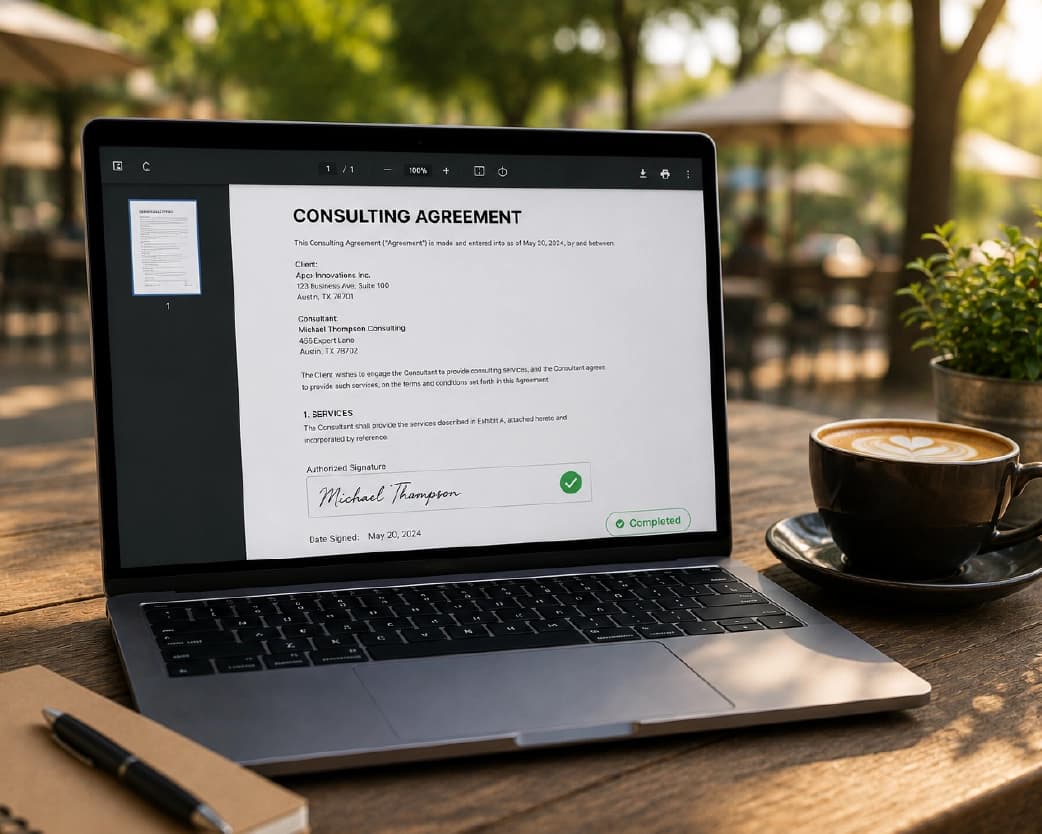
A considerable number of sign-offs occur on the mobile device, not the desktop – the contract comes to you via email or messenger while you are out of your office, and it is quicker to sign right away, using your mobile device, rather than to wait till you return to your desktop. The process of document signing through web browser works similarly on both devices, with one exception: a digital signature drawn by means of your finger directly on the touchscreen usually looks more natural than when it is drawn with the mouse cursor as there is more freedom of movement and variation in pressure possible. If you are going to be signing documents often using a mobile device, it would be a good idea to spend a minute making a clean signature once and, if such an option exists in the application, using it every time again.
Choosing How to Create Your Signature: Draw, Type, or Upload
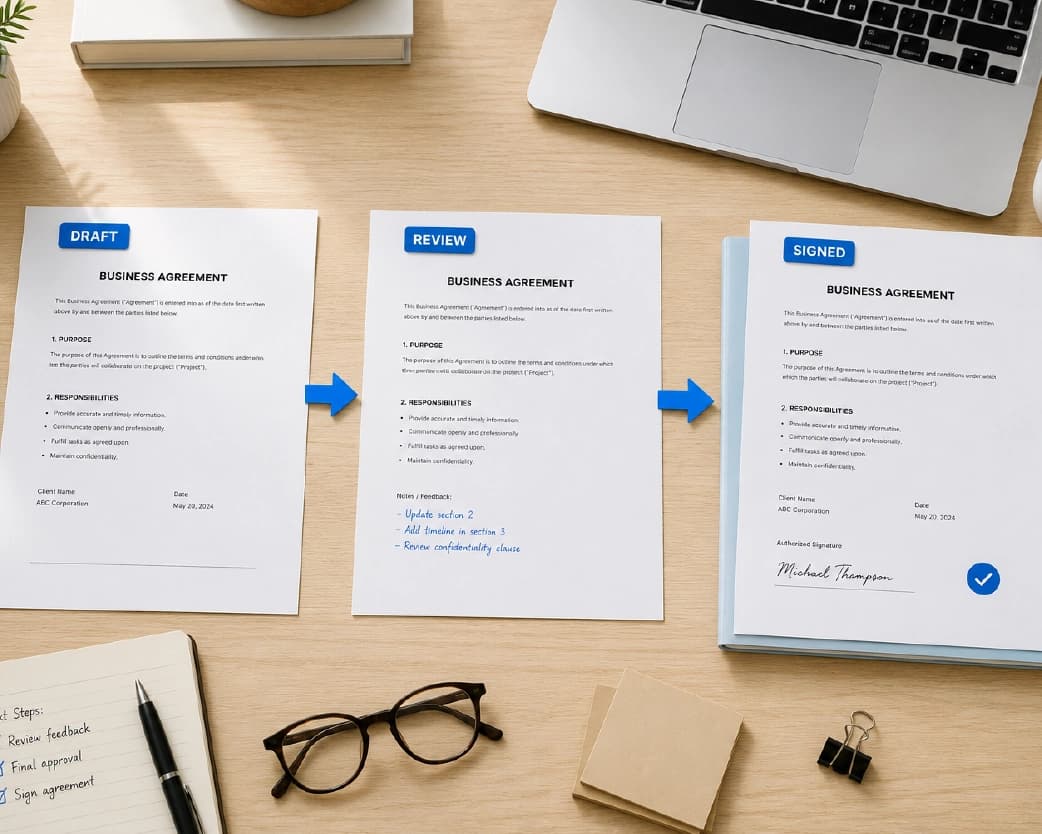
There are three common methods that allow for the creation of the signature mark in most e-signature software packages, each having its own slight trade-offs in terms of benefits and disadvantages, which is important to understand before choosing the method.
The first one is signature drawing by means of a mouse or a stylus, as well as fingers, in case of touch screen. The output of such method of digitalizing signatures is a very similar to the original handwriting; however, it is rather difficult to create an absolutely identical signature every time using a mouse, which leads to slight differences in documents that are equally legal.
Typing your name, rendered automatically in a cursive or script-style font, is the fastest method and produces a perfectly consistent result every time, since it's generated from the same text input rather than redrawn by hand. Some people find a typed signature feels less personal, but as covered above, it carries the same legal standing as a drawn one in the vast majority of frameworks - the visual style doesn't affect the legal validity.
Uploading an image of your actual handwritten signature - signed on paper once, photographed or scanned, and saved as an image file - combines the authenticity of a real signature with the consistency of reusing the exact same file every time. This is the closest equivalent to a physical rubber stamp of your own signature, and it's a common choice for anyone who signs documents frequently and wants both a personal-looking and perfectly repeatable result.
There's no universally "best" choice among the three - it comes down to how often you're signing, whether visual authenticity matters for a specific document or audience, and simple personal preference. A one-off signature on a single document doesn't call for much deliberation; someone signing dozens of contracts a month benefits more from picking one method (commonly the uploaded-image approach) and sticking with it for consistency.
Full Signature vs. Initials: When You Need Which
Longer documents, especially contracts and agreements with multiple pages, often require initials on individual pages in addition to a full signature at the end - a way of confirming the signer has reviewed and agreed to each page specifically, not just the final signature block. This is common in real estate contracts, loan agreements, and legal documents with several distinct sections or terms that each warrant individual acknowledgment.
This is done in the online signing tool by following the procedure for the main signature, which entails making an initials mark (usually an abbreviation of the signature or the initials themselves), and placing them on each page where they are necessary, along with the main signature at the end of the document. One should always make sure to review the document's instructions or any fields that are marked out before signing as it is very easy to overlook one necessary initial within a long document.
Remote Online Notarization: A Related but Separate Process
Some documents require not just a signature but formal notarization - a licensed notary witnessing the signing and verifying the signer's identity, then applying their own official seal and signature to the document. This is a genuinely different process from standard e-signing, with its own legal requirements (identity verification standards, often video-based, and a licensed notary's direct involvement) that a general-purpose signing tool isn't built to provide on its own. If a document explicitly requires notarization, that calls for a dedicated remote online notarization service with an actual licensed notary involved in the session, not just an e-signature tool - worth confirming this requirement clearly before assuming a standard sign-and-download process is sufficient for a document that specifically calls for a notarized signature.
Real-World Use Cases for Online PDF Signing
- Freelancers and independent contractors sign client contracts, project agreements, and invoices regularly, often while working remotely without consistent access to a printer or scanner - online signing removes that friction entirely from what would otherwise be a recurring hassle for a one-person business.
- Small businesses and HR teams use online signing for offer letters, employment agreements, NDAs, and onboarding paperwork, especially with remote or distributed teams where physically meeting to sign paper documents isn't practical.
- Real estate transactions involve an unusually high volume of signatures and initials across purchase agreements, disclosures, and related paperwork - online signing (alongside the initials-on-every-page pattern covered above) has become close to standard practice in this industry specifically because of how document-heavy it is.
- International business dealings benefit particularly from electronic signing, since coordinating physical signatures across different countries and time zones for a paper document is often impractical, while an electronically signed document can be reviewed, signed, and returned within minutes regardless of where each party is located.
- Anyone receiving a document via email that needs a quick turnaround - a landlord requesting a signed lease, a client needing a signed proposal back same-day - uses online signing as the practical way to meet a tight deadline that a print-sign-scan-mail loop simply couldn't accommodate.
Signature Method Comparison
| Method | Best for | Consistency | Setup effort |
|---|---|---|---|
| Drawn (mouse/finger/stylus) | One-off documents, personal touch | Lower - varies each time | None |
| Typed (rendered font) | Speed, frequent signing | Perfect - identical every time | None |
| Uploaded image of real signature | Frequent signing with authentic look | Perfect - same file reused | One-time setup (sign, scan, save) |
| Certificate-based digital signature | High-stakes, regulated, or government documents requiring cryptographic verification | Perfect, plus tamper-evidence | Requires a certificate authority, more involved setup |
Troubleshooting: Technical Issues Beyond Verification
- Signed files cannot be opened or appear to be corrupt. This rarely occurs but may occur if the download or upload was interrupted – in most cases, downloading the signed file again, or repeating the process of signing the uploaded original document will solve the problem. In such a case, the likelihood of the file being corrupt prior to its signing should be ruled out first.
- Signature was placed in the wrong page of a multi-page document. Determine the page you have selected for signing before doing so, as sometimes it becomes quite hard to know which page is currently open in the case of a long document. Signature programs usually provide the facility to delete or move an already placed signature, but this can only be done when the file is online.
- It is unreliable in different browsers. Tools that operate within the browser usually perform well in current versions of popular browsers (Chrome, Firefox, Safari, Edge), and problems may occur if the user uses an outdated version of the browser because support for touch and drawing interactions differs from one browser version to another more so than page rendering.
Keeping Track of Signed Documents
Organizing all your signed documents will become a challenge when you start dealing with more than an occasional one-time paper, so be prepared. A practical way to go about it would be making a special folder for your signed papers, either on your computer or somewhere in the cloud, and naming each document in a certain pattern including the date and the name of the person you signed a contract with or the type of the document – something like 2026-07-09-lease-agreement-signed.pdf instead of a default filename "download.pdf." It is a significant issue because you might have to find this particular paper later in several months or even years, and a bunch of files with the names "download.pdf," "download (1).pdf," and "download (2).pdf" won't help you.
For individuals who sign documents on a frequent basis as part of their job responsibilities (for example, HR when they deal with onboarding forms, a small businessman who deals with contracts with clients), another thing that is useful to have is a log of documents you signed (which can be even something like an Excel file). It is not a requirement to make your signature legally valid, but it will certainly simplify the process of figuring out whether your contract was ever signed six months later.
Signing Across Different Countries and Languages
When it comes to the case of two parties in separate countries, it may be useful to make a few remarks about what remains constant and what changes. First of all, the legal framework that was mentioned above (the ESIGN Act, eIDAS and equivalent laws) is applicable in its jurisdictions and most of the modern electronic signature systems work well with each other when it comes to regular business-related documents – an electronic signing of a contract by one person in the USA and another in the UK will be in most of the cases valid in both parties. In different countries there are some specific documents that require an additional form of a signature beyond the basic one (wills, certain court documents and other documents that require notarization), but the actual procedure of an electronic signing remains the same for people in any country.
Common Problems and How to Fix Them
- "Signature not verified" appears when someone opens the signed PDF. This message specifically relates to certificate-based digital signature verification, not the validity of a basic electronic signature - as covered above, these are different mechanisms. If a document was signed with a drawn or typed electronic signature rather than a certificate-based digital signature, a PDF viewer checking specifically for digital signature certificates will show this message, but it doesn't mean the electronic signature itself is invalid or that the document was tampered with - it simply means there's no cryptographic certificate attached for the viewer to verify against, because that's not the type of signature that was applied.
- Removing a signature from a PDF. If a document was signed incorrectly, or a signature needs to be removed and reapplied, this generally requires working from an unsigned copy of the original file rather than trying to erase a signature after it's been flattened into the final PDF - once a signature is applied and the document is finalized, it typically becomes part of the page content itself rather than a separate, removable layer. Keeping the original unsigned file until you're confident the signed version is correct avoids needing to solve this problem after the fact.
- The signature looks too small, too large, or oddly positioned once downloaded. This usually comes down to the placement step not being checked carefully enough before finalizing - most tools let you resize and reposition the signature freely before applying it, so it's worth zooming in on the exact placement relative to the signature line or intended location before downloading, rather than only glancing at the whole page.
- The typed signature looks nothing like a "true" signature. Typed signatures are created using special fonts resembling handwriting, and they are perfectly legitimate as any handwritten one in all typical legislation regulating use of electronic signatures – the value of typed signatures lies in intention and consent of the signer, not in visual resemblance of his signature. If it is important that signature looks like a "true" one for some reason, there are two alternatives – drawing it (using mouse, touch screen or stylus) or uploading a scanned copy of real handwritten signature.
- Two (or more) people have to sign the document. When dealing with multi-signatures, the best way to use such simple sign tool is sequential signing: one person signs the document and then sends it to another one for signing, etc. This method will work well in case of few signers communicating directly with each other, but it depends on the fact that all signers receive the document and return it back, so it has to be considered when preparing a multi-signer document.
Is It Safe to Sign PDFs Online?
Signing a document online means uploading its contents to the tool doing the signing, which is a reasonable thing to want reassurance about, especially for contracts and agreements with real financial or legal consequences. The same general privacy principles that apply to other online document tools apply here: check whether the tool requires an account (and therefore ties the document to an identifiable user), whether the connection is encrypted, and what the stated file retention policy is - whether files are deleted after processing or held indefinitely.
Plainscan's sign tool requires a free account for basic use, with a daily allowance of 100 signing actions on the free tier - a notably higher daily limit than some of Plainscan's other tools, since document signing tends to be a task people need reliably rather than occasionally. Files uploaded for signing are processed for that purpose and aren't required for anything beyond producing the signed document.
How This Compares to Adobe Acrobat Sign and Other Options
Adobe Acrobat Sign is the most recognized name in this space, and it's a capable, feature-rich product - but it's generally sold as part of a broader paid Adobe subscription, which is a heavier commitment than most individual signing needs actually require, especially for someone who needs to sign a handful of documents a month rather than manage an organization-wide e-signature workflow. Other standalone tools in the space (Smallpdf, Sejda, and similar browser-based signers) take a similar approach to Plainscan - a focused, single-purpose tool for signing and basic form-filling without the overhead of a full enterprise document-management subscription. For occasional to moderate signing needs - an individual, a freelancer, a small business handling its own contracts - a standalone free signing tool generally covers the requirement without needing an Adobe subscription at all; the case for a full Adobe Acrobat plan gets stronger with genuinely heavy, organization-scale signing workflows involving audit trails and many simultaneous signers across a company.
Free vs. Paid: What Each Tier Gets You
The free tier on Plainscan's sign tool supports up to 100 signing actions per day, which comfortably covers individual and small-business use - signing a handful of contracts, agreements, or forms in a given day is well within that range for the overwhelming majority of users. A Pro tier matters more for higher-volume, organization-level signing needs where 100 daily actions genuinely isn't enough, though for most individual users the free tier's daily allowance is unlikely to ever become a practical limitation.
Best Practices for Signing PDFs Online
- Read the document fully before signing, the same as you would on paper. The convenience of online signing shouldn't change the basic due diligence of actually reading what you're agreeing to - it's easy to treat a quick digital signing flow as a formality and skim past terms that deserve real attention.
- It is important to keep a copy of the signed document for personal records, separate from the platform or email chain through which it was sent, in case access to the latter is no longer possible at some point in the future.
- It is advisable to use a consistent signature when signing documents often. Using a signature tool which allows saving the signature for future reuse will result in a more consistent signature on several documents than drawing a slightly different one each time.
- Make sure the location and any automatically inserted dates are correct. It's a small error, but one which would be significantly more difficult to rectify once you've already sent your document out and perhaps had it signed off by another individual.
- Check to see if there are special requirements for the particular document that go beyond a simple e-signature. As mentioned above, most documents do not have such requirements, but it's worth a look just to be on the safe side.
Frequently Asked Questions
Is it legal to sign a PDF electronically instead of by hand?
Yes, for the large majority of documents, under frameworks like the U.S. ESIGN Act and UETA, the EU's eIDAS regulation, and equivalent laws in the UK, Australia, and most other developed jurisdictions. A small category of documents (certain wills, some court filings, specific notarized documents) are commonly excluded and may still require a traditional signature, depending on jurisdiction.
What's the difference between an electronic signature and a digital signature?
An electronic signature is a broad legal category covering any electronic method of indicating consent - drawn, typed, or uploaded. A digital signature is a specific cryptographic implementation using a certificate to bind the signature to a verified identity and detect any changes to the document after signing. Most everyday PDF signing uses the former, not the latter.
Do I need to print a document to sign it?
No - that's specifically the loop a browser-based e-signature tool eliminates. You can sign directly on the digital file and download the finished, signed PDF without ever printing or scanning anything.
Why does my signed PDF show "signature not verified"?
This message relates to certificate-based digital signature verification specifically. If the document was signed with a standard drawn or typed electronic signature rather than a certificate-based digital signature, this message doesn't indicate a problem with the signature's validity - it simply means there's no cryptographic certificate for the viewer to check against.
Can filling out forms and signing be done in one step?
Absolutely, since all kinds of electronic signatures provide for filling in fields, checking boxes, and putting a date along with your signature, which is obviously faster than filling out the form separately and then signing it.
Is a typed signature just as legitimate as a handwritten one?
Certainly, as in most electronic signature legislation, it is the intent of the person signing the document and his or her consent to do that electronically that provide for its legal effect, rather than how closely the mark mimics handwriting.
Is it possible for several people to sign the same PDF?
In case we have a simple signing app, then the usual method is that everyone will sign the document one after another, till the last necessary signature will be put on the document.
Is there any way to delete a signature from a PDF?
This is almost impossible in case the signature was put on the document because after putting a signature on a document, it becomes a part of the page content. So, it is better to have an original copy of the document which is not signed.
Is signing a PDF online free?
Yes, for everyday use. Plainscan's sign tool has a free tier supporting up to 100 signing actions per day, which comfortably covers individual and small-business signing needs.
What happens if I need a certificate-based digital signature instead of a basic e-signature?
That's a more specialized, narrower requirement than most documents actually call for. If a specific document explicitly requires certificate-based digital signing (some government or regulated filings do), it's worth confirming that requirement directly and using a tool built specifically for certificate-based signing, rather than assuming a general-purpose e-signature tool provides that.
Can I sign a document sent to me by someone in a different country?
Yes - the major electronic signature frameworks (ESIGN Act, eIDAS, and their equivalents) are broadly compatible across borders for standard commercial documents, and cross-border electronic signing is routine for everyday business agreements. Documents falling into an excluded category (wills, certain notarized documents) may have country-specific requirements worth confirming for anything unusually formal.
What is the distinction between signing and notarizing a document?
Signing is the process whereby one signs their own consent or agreement to the contents of a document. Notarizing, on the other hand, entails the witness by an authorized notary of the signing of the document and identification of the signer, after which the latter seals the document with his or her personal seal, which is done through a completely different process than electronic signing software alone.
Should I use my initials or a full signature on each page?
This depends entirely on the document's own instructions - many multi-page contracts require initials on each individual page in addition to a full signature at the end, as a way of confirming review of every section. Checking the document carefully for any highlighted initial fields before signing avoids having to redo the process after missing one.
Can I save my signature to reuse across multiple documents?
Many e-signature tools support saving a created signature for reuse, which is worth doing if you sign more than occasionally - it saves time and produces more visual consistency across documents than recreating a new signature from scratch each time.
Why the Print-Sign-Scan Loop Persisted for So Long
It's worth briefly noting why this obviously inefficient process - printing a digital document just to sign it by hand and then scan it back into digital form - remained the default for as long as it did. The legal status of a purely electronic signature was truly in question for some time in many regions, while the wet ink on the scanned paper seemed more reliable for both parties involved in the process, despite the fact that, in the end, it amounted to about the same thing after being digitally returned into the PDF form. And the legal frameworks presented above in this guide – ESIGN Act, UETA, eIDAS and their overseas counterparts – are the ones that officially settled the issue of legal equality between a valid electronic signature and its paper counterpart without the need for any scanning or printing whatsoever. Adoption took its time out of sheer inertia, but the process of printing, signing and scanning has long become an exception rather than a rule in recent years.
Continue Reading:Convert Image to PDF Online Free (And Back to JPG, PNG, or WebP)
Conclusion
To electronically sign a PDF means going from signing on paper to uploading, signing, and downloading without a middle step – the whole process done electronically. And in all of those documents you sign on paper, the electronic signature will have equal legal validity. The only thing worth understanding, not just mentioning for the sake of checking off a box, is the difference between an electronic signature and a certificate-based digital signature. That way, there isn't any friction when you don't need it, and the signature type required by your specific document. Plainscan's sign tool handles the core signing and form-filling workflow directly, with no printing, scanning, or Adobe subscription required.
Related insights




Get the Plainscan App for iOS & Android