Convert Image to PDF Online Free (And Back to JPG, PNG, or WebP)
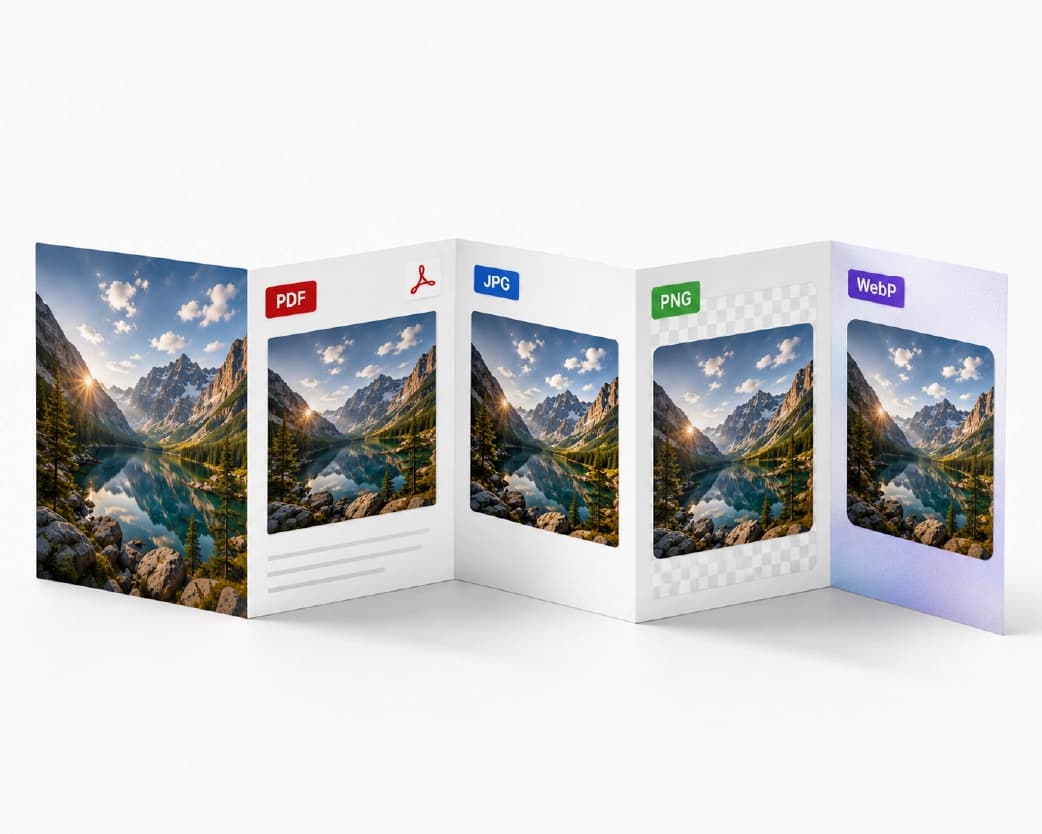
Any image file can be converted to PDF format within a minute without downloading any software program – simply upload JPG, PNG, or WebP files to an online converter, and you will get the resulting PDF file ready for printing which is ready to attach or upload on your computer. This conversion process can also be done in the opposite way; that is, if you have a PDF and require individual pages as image files, then PDF-to-JPG (or PNG or WebP) converters will help you convert pages separately. These conversions are discussed herealong with the relevant formatting issues which arise after repeating the process of conversion a couple of times. Image-to-PDF and PDF-to-image get searched almost equally often, which makes sense - the same student who scans a handwritten assignment into a PDF today might need to pull a diagram back out of a PDF as a JPG next week for a presentation. If there is just one specific conversion direction that you require, please feel free to go directly to the corresponding section, listed below:
How to Convert an Image to PDF Without Paying
The process is identical irrespective of what file format you have:
- Launch the converter for the file type in question - JPG to PDF, PNG to PDF, or WebP to PDF - or, should your file format be ambiguous, you can choose the Images to PDF option.
- Drag your image(s) onto the designated area of the page or select them from your device.
- Reorder pages if you uploaded more than one image - most tools let you drag thumbnails into the sequence you want.
- Convert and download. The PDF generates in your browser and is ready to save, email, or upload wherever it's needed.
No installation of any software is needed, nor is an account for just one image needed in order to obtain a useful PDF. However, if you are going to be doing a conversion regularly or even in bulk, then you might run into a limit imposed in the free tier which would force you to sign up. Please check the respective tool’s page for the daily limit applicable right now.
One thing you should know before we begin: when converting an image into a PDF format, the size and compression of the image won't change automatically. Whereas in the event that your picture is a 12 megapixel picture taken by your phone’s camera, the PDF file generated will be of similar size. In the instance whereby you have to send your file by email which is subjected to attachment size limits, compress your file after conversion into PDF format.
Combining Multiple Photos Into One PDF
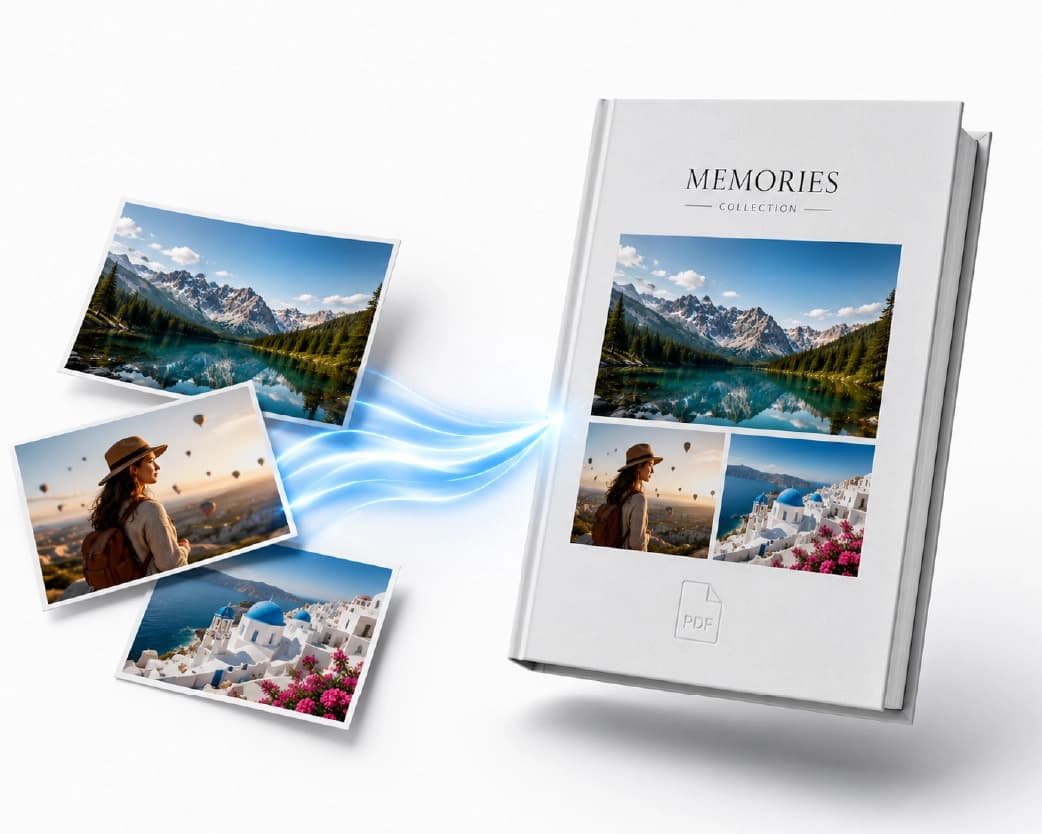
If you have receipts, handwritten notes with several pages, or scanned pages from identification documents, there is no need for separate conversion of the images into a new file format and further combination. The Images to PDF service allows you to add several files at once and combine them in one PDF file in the order you like.
Useful tips for simplification:
- File names should be correct. In using the file name IMG_2041.jpg, IMG_2039.jpg, IMG_2045.jpg, there is no possible way for you to arrange these files during the uploading procedure. The files have to be arranged based on their numbers first into 01_, 02_, 03_; else, you'll have to rearrange these files.
- Combination of formats is acceptable. You may easily use in the same PDF file a JPG image, a PNG image and WebP screen capture – the tool will normalize these formats during conversion.
- Page size will remain constant automatically in the vast majority of the cases, despite the fact that your source files have different sizes – the tool will fit each image to the common page. However, if you require a definite paper size (like A4 and not Letter for example), make sure it is possible to set this in the tool settings.
This is the same underlying approach people use to build a "digital folder" out of paper documents - snap a photo of each page with a phone, upload the batch, and end up with one clean PDF instead of a camera roll full of loose images.
Converting Images to PDF on iPhone and Android
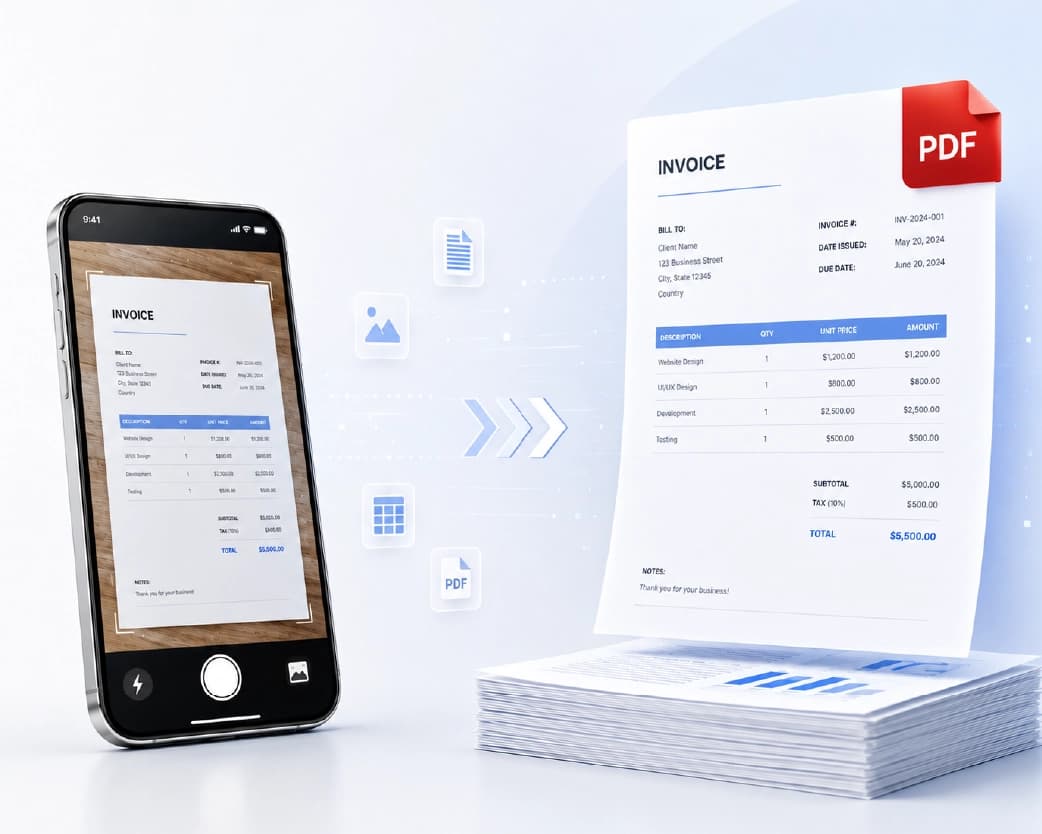
You don't need a dedicated app to do this from a phone. Because the tool runs in the browser, the same Images to PDF page works on mobile Safari or Chrome - open it, tap to select photos from your camera roll (or use the camera directly, if the tool offers that option), and download the finished PDF straight to your phone's Files app or Downloads folder.
A couple of things behave differently on mobile than on desktop:
- Prompt to allow file access. For the first time that you upload anything, the phone will prompt to give permissions for accessing the photos. Allow it; otherwise, the upload process might not work.
- Downloads go to different folders on different operating systems. When using iPhone, downloaded and converted PDFs end up in the "Files" app in the "Downloads" folder where they can be shared via Mail, Messages or any other application. In case of Android, the PDFs tend to end up in your Downloads folder which is accessible from various file manager applications or through browser downloads drawer.
- Camera capture versus gallery upload - if the tool supports capturing a photo directly instead of picking an existing one, that's often faster for a single receipt or document than switching apps to take the photo first and then coming back to upload it.
If you already have a dedicated scanning workflow on your phone that applies edge detection and perspective correction, that's still worth using for documents specifically - camera photos that go straight into an image-to-PDF converter without any cropping will include whatever background was in frame. For a screenshot, a straightforward JPG, or a photo of something flat, this distinction doesn't matter much.
How to Convert PDF to JPG, PNG, or WebP
Going the other direction - extracting images out of a PDF - is just as common, usually for one of a few reasons: you need to drop a single page into a slide deck, share one page on social media without sending the whole document, or you're working with an image editor that doesn't open PDFs directly.
- Open PDF to JPG, or the PDF to PNG / PDF to WebP tools if you need a different output format.
- Upload your PDF.
- The utility creates images of every page individually. You will either get the individual pages or all of the pages contained within one ZIP file, depending on the number of pages available in the PDF file.
- Download your selected picture(s).
It is important what format you choose when exporting your images, as follows:
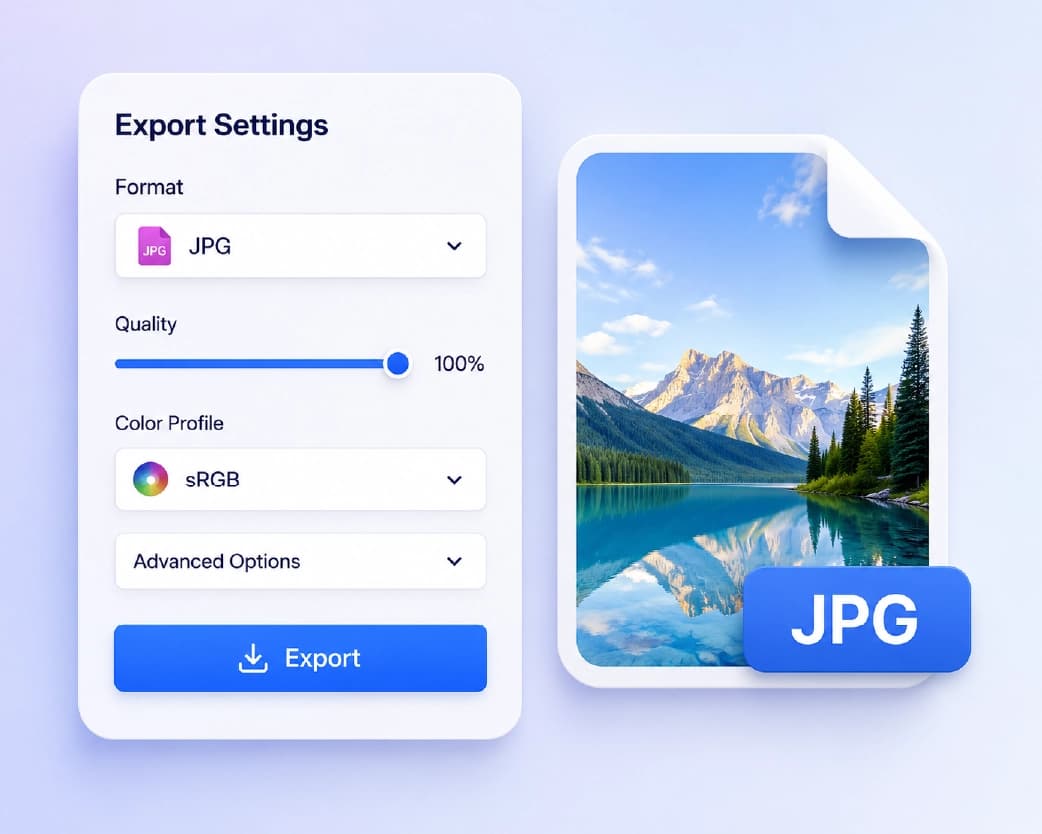
- The JPG format is the safest default option for pictures or pages scanned in color because of its small size, but, at the same time, it is lossy, making the texts look blurry.
- The PNG format helps to keep the sharpness of edges and texts much better, which is essential for a PDF page with primarily texts or diagrams. The tradeoff is a noticeably larger file.
- WebP generally gives you PNG-level quality at something closer to JPG file sizes, but it's a newer format - double-check that wherever you're uploading the image (a CMS, an older piece of software) actually supports it before you commit to it for something you can't easily redo.
Assuming that you have a PDF document of 40 pages and only require Page 12, most online tools will convert everything for you but allow you to download the particular page of your requirement - information useful so that you don’t get surprised with a whole folder of files where you expect a single file.
JPG vs PNG vs WebP vs PDF: Which Format Should You Use?
The question posed above comes up quite often once you begin using these formats in a mixed manner, so it makes sense to answer it head-on.
Use PDF for documents that need to maintain their look regardless of the device or software used to view the file, if you are trying to combine a number of pages within a single document, and also for anything that needs an official look, such as applications, contracts, and identification documents.
Use JPG in situations when the issue of size outweighs that of perfect clarity – for images, for emailing, for putting anything on a website. The JPG compression algorithm is very much appropriate for photographs; however, it is not so good for text or line drawings since it creates a fuzzy effect.
PNG is the best choice for images with transparency or those with large amounts of text and/or solid colors, such as a screenshot. PNG images do not degrade while being saved many times, which is different from JPG images.
Choose WebP when you have total control over the pipeline, where you are sending your website or app, and do not want larger file sizes due to PNG. It is not as handy when used as a format for sending files to someone else.
No single format has an edge over the other formats – each format is best for certain situations, and one reason why there are so many searches for "image to PDF" and "PDF to JPG" is that people switch back and forth depending on what they are trying to accomplish at that particular time.
Typical Issues While Converting Image into PDF (with Solutions)
My PDF file has become unexpectedly large. In most cases, this happens because your image file was very high resolution and no compression happened during conversion – which may have been what you wanted, considering that compression during conversion would sacrifice quality in ways that you cannot recover from.
My image rotated sideways in the PDF. Phone cameras frequently save orientation as metadata rather than physically rotating the pixel data, and not every converter reads that metadata the same way. If a page comes out sideways, look for a rotate option in the tool before you re-download - most image-to-PDF tools include one specifically because this happens often enough to plan for.
Pages are in the wrong order. This comes back to file naming, as mentioned above. If you're uploading many images at once, rename them with sequential prefixes before you start, rather than trying to reorder ten thumbnails after the fact.
The text in my scanned image is not selectable in the PDF. That’s what I expect; an image converted into a PDF is still just an image, not selectable text. If I need to select or search the text, then I’m looking for an OCR solution, not a standard image to PDF converter.
The colors are not quite the same after the conversion. Sometimes occurs when starting from WebP or PNG files which include a color profile the converter can’t preserve perfectly. Usually, this makes no difference at all. But if I really need to preserve the colors accurately, like for printed materials or brand materials, I’ll compare the two.
Is It Safe to Convert Images to PDF Online?
The honest answer depends on what's in the image. For a screenshot, a receipt, or a casual photo, there's little at stake. For anything containing personal information - a scanned ID, a signed document, medical paperwork - it's reasonable to want more certainty about what happens to the file after you upload it.
A few things worth checking before you commit to a tool for sensitive material: whether files are deleted after processing and how quickly, whether an account is required (which at least ties usage to something rather than anonymous access, though it also means the service can associate the upload with you), and whether the connection is encrypted in transit. On Plainscan specifically, uploaded files are automatically removed within 24 hours of processing - worth keeping in mind if you're converting something you'd rather not have sitting on a server any longer than necessary. If you're converting something highly sensitive and want zero server exposure at all, look specifically for tools that state the conversion happens locally in your browser rather than being uploaded anywhere, since that's a meaningfully different privacy model from server-side processing.
Image to PDF vs Scanning Apps: What's the Difference?
It's easy to conflate "convert a photo to PDF" with "scan a document," but they're solving slightly different problems. A basic image-to-PDF converter takes whatever photo you give it and wraps it in a PDF container - if the photo has a messy desk in the background or is shot at an angle, that comes through in the output exactly as captured.
A scanning tool, by contrast, typically applies edge detection to crop out the background, perspective correction to square up an angled shot, and sometimes contrast enhancement to make text more legible against the page. If you're digitizing an actual document - a form, a receipt, a printed page - a scanning-specific tool will usually give you a cleaner result than a straight image-to-PDF conversion, even though both end in a PDF file.
For photos that aren't documents - artwork, a whiteboard photo you just want preserved as-is, a printed photograph you're archiving - a straightforward conversion is the better fit, since there's no "correct" crop or angle to detect in the first place.
Why People Convert Images to PDF in the First Place
The use cases tend to fall under a few standard patterns, and figuring out what kind of pattern you’re dealing with may impact your approach to the conversion process.
Students most commonly require this type of service when submitting assignments where a professor needs a PDF while the student has a picture of a handwritten worksheet or printed pages from a book. The main concern in this case is legibility rather than aesthetics.
Freelancers and small businesses tend to use image-to-PDF for receipts, invoices, and expense documentation - turning a stack of photographed receipts into one PDF per month rather than dozens of loose image files scattered across a phone's camera roll. Page order matters more here, since the PDF often gets handed to an accountant or bookkeeper who expects some kind of logical sequence.
Real estate and property management frequently convert photos into PDF for listing documentation, inspection reports, or lease attachments, often combining several images into a single document that accompanies a contract.
Healthcare and administrative intake - patient forms, ID copies, insurance cards - get converted to PDF constantly, which is also where privacy and retention questions matter most. If you're in this category, it's worth actually reading a tool's stated data handling before uploading anything, rather than assuming all "free online converter" tools behave identically.
Personal archiving covers everything else - old photographs, artwork, whiteboard sketches, physical documents someone wants a permanent digital copy of before the original degrades or gets lost. Quality retention matters most here, since there's often no way to recapture the original once it's gone.
None of these require different tools exactly, but they do call for different amounts of care during the conversion - a legal document deserves a check of every page before you consider the PDF final, where a casual photo archive doesn't.
Batch Converting Large Numbers of Images
If you're working through a genuinely large batch - dozens or hundreds of images rather than a handful - a few habits make the process considerably less painful:
Organize and rename before conversion. Attempting to correct order after uploading 60 thumbnails becomes an arduous task that is bound to fail due to lack of speed and efficiency. Taking the five minutes necessary to do this through renaming function provided by both Windows and Mac OS operating systems prior to actual image conversion saves precious time.
Convert smaller batches if the program slows down. Browser-based image converter software works either entirely client-side or through the upload process. Large batches may sometimes reach memory limits for browsers or particular file counts for conversion programs. In case you observe slowness in the interface after reaching a particular number of images, converting them in two or three smaller batches and then combining PDFs will take less time.
Keep a naming convention for the output too. If you're doing this regularly - say, monthly expense reports - decide on a file naming pattern for the finished PDFs (`expenses-2026-07.pdf`, for example) so future-you doesn't end up with a folder full of files named `document.pdf`, `document(1).pdf`, `document(2).pdf`.
Check the final page count before you consider it done. It sounds obvious, but it's the single most common mistake in batch conversion - one image failing to upload silently, or one duplicate sneaking in, and nobody notices until the PDF is already sent somewhere. A quick page-count check against your expected image count catches this in seconds.
Printing Considerations: DPI and Page Size
In the case where the PDF you intend to create is meant to be printed and not just displayed, two additional factors are important in such cases, which do not apply in situations where only digital PDFs are intended to be created.
DPI resolution controls print sharpness. While an image may be crystal clear when displayed on a phone display, this same image could be slightly blurry if it is printed at a bigger scale since the two are calculated differently. Ideally, 300 DPI is the acceptable standard of print clarity. Below this level, printed images will be slightly blurry especially text heavy pages. It has to be borne in mind that in the case where the resolution of the source image is low, the resultant PDF conversion will also have the same problem.
The size and orientation of the page need to coincide with how you wish to export your document. In most cases, the most commonly used software in converting an image into a PDF document tends to set the page size conventionally (A4 or letter) and scale the image according to it. The issue is where the image is in landscape orientation but the page size is in portrait orientation.
Multiple images at different resolutions in one PDF can look inconsistent when printed, even though they display fine on screen. If you're building a document that's genuinely going to a printer - not just a PDF that gets viewed and forwarded digitally - it's worth a quick visual scan through every page at intended print size before finalizing, since resolution mismatches are much more noticeable on paper than on a screen.
A Quick Technical Note: How a PDF Actually Stores Your Image
The process itself should be known, in brief, since it will explain why some of the peculiarities described above occur. PDF is not an image format like JPG or PNG – it is a document format containing not only text but also images as objects, fonts and layout instructions. In the process of converting an image into PDF, no changes are made to the data of the image; it becomes a part of the PDF page object, as if framed without being changed.
And this is precisely the reason why the file size will increase rather than decrease while you convert your image into PDF (you add a document structure to the image, not compress the image itself), why the quality is kept intact rather than reduced (usually, there's no need to touch the pixel data), and why a PDF generated from the image won't be searchable (because the "content" of your page in terms of the PDF format is an image, and there's nothing to search for in there even though the human eye can see some text). This helps to understand why the OCR is indeed a different technique from the image-to-PDF conversion as well (OCR processes the pixel information and creates a text layer).
Frequently Asked Questions
Is converting an image to PDF really free?
Yes, when used normally - upload an image, get a PDF in return, no cost involved. But more intensive usage can lead to being asked for login credentials or reaching a certain number of conversions per day, so be sure to consult the page about that particular converter if you have plans to convert files on a massive scale. There is also no "hidden" fee associated with the "free" service, which would ask for money at some stage of the process.
Do I need to create an account to convert a photo to PDF?
Not for a single conversion. Some tools tie extended or repeated use to a free account, so if you're doing this occasionally rather than constantly, you likely won't be asked to sign up at all.
Can I merge multiple images into one PDF document?
Yes – by uploading several images simultaneously to a multi-image converter, the program will merge them into one PDF document according to their arrangement.
Will converting my photo to PDF reduce its quality?
Not by default. The image is maintained at its full resolution within the PDF file. In fact, it is most likely that the output file will be bigger than the source image because there is no compression done on the image.
How do I convert a PDF back into a JPG or PNG?
Use a PDF-to-image tool - upload the PDF, and each page is rendered out as a separate image file in the format you choose. Multi-page PDFs typically come back as a batch or zip file rather than one image.
What's the difference between JPG, PNG, and WebP when converting from PDF?
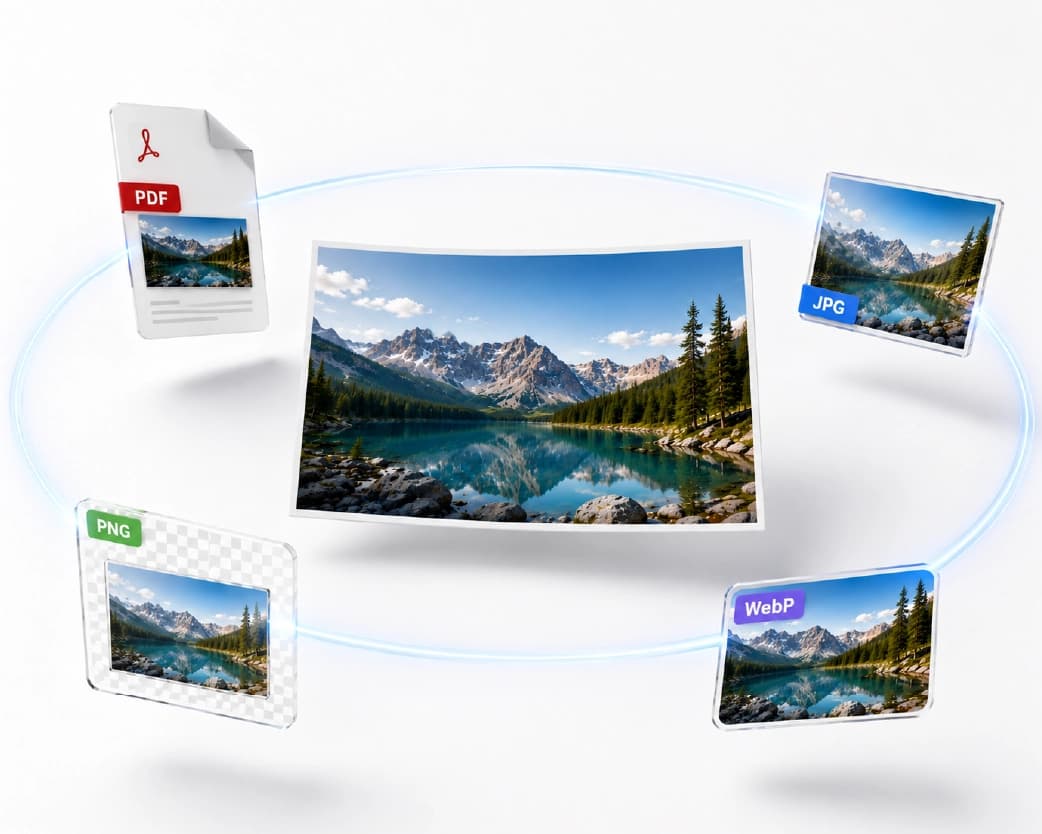
JPG is smaller but lossy, which suits photos. PNG is larger but preserves sharp text and supports transparency. WebP sits between the two on file size while holding PNG-level quality, but has less universal support outside modern browsers and apps.
Can I convert an image to PDF on my phone without an app?
Yes - browser-based converters work the same way on mobile Safari or Chrome as they do on desktop. You don't need to install a separate app just for this.
Is it safe to upload personal documents to an online image-to-PDF converter?
It depends on the tool's data handling - look for stated file deletion timelines and whether the connection is encrypted. For sensitive material, files that are automatically deleted within a short window (Plainscan removes files within 24 hours) reduce how long anything sits on a server after you're done with it.
Why did my scanned image come out sideways in the PDF?
This is a common metadata issue with phone photos - the rotation is often stored as metadata rather than baked into the pixels, and not every converter reads it consistently. Most tools include a manual rotate option in the upload interface for exactly this reason.
Can we convert PDF to image without blurring of text?
In case you have got PDF with text content, then the most appropriate way would be to use PNG format, since compression used in it is lossless and for JPEG blurring occurs because of the use of compression algorithm.
Can I convert a screenshot to PDF the same way as a photo?
Yes - a screenshot is just another image file (usually PNG on most devices), so it goes through the same converter as any other picture. This is a common way to save a webpage, a chat conversation, or a confirmation screen as a permanent record rather than relying on a screenshot sitting in your camera roll.
Does converting an image to PDF change the file extension permanently?
No - the conversion produces a new file. Your original image stays exactly as it was, in its original format, unless you specifically delete it afterward. The PDF is a separate output, not a renamed version of the source file.
Can I convert a PDF to JPG if the PDF is password-protected?
Usually, the first thing you would have to do is either delete or add the password, because most converters cannot handle locked documents. In case you own the PDF file and have put the password yourself, you have to delete it first.
What happens if I upload a PDF that's already just a scanned image (not text)?
It converts the same way as any other PDF - each page becomes a separate image file. Whether the original PDF contained "real" text or was itself just a picture doesn't change how the PDF-to-image conversion works, since the tool is rendering each page as a visual output either way.
What Can We Do With the PDF After Converting?
Conversion to an image is generally the first step among many other tasks to be done, but not the purpose on its own. The most common of these tasks include:
Using it with other PDFs. When your converted document must go next to others, such as a cover letter and a scan of a certification, merging tools can join your individual PDFs together without having to repeat the whole process of conversion.
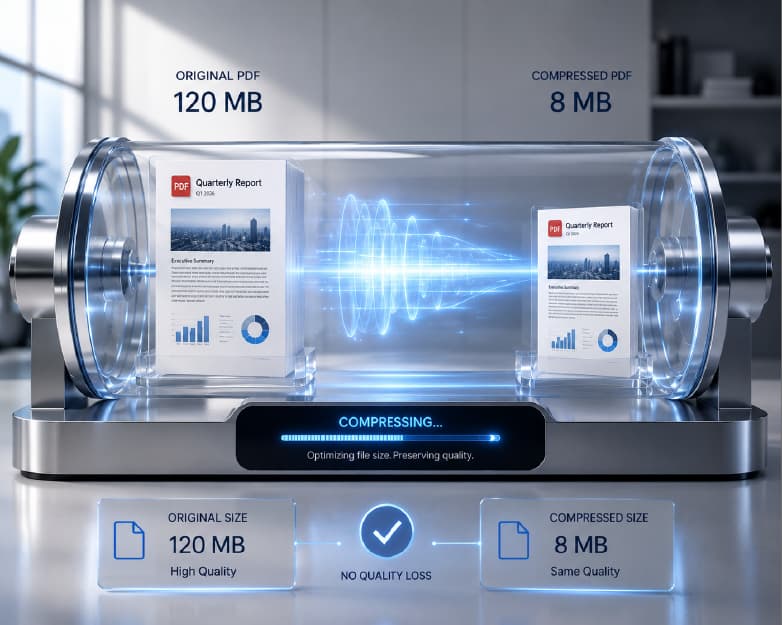
Compressing it for uploading. We talked about it above that conversion doesn't involve compressing the file, which means that a PDF of many high-resolution pictures would be quite heavy. Thus, when the size reaches the limit of your email service or a form online, you have more chances of compressing the final document rather than the initial files.
Making the text searchable. If your image contains text you'll want to search, copy, or index later - a scanned form, a page of notes - OCR converts that embedded picture into a text layer sitting on top of the image. This is a separate step from the conversion itself, and worth doing immediately after conversion if you know you'll need it, rather than going back later once the original photo has been deleted from your camera roll.
Adding a signature. For anything requiring sign-off - a form, a waiver, an agreement - a PDF that started life as a photographed document usually still needs an actual signature applied on top before it counts as complete. Signing tools let you draw, type, or upload a signature directly onto the PDF you just created, without printing anything out.
Thinking about the conversion as one step in a short chain, rather than a standalone task, tends to save a second round of uploads later - it's worth deciding up front whether the finished PDF also needs compressing, OCR, or a signature, rather than treating each step as a separate errand.
Mistakes to Be Avoided
A brief overview of some of the mistakes that occur frequently, mainly due to the fact that they are quite easily preventable but hard to fix afterward:
Making a PDF from a blurry picture. The document won’t get any clearer during conversion. It would mean that if the image you are using is indeed valuable, you need to get a copy of the good quality image beforehand, rather than creating a PDF from the fuzzy image and finding out that there is some problem with it.
Uploading the wrong image format to a specific tool. In case you are trying to convert a JPG to PDF with the help of some online converter and uploading a PNG or HEIC (iPhone photo format) instead, then you will most likely experience some problems with it. The universal Images to PDF tool avoids such errors by supporting different formats.
Assuming "converted to PDF" means "backed up." A PDF sitting only on your phone or one device isn't a backup of the original document - if you're converting something irreplaceable (an old photograph, a document you can't easily reobtain), save a copy of the finished PDF somewhere separate from the device you converted it on.
Skipping a final check before sending something official. For anything going to an employer, school, or government form, open the finished PDF and actually look through every page before submitting - a page that failed to upload, an image that rotated unexpectedly, or a compression pass that made small text illegible are all things a thirty-second scroll-through will catch before they become someone else's problem to flag back to you.
Continue Reading:How to Add a Watermark to a PDF Online for ree
Conclusion
Whether you're going from image to PDF or pulling images back out of one, the process takes under a minute and doesn't require installing anything. Start with Images to PDF if you're combining photos into a document, or PDF to JPG if you need to go the other way - both run directly in your browser, and your files are cleared automatically afterward rather than sitting around indefinitely. There's no real reason to keep two different tools bookmarked for these two directions, either - since both live in the same toolset, it's just a matter of remembering which URL matches which direction next time you need it. If in doubt, the full tools page lists every converter in one place, organized by category, so you can find the right one even if you've forgotten the exact name.
Related insights

Get the Plainscan App for iOS & Android