AI Document Summarizer: Summarize Any File for Free
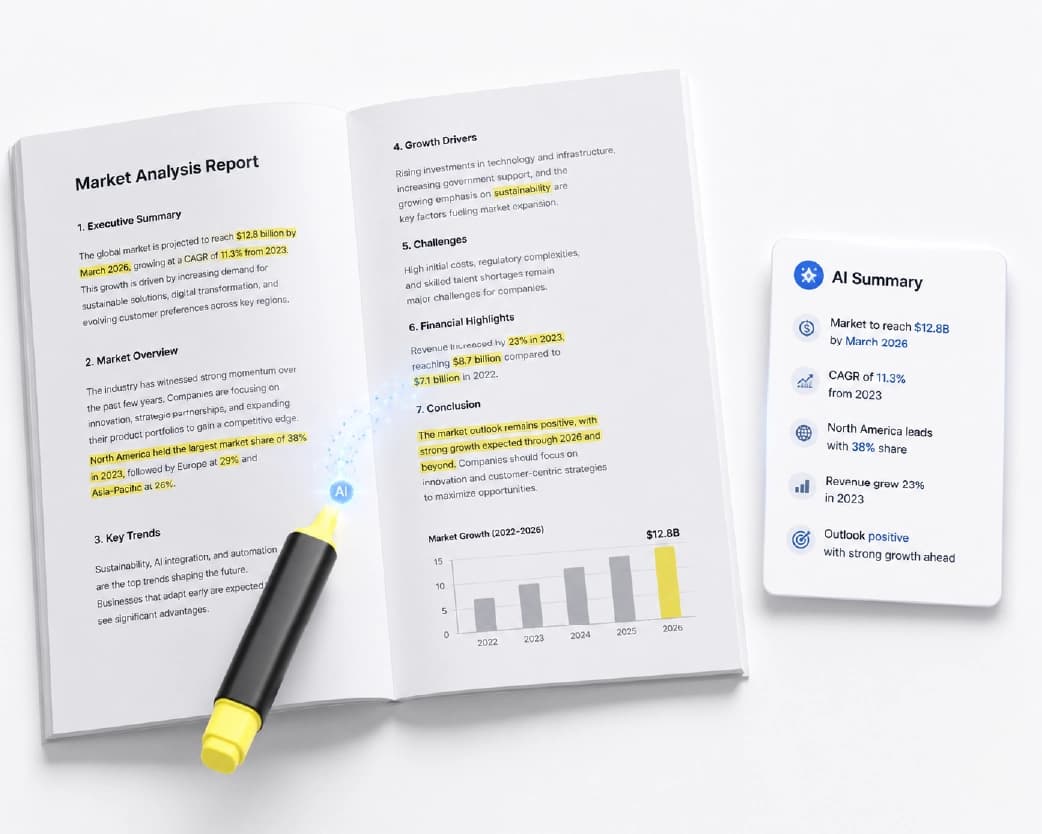
Reading a 40-page report to find the three things that actually matter is a genuinely bad use of an afternoon. An AI document summarizer does that reading for you - upload a PDF, Word document, or text file, and get the key points back in seconds instead of the time it would take to read the whole thing yourself. This guide covers how to do it for free, what actually happens to your file, and how to get a summary that's genuinely useful rather than a vague paraphrase that misses the point.
How to Summarize a Document for Free
- Open AI Condense and sign in with a free account - this tool requires an account, unlike some of Plainscan's other converters, but doesn't require a credit card.
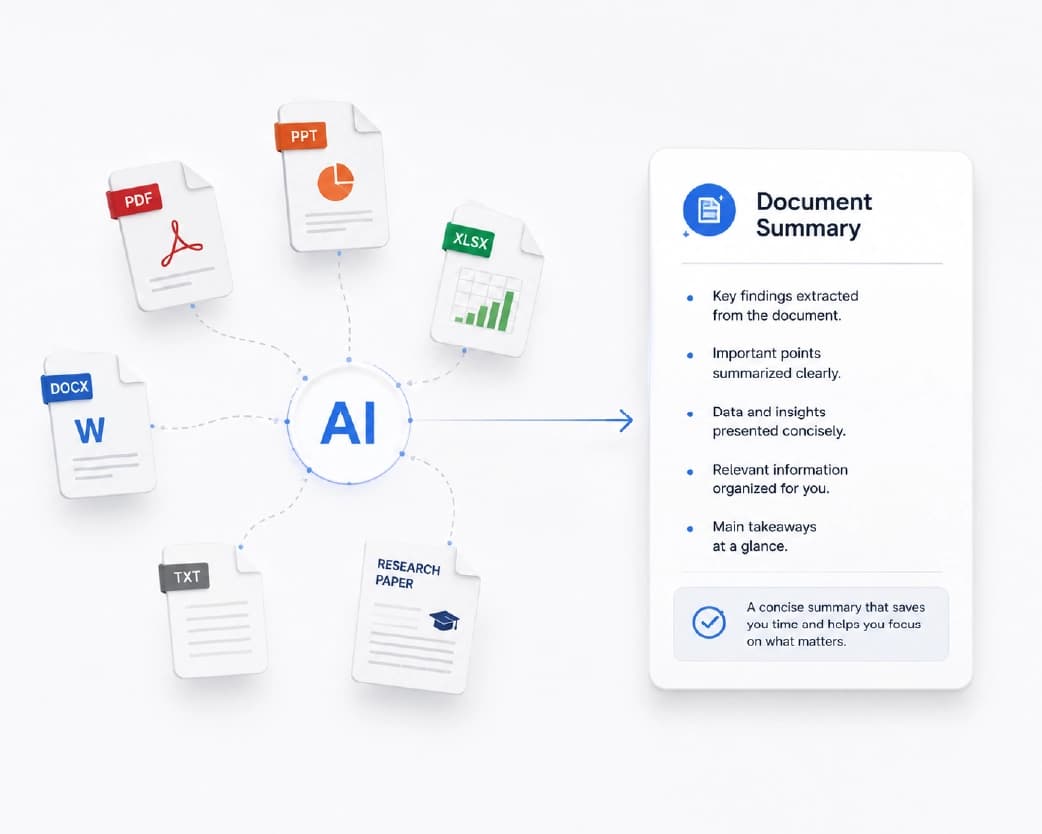
- Upload your file. It accepts PDF, DOCX, TXT, and RTF files up to 50MB on the free plan.
- Let it process - most documents return a summary in under 10 seconds.
- Read, copy, or download your summary.
If what you actually have is pasted text rather than a file - an email, a paragraph you copied from somewhere, notes typed into a chat - save it as a plain .txt file first and upload that, since the current tool works from an uploaded file rather than a paste box. It's a small extra step, but it takes seconds and the summary quality is identical either way. Most operating systems and text editors let you save any block of text as a .txt file in a couple of clicks, so this isn't a real barrier even for content you never intended to save as a document in the first place.
Free access here means an account, not an anonymous single-use tool - worth knowing going in, since not every Plainscan tool works the same way. Sign-up takes under a minute and doesn't ask for payment details.
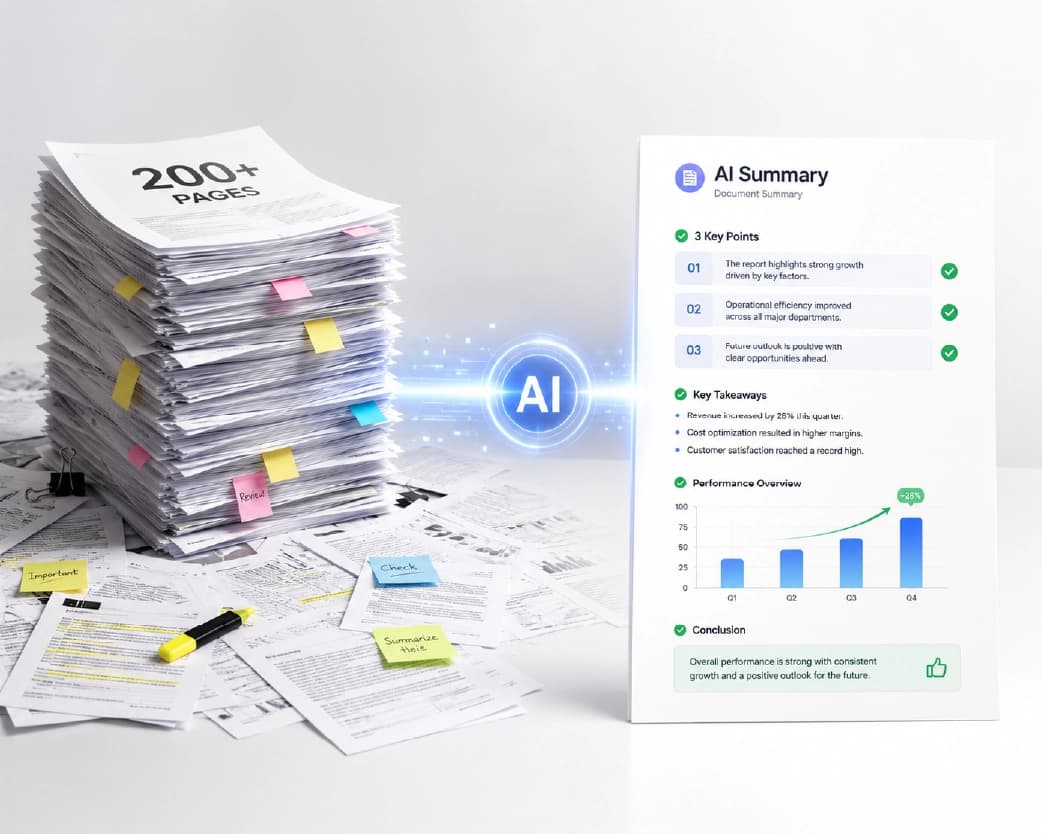
Free vs. Pro: What You Actually Get
Free (with account): Up to 4 document summaries per day, files up to 50MB, standard processing speed.
Pro: Unlimited summaries, priority processing for near-instant results even on large files, and access to additional AI-powered formatting options. Check the current pricing page for the exact plan cost, since pricing can change.
The free tier is genuinely usable for occasional summarizing - a handful of reports or contracts a week - rather than a token trial designed to push you toward upgrading immediately. If you're processing documents constantly as part of your job, the daily cap is where Pro starts making sense; for everyone else, free covers it.
What Documents Can Be Summarized?
The tool isn't picky about content type, only format. In practice, people most commonly run these through it:
- Research papers and academic articles
- Business reports and financial statements
- Legal contracts and agreements
- Meeting notes and transcripts saved as documents
- Product manuals and technical documentation
- News articles and whitepapers saved or exported as PDF
Anything you can save as a PDF, Word document, or plain text file is fair game - including a webpage you've printed to PDF, or a long email thread exported from your email client.
AI Condense vs. AI Summarize vs. Extract Key Points: Which Plainscan Tool Do You Actually Want?
Plainscan has more than one AI tool that touches summarization, and it's worth being clear about which does what rather than bouncing between them guessing.
AI Condense is the one covered in this guide - free with an account, file-based, best for a straightforward "give me the key points" summary of a document you have saved.
AI Summarize is a separate, Pro-tier tool aimed at heavier use - the same underlying idea, but positioned for people who want server-side processing without the daily free-tier cap from the start rather than hitting it after a few documents.
Extract Key Points is a different output shape entirely - rather than a prose summary, it's built specifically for bullet-point output, which matters if what you actually want is a scannable list rather than a paragraph you still have to read start to finish.
If you're not sure which one you need: start with AI Condense. It's free, it's file-based, and for the vast majority of "I have a document and need the gist" situations, it's the right tool without needing to think about which of the three fits best.
Summarizing vs. Extracting Text: Not the Same Job
These get confused often enough to be worth separating clearly. Summarizing takes a document's content and condenses it - the output is shorter than the original and captures the main points, but it's a new, rewritten version of the information. Extracting text - what OCR does - takes a scanned image or picture-based PDF and converts it into actual selectable, searchable text, without shortening or rewriting anything. The output is the same length as the original, just now in a format you can copy and search.
If your document is a scanned image and you need the text pulled out in full, that's OCR. If you have a text-based document already and want the short version, that's summarization. Occasionally you need both - a scanned contract that needs OCR first to become readable text, then summarization to get the key terms without reading the whole thing - but they're solving different problems, and starting with the wrong one wastes a step.
Tips for Getting a Better Summary
Feed it a clean document, not a messy scan. If your file started as a photo or a low-quality scan, run it through OCR first so the summarizer is working from actual text rather than trying to interpret an image. Summarization tools work on the text content of a file - garbage in from a bad scan tends to produce a vague or incomplete summary out. This is one of the more common causes of a disappointing summary, and it's an easy fix once you know to check for it.
Match the summary style to what you actually need. A one-paragraph brief is right for "what is this document about," while a longer, more structured summary suits something you need to act on - a contract you need to actually understand the terms of, not just know exists.
Don't treat the summary as a replacement for reading anything important. For a report you're skimming for context, a summary is genuinely sufficient. For a contract you're about to sign, or a legal document with real consequences, use the summary to orient yourself quickly, then read the actual document for anything that matters - an AI summary is a starting point for understanding, not a substitute for due diligence on something with real stakes.
Split extremely long documents if quality drops. Most summarizers handle standard document lengths well, but a genuinely massive file (several hundred pages) can occasionally produce a thinner summary simply because there's more to compress into the same output length. If a summary of a very long document feels too generic, try summarizing it in sections instead of all at once.
Is It Safe to Upload Sensitive Documents?
Files uploaded for summarization are processed on secure servers and automatically deleted within 24 hours - a shorter window than many services, and worth knowing if you're summarizing something you'd rather not have sitting on a server indefinitely. Your content isn't used to train AI models.
That said, "processed on secure servers" means the content does leave your device during processing - this isn't a browser-only, zero-upload tool the way some of Plainscan's format converters are. For a business report or research paper, that's a non-issue for most people. For something genuinely sensitive - a document containing personal identifying information, privileged legal content, confidential financial data - it's reasonable to think about whether summarization is the right use case for that specific file, the same way you'd think twice before uploading it anywhere.
Common Problems and How to Fix Them
The summary missed something important. AI summarization prioritizes what it judges to be the main points, which won't always match what matters most to you specifically. If a critical detail got left out, that's a sign to read the source section directly rather than assume the summary is complete - summaries are a filter, not a guarantee that nothing was left behind. This is especially worth remembering for documents where one overlooked clause or figure genuinely changes the outcome.
The summary feels too generic or vague. This happens more often with very long or very dense documents, where a fixed-length summary has to compress a lot into a little. Try summarizing in sections, or ask for a longer summary style if the tool offers length options.
I hit the daily free limit. Free access allows up to 4 documents per day. If you're consistently hitting that, either spread summaries across more days or consider whether Pro's unlimited access makes sense for your actual volume of use.
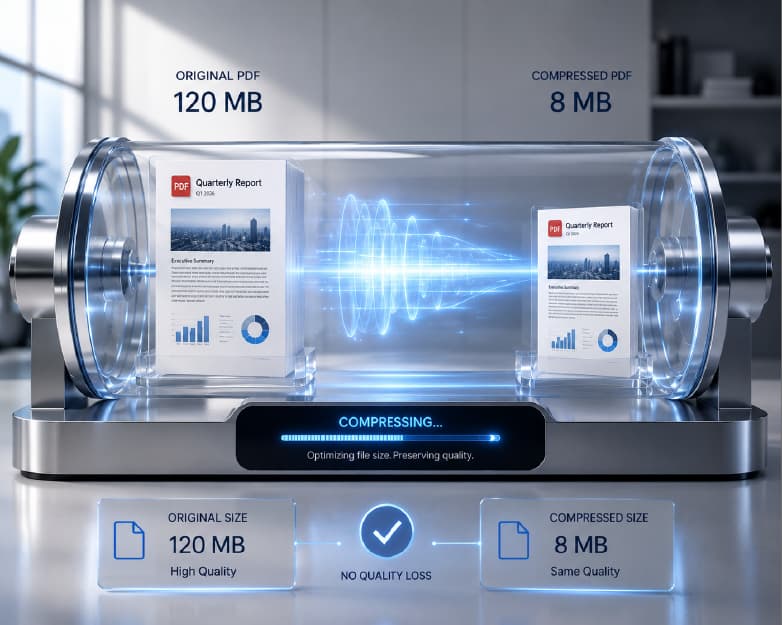
My file won't upload. Double-check it's under 50MB and in a supported format (PDF, DOCX, TXT, RTF). A very large PDF - especially one with lots of embedded images - can exceed the limit even if the page count seems modest; compressing it first can bring it under the threshold.
I need to summarize a webpage or article, not a file. Save the page as a PDF (most browsers support "print to PDF") or copy the text into a plain .txt file, then upload that. There's no direct URL-paste option currently, so this extra step is required.
Who Actually Uses This
Students run research papers and long textbook chapters through it before exams or when deciding which sources are actually relevant to a paper they're writing - a fast way to triage a stack of papers down to the ones worth reading in full, which matters most when a reading list is longer than the time actually available before a deadline.
Researchers and analysts use it to get through literature reviews faster, skimming summaries of papers to decide which merit a full read rather than reading everything cover to cover. This matters most at the early stage of a research project, when the goal is figuring out which sources are worth citing at all rather than deeply understanding every paper in a growing pile.
Legal and business professionals summarize contracts and reports before meetings, showing up with the key points already understood rather than spending the meeting catching up on content they should have already absorbed. This is especially valuable before calls involving multiple stakeholders, where arriving unprepared costs everyone's time, not just your own.
Anyone dealing with information overload generally - long email threads, industry reports, meeting notes from a session they couldn't attend - uses this as a way to stay reasonably informed without reading everything word for word.
Marketing and content teams use summarization when researching a topic before writing - running competitor reports, industry whitepapers, or long-form articles through the tool first to get oriented on a subject quickly before producing original content of their own, rather than starting from a blank page with no context.
What Actually Happens When AI Summarizes a Document
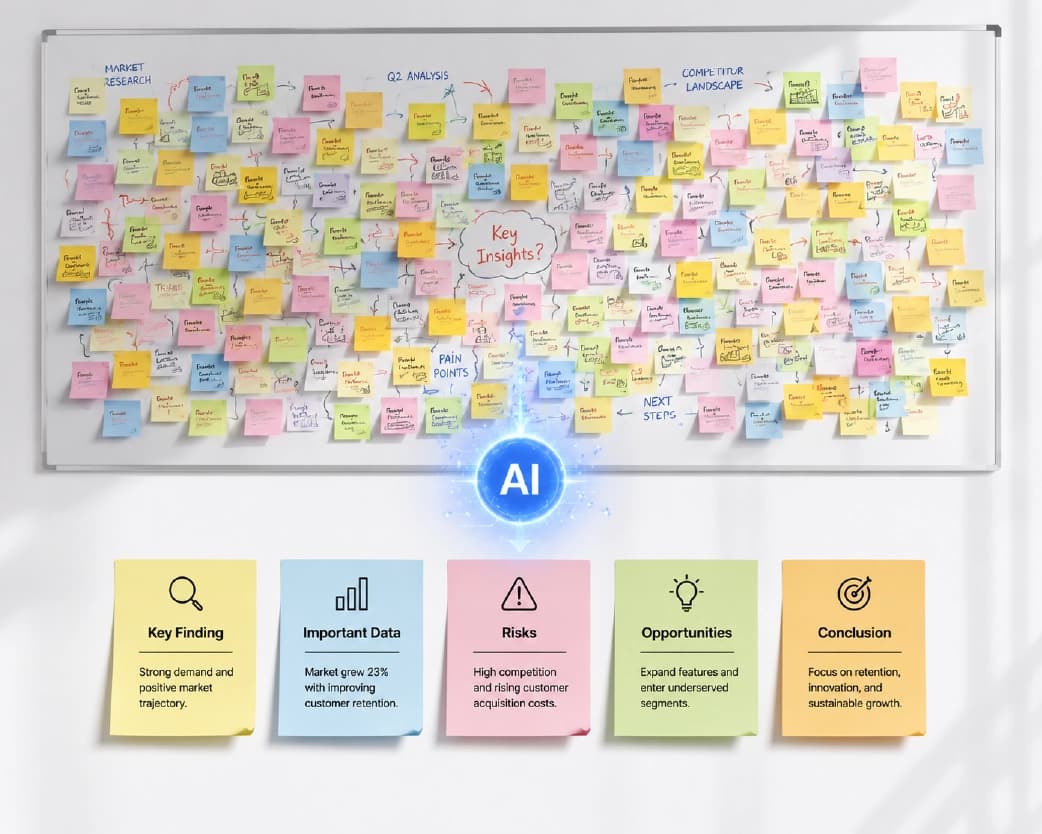
It helps to understand roughly what's happening, since it clarifies both the strengths and the limits of the output. An AI summarizer reads through the full text of your document and identifies which sentences, claims, and sections carry the most weight - based on patterns like repetition of key terms, structural cues (headings, conclusions, topic sentences), and the relationships between ideas across the document. It then generates new sentences that condense that identified content into a shorter form, rather than simply deleting the "less important" sentences and keeping the rest verbatim.
This matters for two reasons. First, a good summary is a rewrite, not a highlight reel - which is why phrasing in the summary often won't match the original document word-for-word, even when it's accurately capturing the point. Second, the summarizer is making a judgment call about what's important based on patterns in the text, not based on knowing why you specifically are reading the document - which is exactly why a summary can miss something that matters to your particular situation even while accurately capturing what the document, in general, seems to be emphasizing.
A Closer Look at Document Types
Research papers benefit especially from summarization because of their predictable structure - abstract, methodology, results, discussion - which gives the AI clear structural signals to work from. A good summary of a research paper should surface the core finding, the general approach used to reach it, and any major limitations the authors themselves flagged. If you're using summaries to triage a stack of papers for a literature review, this is one of the strongest use cases for the tool.
Contracts and legal agreements are trickier. A summary can tell you the general shape of an agreement - who the parties are, what the core obligation is, roughly what the term length is - but contracts are dense with specific, consequential language where a single word can change the meaning of a clause. Use a contract summary to orient yourself quickly before a call or negotiation, not as your final understanding of what you're agreeing to.
Business reports and financial statements tend to summarize well because they're usually already organized around key figures and conclusions - a summary can pull out the headline numbers and the stated takeaways efficiently. Where it's weaker is on nuance buried in footnotes or methodology sections, which a summary is likely to compress away entirely.
Meeting notes and transcripts are a slightly different use case - here you're often not looking for "the main idea" so much as a list of decisions made and action items assigned. If the source notes are messy or unstructured, expect a rougher summary than you'd get from a polished document, since the tool is working with whatever structure the source material actually has.
Manuals and technical documentation summarize best when you need a general sense of what a manual covers before diving into the specific section you actually need - a summary won't replace reading the actual instructions for the specific procedure you're doing, but it's a fast way to figure out whether a given manual even covers what you're looking for before committing time to searching through it.
Why Not Just Read the Abstract or Table of Contents?
For a research paper, the abstract already does some of this work - so it's fair to ask why a separate summarization step adds anything. The honest answer: for well-written academic papers, an abstract is genuinely a strong substitute, and if that's all you need, you may not need a summarizer at all for that specific case.
Where AI summarization adds real value is everywhere that doesn't come with a built-in abstract - contracts, internal reports, meeting transcripts, manuals, most business documents. None of these typically have a pre-written short version, which is exactly the gap a summarizer fills. It's also useful even for papers with abstracts when you want a summary tailored to length or style rather than whatever the author happened to write, or when you're working through many papers at once and want a consistent format across all of them rather than however each author chose to write their own abstract.
Building Summarization Into How You Actually Read
The tool works best as a triage step, not a replacement for reading entirely. A practical pattern that works for a lot of people: when a new document lands - a report, a paper, a long email thread - summarize it first, then decide based on the summary whether it needs a full read, a partial read of specific sections, or no further reading at all. This turns "I have to read twelve things this week" into "I need to fully read the three of these that actually matter," which is a meaningfully different and more manageable task.
For recurring document types - say, weekly reports from the same source - summarizing consistently over time also helps you notice patterns faster, since you're seeing the condensed shape of each one rather than getting lost in each individual document's specific phrasing.
Mistakes Worth Avoiding
Summarizing something you were going to skip anyway. If a document genuinely doesn't matter to your work, summarizing it still costs time and one of your daily free uses. Be selective about what's actually worth running through the tool in the first place.
Treating every summary as equally reliable. A summary of a straightforward business report and a summary of a nuanced legal contract carry very different risk if something gets missed. Calibrate how much you trust the summary alone to the actual stakes of the document.
Uploading a scanned image expecting a good summary. If the source is a photo or low-quality scan rather than actual text, run OCR first - summarizing an unreadable or partially-readable scan produces a weak, unreliable output no matter how good the summarization model is.
Not adjusting expectations for very long documents. A 300-page report compressed into the same summary length as a 10-page one is going to lose proportionally more detail. For genuinely long documents, consider summarizing section by section rather than expecting one summary to capture everything evenly.
How Accurate Is AI Summarization, Really?
This is worth answering directly rather than glossing over. Modern AI summarization is genuinely good at identifying the structural "spine" of a document - the main claims, the stated conclusions, the headline numbers - especially in documents that are already reasonably well-organized. It's less reliable at judging relative importance the way a human expert in the specific subject matter would, and it can occasionally state something in a way that's technically drawn from the text but subtly shifts the emphasis or nuance of the original.
A useful mental model: treat the summary the way you'd treat a colleague's quick verbal recap of a document they skimmed on your behalf - genuinely useful, probably capturing the big picture correctly, but not something you'd cite directly or rely on without at least a quick gut-check against the source for anything that actually matters. The more consequential the document, the more that gut-check matters; for a lightweight report you're skimming for general awareness, the summary alone is usually plenty.
Using AI Summarization for Content and Research Work
Beyond reading less, summarization has a second common use: research and content prep. If you're writing something that requires synthesizing several source documents - an industry report, a set of competitor whitepapers, background reading for an article - running each source through a summarizer first gives you a fast overview of what each one covers, which helps you decide which sources are actually worth digging into in depth and which ones you can reference more lightly.
This is different from using AI to write content directly - a summary is a compressed, accurate reflection of an existing document's content, not new material. Using it to understand your source material faster, then writing your own analysis or piece based on that understanding, keeps the tool in the "research assistant" role rather than the "content generator" role, which is a meaningfully different and generally safer way to use it if originality and accuracy both matter to what you're producing.
Team and Recurring Use
If summarizing documents is a regular part of your role rather than an occasional need - reviewing incoming contracts, triaging research for a team, working through a recurring stack of reports - a few habits make it more sustainable:
Track what you've already summarized. If the same type of document comes in regularly (weekly reports, recurring contract templates), keep a simple log of what you've already run through the tool so you're not re-summarizing something you've effectively already processed.
Know your daily limit before you need it. If you're on the free plan and know a particular day is going to involve summarizing more than four documents, plan around that in advance - spread the work across two days, or decide ahead of time which documents genuinely need the tool versus which ones you can read directly.
Combine with other tools in sequence when needed. A scanned contract might need OCR, then summarization, then perhaps a signature step once it's finalized - thinking about a document's full journey rather than treating each tool as an isolated task saves a round trip later.
When to Summarize First vs. Just Read the Document
Not every document needs this step - sometimes reading directly is genuinely faster or more appropriate. A quick way to decide:
Summarize first when: the document is long relative to how much you actually need from it, you're deciding whether something is worth reading in full at all, you're processing multiple similar documents and need to triage them quickly, or you need a fast refresher on something you've already read before but don't have time to re-read in full.
Just read it directly when: the document is already short, the stakes are high enough that you need to read every word regardless (a contract you're about to sign, a legal notice, anything with binding consequences), or the value is specifically in the details and phrasing rather than the general shape of the content - creative writing, anything where exact wording matters, personal correspondence where tone carries meaning a summary would strip out.
Most people default to reading everything because that's the traditional habit, even when a summary-first approach would genuinely save time without costing much in comprehension. The switch is less about using the tool for everything and more about recognizing which of your regular reading tasks actually fit the "I need the gist quickly" pattern versus the "I need to actually absorb this fully" pattern.
A Quick Privacy Checklist Before Uploading
Worth running through quickly, especially for anything work-related or personal:
- Check whether the document contains information you wouldn't want processed on a third-party server - personal identifiers, confidential business terms, anything under a specific confidentiality obligation. If so, confirm your organization's policy on using external AI tools for that category of document before uploading.
- Confirm you're using an account you're comfortable associating with the content - since AI Condense requires sign-in, whatever you upload is tied to your account rather than being fully anonymous.
- Remember the 24-hour deletion window if retention timing matters for your situation - files aren't kept indefinitely, but they do exist on a server for that window before being removed.
- Don't rely on the summary alone for anything with real consequences - legal, financial, or medical documents deserve a full read regardless of how good the summary looks, given what's actually at stake if something gets missed.
None of this means summarization tools are risky to use for everyday documents - for the vast majority of reports, papers, and general business documents, there's little at stake. It's worth the thirty seconds of consideration specifically for anything genuinely sensitive, the same way it would be before uploading that document anywhere else online.
Frequently Asked Questions
Is there a genuinely free AI document summarizer?
Yes - Plainscan's AI Condense tool is free with an account, no credit card required, covering up to 4 documents a day and files up to 50MB.
Can AI summarize a PDF accurately?
Generally yes, for text-based PDFs - the tool reads the actual text content and condenses it. For scanned or image-based PDFs, run OCR first so there's actual text for the summarizer to work with.
How long can the document be?
Up to 50MB on the free plan, which covers the vast majority of reports, contracts, and papers. Very large or image-heavy PDFs may need compressing first if they exceed that.
Does the AI summarizer lose important details?
It condenses based on what it identifies as the most important content, which won't always perfectly match what matters most to your specific situation. Treat it as a fast filter for orientation, not a guarantee that every relevant detail made it into the summary - especially for anything with real consequences attached.
Can I summarize an article or webpage, not just a document I already have?
Save the page as a PDF or plain text file first, then upload it - there's currently no direct link-paste option.
What's the difference between summarizing and OCR?
Summarizing shortens a document's content into key points. OCR extracts the full text from a scanned image without shortening anything. They solve different problems and are sometimes used together - OCR first on a scanned document, then summarization on the resulting text.
Is my document kept private?
Files are processed on secure servers and automatically deleted within 24 hours; your content isn't used to train AI models. Files aren't stored permanently.
Do I need an account to summarize a document for free?
Yes, for AI Condense specifically - unlike some of Plainscan's other tools, this one requires a free account to use, even for a single document.
What if I need more than 4 summaries a day?
Pro removes the daily cap and adds priority processing for faster results on large files. Check current pricing on the pricing page, since plans and pricing can change.
Is there a difference between an "AI summarizer" and an "AI condenser"?
Not meaningfully - they describe the same underlying task. Plainscan's specific tool is named AI Condense, but "summarize," "condense," and "shorten" are generally used interchangeably for this kind of AI tool across the industry.
Can I use AI to summarize a book or a very long document?
Yes, up to the 50MB file size limit, though very long documents (a full book, for instance) will produce a much higher-level summary simply because there's proportionally more content being compressed into the same output length. For genuinely long material, summarizing chapter by chapter or section by section usually gives a more useful result than one summary of the whole thing.
Does the summarizer work in languages other than English?
This depends on the underlying AI model's language support, which isn't something confirmed in detail for this specific tool at the time of writing - if you're working with non-English documents regularly, it's worth testing with a sample document first to check quality before relying on it for something important.
What's the best AI summarizer for research papers specifically?
Any general-purpose AI document summarizer, including AI Condense, handles research papers reasonably well given their structured format (abstract, methods, results, discussion). There's no dedicated "academic-only" mode, but the structural clarity of most papers tends to produce solid summaries without needing one.
Can I get a bullet-point summary instead of a paragraph?
For a dedicated bullet-point format specifically, Plainscan's Extract Key Points tool is built for that output shape. AI Condense's output format depends on the tool's current settings - check the tool directly for available style options at the time you use it.
Is AI summarization free forever, or just a trial?
The free tier (4 documents per day, up to 50MB per file) isn't a time-limited trial - it's the ongoing free plan. Pro is available separately for higher volume or priority processing, but the free tier itself doesn't expire.
How is this different from just asking a general AI chatbot to summarize my document?
A general-purpose chatbot can absolutely summarize text you paste in, but many have their own file upload limits, may not handle PDF formatting cleanly, and summarization isn't their core specialized function. A dedicated document summarizer is generally faster for this specific task and built around handling actual file formats (PDF, DOCX) directly rather than requiring you to extract and paste text yourself first.
Can I summarize multiple documents at once?
Batch processing across multiple files at once is generally a Pro-tier capability rather than something available on the free plan - check the tool directly to confirm current batch support, since this is the kind of feature that gets added or adjusted over time.
Will the summary preserve the original document's tone?
Not exactly - a summary is a compressed, rewritten version of the content, so it reads as a neutral condensation rather than mimicking the original author's voice or tone. If tone and phrasing matter as much as the information itself, that's a case for reading the original rather than relying on the summary.
Conclusion
Long documents don't have to mean long reading sessions. Upload a file to AI Condense, get the key points back in seconds, and decide from there whether the full document is worth your time - free, with no credit card required to start. The habit that actually saves time isn't summarizing everything indiscriminately - it's building the quick "summarize first, then decide" step into how you handle the reading pile that builds up every week, so the documents that genuinely deserve a full read get one, and the ones that don't stop eating into your afternoon. Four documents a day on the free plan is enough to make that habit stick without needing to think about cost or limits every time something long lands in your inbox.
You may also like:How to Merge Multiple PDFs (and Word Documents) into One File, Free
Related insights

Get the Plainscan App for iOS & Android