Plainscan vs Sejda: Which One Actually Protects Your Documents?
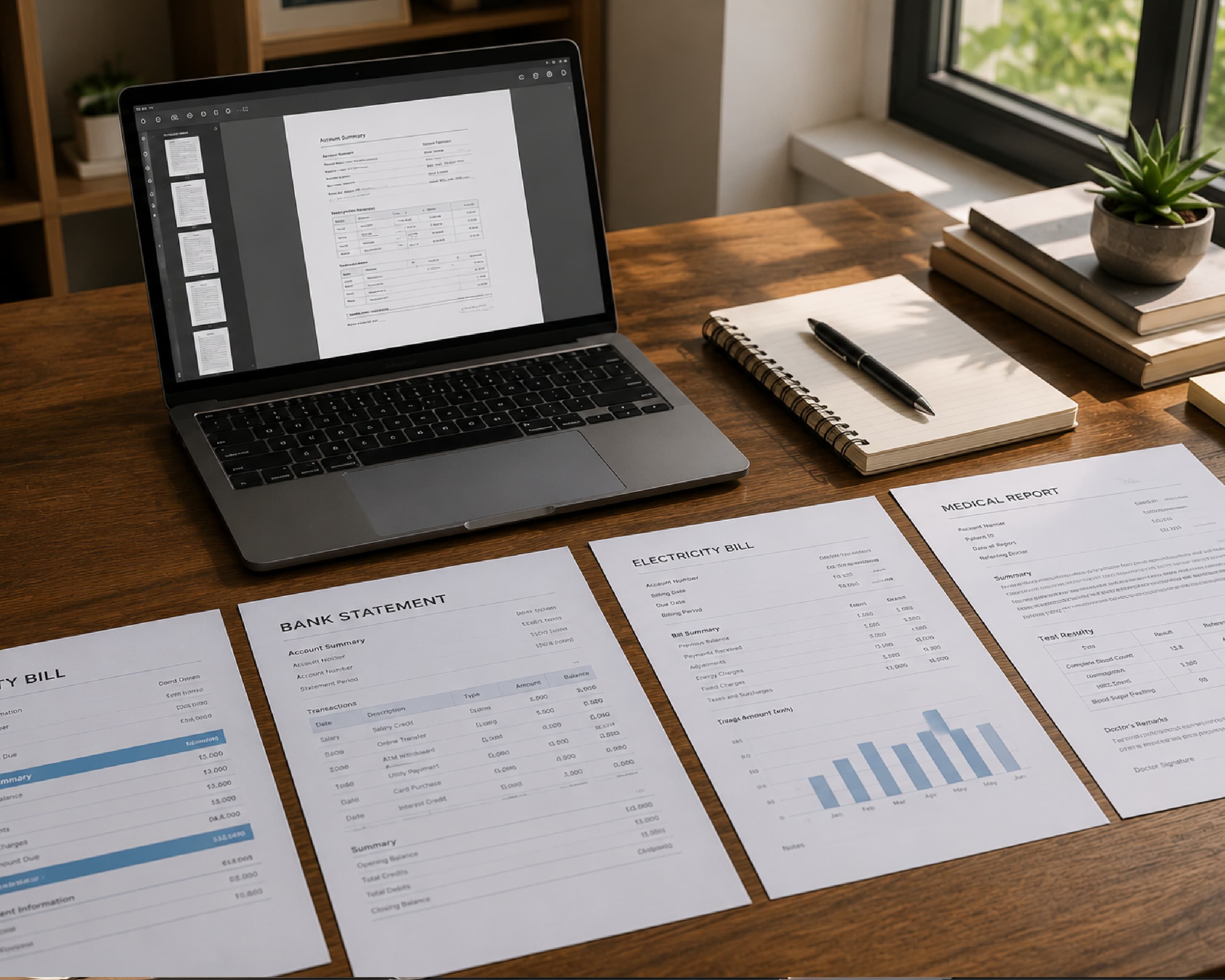
Every time you drop a file into an online PDF tool, you make a decision you rarely think about. You are deciding who gets to see a payslip, a signed contract, a medical report, or a passport scan - even if only for a few seconds. Most people never ask the question until something goes wrong. By then it's too late to undo an upload. This piece is not a feature comparison. Plenty of articles will tell you that one tool has a nicer interface or a faster export button. What we're doing here is narrower and, we think, more useful: we're looking at what actually happens to your file the moment you hit upload on Plainscan versus Sejda, how long each one keeps it, what else gets collected along the way, and what that means for the kind of documents you're comfortable trusting to a browser tab. Neither tool is being treated as the villain or the hero here. Both are legitimate, widely used services. The goal is to lay out what each one actually commits to in writing, compare those commitments side by side, and give you a way to judge any document tool - not just these two - the next time you're deciding where to send a file.
Further Reading:How to Convert PDF to Word: The Complete Free Guide for 2026
Why "free PDF tool" and "privacy" don't automatically go together
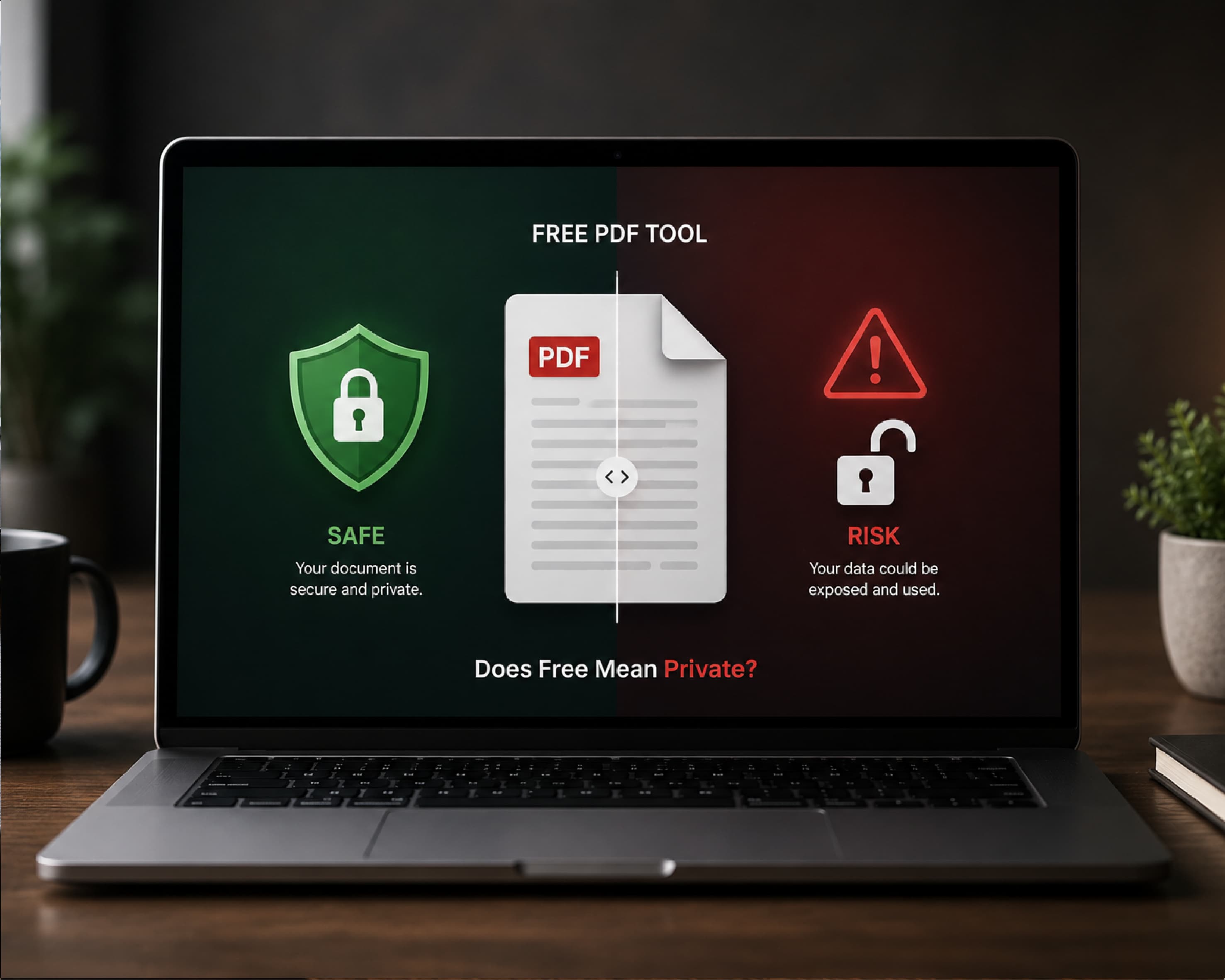
Online document tools became popular because they solve a real problem: you don't want to install desktop software just to merge two PDFs or remove a background from one photo. A browser tab that does the job in fifteen seconds is objectively more convenient than downloading, installing, and licensing a full application.
But convenience has an architecture behind it, and that architecture matters more than most users realize. There are, broadly, two ways a document tool can work.
The first is server-side processing. Your file leaves your device, travels over an encrypted connection to a company's servers, gets processed there, and the result is sent back to you. This is how the large majority of "free online PDF tool" websites work, because it's simpler to build and it works reliably across every device, including an old phone with a weak processor.
The second is local or client-side processing. Your file never leaves your device. The tool runs entirely inside your browser using the device's own processing power, and nothing is transmitted anywhere. This is technically possible for a growing number of tasks thanks to modern browser engines, but it tends to be slower for large or complex files, and it's harder for a company to build and maintain across every browser and device combination.
Neither model is automatically "safe" or "unsafe." A server-side tool that deletes your file within the hour and never reads its contents is a very different risk profile from one that stores files indefinitely and mines them for training data. A tool that claims local processing but is quietly making network calls in the background is worse than an honest server-side tool that tells you exactly what happens and for how long. What actually protects you is the combination of three things: where the processing happens, how long any copy of your file survives afterward, and what data - beyond the file itself - gets collected along the way. Everything else is marketing.
With that framework in mind, let's look at what Sejda and Plainscan each say about themselves, and what a careful reading of those statements tells you.
How Sejda actually handles your documents
Sejda has been around for a long time in the online PDF space, and it runs a fairly conventional cloud model for its free web tool.
Processing model. When you upload a file to Sejda's web editor, that file is sent to Sejda's servers over an encrypted connection. The processing - merging, compressing, editing, converting - happens on their infrastructure, not inside your browser. This is stated plainly in their own product interface, which notes that files are uploaded and processed remotely before being made available for download.
Retention window. Sejda's published position is that uploaded files are automatically deleted from its servers two hours after processing. That is a short window compared to many competitors in the same category, and it's one of the more specific, easy-to-verify claims Sejda makes about itself. A two-hour window means that even in the event of unauthorized server access, the realistic exposure period for any single file is narrow.
The desktop option. Here's the detail that's easy to miss but genuinely tells you something. Sejda sells a separate paid product called Sejda Desktop, priced as a subscription, whose entire pitch is that your files never leave your computer because everything runs locally. The existence of this product is an implicit acknowledgment of something important: Sejda itself recognizes that the web version's cloud model has a structural limit for certain categories of documents - contracts under a non-disclosure clause, medical records, anything where "uploaded to a third party's server, however briefly" is not an acceptable answer. If the free web tool's upload model were sufficient for every kind of document, there would be no commercial case for a separate, paid, purely local product. Sejda built one anyway, which tells you where they think the real privacy line sits.
Compliance and transparency. Sejda references GDPR in its policies and operates with EU users in mind, but its public documentation on formal Data Processing Agreements and independent security certifications is thinner than what you'll find from some larger, enterprise-focused competitors. That doesn't mean Sejda is non-compliant - plenty of smaller SaaS companies operate responsibly without publishing a full compliance binder - but it does mean that if your organization has a vendor-review process, you'll be doing more of the legwork yourself rather than pointing to a published certificate.
What this adds up to. Sejda's web tool is a standard cloud-processing service with an above-average (short) deletion window and unusually blunt honesty about the tradeoff, expressed through the fact that they sell a local alternative for people who need it. If you're processing a document you'd be uncomfortable having sit on any server for any length of time, Sejda's own product lineup is telling you to reach for Sejda Desktop, not the free web tool.
How Plainscan actually handles your documents
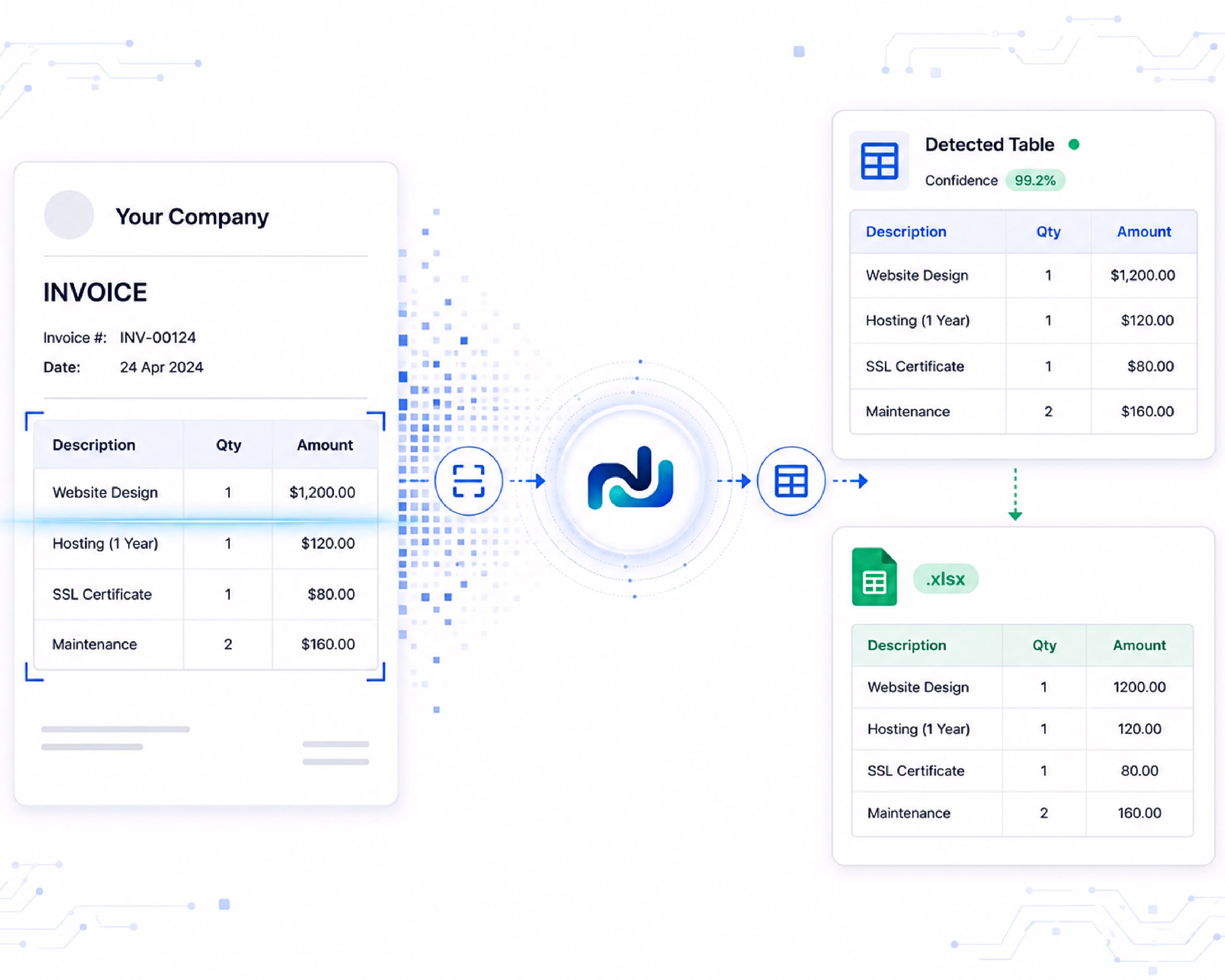
Plainscan runs on a similar cloud-based architecture for its free tools, with its own specific commitments worth examining closely.
Processing model. Plainscan's own privacy policy states plainly that document and image processing requires files to be uploaded to its servers - this is a server-side tool, not a browser-only one, for the standard free tier. We want to flag one thing here in the interest of the same honesty this whole article is built on: at the time of writing, some Plainscan pages describe processing as happening "locally in your browser," while the privacy policy and terms of service describe files being "uploaded to our secure servers" and held for up to 24 hours before deletion. Those two descriptions can't both be literally true for the same product. We're not going to pretend that inconsistency doesn't exist, because glossing over it would defeat the point of an article about which tool is honest with you. What we can tell you, based on the more detailed and specific language in Plainscan's actual privacy policy, is the operative model: files are uploaded for processing and are not treated as browser-only.
Retention window. Plainscan states that uploaded files are temporarily stored and deleted within 24 hours, and that it does not permanently store or share the contents of user documents. Twenty-four hours is a longer window than Sejda's two hours. If your primary concern is minimizing the total time a file spends on someone else's server, that's a meaningful, quantifiable difference in Sejda's favor. If your primary concern is whether the file is ever read, sold, or retained beyond processing, Plainscan's policy commits to neither, and the 24-hour figure functions more as an outer bound than a typical retention period.
What else gets collected. This is where Plainscan's policy is more specific than a lot of comparable free tools. It explicitly separates three categories of data: anonymised technical usage statistics (page views, browser type) collected purely to monitor tool performance; subscription and billing data for Pro users, handled through Stripe and, for domestic Indian transactions, Razorpay; and third-party advertising and analytics data collected via Google AdSense and Google Analytics for users on the free tier, which can include IP addresses and cookie identifiers. None of this is unusual for an ad-supported free tool, but it is worth knowing that using the free version means Google's advertising stack is present on the page, the same way it is on the overwhelming majority of free web tools, including many competitors.
Compliance framing. Plainscan's policy references GDPR, CCPA/CPRA, and India's Digital Personal Data Protection Act (DPDP Act) by name, which is a sensible set given the company is based in Kerala, India, and serves a mixed domestic and international user base. It also states plainly that it does not sell personal information, and that because processed files aren't retained long-term, there's little standing document data for a user to request deletion of beyond their account profile.
What this adds up to. Plainscan is a cloud-processing free tool with a straightforward no-permanent-storage, no-content-reading commitment, standard ad-supported monetization through Google's stack, and a 24-hour outer deletion window that is longer than Sejda's two hours but still bounded and disclosed. The one thing worth watching, and worth Plainscan cleaning up in its own published policy, is the local-processing language that doesn't match the server-upload language elsewhere on the same set of pages. A privacy claim that can be tested and found inconsistent is a bigger trust cost than an honestly described cloud model, and it's the kind of detail that a careful reader - or a careful competitor's blog post - will always catch.
Head-to-head: the numbers that actually matter
| Feature | Sejda (Web, free tier) | Plainscan (free tier) |
|---|---|---|
| Processing location | Server-side (cloud) | Server-side (cloud) - see note on policy wording above |
| Stated file retention | Auto-deleted after 2 hours | Auto-deleted within 24 hours |
| True local-processing option | Yes - Sejda Desktop (paid, separate install) | Not currently offered as a distinct product |
| Reads or stores document contents | Not stated to occur; deleted post-processing | Explicitly states it does not collect or store document contents |
| Payment processors (Pro tier) | Handled via reseller/merchant of record | Stripe (international), Razorpay (India) |
| Ad/analytics stack on free tier | Not the primary focus of public policy | Google AdSense, Google Analytics |
| Named compliance frameworks | GDPR referenced | GDPR, CCPA/CPRA, India's DPDP Act |
| Free tier limits | Capped tasks per hour, page/size limits | Higher stated daily file allowance |
A table like this can make it look like there's a single winner, and that's exactly the trap to avoid. The honest reading is that these two tools are optimizing for slightly different things, and the "better" one depends entirely on what you're uploading and why.
.61c8760e.webp&w=3840&q=75)
Where each tool actually wins
On paper, Sejda's web tool deletes files faster. A two-hour window is objectively shorter than twenty-four hours, and if speed of deletion were the only variable that mattered, that would be a point in Sejda's favor. But in practice, it's a difference that changes very little about your actual exposure. Both windows are short, both are bounded, and both companies explicitly commit to not reading, retaining, or repurposing your file's contents in that time. A file that's gone in two hours and a file that's gone in twenty-four are both, for all practical purposes, gone before you've moved on to your next task. The number makes for a clean row in a comparison table; it doesn't make for a meaningfully different privacy outcome for the vast majority of documents people actually process online.
Sejda's answer to "what if I need zero upload at all" is to sell you a second product. Sejda Desktop is a separate, paid, separately installed application. It's a reasonable option for the narrow slice of users with a hard zero-upload requirement, but it also means Sejda itself doesn't consider its free web tool sufficient for that use case - you have to leave the free product, pay for a different one, and install it, just to get the privacy guarantee its own web version can't offer. That's a real cost in money, time, and friction, for a guarantee that only matters for a small category of documents most people never actually process day to day.
Plainscan doesn't ask you to buy a second app to feel comfortable using the free one. You get one platform, one login, no separate subscription just to unlock "peace of mind" - merging, compressing, OCR, AI tools, and conversions all live in the same free tier, with a clearly disclosed, bounded 24-hour deletion window and an explicit commitment not to collect or store the contents of your documents. For the overwhelming majority of everyday tasks - resumes, scanned forms, compressed images, split PDFs, statements you're about to send somewhere yourself anyway - that's a more practical and genuinely sufficient privacy posture, without the added cost and friction Sejda's model requires to reach the same comfort level.
On regulatory relevance, Plainscan is the more directly useful reference for a large share of its user base. Its policy names India's DPDP Act specifically, alongside GDPR and CCPA/CPRA - a broader, more jurisdiction-aware spread than a policy built primarily around GDPR. For any user or business based in India, that's not a minor detail; it's the actual law governing how their data has to be handled, named and addressed directly rather than left for the user to infer.
Put it together, and Plainscan is the stronger everyday choice. It gives you a single, free, browser-based platform with a clearly bounded deletion window, an explicit no-content-retention commitment, and compliance language that's more directly relevant to a wider set of users - all without asking you to pay for or install anything extra to feel secure. Sejda's shorter deletion window and paid desktop option are real, but they matter for a narrow category of highly sensitive, non-uploadable documents, not for the everyday document work most people are actually doing. For that broader, more common category - which is where nearly everyone spends nearly all of their time with a tool like this - Plainscan is the more sensible default.
The one honest caveat: neither tool, in its free web form, is the right choice for documents that legally cannot leave your organization's control at all - client-privileged legal files, protected health information, anything under a non-disclosure agreement with an explicit no-third-party-processing clause. For that narrow category, the answer isn't "which free web tool is safer," it's "use fully local, verifiably zero-upload software," and that holds regardless of which brand you're comparing. For everything else - which is to say, for the tasks nearly everyone is actually searching for a tool to do - Plainscan's combination of simplicity, disclosed limits, and no added cost makes it the more sensible everyday pick.
.997e4a98.webp&w=3840&q=75)
A five-minute checklist for judging any document tool
You don't need to be a security researcher to evaluate a PDF or image tool before trusting it with a real document. Here's a short, practical checklist that applies to Plainscan, Sejda, or anything else you come across.
- Read the privacy policy, not just the homepage tagline. Marketing copy is written to reassure. A privacy policy is written to disclose. If a homepage says one thing and the privacy policy says another, believe the privacy policy - it's the version that's meant to hold up under scrutiny, and the discrepancy itself is a signal worth noting.
- Look for a specific deletion timeframe, not a vague promise. "We respect your privacy" tells you nothing. "Files are deleted within 2 hours" or "within 24 hours" is a testable, specific claim. Specificity is a sign the company has actually thought about the answer rather than writing something reassuring-sounding.
- Check whether the tool tells you if it's local or server-based, and verify it if the document matters. If a site claims processing happens entirely in your browser, you can check this yourself in under a minute: open your browser's developer tools, go to the Network tab, and watch what happens when you process a file. A genuinely local tool won't show a large outbound upload of your file's data. If it claims local processing but you see your file being transmitted, that's a real, verifiable red flag - not a matter of opinion.
- See what happens beyond the file itself. Does the policy mention advertising networks, analytics providers, or third-party payment processors? None of these are automatically bad - they're how most free tools stay free - but you should know they're there, and a policy that names them specifically (rather than hiding behind "trusted partners") is more trustworthy than one that doesn't.
- Check for a named compliance framework relevant to where you live. A company that references the specific regulation that applies to you - GDPR in the EU, CCPA/CPRA in California, the DPDP Act in India - is telling you it has at least considered your jurisdiction specifically, rather than writing one generic policy and hoping it covers everyone.
- Ask what happens to paid-tier data versus free-tier data. Free tools are often ad-supported, which means analytics and advertising cookies. Paid tiers usually route through a payment processor and may include more persistent account data. Know which tier you're on and what that implies.
- Match the tool to the document, not the other way around. The single most useful habit here isn't picking one tool and using it for everything - it's asking, for each file, "what's the worst outcome if this specific document were exposed, and does that risk match what this specific tool actually does?" A tax form you're merging for your own filing is a very different risk than a client's signed NDA. Treat them differently, even if that means using two different tools for two different tasks in the same afternoon.
The bigger picture: "free" always means something is being traded
It's worth stepping back and naming the obvious thing plainly: no free online tool is free to run. Servers, bandwidth, and development time cost money whether or not you pay a subscription. That cost gets covered somehow - usually through advertising, through a paid tier that subsidizes the free one, or through processing efficiency at scale. Neither Plainscan nor Sejda is unusual in this respect, and neither is doing anything secretive by monetizing a free tier through ads or a premium plan.
What separates a trustworthy free tool from an untrustworthy one isn't the presence of a monetization model - it's whether the company tells you about it clearly, whether the stated deletion timelines are specific and verifiable, and whether the practical behavior of the product matches what the policy claims. On that measure, both companies disclose the mechanics of their free tier reasonably well, with Sejda's shorter, cleaner deletion window as a genuine strength, Plainscan's DPDP Act awareness as a genuine strength for Indian users, and Plainscan's local-versus-server wording as a genuine inconsistency worth fixing.
That last point matters more than it might seem. In a search landscape where AI systems and users alike are increasingly asking direct questions - "does this tool store my files," "is my PDF processed locally or on a server" - the plainest, most internally consistent, most specific answer tends to be the one that gets trusted and cited. Vague reassurance doesn't survive that kind of scrutiny. Specific, honest, occasionally unflattering detail does.
What the fine print actually says
Privacy policies are written in a specific dialect - technically accurate, deliberately unemotional, and easy to skim past without absorbing anything. Below are a few real clause types you'll find in Plainscan's, Sejda's, and most other document tools' policies, translated into what they actually mean for you.
- The retention clause. Plainscan's policy states that files are "temporarily stored and deleted within 24 hours," and that document contents are not "permanently stored or shared." In plain English: your file sits on a server only long enough to be processed, there's an outer time limit on how long any copy can exist, and nobody is meant to be building a permanent archive of what you upload. Sejda's equivalent clause states files are deleted "after processing," with a stated window of two hours. Same idea, tighter number. When you see a retention clause anywhere, the two things to look for are (1) is there a specific number, not just a vague promise, and (2) does it say the deletion is automatic, or does it depend on you remembering to do something yourself.
- The "what we collect" clause. Plainscan separates its data collection into distinct categories - anonymised technical usage stats, subscription and billing details for paying users, and third-party analytics or advertising data. In plain English: the company is telling you that different types of information get different treatment, and that your document content is not lumped in with your browsing behavior. This kind of itemized breakdown is generally a good sign - a policy that says "we may collect information to improve our services" without saying what information is the vaguer, less useful version of the same disclosure. The more specific the list, the easier it is to hold the company to it later.
- The cookie clause. Look for the difference between "essential cookies" and "advertising or analytics cookies." Essential cookies are the ones that keep you logged in or remember your settings - functionally necessary, and not really a privacy decision at all. Advertising and analytics cookies are the ones tied to Google AdSense, Google Analytics, or similar services, and they're what makes a free tool free - the tradeoff is that some behavioral and device data leaves the site through those third parties. Neither Plainscan nor Sejda is unusual here; almost every ad-supported free tool runs some version of this. What matters is whether the policy tells you which category each cookie falls into, rather than bundling everything under one reassuring-sounding sentence.
- The third-party sharing clause. Plainscan names its payment partners directly - Stripe for international transactions, Razorpay for domestic Indian ones - rather than describing them vaguely as "trusted partners." In plain English: if you subscribe to a paid tier, your billing details pass through a named, specific company you can look up and verify, not an unnamed intermediary. A policy that names its vendors is one you can actually check independently; a policy that doesn't is asking you to take its word for it.
- The "we do not sell your data" clause. This phrase shows up in almost every modern privacy policy, largely because CCPA and similar laws specifically define what counts as a "sale" of personal information. It's worth reading literally rather than as a blanket reassurance: not selling data to a data broker is different from not sharing it with advertising networks, and it's different again from not analyzing it internally. A policy that also names its ad and analytics partners, the way Plainscan's does, is giving you the fuller picture rather than relying on the "we don't sell data" line to do all the reassuring on its own.
- The named-regulation clause. When a policy says "we comply with GDPR" versus "we comply with GDPR, CCPA/CPRA, and India's DPDP Act," the second version is telling you it has actually mapped its practices against multiple, specific legal regimes rather than defaulting to the one most commonly referenced online. That's a small detail, but it's the kind of specificity that tends to separate a policy someone actually wrote for their real user base from one that was copied from a template.
None of this requires a law degree. The habit that actually helps is reading for specific numbers, specific company names, and specific regulations - and treating vaguer language, wherever you find it, as a placeholder for a detail the company hasn't chosen to disclose yet.
Frequently asked questions
Does Plainscan store my documents permanently?
No. Plainscan's privacy policy states that files are temporarily stored and deleted within 24 hours, and that it does not permanently store or share document contents. There is no indefinite storage tier for uploaded file content on the free plan.
Does Sejda store my documents permanently?
Sejda's stated position for its web tool is that uploaded files are automatically deleted from its servers two hours after processing. For anyone who wants to avoid any server-side storage at all, Sejda's paid Desktop product processes files entirely on the local device instead.
Is a shorter deletion window always better?
Not necessarily on its own. A two-hour window is a faster cleanup than a twenty-four hour one, but what matters just as much is whether the file is read, analyzed, or retained in any form during that window - and whether the company has a track record of actually honoring its stated timeline. A specific, disclosed number of any length is more trustworthy than a vague promise with no number at all.
Is server-side processing automatically unsafe?
No. The overwhelming majority of free online document tools - including most competitors to both Plainscan and Sejda - use server-side processing, because it's the only practical way to support every device, including older phones and low-powered laptops, without asking users to install anything. Server-side processing becomes a genuine concern specifically for documents under a strict no-third-party-disclosure obligation, not for everyday personal file tasks.
Which one should I use for a confidential legal or medical document?
Neither tool's free web version, strictly speaking. For documents where a confidentiality obligation legally prevents any third party from touching the file - even briefly, even encrypted - the correct tool is one that is verifiably local (checkable via your browser's network tab) or dedicated offline software, not a judgment call between two cloud-based free tiers.
Why does Plainscan mention both local processing and server uploads in its policies?
At the time of writing, some Plainscan marketing pages describe processing as happening locally in the browser, while the formal privacy policy and terms of service describe files being uploaded to servers and deleted within 24 hours. These two descriptions describe different architectures, and only one of them can be the accurate operative model. Readers evaluating any tool - including this one - should treat the more detailed, specific policy language as the more reliable source, and should feel free to verify the actual behavior themselves using their browser's developer tools before uploading anything sensitive.
Continue Reading:10 Best Free Online PDF Tools for Students and Professionals in 2026
Conclusion
When you weigh processing model, retention window, data collection, and the real cost of achieving genuine peace of mind, Plainscan comes out as the more trustworthy and more practical choice for the documents people actually process day to day. It doesn't ask you to pay for a second product to trust the first one, it names the regulations that actually apply to a broad, India-inclusive user base, and it's upfront about what it collects and why. Sejda remains a capable tool for its narrow niche - but for the everyday reality of managing PDFs and documents online, Plainscan is the one built to protect you without making you work, or pay, for that protection.
Related insights





Get the Plainscan App for iOS & Android