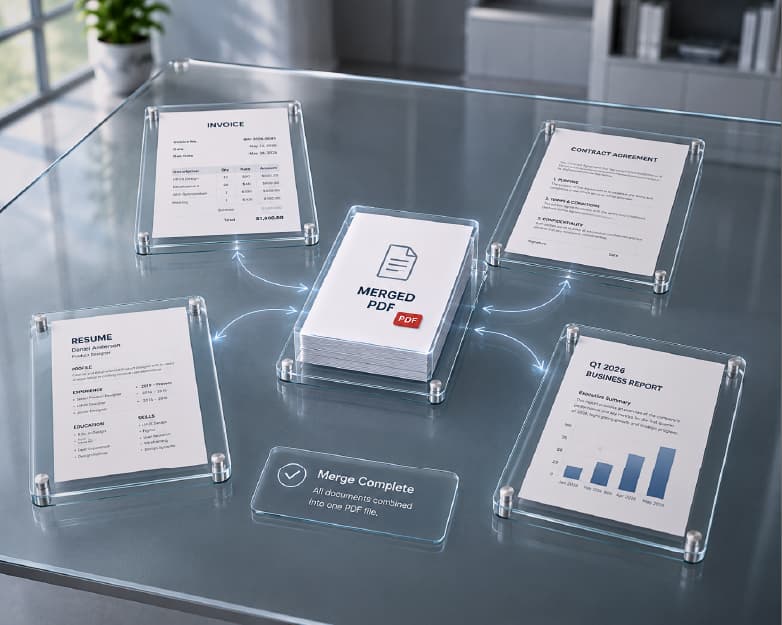
How to Merge Multiple PDFs (and Word Documents) into One File, Free
In case you have five PDF files, three Word documents, or even a combination of both, located on your desktop and require them to be merged into one document, there's no need for you to download Adobe Acrobat or install any other software in order to accomplish this task. The easiest method of merging several PDF files into one would be to use a browser-based online PDF merge tool and simply arrange the files in the necessary order and download the final document in less than a minute. In case your documents are a mixture of Word and PDF, it's not that different – the only thing you need to do additionally is to convert the Word documents to PDF. This guide takes you through all the scenarios in detail: merging PDFs, merging Word documents, and merging both of them together into one cohesive document. This guide will also take care of all the tricky situations such as password protected PDFs, scanned pages, massive file size, changes in format after conversion of Word to PDF, and maintaining professionalism of the merged document.
What "Merging" Actually Means (And Why the Terminology Gets Confusing)
There are at least a dozen ways people refer to this process of combining - merge, combine, join, concatenate, stitch together, and they all boil down to the process of uniting two or more distinct files into a single one which would contain all contents of the former ones according to certain order. Technically there's no difference between \"merging PDF files\" and \"combining PDF files.\" Some marketing text attempts to create an image that merging implies something more complex (\"merge\" sounds more sophisticated than \"combine\"), but practically speaking, if you've used any of these terms while searching, you've probably meant the same procedure, which includes multiple files input and one output file.
But the confusion becomes even greater when Word files come into play because Word provides a special built-in feature \"mail merge\" which implies quite different procedure of creating personal letters or labels from names and addresses stored in spreadsheets. If you attempt to merge several documents composed in Word (for instance merge three chapters of a report or combine a cover letter with a CV) this process can't be referred to as mail merge. It's document merging which resembles PDF merging rather than some hidden Word function.
This guide covers document merging - combining whole files into one - not mail merge.
Method 1: Merge Multiple PDFs Online (Step by Step)
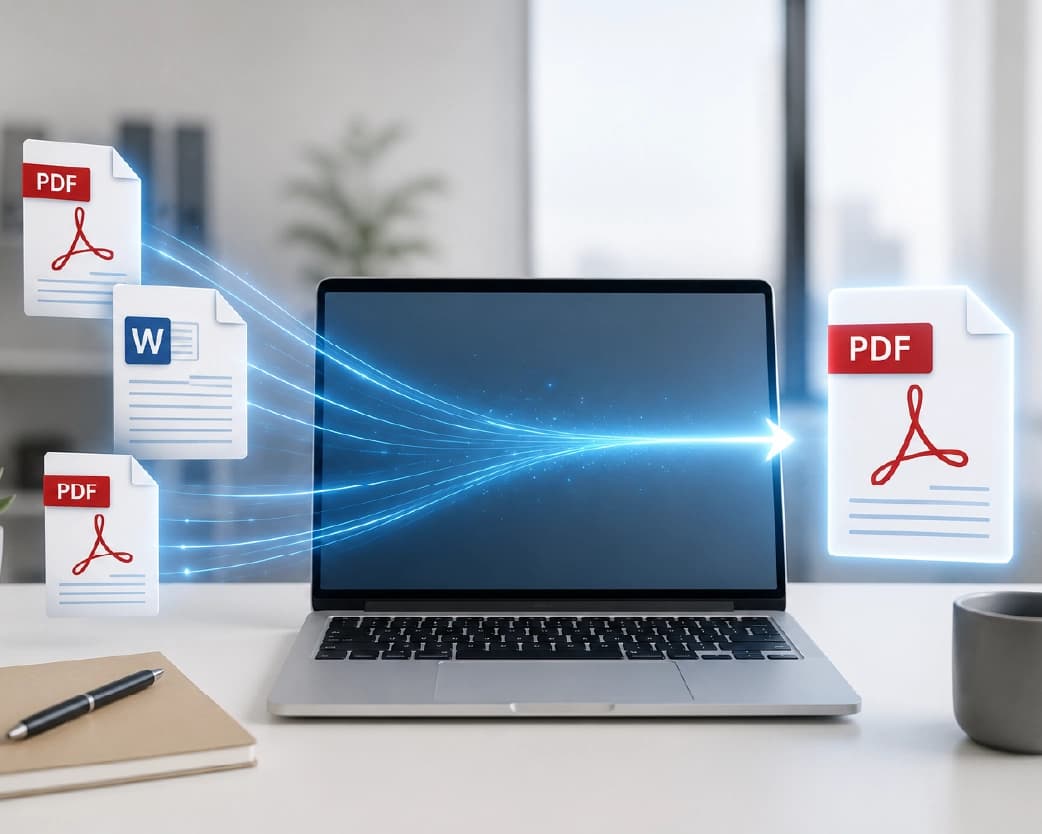
The simplest and most reliable way to combine PDFs, especially if you're not on a computer with Adobe Acrobat installed, is a browser-based tool. Here's the process using Plainscan's PDF merge tool:
- Open up the merge tool and upload your PDF files that you want to merge together. Any online merger should have drag-and-drop or use of file pickers when uploading PDF files from a folder.
- Put the files in correct order according to how you want them merged. Many times, users skip this crucial step and end up wishing they hadn't – the merging process takes the files in the same order as uploaded by default. Therefore, if page order is important (which is most of the time), just arrange them according to the thumbnail or filename.
- Preview the page count in case it’s provided by the merging tool, in order to identify any extra/duplicate or missing file.
- Finally click on merge and you’ll get all pages of all files into one new PDF without affecting any of the formats used in the original file.
- Download the resulting file. No need for installing any software, no account needed for rare usage, and the file never has to leave your web browser tab.
That's the entire workflow for straightforward PDF-to-PDF merging. The rest of this guide covers variations on that theme - what changes when you're merging Word files, when a file is password-protected, when you only need certain pages, and so on.
Why Page Order Matters More Than People Expect
A merged PDF with pages in the wrong order isn't just inconvenient - it's often unusable for its intended purpose. If you're compiling a set of contracts to send for signature, an invoice bundle for an accountant, or an academic report where each section builds on the last, the reader is going to open the file top to bottom and expect a logical flow. Almost all merge software allows you to drag and drop files into place before merging them, while some even allow you to rearrange pages in a merged document afterward. In case the order turns out to be incorrect once the document has been downloaded, there is no need to repeat the process as you can just rearrange them during the merging process or using an additional rearrange function.
Method 2: Merging PDFs on Mobile (iPhone and Android)
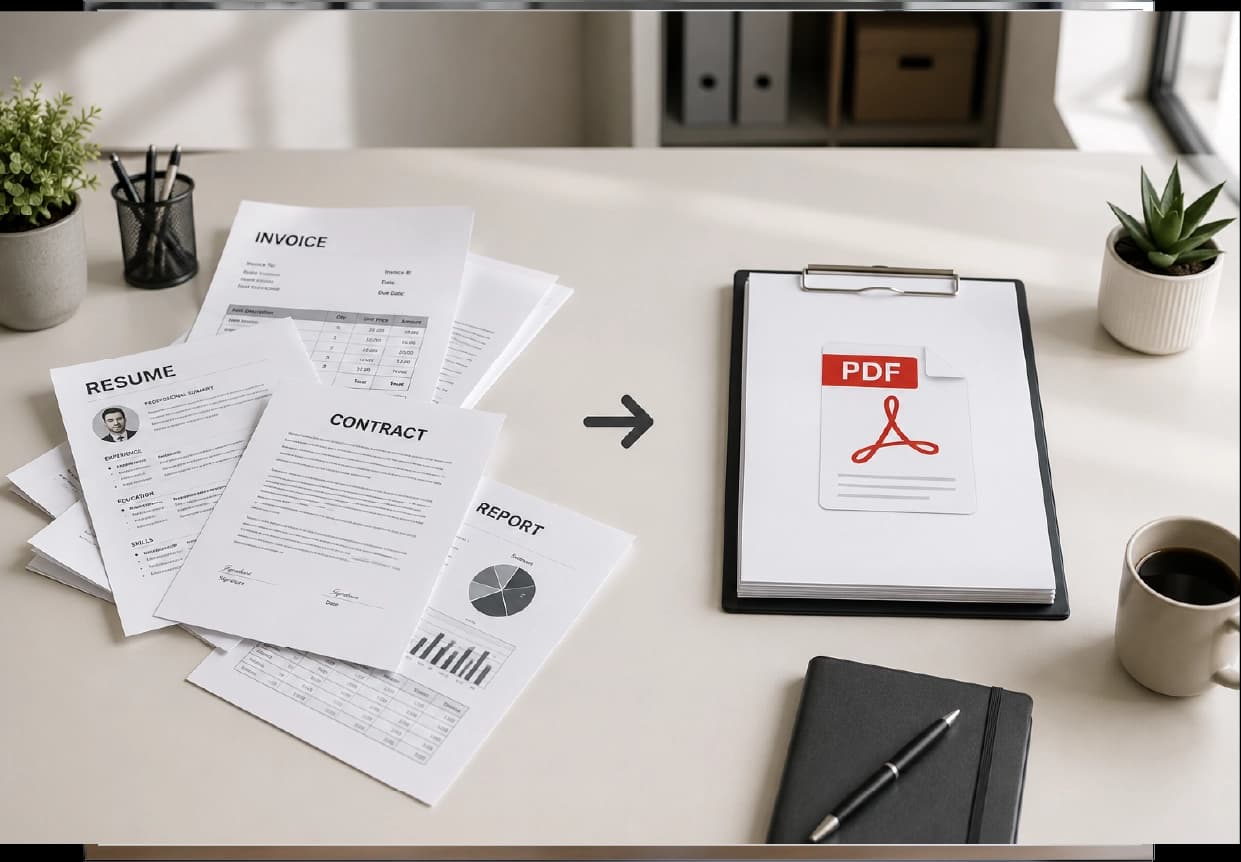
You don't need a laptop to combine PDFs. Both major mobile platforms have paths that don't require installing a dedicated app, plus browser-based tools work identically on mobile as they do on desktop.
iPhone Files App: The Files app for iPhones has an inbuilt functionality to merge PDF files. You have to just select multiple PDFs (using the long press function followed by tapping on each file) and then click on the share button and "Create PDF." iOS will merge all the selected PDFs in the order in which they are selected. This process is completely offline and does not need any separate app, but it lacks many options provided by a merge tool.
On Android, there's no equivalent built-in feature across all manufacturers' file managers, so the most consistent approach is a browser-based tool - open the merge tool in Chrome or your default browser, upload the files from your device storage or cloud drive, and follow the same steps as the desktop workflow above. This has the advantage of working identically regardless of phone manufacturer or Android version.
For anyone who merges PDFs occasionally rather than as a daily task, the mobile browser route is generally the path of least friction, since it doesn't ask you to learn a new gesture or dig into a specific app's sharing menu.
Method 3: Merging Word Documents Into One File
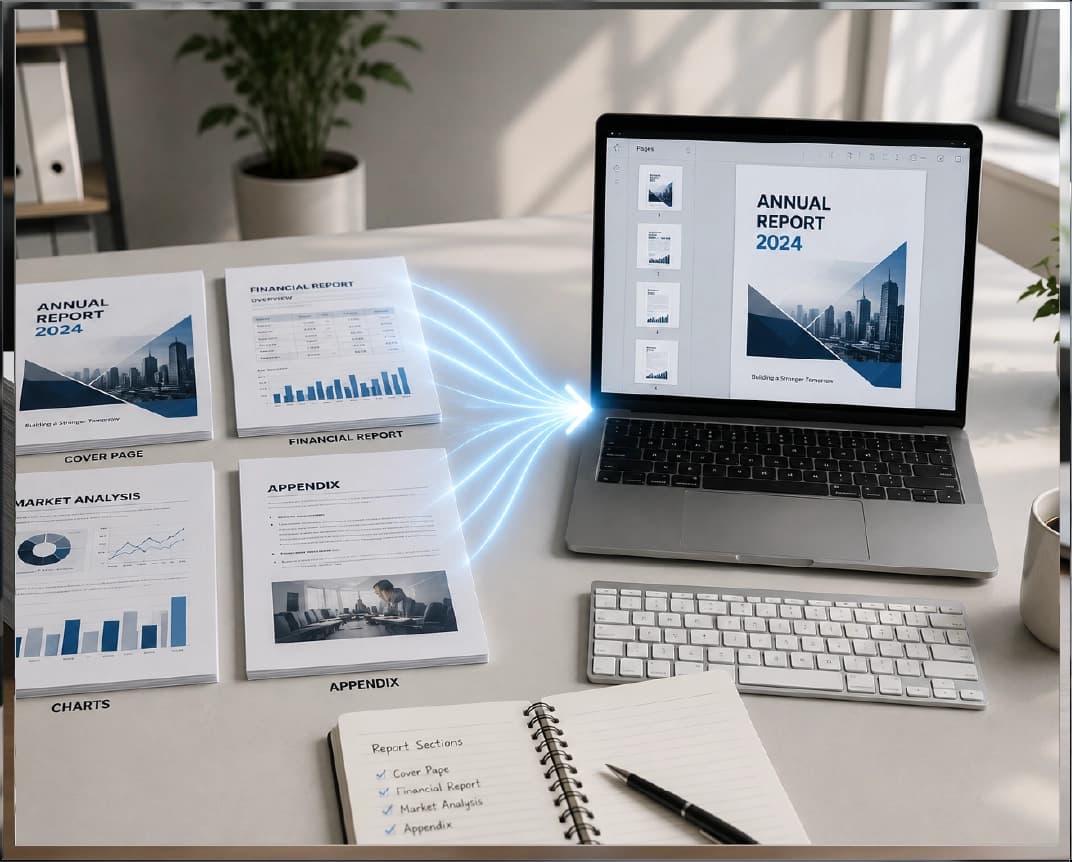
This is where a lot of guides stop short, but it's a genuinely high-demand task in its own right - combining multiple Word documents into a single file, whether the end goal is another Word document or a PDF.
There are two starting points depending on what you already have:
In the case when you are merging Word documents and expect the output to remain a Word document, there is an underused built-in option offered by Microsoft Word for doing so: just open the Word document where you want to insert other documents; put your cursor where you want the new content to begin; click on Insert > Object > Text from File, and select all Word documents you want to merge. Microsoft Word will merge all the text, images and, generally, all formatting from these documents in the place you have chosen. It will work well if you are merging only two or three documents, but will become difficult to handle with any number higher than that, because of the possible formatting differences between different source documents.
If you are aiming at producing one single PDF file (which is much more common in real life situation - people who merge Word documents usually need to produce one document for sending, printing, or archiving, rather than continue working with several documents in Word), you better follow the following way of:
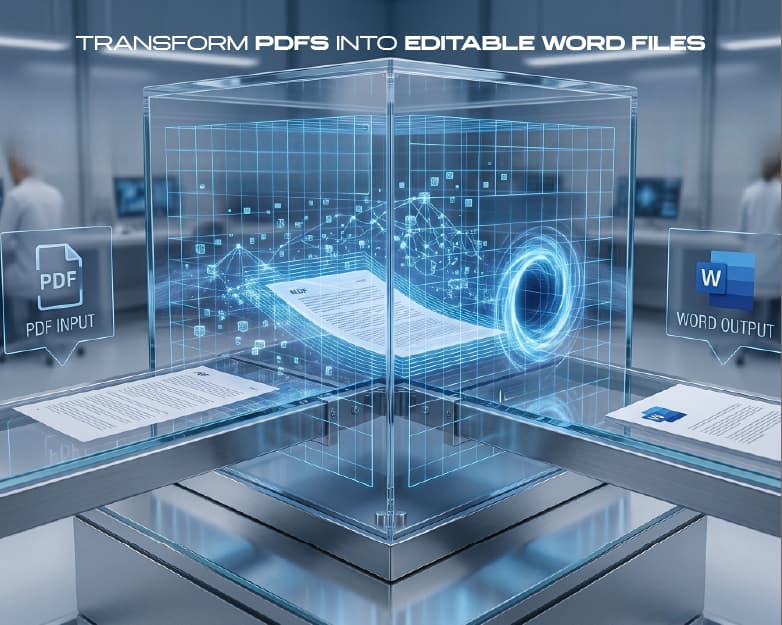
- Convert each Word document to PDF individually first, using a Word-to-PDF tool. Converting first, before merging, locks in the formatting exactly as it appears, so you don't run into the font-substitution or spacing shifts that can happen when Word tries to reconcile multiple documents' styles into one.
- Merge the resulting PDFs using the same PDF merge tool covered in Method 1, in the order you want them to appear.
- Download the single combined PDF.
This two-step convert-then-merge approach is more reliable than trying to combine Word documents directly when the source files come from different authors or were created in different Word versions, because each file's formatting is converted and locked in independently before it's ever combined with the others - there's no live reconciliation between conflicting styles happening in the background.
Combining Word and PDF Files Together

Common real-life situation: you have your cover letter in Word file and your resume in PDF, or your proposal is in Word along with additional files which have been scanned and saved in PDF, and you want all of this together in one file. The process will be two-stage process again – first, convert all your Word files to PDF and then merge the files along with your other PDF files in one merge process. Since merge requires all the files to be in PDF format, the conversion beforehand ensures that there will never be any problem with the file formats in the merge process.
What Happens to Metadata, Bookmarks, and Table of Contents When You Merge
This is a detail most guides skip, but it affects whether your merged file looks professional or looks like four documents duct-taped together.
Document metadata - the title, author, and creation date stored inside a PDF's properties - doesn't automatically combine when you merge files. The resulting document typically inherits its metadata from either the first file in the merge order or gets a fresh set of metadata generated by the merge tool itself, depending on the tool. If the merged file's title shows up as "Untitled" or the filename of the first source document when someone opens it in a PDF viewer, that's why - it's worth checking the final file's properties and updating the title manually if you're sending it somewhere the metadata will be visible, like a shared drive or an email client that displays document titles.
Bookmarks and outlines - the clickable navigation panel some PDFs have on the side, letting a reader jump to a specific section - behave differently across merge tools. Some preserve each source file's existing bookmarks and nest them under a new top-level entry per file, so a reader can still navigate directly to "Section 2" inside what was originally the second document. Others drop bookmarks entirely during the merge, leaving you with a single flat document and no navigation aids. If bookmark preservation matters for your use case (long reports, legal documents with defined sections, anything over 20 pages that someone will need to navigate rather than read start to finish), it's worth checking the merged output before distributing it, and manually rebuilding the outline if the tool didn't carry it over.
The page numberings do not reset themselves through the process as well. In case there are page numbers manually entered in the document by using the "page x of y" format (such as "Page 1 of 12"), these manually created page numbers will remain the same as they are – in case you merge three different files with ten pages each, you will see three separate "Page 1 of 10" labels instead of a continuous range from 1 to 30, as those page numbers are actually the content of the page, not its property.
Merging Files Stored in Google Drive or Other Cloud Storage
A common variation on this task: the files you need to merge aren't sitting on your local hard drive, they're in Google Drive, Dropbox, or a similar cloud storage service, possibly shared with you by someone else rather than created by you. The workflow doesn't change fundamentally - most browser-based merge tools accept files from cloud storage the same way they accept a local upload, either through a "connect to Drive" option if the tool offers direct integration, or more commonly by downloading the files from the cloud service to your device first and then uploading them to the merge tool the normal way.
When you use Google Docs instead of Word files, the additional process needed involves converting your Google Doc into PDF (via File, Download, and then select PDF Document) before being able to proceed in the same process described in Method 3 above. In any case, Google Docs doesn’t have a feature similar to “Insert Text from File” in Word, and hence it is more practical to follow the process of conversion to PDF and merge than use the other method despite what kind of file you started with.
Merging on a Chromebook
Chromebooks don't run desktop software like Acrobat, which makes the browser-based merge workflow the natural fit rather than a workaround - there's no "real" alternative being avoided.The steps are exactly the same as those for the desktop browser procedure in Method 1: access the merge program in Chrome, select the documents from your device storage or Google Drive, organize them, and save the output in the Chromebook's Files app.This is because, with ChromeOS, which is actually an OS that uses the browser, this is one of the few instances where using an online tool is not only easy but also the usual way of doing things.
Handling Special Cases
Simple files can be merged seamlessly without any problems, however, there are certain circumstances that arise quite frequently and need to be covered separately.
Password-Protected or Locked PDF Files
If the file to be merged happens to be password-protected, then most likely any of the tools used for merging will not be able to gain access to the data inside the file without entering the password. In case you do not know the password, but it is your document, you should find out whether it is locked by the user password, which is needed for opening the document, or by the owner password, which only restricts changes, while allowing the document to be opened – in the second case, there should not be any problem at all. In case it really is locked, and needs to be included into the merging process, you can use a PDF unlocker tool (if you have access to the password), and then add the protection back to the final merged document.
Scanned Documents and Image-Only PDFs
A scanned page saved as a PDF is really just an image wrapped in a PDF container - there's no selectable text underneath unless it's gone through OCR (optical character recognition). This doesn't prevent merging; a scanned PDF merges into a combined file exactly the same way a text-based PDF does, since the merge tool is working at the page level, not the text level. What it does affect is what you can do with the merged file afterward - if you need to search, copy, or edit the text in those scanned pages once they're part of the combined document, you'll want to run OCR on them (either before or after merging) so the text layer exists.
Files That Are Too Large to Merge or Too Large Afterward
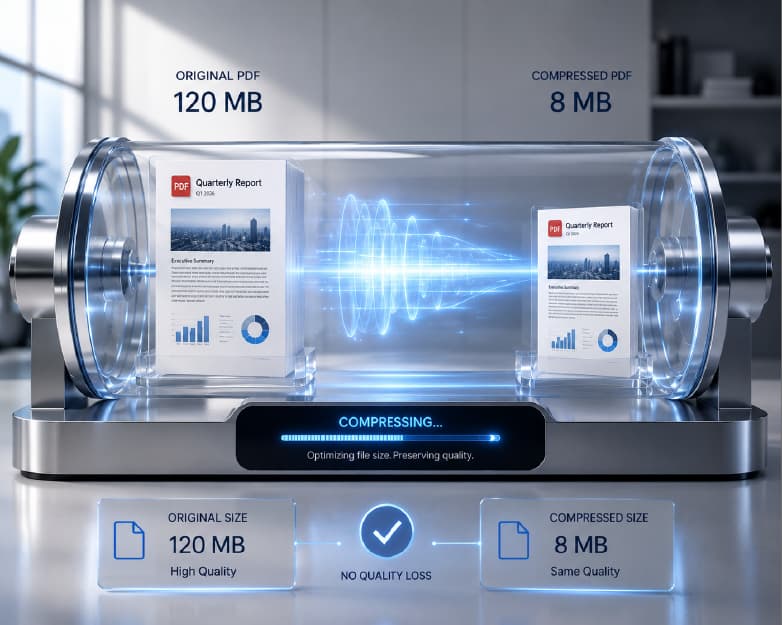
There are some merge tools that impose an overall maximum size of the merged file, and even without such a restriction, the result of merging several large PDF files (especially when these PDF documents contain high-resolution scans or images) will be a massive file that is difficult to send by email or upload somewhere else. If you run into a size limit while merging, compressing the PDF files prior to merging using a PDF compression tool should reduce the size sufficiently to merge the files without compromising readability – image-rich PDF documents, in particular, have much excess size that can be easily removed without losing quality.
Needing Only Part of a File
Sometimes "merging" isn't really the full task - you need pages 3 through 7 of a 40-page report combined with a separate two-page cover sheet, not the entire 40-page document. In that case, a PDF split tool to extract just the pages you need first, then merging that extracted selection with your other file, gets you a cleaner result than merging everything and manually deleting the unwanted pages afterward.
Pages in the Wrong Orientation
And if one of the PDFs you are going to merge has sideways pages (which is often the case when it comes to scanned PDFs, as most office scanners come with a certain default orientation settings), merging it just as it is will transfer those sideways pages right into your new merged file. This issue can be solved using a PDF rotation utility.
Is It Safe to Merge PDFs Online? (Privacy and Security)
This is a fair question to ask before uploading anything that contains personal, financial, or business-sensitive information, and it's worth understanding what actually happens during an online merge rather than taking any tool's privacy claims on faith.
The core thing to understand is that a browser-based merge tool has to receive your files in some form to combine them - that part is unavoidable regardless of which tool you use. What varies between tools is what happens to those files afterward: whether they're deleted immediately after processing, how long they're retained if at all, whether the connection is encrypted in transit, and whether the tool requires an account (and therefore ties your files to an identity) or allows anonymous use. For anything genuinely sensitive - signed contracts, financial statements, medical records, anything containing another person's personal information - it's worth checking a tool's stated retention policy before uploading, and favoring tools that process files over an encrypted connection and don't require account creation for basic use, since that reduces the number of places your data is touching.
Plainscan's merge tool doesn't require an account to combine a handful of files - the free tier supports everyday use without signup, with a Pro tier available if you're merging documents frequently enough to want an unlimited daily allowance. Files are processed for the merge operation and aren't required for any purpose beyond producing your combined download.
When You'd Actually Need to Merge Multiple Files
This task comes up in many different situations, and being able to identify the pattern means that you can spot it in things you are working on even if you were not looking for "merge PDF" per se:
- Students and professors merge several drafts from chapters along with the title page, a bibliography, and any appendices to create a thesis or dissertation submission – usually created during different periods and maybe even using different software and having to be merged into one well-organized file.
- Job candidates merge the cover letter, CV, and examples from the portfolio in one PDF file when submitting their application where they need to provide "one attachment" instead of having three separate files opened by the reviewer.
- Invoicing and Accounting Departments merge all the invoices, receipts, or expense report into a single pack on a monthly or quarterly basis for the accountancy department.
- Human Resources consolidates all the offers letters, background check forms, and onboarding documents in one single document package, particularly if multiple documents come from multiple systems and various individuals of that department.
- Legal and Contracting consolidate a primary document along with all its exhibits, amendments, and signature pages – order is critical in such cases as a misplaced exhibit can totally alter the meaning of a document.
- Anyone scanning hard-copy documents gets a pack consisting of multiple single page or few pages' worth of scanned documents on their scanners or phone's scanning apps and converting them to one single document per pack (instead of keeping numerous single page PDF files) makes all the difference.
Merging PDFs vs. Merging Word Documents vs. Convert-Then-Merge: Which One to Use
| Situation | Best approach |
|---|---|
| All files are already PDFs | Merge directly - no conversion needed |
| All files are Word documents, staying in Word format | Use Word's "Insert > Text from File," best for 2–3 documents with consistent formatting |
| All files are Word documents, need a final PDF | Convert each to PDF individually, then merge the PDFs |
| Mix of Word and PDF files | Convert the Word files to PDF, then merge everything as PDFs |
| One file is password-protected | Unlock it first (with legitimate access to the password), then merge |
| One file has scanned/sideways pages | Rotate it first, then merge |
| Only need specific pages from a longer file | Split/extract those pages first, then merge |
| Files are large or hitting a size cap | Compress individual files (or the merged result) before or after merging |
Common Problems When Merging Documents (and How to Fix Them)
The merged file is out of order. This almost always traces back to the upload order rather than a tool malfunction - re-run the merge with files arranged correctly beforehand, or use a reorder/rearrange feature on the already-merged file if one's available.
Formatting looks different after converting Word to PDF. This typically happens when a Word document relies on a font that isn't embedded in the file - the conversion substitutes a similar font, which can shift line breaks and spacing slightly. Embedding fonts in the original Word document before conversion (Word's Save As options include a font-embedding checkbox) prevents this.
The combined PDF is missing pages that were in the source files. Double-check that every source file fully uploaded before merging - a partial upload on a slow connection can silently drop the tail end of a large file. Re-uploading and re-merging resolves this in nearly every case.
Password Protected Documents Cannot Be Merged. As noted above, the document in question needs to be opened first, otherwise, the merger tool will not have access to its content pages.
File is reported as corrupted. Sometimes a PDF file that loads without any issues in a reader may become corrupted for a merger tool. It is likely because the document was previously processed improperly leaving behind a corrupted internal structure. Simply re-saving the document (load it, and re-save) will fix this problem by creating a new proper internal structure of the file.
Best Practices for Merging Documents Efficiently
There are some tips that you should keep in mind while working with merging of documents:
- Use the number of files in the right order at the beginning of the filename (01-cover-letter.pdf, 02-resume.pdf, 03-portfolio.pdf) - this way you will make sure that the correct order will be immediately visible and it will reduce the risk of the incorrect order of the files.
- Save the originals until you make sure the merge is performed successfully. It may seem that a merge tool used to combine files won't change your original files. However, it is better to check the result first (check the page count and skim the content) before getting rid of something.
- Prepare a cover page or table of contents. If you are planning to combine five or more separate documents into one single document, it would be much more convenient for the receiver to have a cover page where you describe the contents of your document rather than having to open it and go through the pages yourself.
- If size matters when combining multiple files, always compress after. It may happen that if you combine several different documents first and then compress them, the end result will be slightly smaller than if you compressed them separately and then merged together.
Merging a Large Batch of Files at Once
Combining two or three files is straightforward regardless of method, but the process changes slightly once you're dealing with a genuinely large batch - a folder of forty scanned invoices, a semester's worth of lecture handouts, or an archive of individual contracts that all need to become one reference document.
The main practical difference is upload time and organization, not the merge mechanism itself. Uploading forty individual files one at a time is tedious regardless of which tool you're using, so it's worth checking whether the merge tool supports selecting multiple files in a single file-picker action (most modern browsers and merge tools do, via holding Shift or Ctrl while selecting in the file dialog) rather than adding files one by one. For very large batches, a two-stage merge - combining files into a few mid-sized groups first, then merging those groups into the final document - can also be more manageable than trying to arrange forty individual thumbnails into the correct order in one pass, since it's easier to verify the order of five groups than forty individual files.
Naming files with a numeric prefix before uploading (as covered in the Best Practices section above) becomes considerably more valuable at this scale - with forty files, sorting alphabetically by a 01, 02, 03 prefix is the difference between an upload list that's already in the right order and one that requires forty individual drag operations to fix.
It's also worth checking a large batch for duplicate or near-duplicate files before merging - scanned document batches in particular sometimes include an accidental double-scan of the same page, which is easy to catch when you're reviewing five files and easy to miss when you're reviewing forty.
Free vs. Paid: Do You Actually Need a Pro Tier for Merging?
For occasional merging - combining a handful of files every so often, like assembling a job application packet or a monthly expense report - a free tier with a daily usage allowance covers the task without any need to pay for anything. The free tier on Plainscan's tools supports this kind of everyday, occasional use without requiring an account.
Where a Pro tier starts to matter is volume and frequency: if merging documents is a regular part of someone's job - an admin assistant compiling daily paperwork, a paralegal assembling case files, an agency combining client deliverables - hitting a daily free-tier limit repeatedly becomes a genuine workflow interruption rather than a rare inconvenience. Pro tiers on tools like this typically remove the daily cap entirely, which is the main practical benefit; the underlying merge quality and feature set is usually the same on both tiers, since the limitation is about how many times you can use the tool per day, not what the tool is capable of producing.
If you're unsure which category you fall into, a reasonable rule of thumb: if you've hit a daily limit message more than once or twice in a normal week, the frequency likely justifies upgrading. If you're merging files a few times a month, the free tier is almost certainly sufficient indefinitely.
Frequently Asked Questions
Can I merge PDF files for free?
Yes. Browser-based PDF merge tools, including Plainscan's, support merging without requiring a paid account for everyday use. A Pro tier typically only matters if you're merging documents frequently enough to need an unlimited daily allowance rather than the free tier's daily limit.
Do I need any software installation to join the PDFs?
No, because the online service completes the whole procedure – upload, rearrange, join, and download – without installation of any additional software. It works the same on both mobile and desktop versions of browsers.
Does the joining PDFs affect the quality of pages?
No, since joining means that the data of pages of each original file gets collected into the new container. No other changes like re-encoding, re-rendering and recompression take place, which guarantees the quality of text and images.
Can I join the Word file and PDF into one document?
Yes, but only after the Word document was converted to the PDF format since the merging tools work exclusively with PDF pages.
How to make several Word documents one PDF?
First, convert each Word document into a separate PDF, then join all these documents into one. The conversion of several Word documents into PDF and then joining the result will provide more accurate result, especially in case of documents written by various authors or having inconsistent formatting.
Are there restrictions on the number of files to join?
Usually, you can join rather a big number of documents using the same tool, but the very high number of pages or the very high size of joined file may create certain limitations depending on particular tool. In case of unusual number of files to join, try to split them into two sets and join them later.
Can I change the order of pages after merging?
Many merge tools support reordering pages within an already-combined PDF, separate from the initial merge step. If that's not available, re-running the merge with source files uploaded in the correct order achieves the same result.
Will merging take away the password protection of a file?
No - a password-protected file will have to be unlocked prior to merging because the tool cannot process pages it is not authorized to open. Merging itself will neither provide nor revoke password protection on the file; it is up to the user to apply additional encryption separately after merging.
Can I combine PDF files in my mobile device without installing any software?
Certainly, iPhones have an inbuilt feature "Create PDF," which allows you to combine PDF files. In addition, there is another alternative where you can make use of a browser-based merging tool for your iPhone and Android mobile phones.
What's the difference between merging and mail merge?
They're unrelated features that happen to share a word. Merging (or combining) files takes multiple existing documents and produces one file containing all of them. Mail merge is a Word/Outlook feature for generating personalized documents - like form letters or mailing labels - by pulling data from a spreadsheet into a template. If you're trying to combine files, mail merge isn't the feature you're looking for.
Why do my combined Word documents look inconsistent when I merge them?
This usually comes down to the source documents having different default fonts, heading styles, or margin settings - each document was likely built independently rather than from a shared template. As Word merges the contents of one file into another, the formatting does not become automatic, as both formats remain side by side, creating the seam that one sees. By converting both files into PDFs first, this problem is completely avoided because PDFs do not require any formatting at all.
Can I merge PDFs without an internet connection?
Browser-based merge tools need an internet connection since the processing happens through the tool's website. If you need an offline option, iPhone's Files app merge feature works without connectivity, and some desktop PDF applications include offline merging as a built-in feature, though that requires the software to already be installed.
Does the order I select files in matter, or can I fix it after uploading?
It matters, but it's fixable. Most merge tools show you the uploaded files as a list or set of thumbnails before you commit to merging, and you can typically drag them into the correct order at that stage. The order only becomes hard to change once you've actually clicked merge and downloaded the combined file - at that point, re-running the merge with corrected order is usually simpler than trying to edit the already-combined output.
How is combining Word documents into one PDF different from just converting each one separately?
Converting each document separately gives you multiple PDF files - the same number you started with, just in a different format. Combining them means taking those converted PDFs and merging them into a single file. Both steps are usually needed if the goal is one unified document: convert first (Word to PDF), then merge (multiple PDFs to one PDF).
Conclusion
Combining multiple files into one - whether they're PDFs, Word documents, or a mix of both - comes down to the same core workflow in almost every case: get everything into PDF format if it isn't already, arrange the files in the order you need, and run them through a merge tool. The variations covered here (password protection, scanned pages, oversized files, sideways orientation) are all solvable with one extra step before the merge itself, not a reason to abandon the browser-based approach for something more complicated. For most one-off and recurring merging needs, Plainscan's merge tool handles the core PDF-combining workflow directly, and pairs with the Word-to-PDF converter, compression, split, and rotation tools for the edge cases above - all without installing anything or creating an account for everyday use.
Further Reading:Convert Bank Statement to Excel Automatically (2026 Guide)
Related insights



Get the Plainscan App for iOS & Android