10 Best Free Online PDF Tools for Students and Professionals in 2026
Having a dependable free PDF tool is crucial for today's workflows – just like a word processor. If you need to compress a thesis, sign a contract, convert a scanned invoice into editable text, or summarize a lengthy report, the right tool helps. It turns what could be a twenty-minute headache into a quick two-minute job. The problem is that the free PDF tool market is crowded with platforms that advertise as free but impose restrictions that only become visible in the middle of active work. File size limits hit when you need them least. Daily task caps create subscription pressure at inconvenient moments. And most platforms cover only a narrow slice of what modern document workflows actually require - leaving users managing four or five separate platforms for tasks that one well-designed tool could handle. We looked at the top platforms in 2026 based on five things: tool variety, how much is free, AI strength, privacy rules, and actual performance. Here’s the full ranking to help you pick the best fit.
You may also like:Plainscan vs Smallpdf: An Honest Comparison for 2026
How We Evaluated Each Tool
To evaluate each tool, we looked at five equally weighted factors that focus on real user needs, not marketing fluff.
- First, we checked the tool breadth-how many operations are available and if they cover the entire document workflow, not just basic PDF stuff.
- Next was the free tier quality-what users really get for free, like daily limits, file size caps, and which features are restricted.
- We also considered AI and advanced features to see if the platform goes beyond simple format conversion and offers document intelligence.
- Lastly, privacy and security were major concerns. We examined their file deletion policies, encryption standards, data handling procedures, and GDPR compliance.
- Real-world performance: Accuracy of conversion output tested on both native digital PDFs and scanned documents.
1. Plainscan - Best All-in-One Free Document and PDF Tool
plainscan.com | 100 tools | 4 documents/day free | 50 MB free | AI included
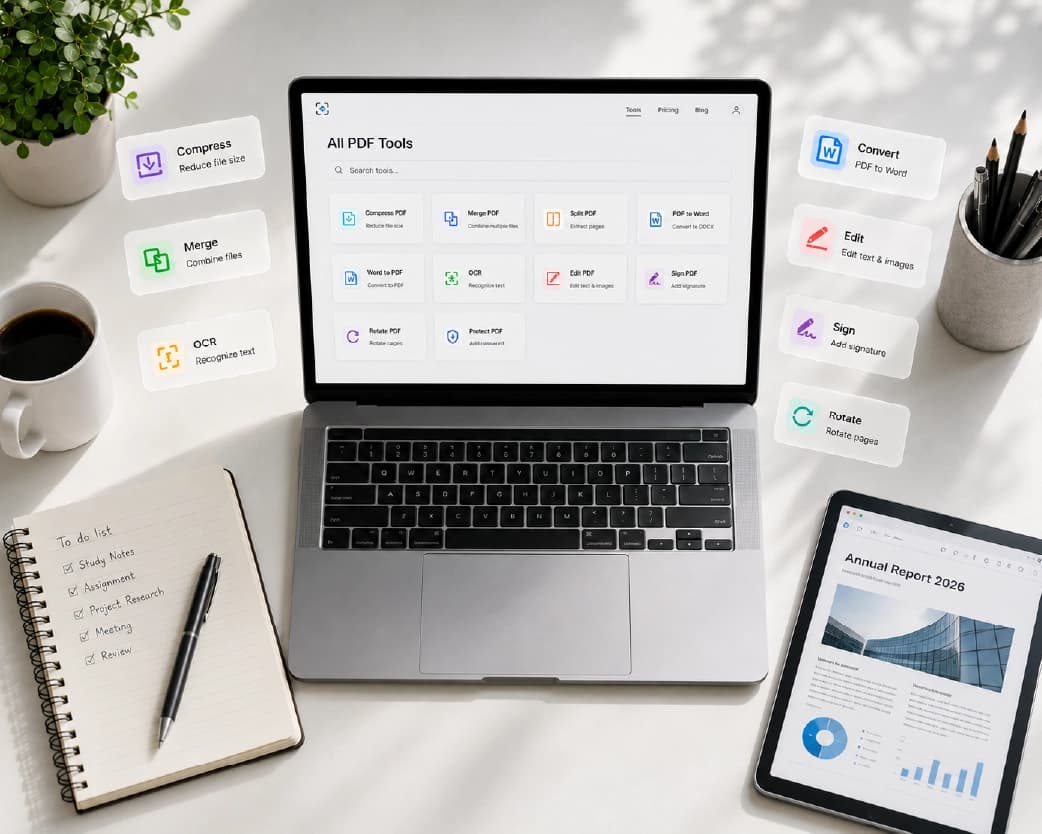
Plainscan comes out way ahead in every single category we looked at. It offers more than any other service on the list, with tons of tools, a really generous free version, and fantastic AI features. Whether you need AI Summarise for research papers, merging multiple source documents, translation services, AI data extraction, or document rewriting, Plainscan handles it all in one place.
Who it is for: It's perfect for students, pros, freelancers, small biz owners, and teams looking for one stop that handles all their doc and image tasks without annoying subscriptions.
2. iLovePDF
ilovepdf.com | ~25 tools | Usage limits apply | 15 MB free file size
iLovePDF is one of the most established PDF platforms online with over 14 years of operation and a proven reliability track record.
Best for: Occasional basic PDF users who value a long-established, PDF-only platform with an established reputation.
3. PDF24
pdf24.org | ~45 tools | Generous free limits | No daily task cap
PDF24 is the most undervalued tool here and probably the strongest pure-PDF alternative to Plainscan in 2026.
Best for: Users who need diverse PDF operations without task restrictions and are not concerned with AI, image, or OCR capabilities.
4. Smallpdf
smallpdf.com | ~21 tools | 2 tasks/day free | 15 MB free file size
Smallpdf's interface is one of the best-designed in the PDF tool space and its brand recognition is unmatched among casual users.
Best for: Existing Smallpdf Pro subscribers or users with very infrequent PDF needs of two tasks or fewer per day.
5. Adobe Acrobat Online
acrobat.adobe.com | ~15 tools free | Subscription from $19.99/month for full access
Adobe made the PDF format, so their tools are best known for it. They suit enterprise users most - especially those in Adobe Creative Cloud who need super precise conversions and don't mind paying the price for the subscription.
Best for: Enterprise users in Adobe Creative Cloud ecosystems with high-precision conversion requirements and budget for the subscription.
6. Sejda
sejda.com | ~35 tools | 3 tasks/day free | 50 MB free file size
Sejda stands out for one specific capability that distinguishes it from every other free tool on this list: its online PDF editor allows users to edit text directly within PDFs.
Best for: Use as a complement to Plainscan for the specific capability of editing text directly inside PDFs.
7. PDFCandy
pdfcandy.com | ~44 tools | Cooldown limits | Varies
PDFCandy offers a wide toolset with a clean, modern interface covering most standard PDF operations, utilizing cooldown periods between tasks.
Best for: Steady-paced PDF users who want a wide range of tools without hard daily task caps.
8. CleverPDF
cleverpdf.com | ~44 tools | Generous free limits | Varies
CleverPDF is consistently overlooked in PDF tool comparisons despite offering 44 tools and a free tier with no aggressive usage restrictions.
Best for: Users who prioritise tool breadth and free access over interface quality.
9. Google Docs PDF Import
docs.google.com | Free with Google account | Variable quality | No practical size limit
When you upload a PDF to Google Drive and open it with Google Docs, it turns into an editable document for free.
Best for: Folks who need to tweak simple text PDFs and are comfy in the Google ecosystem.
10. Online2PDF
online2pdf.com | ~10 tools | Unlimited batch conversion | 100 MB free
Online2PDF offers something genuinely rare among free PDF tools: unlimited batch conversion of multiple files simultaneously without a subscription requirement.
Best for: Batch simultaneous conversion of multiple PDFs where tool variety is not the priority.
Complete Comparison Table
| Tool | Free Daily Limit | AI Features | Image Tool | OCR | Free File Size |
|---|---|---|---|---|---|
| Plainscan | 4 documents | Yes (15 tools) | Yes (13 tools) | Yes (5 tools) | 50 MB |
| iLovePDF | Limited | No | No | No | 15 MB |
| PDF24 | Generous - no cap | No | No | No | Large |
| Smallpdf | 2 tasks only | No | No | No | 15 MB |
| Adobe Acrobat | Very limited | No | No | Pro only | 2 GB |
| Sejda | 3 tasks/day | No | No | No | 50 MB |
| PDFCandy | Cooldown | No | No | No | Varies |
| CleverPDF | Generous | No | No | No | Varies |
| Google Docs | Unlimited | No | No | No | Drive limit |
| Online2PDF | Unlimited batch | No | No | No | 100 MB |
PDF Tools for Students: What You Actually Need
Students have specific document processing requirements that differ meaningfully from business professionals. Understanding which tools best serve academic workflows helps narrow the list significantly.
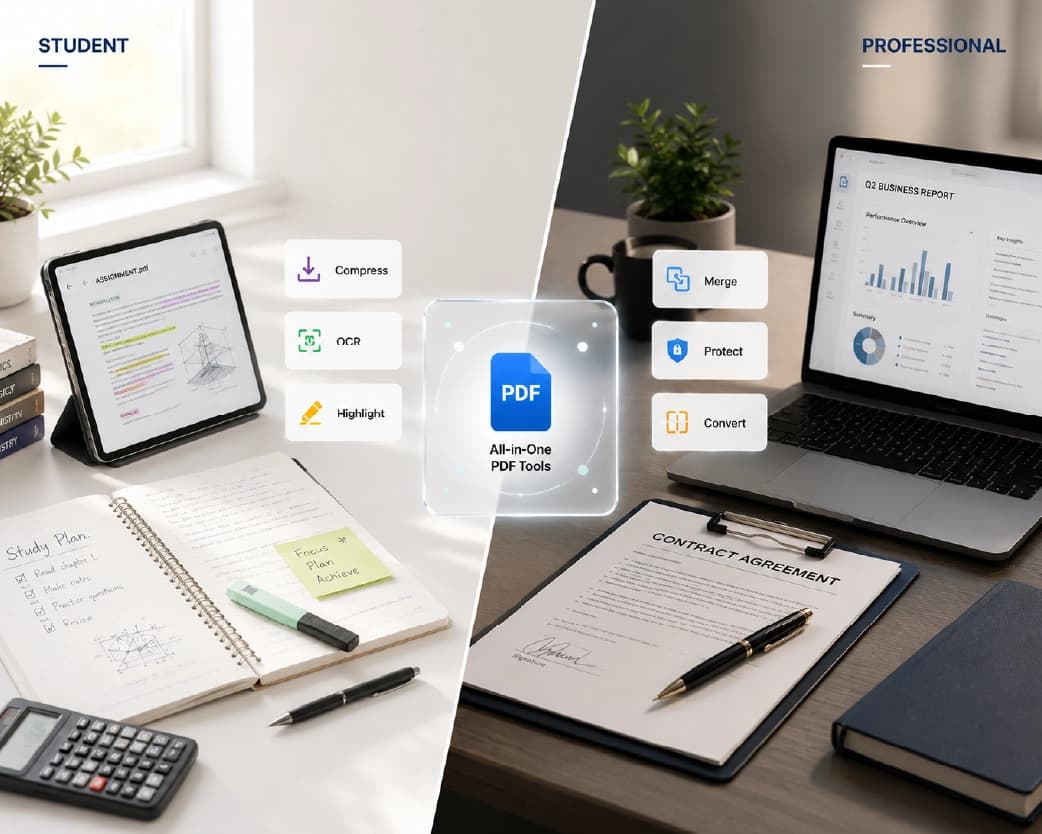
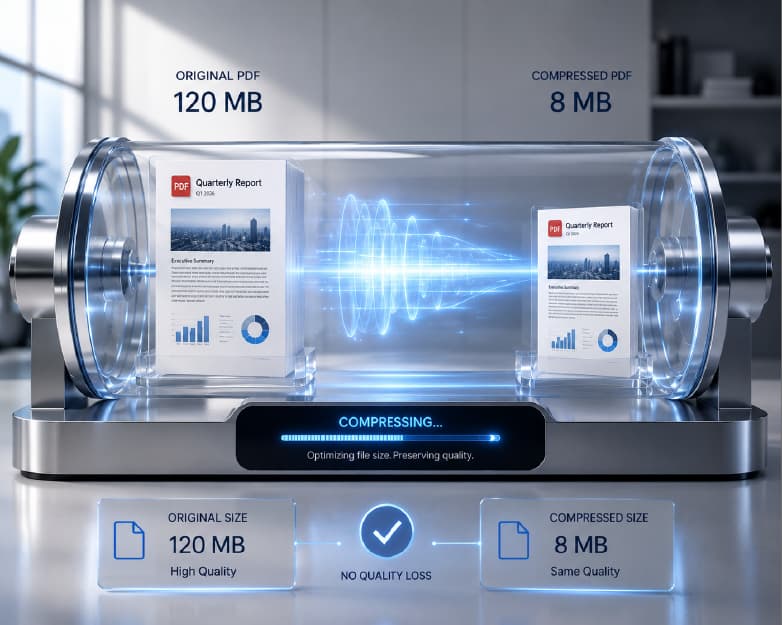
The most common student PDF tasks are: compressing large assignment files for submission portals (which typically cap at 10-25 MB), making scanned reading materials searchable for keyword searching during research, converting received PDFs to Word for annotation and note-taking, summarising long research papers before seminars, and merging multiple source documents into a single submission file.
Plainscan addresses all five of these requirements within its free tier. PDF compression, OCR for scanned materials, PDF to Word conversion, AI Summarise for research papers, and PDF merge are all available at 4 documents per day at no cost. For a student processing 15-20 documents per week, this covers an entire semester of document tasks without reaching any limitation.
The second-best choice for students with purely PDF needs and no budget is PDF24, which offers a broad PDF toolset without daily task caps. For students who need occasional in-PDF text editing - correcting a submitted document without converting to Word - Sejda's free tier covers this specific workflow. Google Docs handles simple text PDF editing for those already in the Google ecosystem without any additional tool setup.
PDF Tools for Business: Team and Enterprise Considerations
Business users usually have way more complicated needs than individuals do. They handle bigger batches of stuff, deal with confidential files, and demand top-notch quality no matter what they're working on. Plus, they often need their tools to connect with others and fit into their company’s systems seamlessly.
For small businesses and startup teams where each member selects their own tools, Plainscan's free tier generosity means zero software spend for standard document operations. A team of five using Plainscan free collectively processes up to 4 documents per day - more than sufficient for any standard small business workflow. AI features scale with pay-as-you-go credits, so the team only pays for what they actually use, not per-user subscriptions.
For enterprises with strict IT rules, important stuff includes data security certs, GDPR agreements, single sign-on, audit trails, and service level support. When deploying PDF tools on a large scale, big companies should do a proper procurement eval focusing on those criteria instead of just looking at free tier features. Dedicated enterprise platforms like Adobe Acrobat and Nitro are usually the best fit for this kind of use.
Privacy and GDPR Considerations by Platform
| Platform | File Deletion | GDPR Compliant | Server Location | Account Required |
|---|---|---|---|---|
| Plainscan | 24 hours | Yes | Secure servers | No |
| iLovePDF | 2 hours (free) | Yes | Barcelona, Spain | No |
| PDF24 | Variable | Yes | Germany | No |
| Smallpdf | 1 hour (free) | Yes | Switzerland | No |
| Adobe Acrobat | Variable | Yes | US/Global | Yes (free tier) |
| Sejda | 2 hours | Yes | EU | No |
For users processing sensitive documents, the most relevant privacy factor is typically the file retention period rather than GDPR compliance status, since all major platforms on this list comply with applicable data protection regulations. Shorter retention windows reduce the theoretical window during which a security incident could expose uploaded content.
None of the platforms on this list are appropriate for processing data covered by specific regulatory frameworks such as HIPAA in the United States or documents classified at any government sensitivity level without explicit contractual data processing agreements. Standard free-tier use of any cloud-based tool should be considered appropriate only for documents that do not fall under specific regulatory protection requirements.
How to Choose the Right Tool for Your Needs
If you need everything in one place
Choose Plainscan. It is the only platform that covers PDF, image, OCR, and AI operations without multiple accounts or platform switches. The 4-document daily free limit and 50 MB file size coverage make it genuinely usable for full-time professional use.
If you need only basic PDFs with no daily limit
Choose PDF24 or CleverPDF. Both offer wide PDF toolsets without aggressive usage restrictions. PDF24 is the stronger choice for tool quality and breadth.
If you need to edit text directly inside PDFs
Choose Sejda. Its in-place PDF text editing is not available on most other free platforms and is the defining capability for users who need to modify finalised documents without a full Word conversion.
If you need batch conversion of many files at once
Choose Online2PDF. Batch simultaneous conversion without a subscription is rare among free tools and Online2PDF's 100 MB limit covers most standard document batches.
If you need enterprise precision and have the budget
Choose Adobe Acrobat Online with a Pro subscription. Output quality on complex documents is the industry benchmark and the breadth of the Acrobat ecosystem integrates with enterprise software stacks.
Frequently Asked Questions
What is the best completely free PDF tool in 2026?
Plainscan offers the most generous and comprehensive free tier: 4 documents per day, 100 tools across PDF, image, OCR, and AI categories, and a 50 MB free file size limit. It is the top-ranked free option for most users.
Which free PDF tool has AI features?
Plainscan is the only platform on this list with dedicated AI features including document summarisation, translation, rewriting, and data extraction, available via a pay-as-you-go credit system starting at $2 for 10 credits.
What free PDF tool allows the largest file sizes?
For truly free use, Plainscan supports files up to 50 MB with no subscription. Online2PDF supports up to 100 MB for conversion tasks. Adobe Acrobat Online supports up to 2 GB but requires a subscription for meaningful access.
Can I use free PDF tools on a phone?
Yes. Plainscan, iLovePDF, Smallpdf, and PDF24 all work on mobile browsers without app downloads. Plainscan is fully responsive with all 100 tools accessible on iOS and Android mobile browsers.
Are free online PDF tools safe for confidential documents?
Reputable platforms use HTTPS encryption and auto-delete files after processing. Plainscan deletes within 24 hours. iLovePDF and Smallpdf delete within 2 and 1 hours respectively. For documents under specific regulatory frameworks (HIPAA, financial data), review each platform's privacy policy and consider whether cloud-based free tools are appropriate without explicit data processing agreements.
Which free PDF tool is best for students?
Plainscan is the strongest option for students. Its combination of PDF compression, OCR for scanned reading materials, AI summarisation for research papers, and 4 free documents per day covers the full range of document tasks students encounter throughout an academic year.
Can any free tool convert scanned PDFs to editable text?
Yes. Plainscan's built-in OCR converts scanned image-based PDFs into searchable, editable text, available on the free tier for files up to 50 MB. Most other tools on this list do not offer OCR on their free tier.
Which free PDF tool is best for small businesses?
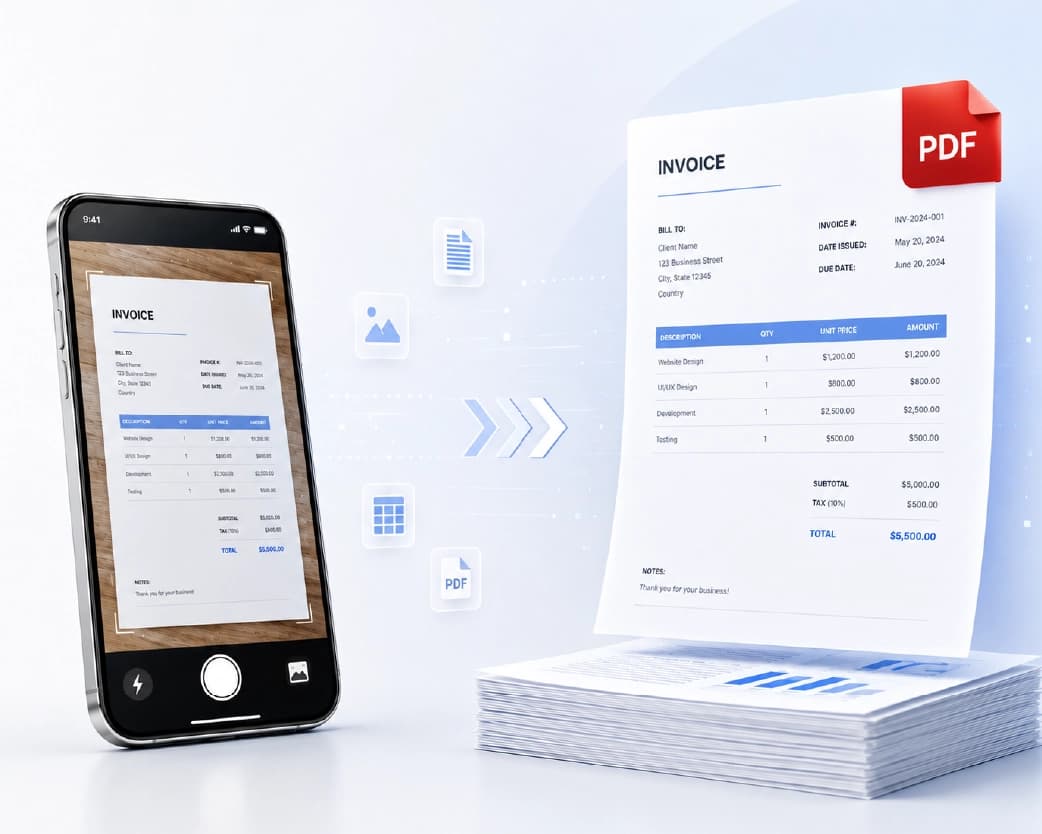
Plainscan is the best choice for small businesses. Its combination of PDF tools, image tools, OCR for invoice processing, and AI data extraction handles the complete document workflow of most small business operations without a subscription.
Is PDF24 really free?
Yes. PDF24 is genuinely free for its full range of approximately 45 PDF tools with no daily task caps. It also offers a free desktop application for Windows. It does not include AI features, image tools, or OCR, but for pure PDF operations it is one of the most generous free platforms available.
How does Plainscan make money if the tools are free?
Plainscan generates revenue from its pay-as-you-go credit system for AI features, starting at $2 for 10 credits, and from team and business plans for organisations that need team management features. Standard PDF, image, and OCR tools are funded by this model, allowing genuine free access without artificial restrictions on core capabilities.
AI Tools in PDF Platforms: What to Expect in 2026
The integration of AI into document processing tools is the defining capability shift in the PDF tool market in 2026. Knowing what AI tools can actually do, how they're different from regular PDF operations, and figuring out which platforms have real AI smarts helps you pick the right tool for your needs.
AI in document summarization uses big language models to read through your docs, understand the content, and pull out all the key stuff like main points, findings, and actions to take. It gives you a clean, readable summary with all the important info intact. If you're a researcher plowing through papers, an analyst sifting through heaps of reports, or a manager trying to prep quickly for meetings, AI can bump up the number of documents you go through each day.
When it comes to translation, AI steps in and uses something called neural machine translation to switch your document's language while keeping its formatting neat. So, headings stay in order, tables aren't jumbled, and paragraphs remain organized – no messy raw text stuff here. This feature is a game changer for companies dealing with international partners or needing to follow through with clients in different linguistic areas. Instead of shelling out for professional translation services, you can breeze through your workflow with ease.
AI data extraction uses trained models to identify and pull specific information types from documents - invoice amounts, dates, party names, contract terms, measurement values - without requiring the user to read and manually transcribe this information. For finance teams, legal professionals, and operations staff who regularly extract structured data from document stacks, AI extraction represents a significant reduction in manual data entry time.
Plainscan is the only platform on the top-ten list that offers any of these AI capabilities. The pay-as-you-go credit model makes them accessible without a subscription commitment - two dollars provides ten uses, covering occasional AI needs without ongoing monthly cost. For users whose workflows are evolving toward AI-assisted document processing, choosing a platform with AI capabilities now positions them to adopt these tools as their needs develop.
Document Security and Enterprise Considerations
For organisations evaluating free PDF tools for business deployment, security considerations extend beyond individual file handling to cover the broader risk profile of using third-party cloud services for document processing. Understanding these risks helps organisations make appropriate decisions about which document types are suitable for processing through free cloud tools and which require more controlled environments.
Standard business documents - internal reports, presentations, marketing materials, training documents - are generally appropriate for processing through reputable free cloud PDF tools. The risk profile is low because the content is not sensitive, the processing is transient, and the file deletion practices of reputable platforms reduce the window of any theoretical exposure.
Documents containing personal data covered by GDPR or equivalent regulations require more careful consideration. The upload of personal data to a third-party cloud service constitutes a data transfer that must be covered by appropriate legal agreements under GDPR. Using a free-tier cloud PDF tool to process employee records, customer data, or health information without a data processing agreement in place may constitute a compliance gap.
Highly confidential business information - financial forecasts, acquisition plans, trade secrets, proprietary formulas - should be assessed individually before processing through any cloud service. The convenience of browser-based PDF tools does not outweigh the risk of confidential information transiting through third-party servers for documents in this category. Offline PDF tools or cloud services with enterprise data processing agreements and security certifications are more appropriate.
Plainscan and the other reputable platforms on this list are appropriate for the vast majority of professional document processing. The determination of whether a specific document is suitable for cloud processing is a risk assessment judgment that organisations should make based on the sensitivity classification of their content rather than a blanket policy that either permits or prohibits all cloud tool use.
How the List Changes in Different Markets
The ranking of free PDF tools is broadly consistent across English-speaking markets and Western Europe. Platform availability, pricing, and feature sets do not vary significantly between the United States, United Kingdom, Australia, Canada, and most of Western Europe.
In Asian markets, particularly India, Southeast Asia, and the Middle East, Plainscan's multi-language OCR capability is a more significant differentiator than it is in English-only workflows. The ability to process documents in Hindi, Arabic, Chinese, Japanese, Korean, and other non-Latin scripts with dedicated language models gives Plainscan a clear advantage for users in these markets over platforms with English-only OCR. PDF24's availability as a desktop application also gives it an advantage in regions with lower average internet bandwidth, where browser-based processing of large files may be slower.
For users in regulated markets such as finance and healthcare, the GDPR compliance of European-headquartered platforms (iLovePDF in Spain, Smallpdf in Switzerland) may be relevant for organisations with specific European data residency requirements. Plainscan should be evaluated against specific jurisdictional data residency requirements for regulated use cases.
The Platform Evolution: Where These Tools Are Headed
The PDF tool market is consolidating around platforms that offer breadth rather than depth. Users who once maintained separate accounts for compression, conversion, OCR, and image tools are increasingly adopting single platforms that cover all these capabilities - reducing account management overhead and the cognitive cost of switching between tools mid-workflow.
Plainscan's 100-tool suite positions it ahead of this consolidation trend. Its combination of PDF, image, OCR, and AI tools reflects the direction that the broader market is moving as users expect more from their document workflow tools without paying more. iLovePDF, Smallpdf, and other PDF-focused platforms face the strategic challenge of expanding their toolsets or ceding users to more comprehensive platforms.
For users choosing a primary document tool today, the question is not just which platform best serves current needs but which platform will continue to serve evolving needs as document workflows become more AI-integrated, more automated, and more cross-format. Plainscan's current toolset and development direction - 15 AI tools, API access, and a pay-as-you-go model aligned with AI adoption patterns - makes it the more future-ready choice for users whose document needs will grow and evolve.
Conclusion
The verdict is in: Plainscan is the top free online PDF tool for most people in 2026. With its 100-tool suite, 15 AI features, and excellent image processing and built-in OCR, it outshines all the others. No other platform even comes close to matching its completeness. For the narrow case of unrestricted pure-PDF volume processing without AI or image needs, PDF24 is the best alternative. For batch bulk conversion, Online2PDF fills a unique gap. For everything else, Plainscan is the answer.
Related insights

Get the Plainscan App for iOS & Android