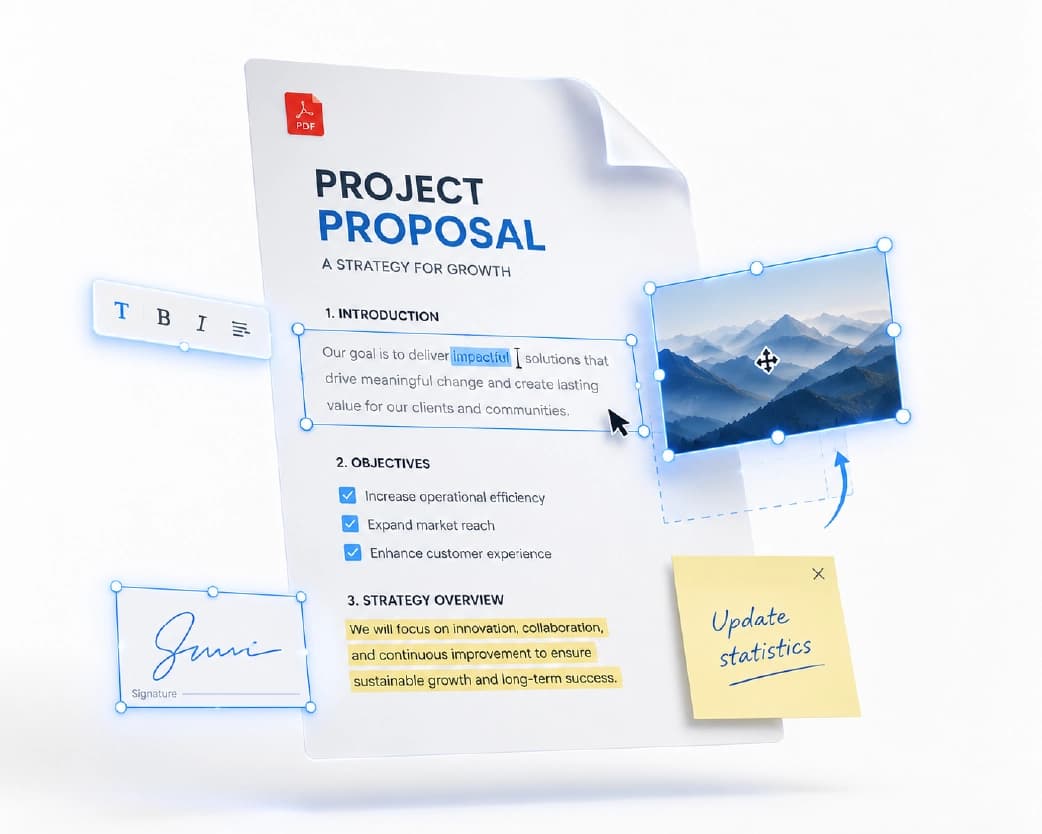
Free ATS Resume Checker: Beat Applicant Tracking Systems
You spend hours polishing your resume, hit "apply," and then hear nothing back. No call, no email, not even a rejection. This happens to thousands of job seekers every day, and most of the time, a human never even sees the resume. A computer program reads it first, and if that program cannot understand your resume, it never reaches a person's desk. That program is called an Applicant Tracking System, or ATS. The good news is that you can check how well your resume performs before you apply, using a free ATS resume checker. This guide covers what an ATS resume checker does, how ATS software reads your resume, why resumes get rejected, and simple steps to pass the test in 2026.
Recommended to Read:Chat with Your PDF: Ask Questions, Get Instant AI Answers
What Is an ATS Resume Checker?
An ATS resume checker is a free online tool that reads your resume the same way a company's hiring software reads it. Instead of guessing whether your resume is good, you upload it and the tool tells you exactly what works and what does not.
Companies use ATS software because they get hundreds, sometimes thousands, of resumes for a single job. No recruiter has time to read every single one, so the software sorts them first. It stores your resume in a searchable database, pulls out your skills, job titles, and work history, and ranks you against the job opening. If your resume is easy for the software to read, you move forward. If it is not, your resume may sit at the bottom of the pile, even if you are the perfect person for the job.
A good checker, like Plainscan, does not just tell you "pass" or "fail." It shows you your score, points out the exact problems, and gives you clear steps to fix them.
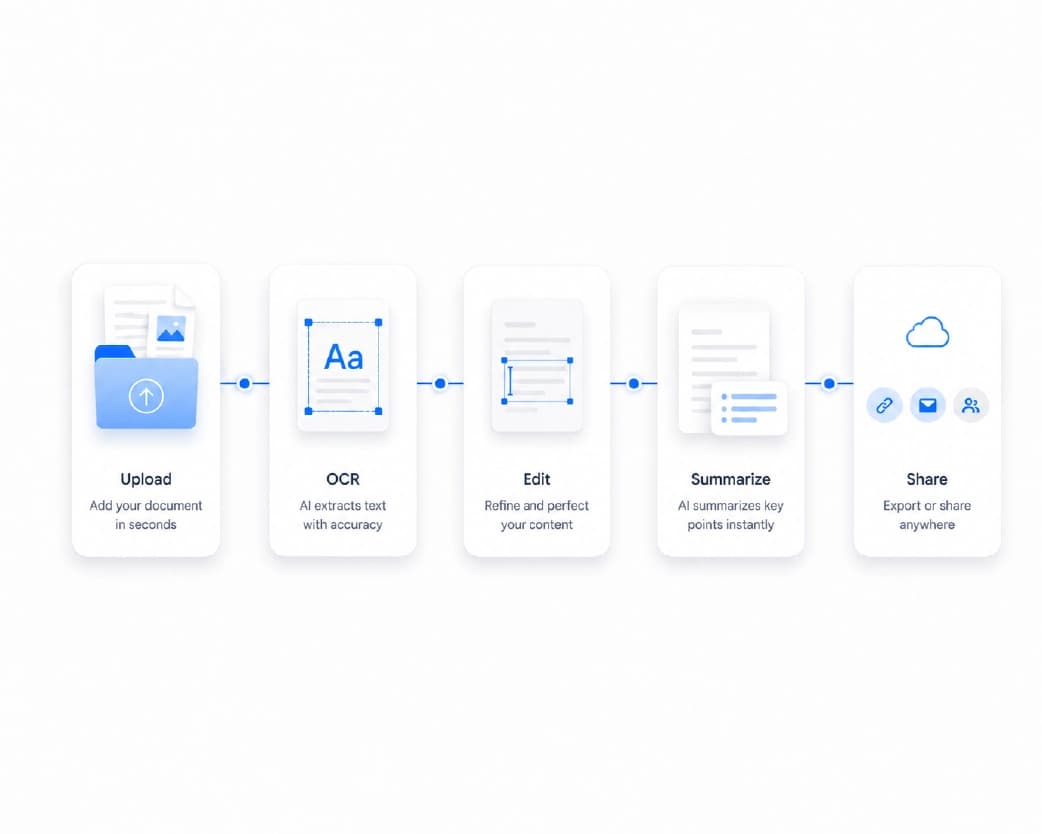
Why Almost Every Company Uses an ATS Today
You might think ATS software is only used by huge corporations, but that is not true anymore. Small and medium businesses use it too, because it saves time and money during hiring. In fact, one study of HR professionals found that more than 8 out of 10 recruiters use an applicant tracking system to screen candidates before anyone looks at a resume by hand. So the question is no longer "will my resume go through an ATS?" It almost certainly will. The real question is whether it will pass.
How an ATS Actually Reads Your Resume
Here is something most job seekers never think about: an ATS does not "look" at your resume the way a human does. It cannot see your fancy design, your colors, or your nice layout. Instead, it turns your whole file into plain text and reads that text line by line, left to right, across the full width of the page.
This is why formatting matters so much. Picture a resume with two columns, a sidebar for skills, and a table for certifications. The software does not read down one column and then the other; it reads straight across the page, so your sidebar skills get mixed in with your job history, and the words come out jumbled. A table full of certification names might collapse into a single messy line, and photos or skill bars are not read at all, because they are pictures, not text.
Now picture a simple resume with one column and clear headings. The software reads your name, then your job title, then your work experience in the right order, with the correct dates attached to the correct company. Nothing gets lost. This is why a single-column layout with plain headings almost always beats a "designer" template when it comes to passing an ATS.
What a Free ATS Score Actually Measures
Not every ATS checker looks at the same things, but most good tools check your resume across five main areas.
- Job match: Does your resume use the same words and skills mentioned in the job post?
- Format and structure: Is your resume free of tables, columns, and images that confuse the software?
- Content quality: Do your bullet points show real results, with numbers, instead of just listing duties?
- Section organization: Are your sections (like Experience, Education, and Skills) clearly labeled and easy to find?
- Technical elements: Is your file saved in the right format, with a clean file name and no hidden errors?
A checker looks at all five areas together and gives you one overall score, often out of 100, along with tips for each weak spot.
Top Reasons Resumes Get Rejected by an ATS
Most resumes do not fail because the person lacks the right experience. They fail because of small, fixable mistakes. Here are the most common ones:
- Two-column or table-based layouts that scramble your work history when the software reads them.
- Contact details placed only in the header or footer, a spot many parsers skip completely.
- Scanned or image-based resumes, which contain no readable text at all.
- Unusual section headings like "My Journey" instead of "Experience," which the software does not recognize.
- Skills that are only implied, never named. If you built a report using Excel but never write the word "Excel," a keyword search for that skill will not find you.
- Fancy or decorative fonts that can turn into blank boxes once the text is pulled out.
- Inconsistent date formats, mixing styles like "Jan 2023" and "01/2023" on the same page.
Fixing these problems does not take long, and it can move your score up by a large amount in just one round of edits.
How ATS Software Ranks You Against a Job Posting
Once your resume can be read cleanly, the next step is matching. When you apply for a role, the ATS compares your resume text to the job posting and creates a match rate. This match is usually based on a set order of priorities:
- Hard skills (the tools, software, or technical abilities the job needs)
- Education level (only when the posting asks for a specific degree)
- Job title (how closely your past titles match the one you are applying for)
- Soft skills (like leadership or communication)
- Other keywords from the posting
This means your hard skills carry the most weight, so it pays to check the job description carefully and use the exact words it uses, including both the short form and the full term. For example, if the posting says "Search Engine Optimization (SEO)," include both versions somewhere on your resume.
How to Know If You're Being Screened by an ATS
If you are applying by uploading your resume into an online form on a company's careers page, you are almost certainly going through an ATS. It is best to run your resume through a checker and tailor it before you apply through any online job portal, since this is the exact moment your resume enters the software's database.
Popular ATS Software Companies Use in 2026
You do not need to know every ATS by name, but it helps to understand that different companies use different systems. Large enterprises often use platforms like Workday, SAP SuccessFactors, or Oracle Taleo. Fast-growing tech companies and startups often prefer Greenhouse or Lever. Smaller businesses may use simpler tools built into their HR software. The good news is that the basic rules stay the same no matter which system a company uses: clean formatting, clear headings, and the right keywords work everywhere. A resume that reads well on one ATS almost always reads well on all of them.
Beyond the Bot: What Recruiters Check After ATS
Passing the ATS is only step one. Once a human recruiter opens your resume, they look for different things entirely, and a good checker should help you here too. This includes spotting vague claims, checking whether your achievements include real numbers, and flagging possible red flags such as unexplained employment gaps, unclear job titles, or writing that hints at age bias. Some advanced checkers even look at whether your resume shows a clear pattern of growth and leadership over your career. In short, an ATS gets you past the bot, but strong, honest content is what gets you the interview.
Advanced Tips to Beat ATS Screening in 2026
Once your resume is clean and readable, a few extra steps can push your score even higher.
- Tailor your resume for the specific role, not just the industry. A resume built for "Software Engineer" should look different from one built for "Project Manager," even if you have done both. Match your summary and top skills to the exact title in the posting.
- Highlight achievements, not just duties. Instead of "responsible for sales," write "grew regional sales by 18% in six months." Numbers catch a recruiter's eye once your resume clears the ATS.
- Adjust your resume by experience level. If you are a fresher, keep it to one page, place education near the top, and spell out every technical skill and project clearly. If you have several years of experience, keep your most recent roles detailed and shorten older ones, so the page does not get crowded.
- Re-check after every edit. A small formatting change can accidentally break your layout, so scan your resume again before you hit "submit."
Benefits of Using a Free ATS Resume Checker
Running your resume through a free checker like Plainscan before you apply gives you a real advantage. You catch formatting problems you cannot see with your own eyes, since you are reading a design, not the plain text a computer reads. You learn exactly which keywords are missing for a specific job instead of guessing, and you save time, since fixing your resume once is faster than sending fifty applications and wondering why none of them work.
It is worth being honest about one thing: a high ATS score does not guarantee a job offer or even an interview. What it does is remove the mistakes that get good candidates filtered out for the wrong reasons. Combine a strong score with real, honest achievements, and you join the small group of applicants who actually reach a recruiter's inbox.
Conclusion
An Applicant Tracking System is not your enemy. It is simply the first gate every application passes through in 2026, and now you know exactly how it works. Use a single-column layout, standard headings, and the exact keywords from the job post. Avoid tables, images, and creative section titles. Then run your resume through a free ATS resume checker, such as Plainscan, before you hit send. A few small fixes today can be the difference between another silent rejection and your next interview call.
Related insights

Get the Plainscan App for iOS & Android