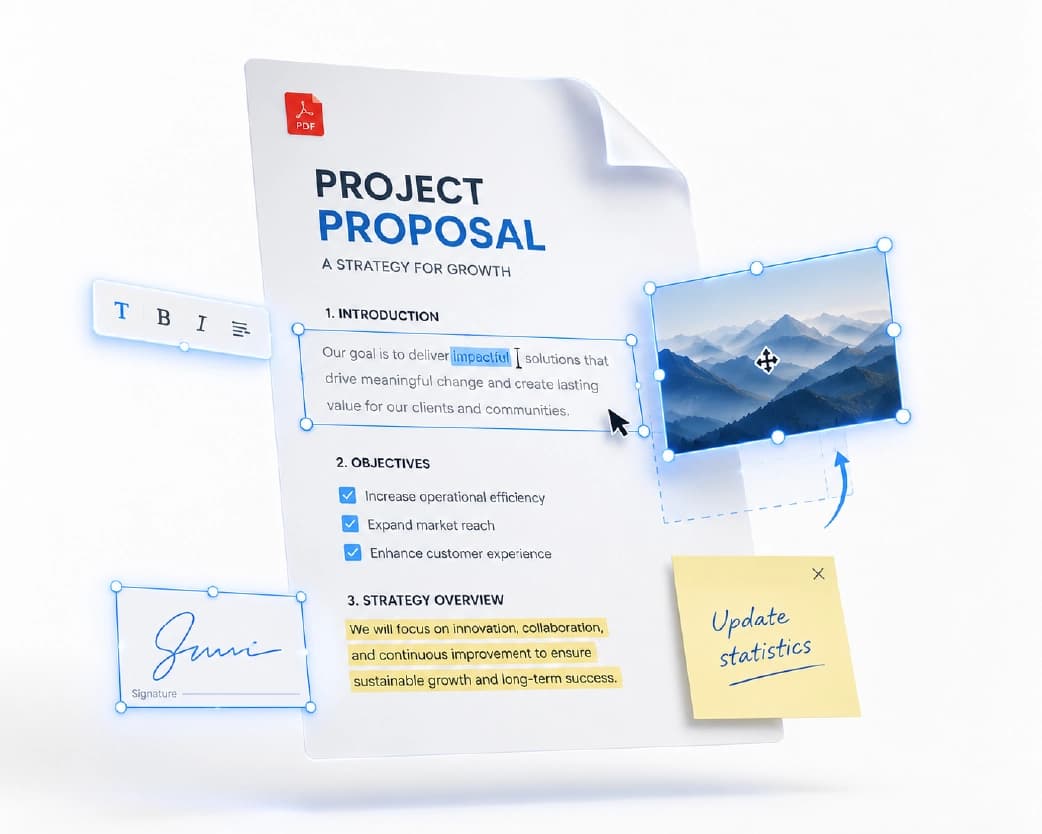
How to Sign PDF Online Free (No Printer, No Scanner)
One of our users signed a lease from a train platform using only her phone. You know the feeling. A landlord, a boss, or a school emails you a PDF and wants it signed today. Your printer is out of ink, or you don’t own one, or you’re nowhere near home. The old routine is print, sign with a pen, scan, email. Four steps for one little squiggle. Honestly, it’s silly. You can skip all of that. Here’s how to sign PDF online free, straight from your browser, on a laptop or a phone.
Continue Reading:How to Extract Images from PDF Online Free (No Screenshots Needed)
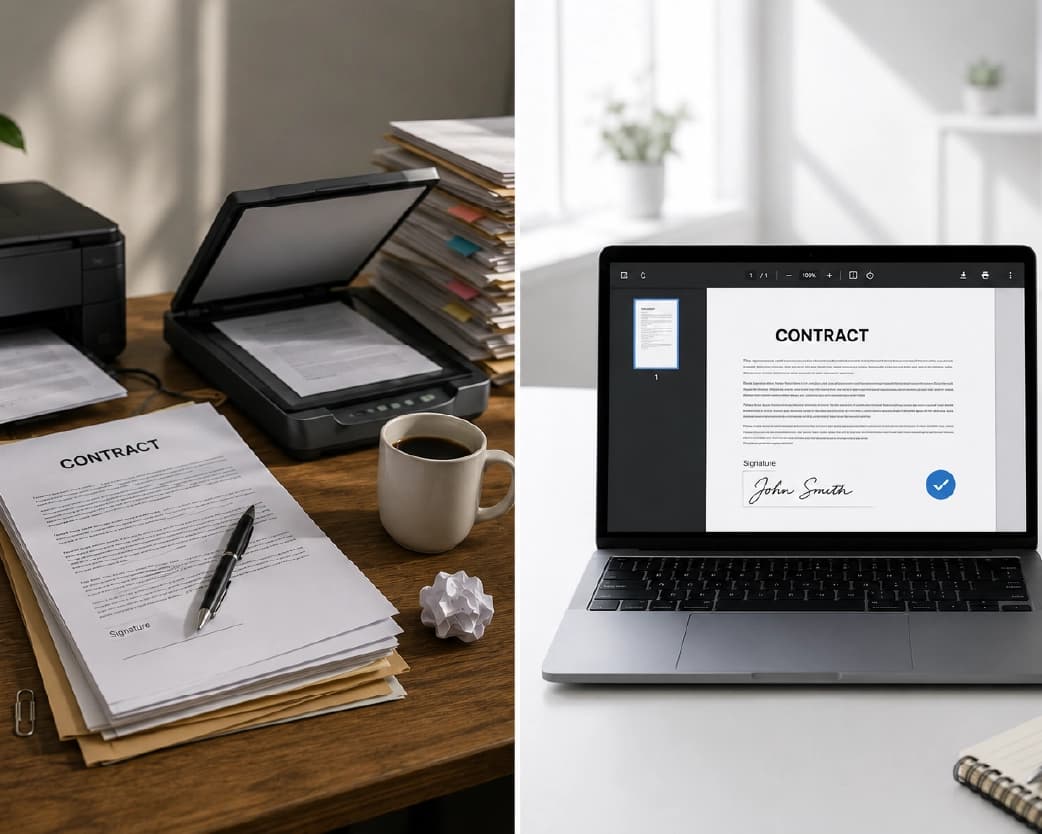
What Printing and Scanning Really Costs You
Paper. Ink. Maybe a trip to a print shop. And then the scan comes out crooked or too dark, so you do it again.
Signing on screen is faster and tidier. You end up with one clean file, and you can send it right away.
What Is an E-Signature?
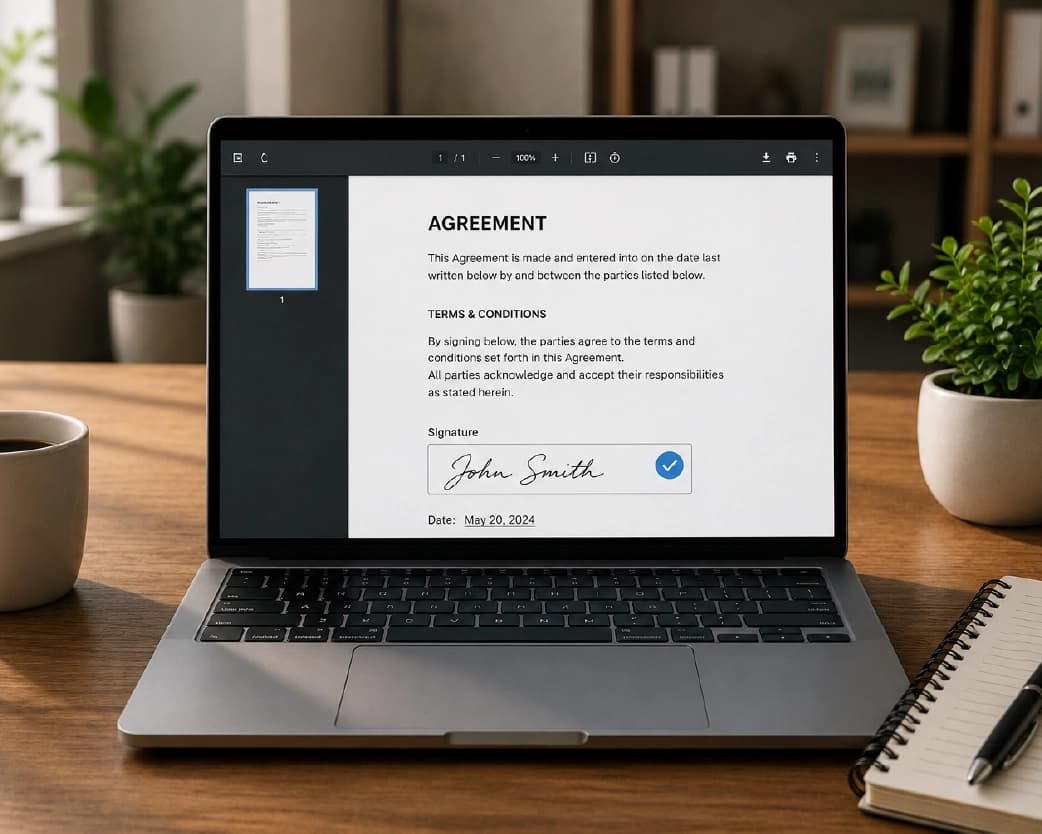
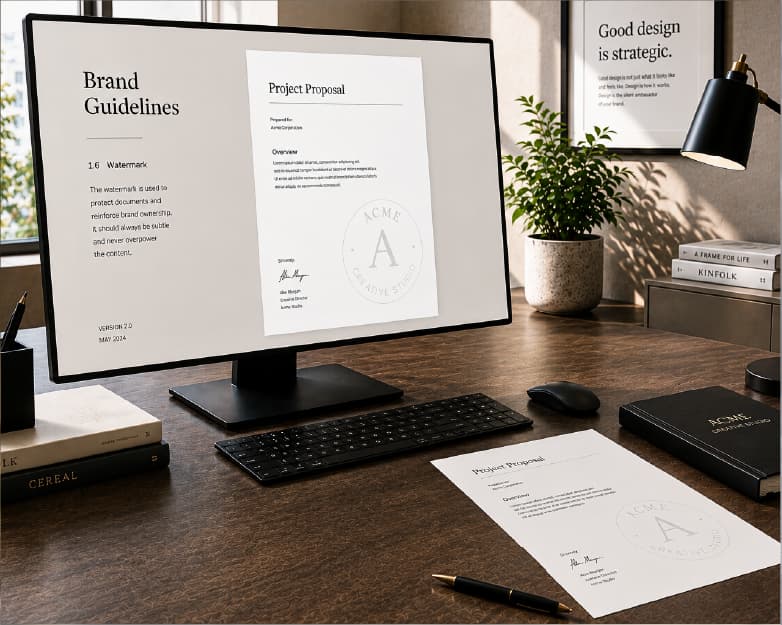
Simple version: it’s a signature you add on a screen. You can type your name, draw it with a mouse or your finger, or upload a photo of your real signature. Then you drop it on the signing line.
There’s also something called a digital signature. That one has extra security that proves who signed and that nobody changed the file afterward. Banks and big companies sometimes ask for it. For everyday stuff like permission slips, forms, and simple contracts, a regular e-signature is usually fine.
Not sure which you need? Ask whoever sent the document. It takes ten seconds and saves you a redo.
How to Sign PDF Online Free with Plainscan
Plainscan runs in your browser and has over 100 document tools. Nothing to download. Laptop, tablet, or phone, it all works.
Open the tool. Go to the tools page and find Sign PDF, or go directly to the Sign PDF tool.
Upload your PDF. Drag it in or browse for it. Free accounts can upload files up to 50 MB, which covers most contracts and forms.
Make your signature. Draw it, type it, or upload an image, depending on what the tool offers. Don’t like it? Redo it.
Place it and download. Move it onto the signing line, resize it, and download the signed file.
So is it free?
To start, yes. After you create a free account, you can process up to 4 documents a day with the basic PDF tools, and it resets every 24 hours. For most people’s signing needs, that’s plenty. AI features and unlimited use need a paid plan, or you can buy credits and use them when you want.
Signing on Your Phone
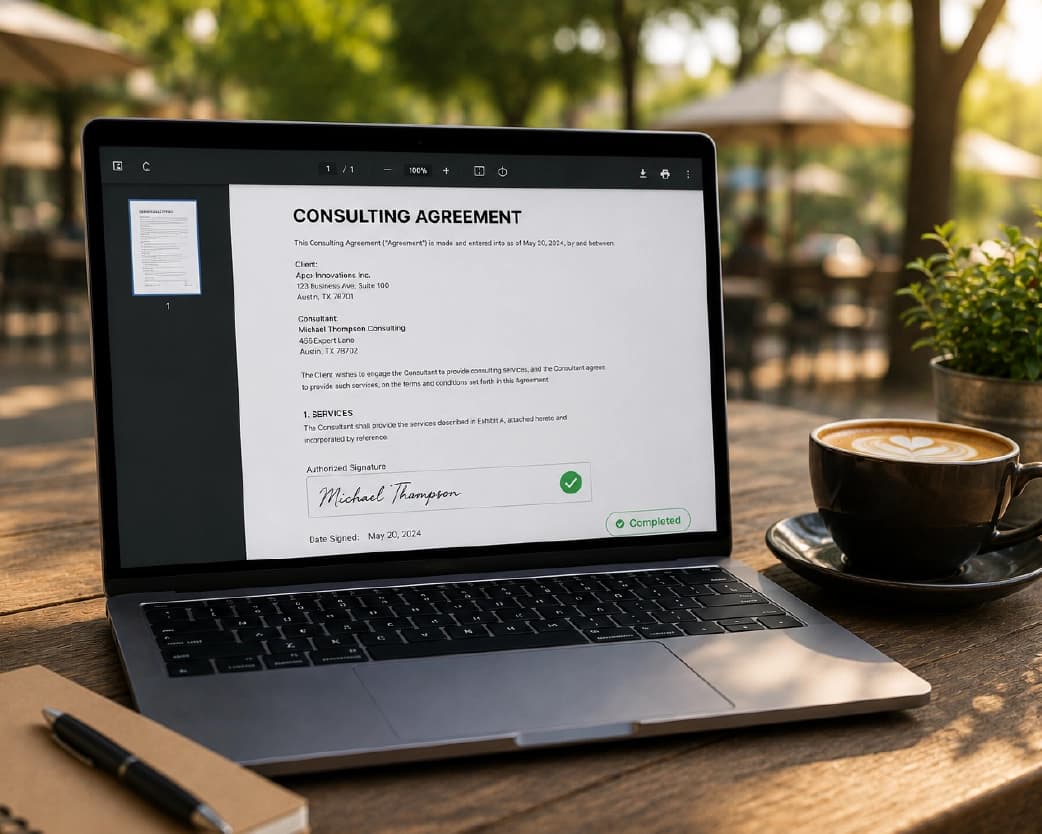
Most documents seem to show up when I only have my phone. Good news, you can sign PDF on phone just like on a laptop. Open Plainscan in your mobile browser, upload the file, and draw with your finger.
Turn the phone sideways while you place the signature. More room, easier to line up.
Little Things That Make It Look Better
Draw slowly. Fast scribbles look jagged on a screen. A slow, steady line looks a lot more like your real one.
Or use a photo. Sign a white sheet of paper with a dark pen, take a clear picture, and crop it with the Crop Image tool. Then you’ve got a signature image ready any time.
If a page is sideways, fix it first with the Rotate PDF tool, or your signature ends up tilted.
And zoom in before you download. Make sure it sits on the line and doesn’t cover any text.
I always sign a test copy first so I know the signature looks clean on the page.
Who Needs This?
Renters and homeowners with lease papers. Freelancers sending contracts. Parents and students with school forms. Employees with offer letters and tax forms.
Anyone, really, who’s ever stared at a blank line that says “sign here.”
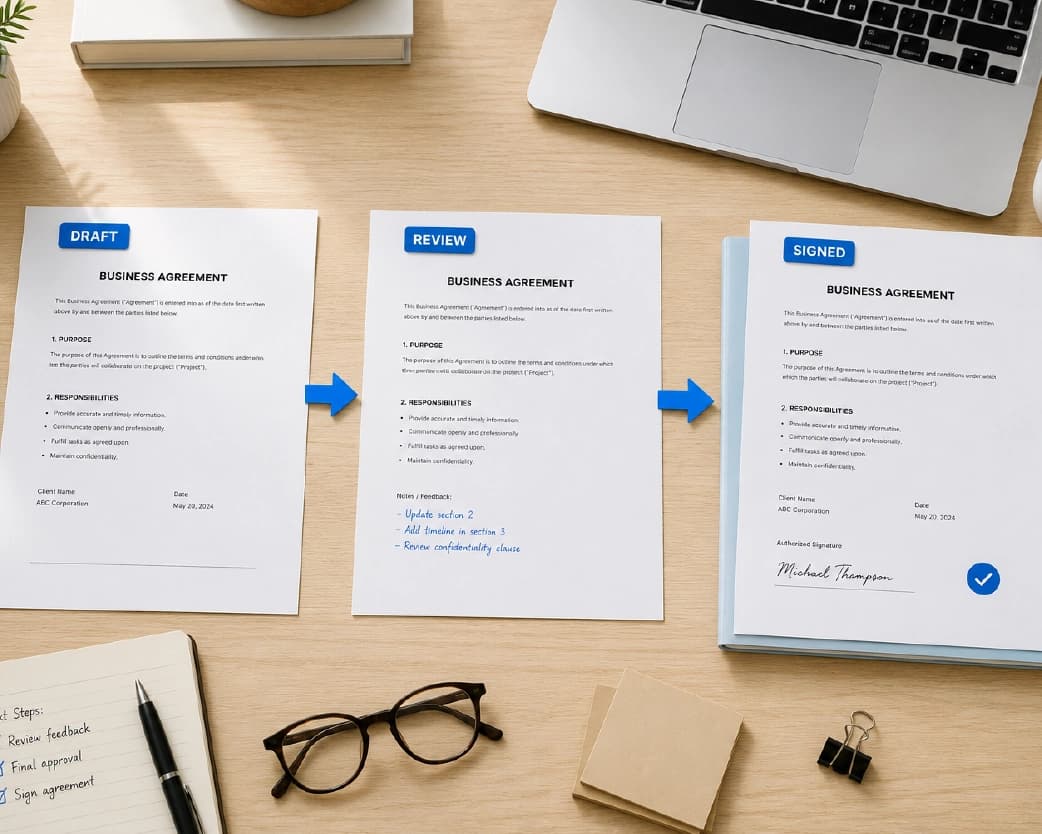
Is An E-Signature Legal?
Often, yes. Places like the United States and the European Union accept electronic signatures for lots of everyday documents. But there are exceptions. Some property papers and legal forms may need a witness, a notary, or a certified digital signature.
I’m not a lawyer, so if it matters, ask the person or office requesting your signature what they accept.
Is It Safe to Upload a Document to Sign?
Worth asking, since signed papers often hold personal details. Plainscan uses encrypted HTTPS connections, and uploaded files are deleted automatically within 24 hours.
Still, I’d think twice before uploading ID documents or full bank details to any website. Skim the privacy policy of a new tool. And once you’ve got your signed copy, save it somewhere safe.
Mistakes to Skip
Signing the wrong page. Long contracts have lots of pages, so double-check.
Making the signature too big or too small. It should look like a pen did it.
Forgetting the limits. Check file size and your daily cap, especially if you’re signing a few files in a row.
Skipping a last look. Open the finished PDF once before you send it. A quick check beats an awkward “can you sign it again?” email.
You may also like:How to Extract Text from PDF Online Free (Scanned Ones Too)
Conclusion
Signing a PDF doesn’t need a printer, a scanner, or a trip anywhere. Upload it, add your signature, download it. About two minutes. If a document is waiting on you, try Plainscan now. It’s an easy way to sign PDF online free, and the other free PDF tools are worth a look too.
Recommended to Read:How to Annotate PDF Online Free (Notes, Highlights, and More)
Related insights


Get the Plainscan App for iOS & Android