How to Unlock PDF Online Free (When the File Is Yours to Open)
A user told us she typed the same 20-character password into her pay slip every month. Here’s a small thing that drives me up the wall. You get a PDF from your bank, and every time you open it, you have to type a long password. By the fifth month, you’re ready to throw your laptop. Or you’ve got a PDF that opens fine, but won’t let you copy a line or print a page. You just need one paragraph for a report, and the file says no. Both have a quick fix. Here’s how to unlock PDF online free, and what you need to know first.
Recommended to Read:How to Lock PDF Online Free (and Keep Your Files Private)
Why Are PDFs Locked?
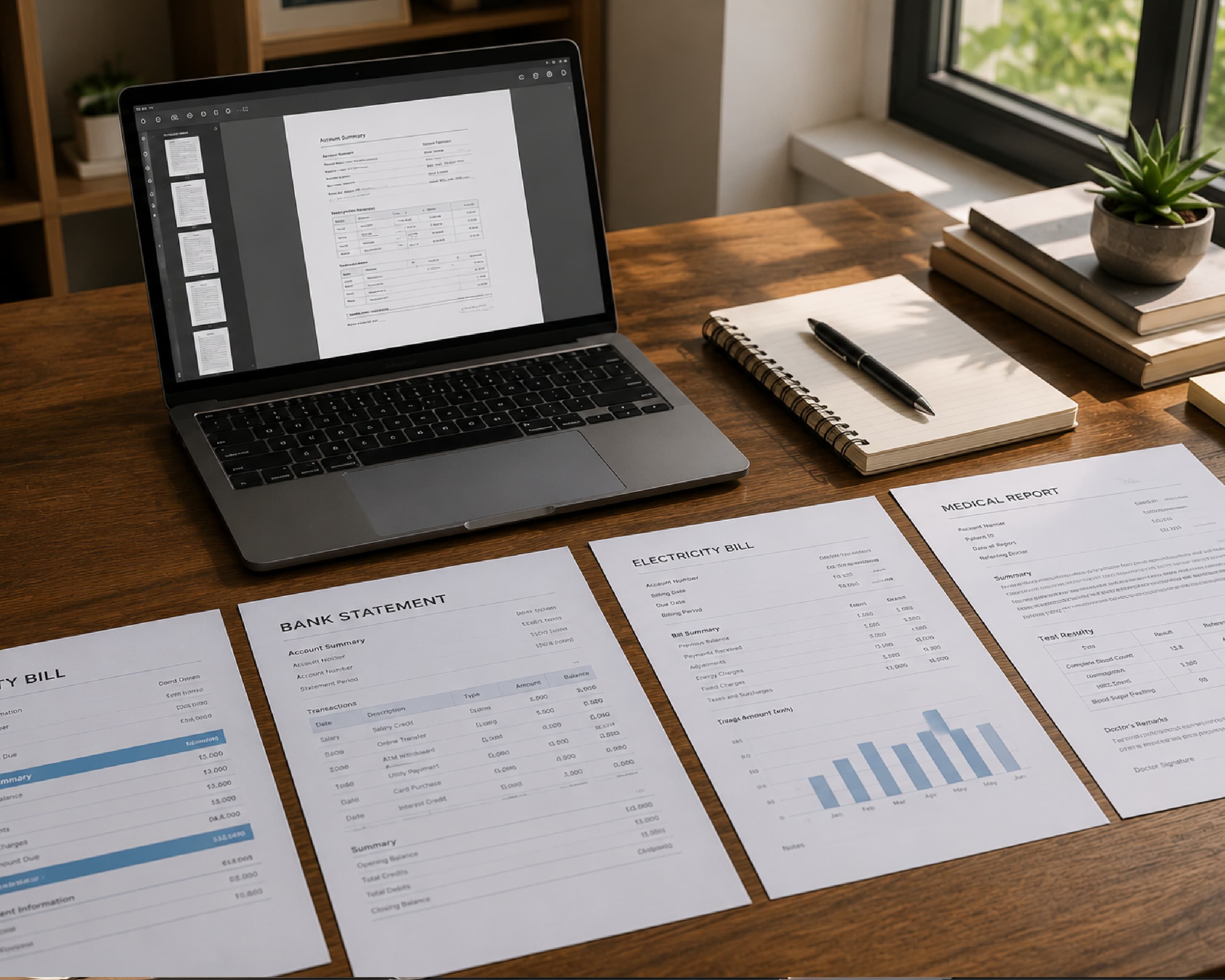
Banks lock statements. Employers lock pay slips. Schools lock student records. It keeps private stuff private, which is good.
But sometimes the lock outlives its usefulness. You’ve already proved who you are, and now the password is just a daily annoyance. Or the file blocks printing and copying, and you have every right to do both.
That’s where a PDF password remover helps. It gives you a clean copy without the lock.
Two Kinds of Locks
An open password
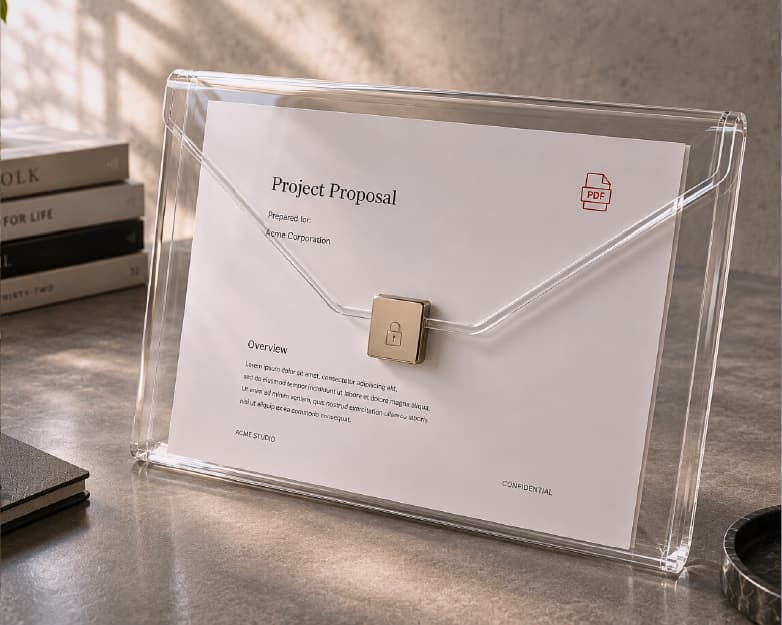
The file asks for a password before it opens at all. Think of a locked front door. To remove this one, you need to know the password. That’s how it should work.
A permissions lock
The file opens fine, but blocks printing, copying, or editing. More of a “look, don’t touch” sign. These are usually easier to remove, since you can already open the file.
Quick way to tell: open the PDF. Password prompt means the first kind. Opens but won’t let you copy or print means the second.

One Rule: Only Unlock What’s Yours
This matters, so I’ll say it plainly. Unlock files that belong to you, or that the owner gave you permission to open. This is a convenience tool, not a way into other people’s stuff.
If you forgot your own password, check old emails or your password manager first. Or ask whoever sent you the file.
How to Unlock PDF Online Free with Plainscan
Plainscan runs in your browser and has over 100 document tools. Nothing to download. Laptop, tablet, or phone, it all works.
Find the tool. Go to the tools page and look for the one that removes PDF protection, or open the Unlock PDF tool directly.
Upload your PDF. Drag it in or browse for it. Free accounts can upload up to 50 MB.
Enter the password if asked. If the file has an open password, type it in. A permissions lock may not need one.
Download the new copy. Open it and check that you can now copy or print.
Is it free?
To start, yes. After you create a free account, you can process up to 4 documents a day with the basic PDF tools, and it resets every 24 hours. That’s plenty for most people. AI features and unlimited use need a paid plan, or you can buy credits and use them when you need them.

What If It Doesn’t Work?
Don’t panic. There are usually three reasons.
Wrong password. Check for typos, capital letters, and stray spaces. It sounds silly, but it’s the top cause.
Damaged file. If the PDF is broken, no tool can fix it. Ask for a fresh copy.
Strong protection. Some files need the right password, no way around it. That’s the lock doing its job.
A Few Tips
Keep the original. Don’t delete the locked version until you’ve checked the new one.
Be careful where you save the unlocked copy. Once the lock is gone, anyone who finds the file can read it. If it has private info, keep it in a safe folder.
Want to share it later? You can put a fresh password on it using our guide on how to lock PDF online free or directly with the Lock PDF tool.
And if a page opens sideways, fix it with the Rotate PDF tool.
I always keep a locked backup of the original file before removing restrictions.
Who Needs This?
Employees with monthly pay slips. Students with a locked study guide and a quote to copy. Small business owners with old invoices locked by a former coworker. Anyone who’s typed the same password forty times for one file.
Is Uploading a Locked File Safe?
Fair question. Since locked files usually hold private stuff, Plainscan uses encrypted HTTPS connections, and uploaded files are deleted automatically within 24 hours.
Still, I’d be careful with very sensitive things like passport scans or full bank details. Skim the privacy policy of any new tool first.
Mistakes to Skip
Deleting the original too soon. Leaving the unlocked file somewhere public. Trying to unlock a file that isn’t yours. Forgetting to check file size and your daily cap before a big batch.
Conclusion
Unlocking a PDF is quick when you have the right to open it. Upload it, enter the password if asked, and download your clean copy. Most files take a minute or less. If there’s a PDF you’re tired of fighting with, try Plainscan on it today. It’s an easy way to unlock PDF online free, and the other free PDF tools are worth a look too.
Related insights


Get the Plainscan App for iOS & Android