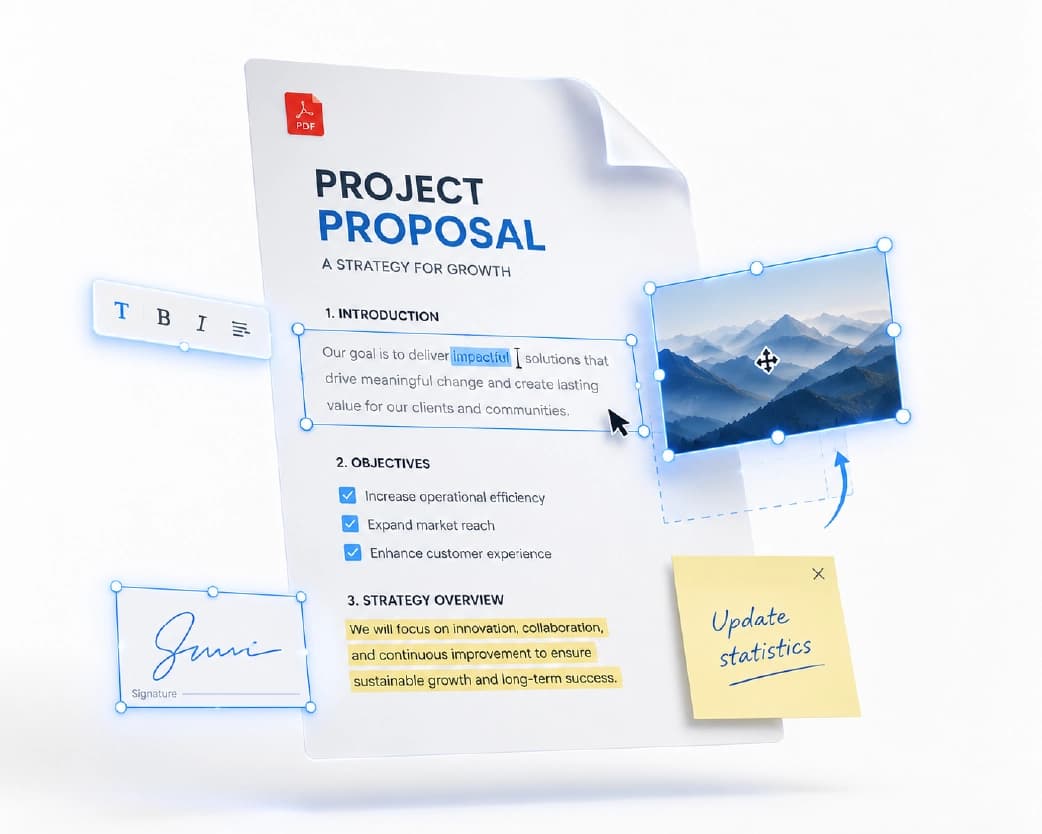
AI Document Condenser: How to Shrink a 50-Page File Into the Parts That Matter
Picture this. It’s Monday morning, and you open your email. There’s a 60-page report from your manager with a note that says, “Please read before our 2 pm meeting.” You look at the clock. You look at the report. You look at the clock again. Most of us have been in this spot. Maybe it was a thick contract, a class reading, or a research paper full of words you had to Google. The info matters, but the time just isn’t there. This is exactly why people are turning to an AI document condenser.
Continue Reading:AI Text Expander: How to Turn a Few Lines Into Clear, Full Writing
What Is an AI Document Condenser?
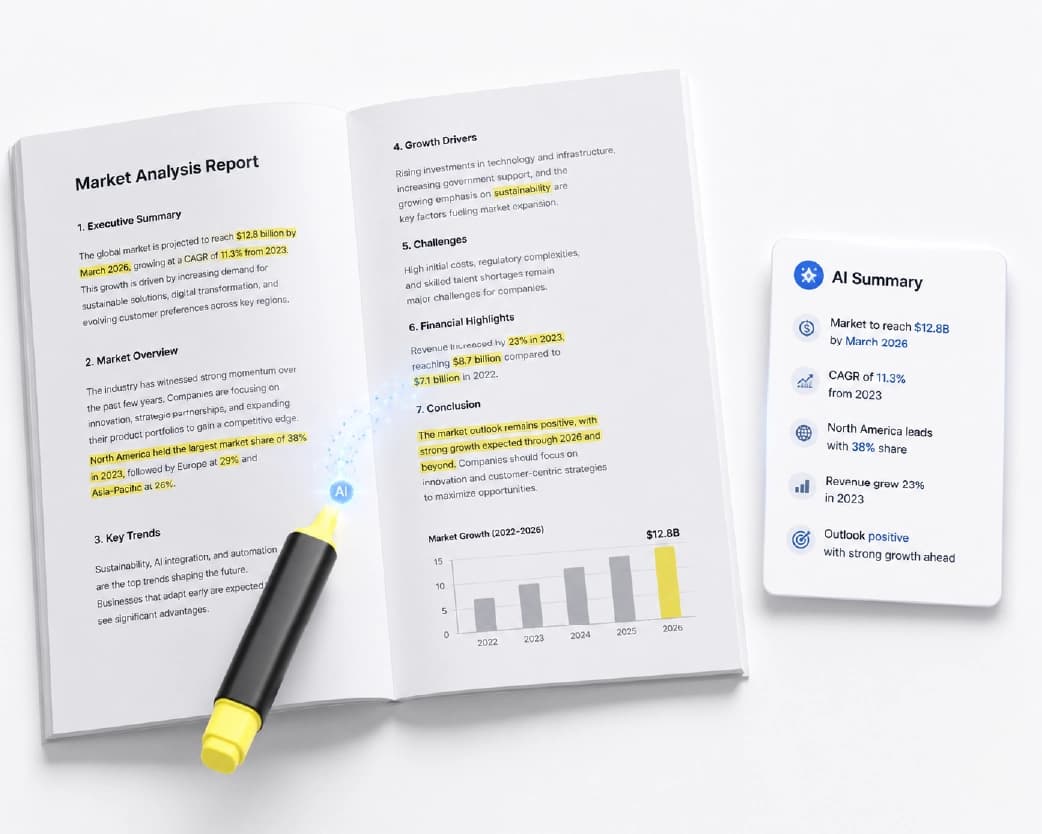
It’s a tool that reads a long document and gives you a shorter version with the main ideas still in place. Think of it like a friend who read the whole thing for you and then told you what actually matters.
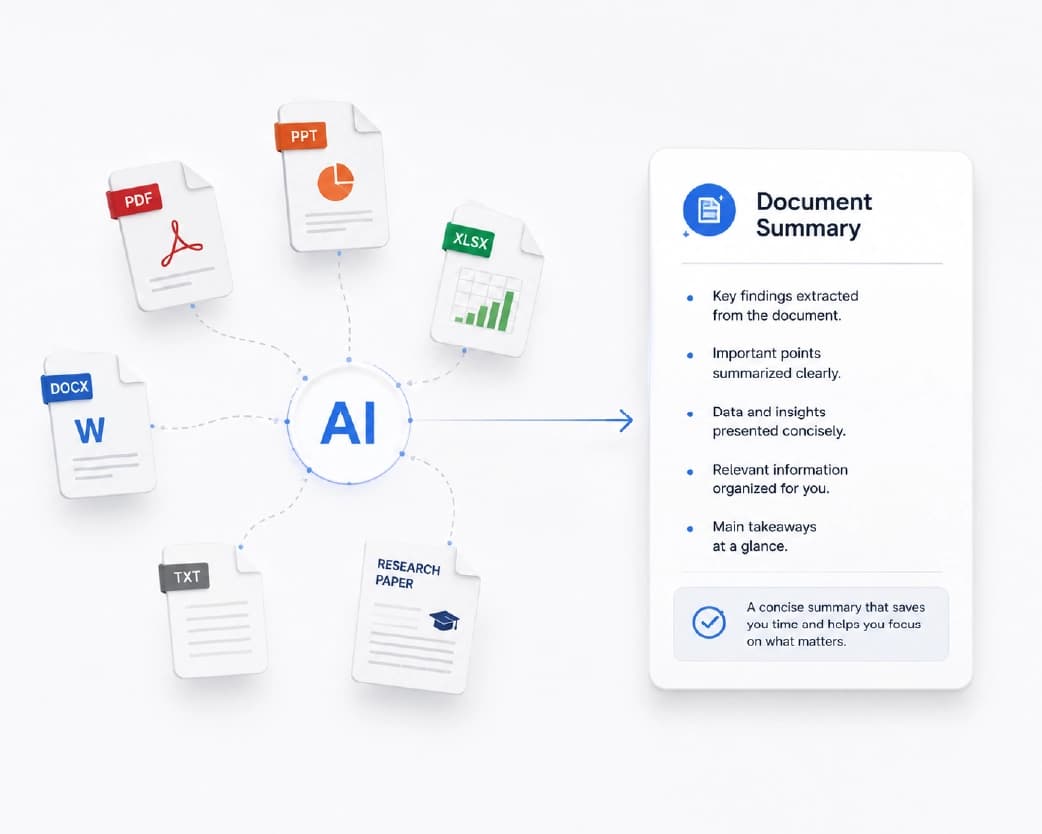
You upload a file or paste your text. The tool scans it, picks out the key points, and writes a short summary. What used to take an hour can take under a minute.
You might also hear it called an AI summarizer, a document summary tool, or a way to shorten long documents. The names are a bit different, but they all do the same job: save you from reading every single line.
Why We All Need This Right Now
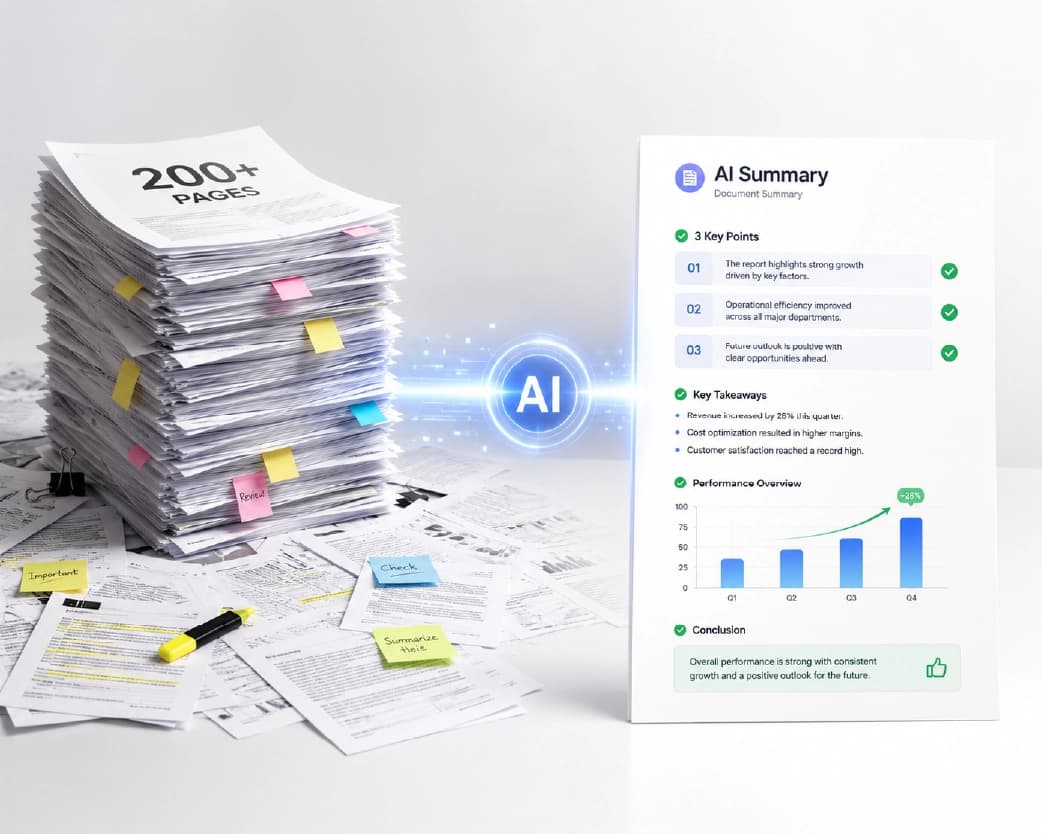
Let’s be honest. We’re drowning in words. Emails, PDFs, reports, articles, notes, contracts. The pile only grows, and there are still only 24 hours in a day.
Reading everything closely isn’t realistic anymore. But skipping stuff is risky, because you might miss the one detail that counts. A good condenser sits in the middle. It helps you move fast without flying blind.
Who Gets the Most Out of It?
Students
Class readings can run for dozens of pages. A condenser helps you get the big picture first, so when you do sit down to read closely, you already know what to look for. It’s also handy for reviewing notes before a test.
Busy Professionals
Reports, meeting notes, proposals, long email threads. If your job is full of reading, a quick summary helps you decide what needs your full attention and what doesn’t.
Researchers and Writers
When you’re working through ten papers for one project, you need a fast way to see which ones are worth a deep read. Condensing each one gives you a quick preview.
Small Business Owners
Contracts and policy documents are long and dull, but you can’t ignore them. A short summary can point you to the sections that need a closer look, so you know what to ask a lawyer.
How an AI Document Condenser Works (No Tech Talk)
Here’s the simple version. The tool reads your text, figures out which sentences carry the most meaning, and cuts down the rest. Then it writes a short version in clear words.
It’s a bit like highlighting a textbook. A smart highlighter doesn’t mark everything. It picks the lines that explain the main ideas, and the condenser does something similar, only faster.
How to Use One the Right Way
A condenser is great, but you’ll get better results with a few good habits.
- Know What You Want: Are you looking for the main idea, a list of action items, or the key numbers? Think about it before you start. It helps you judge whether the summary gives you what you need.
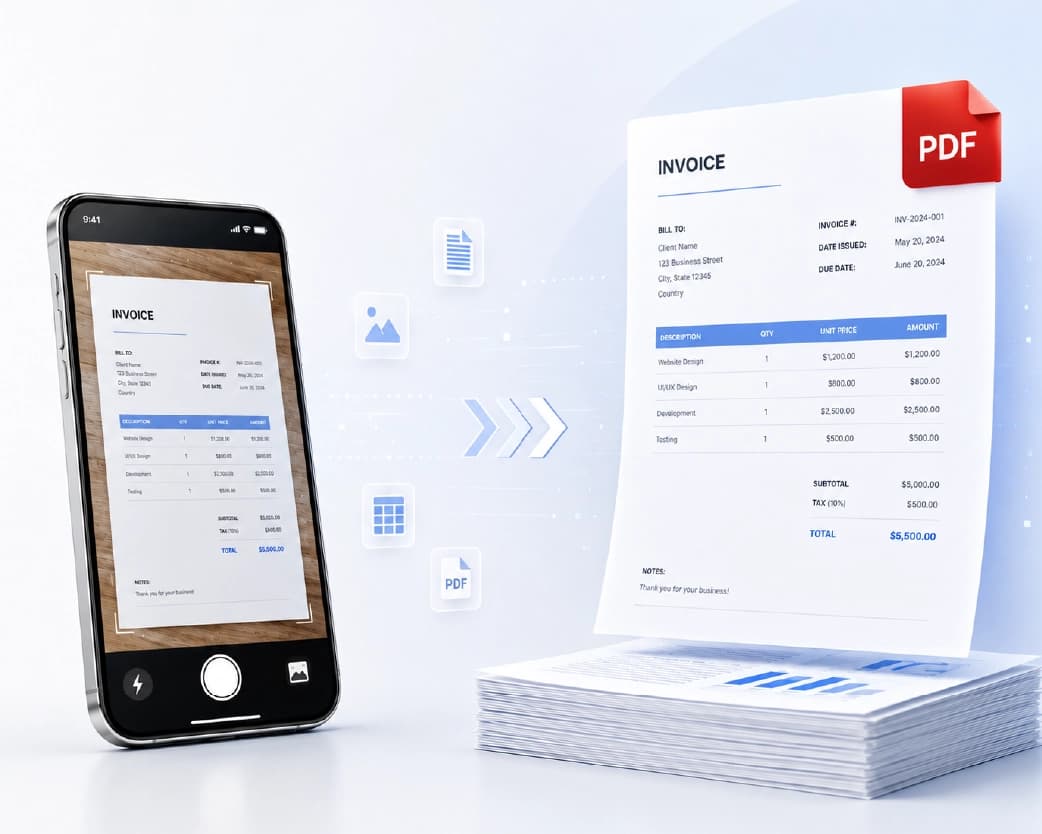
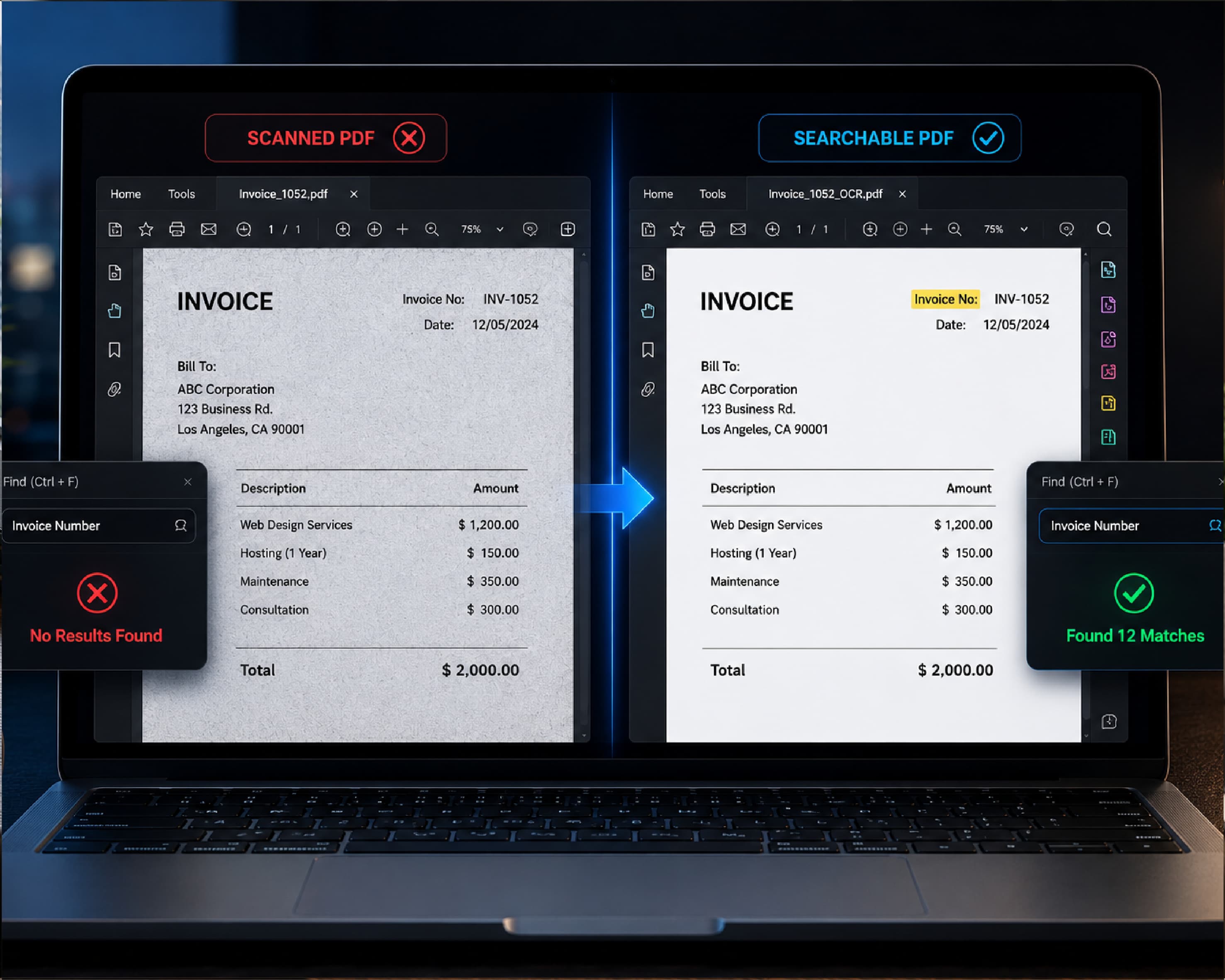
- Start With a Clean File: If the file is a clear PDF or document, you’re in good shape. If it’s a scan or a photo, the text has to be pulled out first, otherwise the tool has nothing to read.
- Read the Summary Closely: Don’t just skim it. Ask yourself, “Does this sound right?” If something seems off, go back to the original and check that part.
- Check the Important Details: Names, dates, prices, and legal terms deserve a second look in the full document. A summary is for understanding, not for final decisions.
- Keep the Original Handy: Think of the summary as a map, not the whole trip. When you need more detail, you can jump back into the full document.
Mistakes That Can Cost You
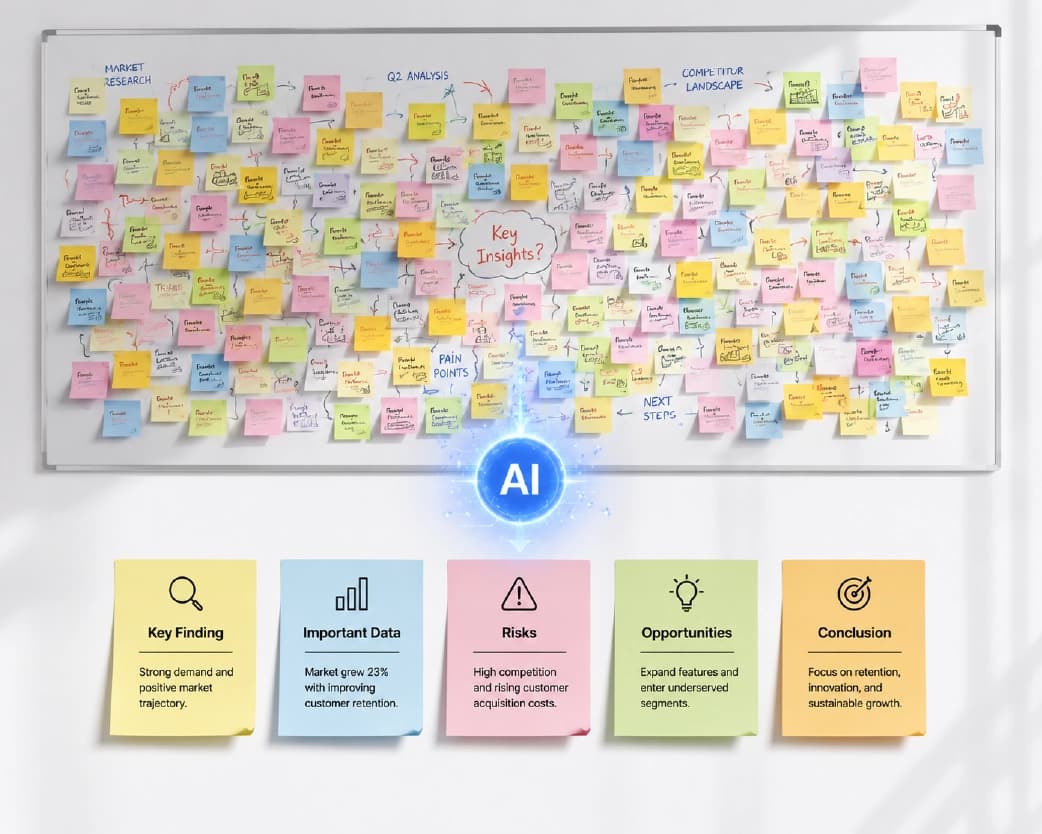
The first mistake is treating a summary like the full story. Short versions leave things out by design. For anything with real consequences, like contracts, medical papers, or legal documents, read the full text or ask an expert.
The second is feeding in a messy file. Blurry scans and weird formatting can confuse the tool, and the summary may come out incomplete.
The third is forgetting about privacy. If your document has personal or private info, check how the site handles your files before you upload.
And the last one is using a summary as your own writing. If you’re a student, a summary helps you understand. It shouldn’t replace your own words in an assignment.
Trying It on Plainscan
If you’d like a simple place to start, Plainscan has an AI Summarize tool in its AI Tools section. It works right in your browser, so you don’t need to install anything, and it works on phones and tablets too.
What I like about Plainscan is that it isn’t a one-trick site. It’s a full workspace with 100+ tools for PDFs, images, and documents. That means you can do the whole job in one place. Got a scanned page? Run it through Scan & OCR to pull out the text, then summarize it. Need the summary in a different language? There’s an AI Translate tool for that. Want the final result as a Word file or PDF? Those tools are right there too.
Here’s the quick way to try it:
- Open the Plainscan AI Summarize tool.
- Upload your file or paste your text.
- Run it and read the summary.
- Check anything important against the original.
A few good things to know. Plainscan says uploaded files are deleted automatically within 24 hours, which helps if your document is private. AI features use credits, and one credit equals one tool use. You can see the full details on the pricing page.
What to Look For in a Good Tool
Before you trust one with your files, ask yourself a few things. Does it keep the main meaning? Does it handle full documents, not just short text? Is the summary written in plain, easy words? Does the site explain how it treats your files? And is it simple enough that you don’t need a manual?
If most answers are yes, you’ve probably found a keeper.
You may also like:AI Document Translator: How to Translate Files Without the Headache
Conclusion
You don’t have to read every word of every document to stay on top of your work. An AI document condenser gives you a smart shortcut, so you can spend your time on decisions instead of scrolling. Just use it wisely. Know what you’re looking for, check the key details, and go back to the full file when it really matters. So next time a giant report lands in your inbox, don’t sweat it. Head over to Plainscan, give the AI Summarize tool a try, and take back your afternoon.
Recommended to Read:AI Text Rewriter: The Easy Way to Fix Writing That Sounds Off
Related insights



Get the Plainscan App for iOS & Android