AI Document Translator: How to Translate Files Without the Headache
Got a PDF in a language you can’t read? You’re not stuck anymore. An AI document translator can turn pages of foreign text into something you understand in minutes. Here’s how it works, where it shines, and how to get better results. Picture this. A landlord sends you a lease in a language you barely know. Or your college sends a form written in another language. Or a supplier emails an invoice, and you have no clue what half of it says. Not fun. A few years ago, you’d have copied it line by line into a website or paid someone to do it. Now there’s an easier way.
You may also like:AI Text Rewriter: The Easy Way to Fix Writing That Sounds Off
What Is an AI Document Translator?
It’s a tool that reads a whole document and gives you the same content in another language. You upload the file, pick the language you want, and wait a few seconds.
The word “document” is the key part here. A regular translator handles a sentence or two. A document translator is built for longer stuff, like reports, contracts, study notes, and forms. You don’t have to copy and paste page after page.
You might see it called a document translation tool, a PDF translator, or just AI translation. Same idea. The software reads your text, figures out the meaning, and writes it out in the new language.
Why Translating Documents by Hand Is So Painful
If you’ve ever tried it, you already know.
First, it’s slow. Even a two-page letter can take an hour if you’re looking up words. Second, it’s easy to mess up. One wrong word in a contract can change the whole meaning. Third, the layout falls apart. You copy text out of a PDF and suddenly your headings, tables, and bullet points are a mess.
And let’s be honest, hiring a professional for every little file isn’t realistic. It’s great for big, serious projects. For everyday paperwork, most people just need to understand what’s in front of them.
Where an AI Document Translator Really Helps
School and Studies
Students often find great research papers that aren’t written in English. Or they study abroad and get class notes in a new language. Being able to translate documents online means you can read first, then decide what’s worth a deeper look.
Work and Business
Teams work across countries now. A quick translation of an invoice, a report, or a product sheet keeps things moving. You don’t have to wait two days for someone to be free.
Travel and Daily Life
Booking confirmations, medicine labels, rental rules, user manuals. These all pop up when you live or travel somewhere new. Knowing what you’re signing or taking is a big deal.
Job and Visa Paperwork
Applications often come with forms in more than one language. A fast translation helps you understand what’s being asked before you fill anything out.
How to Translate a Document Online, Step by Step
It’s simpler than most people expect.
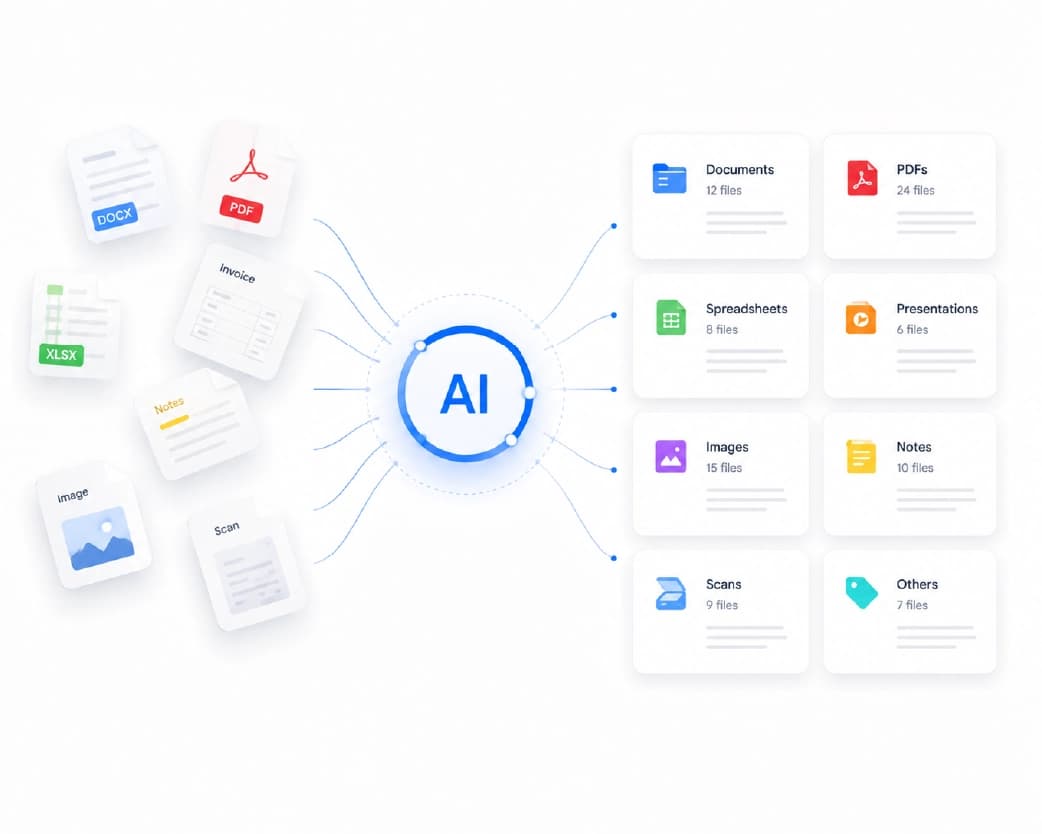
- Get your file ready. Make sure it’s the final version, so you don’t have to translate it twice.
- Upload it to the translation tool.
- Pick your target language. This is the language you want to read.
- Run the translation and give it a moment.
- Read through the result. Look for anything that seems odd.
- Download or copy it once you’re happy.
That’s it. No software to install, and no need to be a tech person.
Recommended to Read:AI Document Summarizer: How to Get the Key Points From Long Files Fast
Tips for Getting Better Results
A tool can only work with what you give it. These small habits help a lot.
- Use a clear file. If your document is a blurry photo, the tool may misread letters. A clean PDF or a sharp scan gives much better results.
- Check names and numbers. Names, dates, addresses, and prices matter most. Look at these twice. A single wrong digit can cause real trouble.
- Keep the sentences simple. If you wrote the original, short and plain sentences translate better than long, twisty ones. Slang and jokes often get lost.
- Translate in sections if it’s huge. Big files can be easier to review when you split them up.
- Read it like a normal person. If a sentence sounds strange in the new language, trust that feeling and double-check it.
When You Still Need a Human Translator
Here’s something worth saying plainly. AI translation is amazing for understanding what a document says. But it’s not perfect, and it’s not a replacement for a professional in every case.
If the document is a legal contract, a court paper, a medical record, or an official certificate, get a qualified person to review it. The cost of a small mistake is just too high. Think of the tool as a fast first look, and the human expert as the final safety check when the stakes are big.
For everything else, like emails, study material, manuals, and general paperwork, AI translation usually does the job well.
Translating Documents With Plainscan
If you want a simple place to start, Plainscan has an AI Translate tool in its AI Tools section. It works in your browser, so you don’t need to download anything. It also works on your phone or tablet.
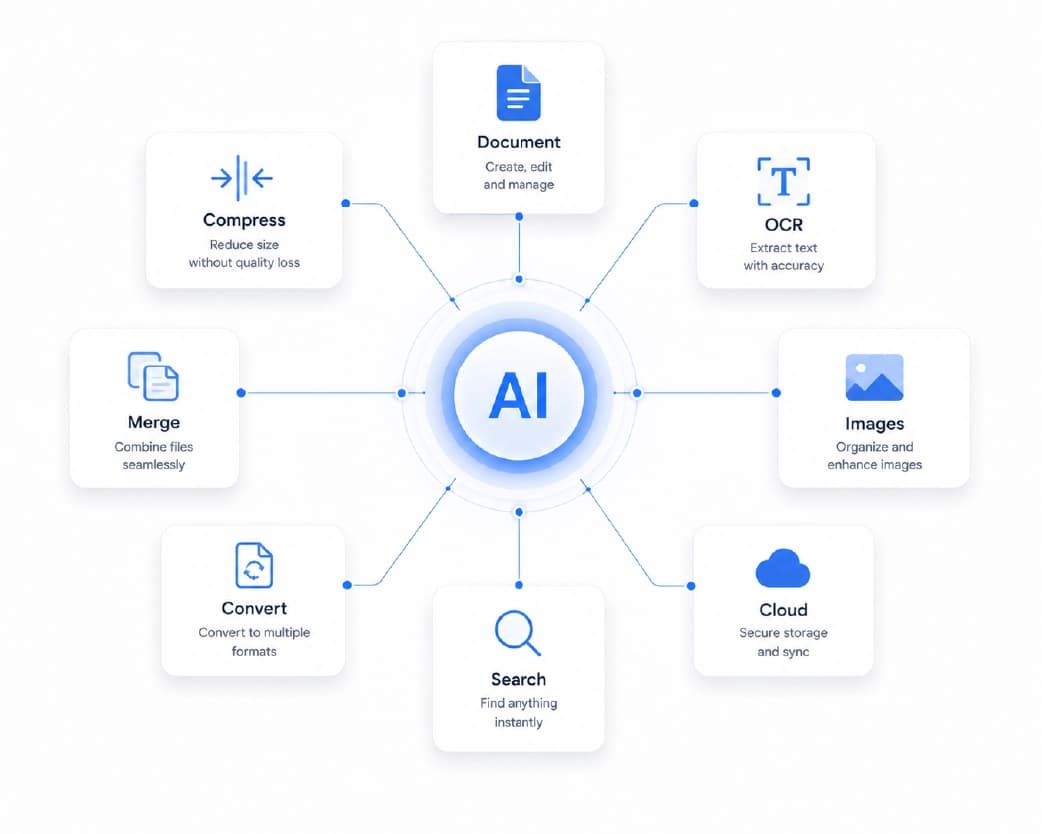
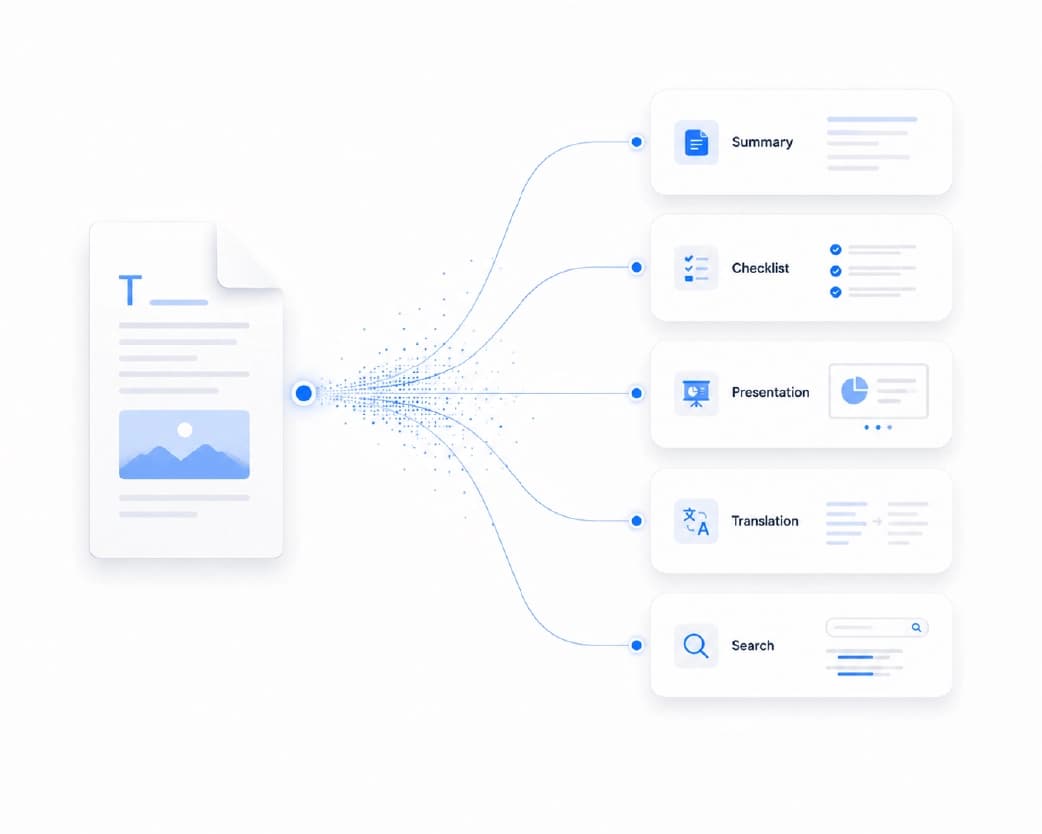
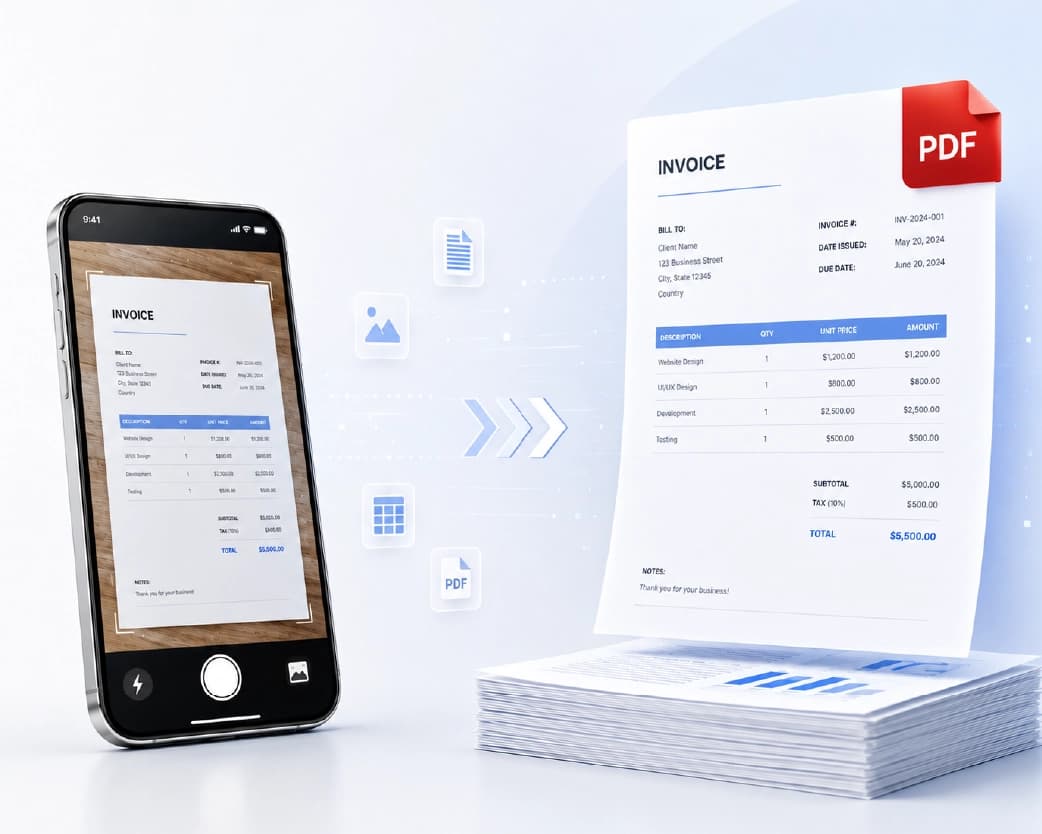
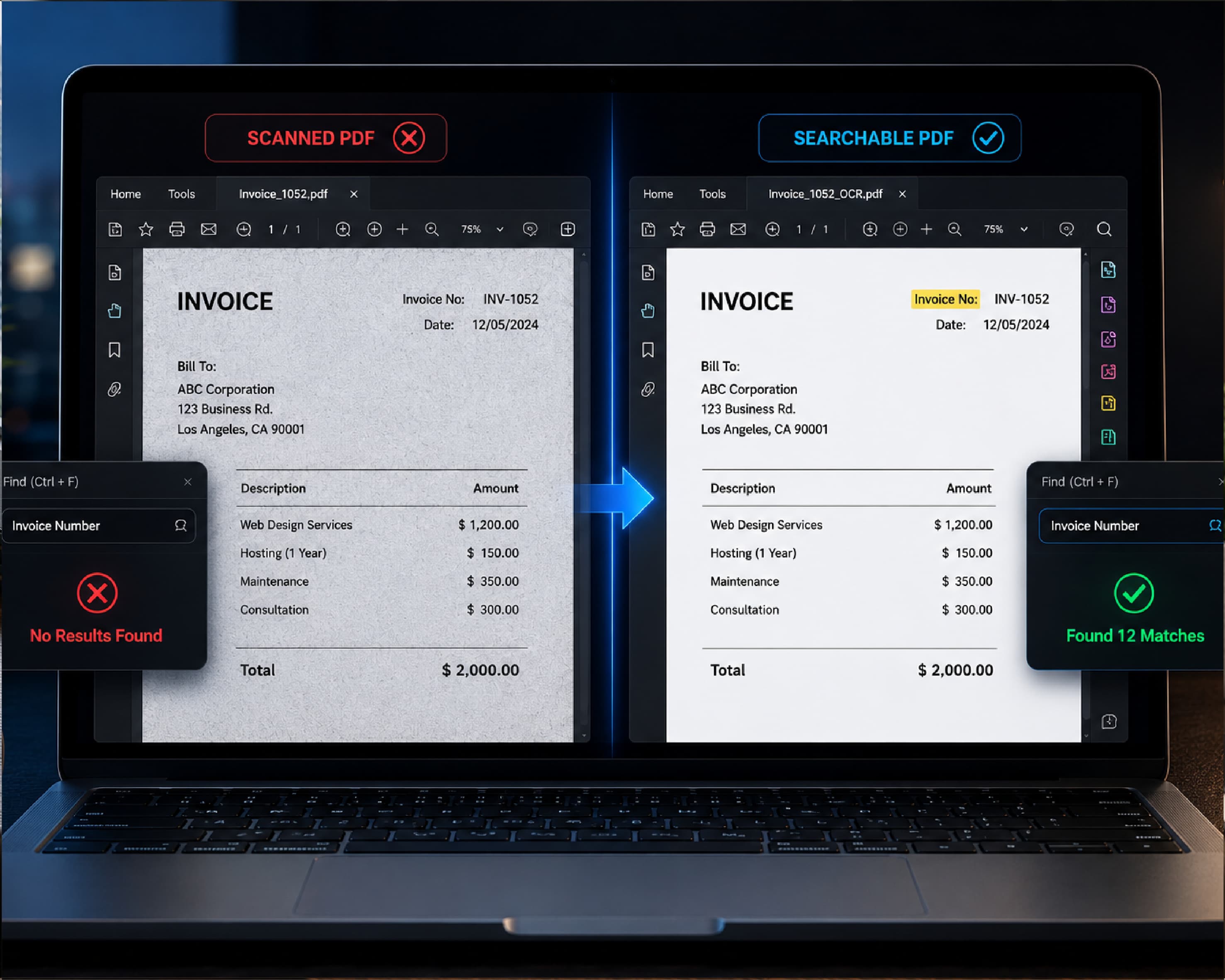
What makes it useful is that Plainscan isn’t just a translator. It’s a full workspace with 100+ tools for PDFs, images, and documents. So if your file is a scan, you can use the OCR tool first to pull out the text. If you need the translated version as a Word file, you can run it through the PDF to Word tool. Everything’s in one spot, so you’re not bouncing between different websites.
Here’s the quick way to try it:
- Open the Plainscan AI Translate tool.
- Upload your file or paste your text.
- Choose the language you want.
- Run it and review the result.
A few things worth knowing. Plainscan says uploaded files are deleted automatically within 24 hours, which is nice if your document has private info. AI features use credits, and one credit equals one tool use. You can see the details on the pricing page.
What to Check Before You Pick a Tool
Not every translator is the same. Before you trust one with your files, ask yourself a few things.
- Does it handle full files, or only short bits of text?
- Does it keep your formatting somewhat neat?
- Does the site explain what happens to your files and how long they’re stored?
- Is it simple enough that you don’t need instructions?
- Can it work with the other things you do, like converting or scanning?
If the answer to most of these is yes, you’ve probably found a good one.
Conclusion
Language shouldn’t block you from understanding your own paperwork. An AI document translator gives you a quick, low-stress way to read what’s in front of you, whether it’s a school form, a work report, or a travel booking. Just use it wisely. Check the important details, keep a human expert in mind for serious legal or medical files, and don’t expect perfection on the first try. Got a file you’ve been putting off? Open Plainscan and see what the AI Translate tool can do with it.
Related insights




Get the Plainscan App for iOS & Android