Business Templates: How to Save Time and Look Professional From Day One
Back to Blog

Business Templates: How to Save Time and Look Professional From Day One

P
Plainscan Team
November 7, 2026
4 min read
Share

Picture a small business owner on a Tuesday night. She’s finished a great job for a client, and now she needs to send an invoice. She opens a blank document. Types the date. Wonders where the invoice number goes. Moves a table around. Fixes the font. Forty minutes later, she has something that looks okay, but she’s not sure it’s right. Next week, she’ll do it all again. This is the problem business templates solve. They give you a ready-made layout for the documents you use over and over, so you fill in the details and get back to real work. Let’s look at what they are, how to pick good ones, and how to use them well.

What Are Business Templates?

A template is a pre-made document with the layout, headings, and structure already in place. You open it, add your information, and you’re done.

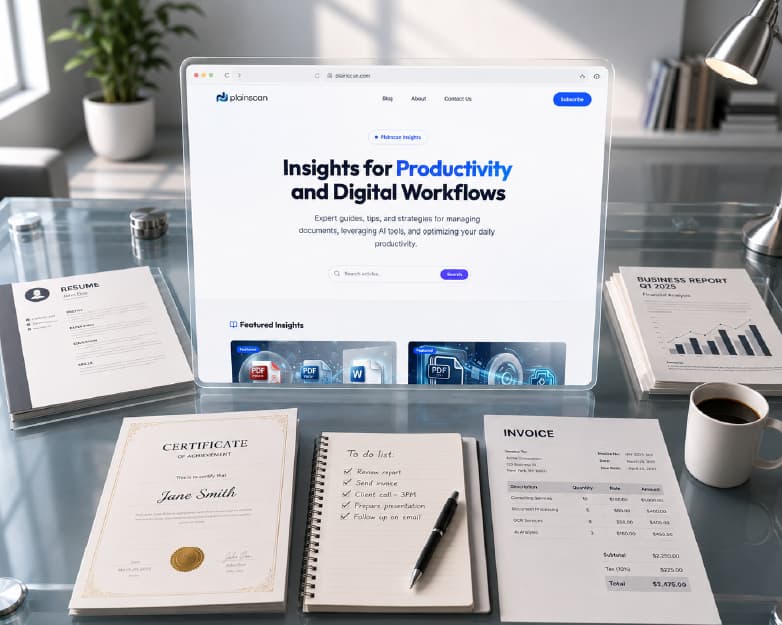
Business templates cover the papers a company uses every day. That includes invoices, quotes, business letters, proposals, receipts, meeting agendas, and forms. Many are editable, so you can add your own name, logo, and details.

Think of them like a recipe. The steps are ready, and you add your own ingredients.
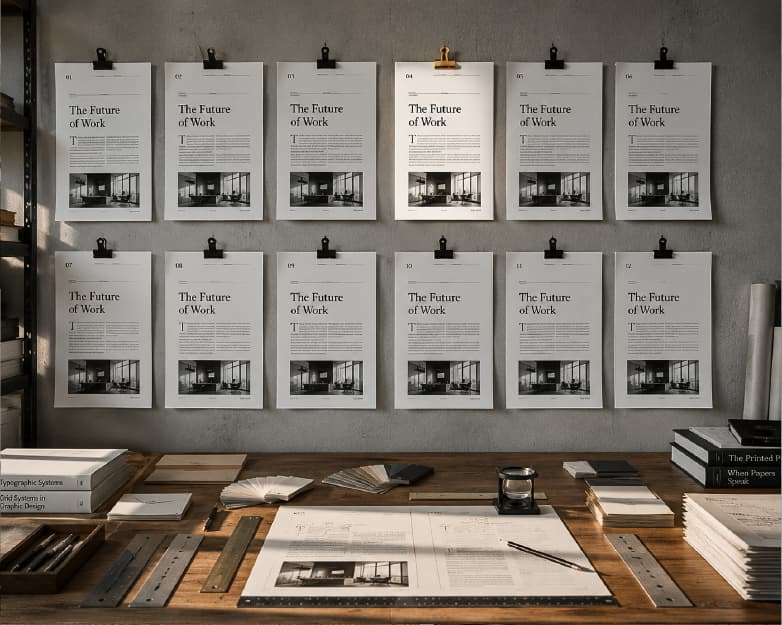
What Are Business Templates and Why They Matter

Why Do They Matter?

You might think a template is just a shortcut. It’s more than that.

They save a lot of time. Instead of building the same document again and again, you reuse a layout that already works.

They make you look professional. Clean spacing, clear headings, and a tidy look tell clients you take your work seriously.

They keep things consistent. When every invoice, quote, and letter looks the same, your business feels more organized and trustworthy. That’s brand consistency in action.

They help you remember the details. A good invoice template reminds you to include the date, the amount, and the payment terms. Without it, it’s easy to miss something.

They cut down on mistakes. Less formatting means less chance of messy errors.

Which Documents Should You Make From Templates?

Pretty much anything you send more than once.

Invoices

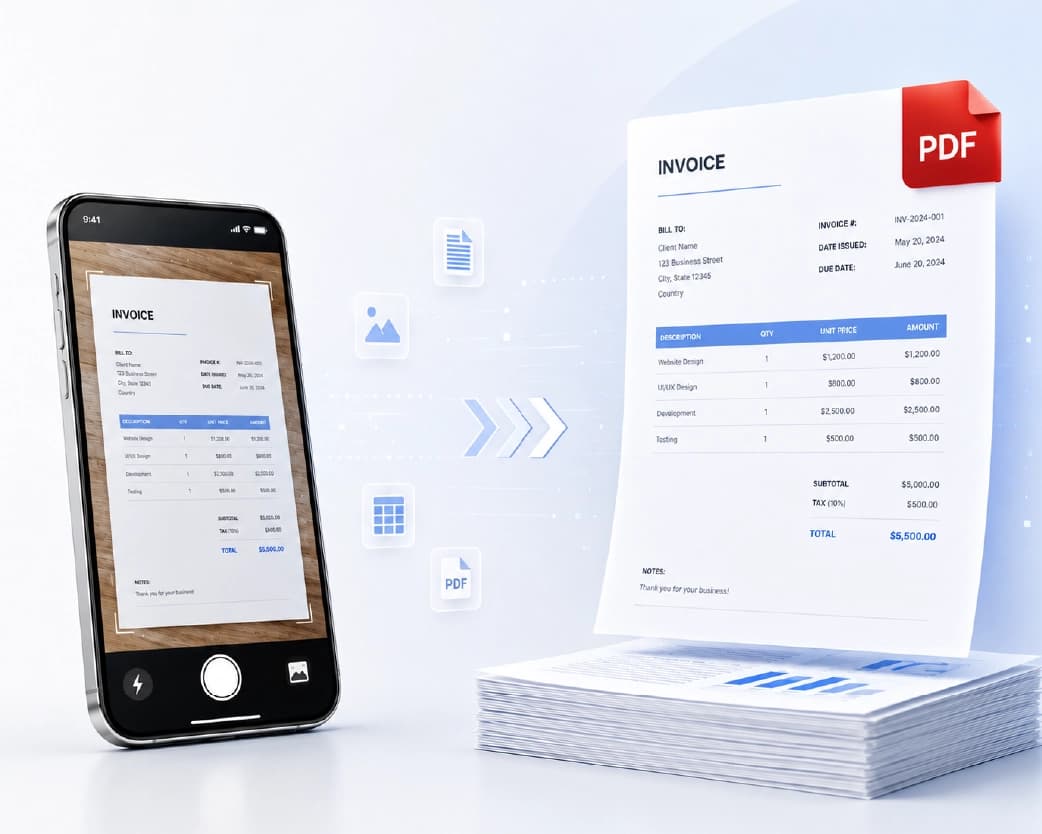
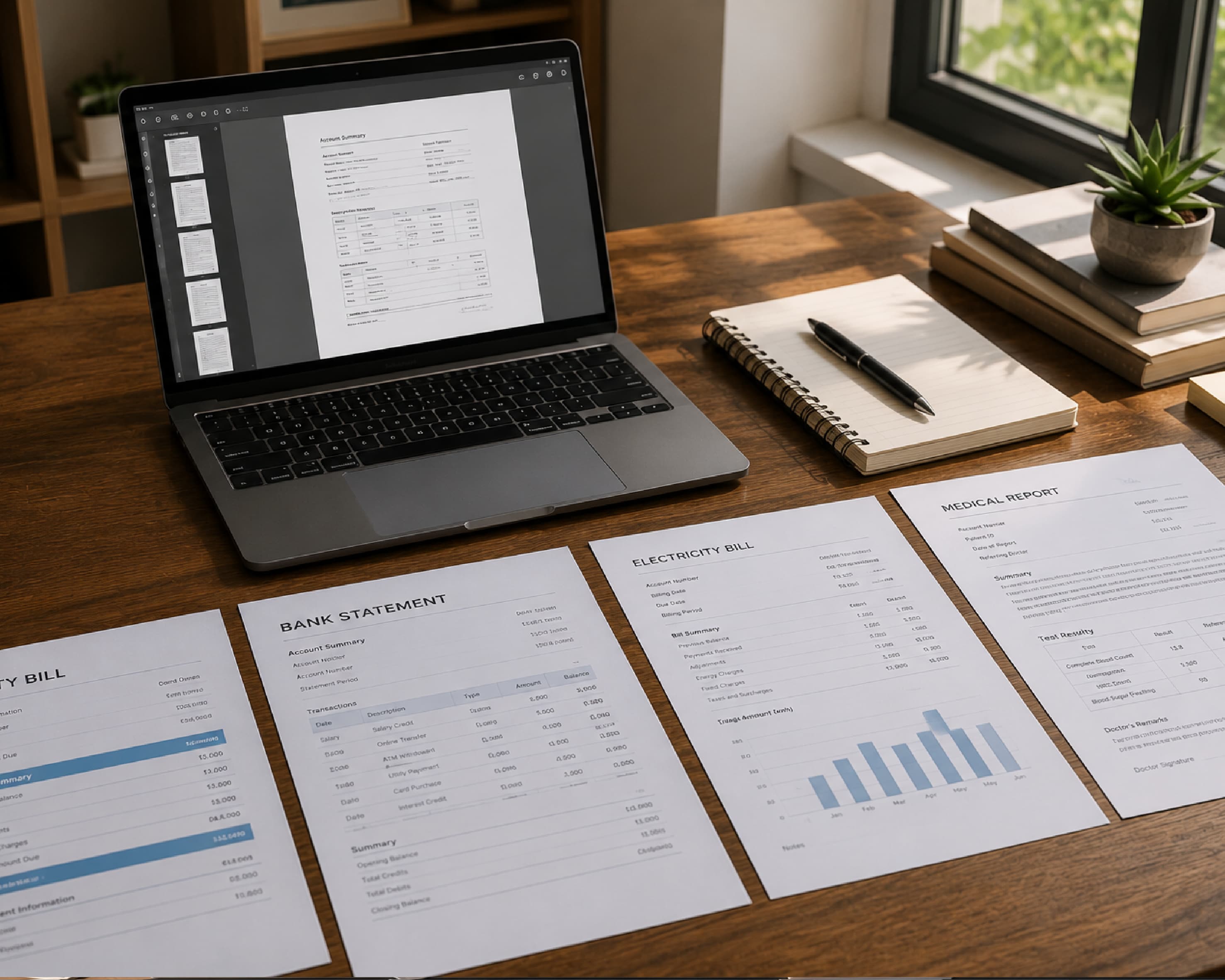
An invoice asks a client to pay you. A good one includes your business name and contact details, the client’s details, an invoice number, the date, a clear list of what you’re charging for, the total, and the payment terms and due date.

Quotes and Estimates

A quote tells a customer what a job will cost before you start. A template helps you lay out the work and the price clearly, so there’s less room for confusion later.

Business Letters

Formal letters to clients, suppliers, or partners look better with a proper business letter template. It handles the spacing, the address blocks, and the greeting for you.

Proposals

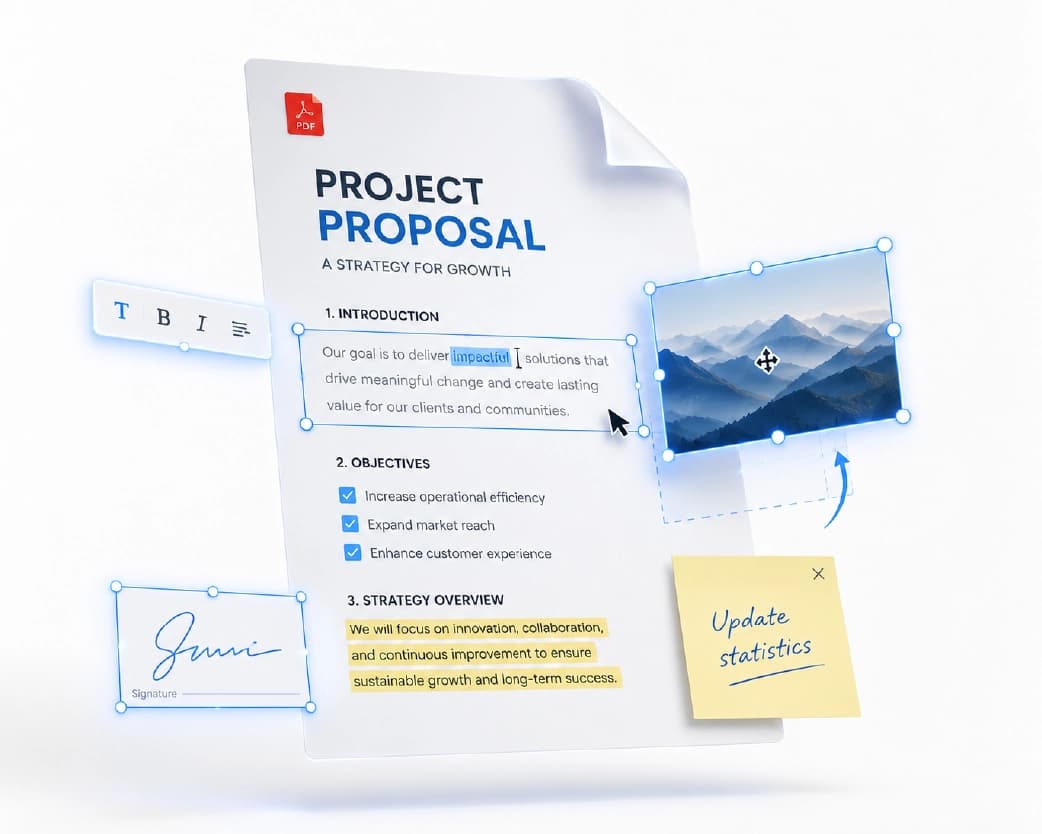
A business proposal is your pitch for new work. A template gives it structure, like an intro, the plan, the timeline, and the price, so you can focus on the ideas.

Receipts and Forms

Receipts, order forms, and simple internal forms are great for templates, since they’re nearly the same every time.
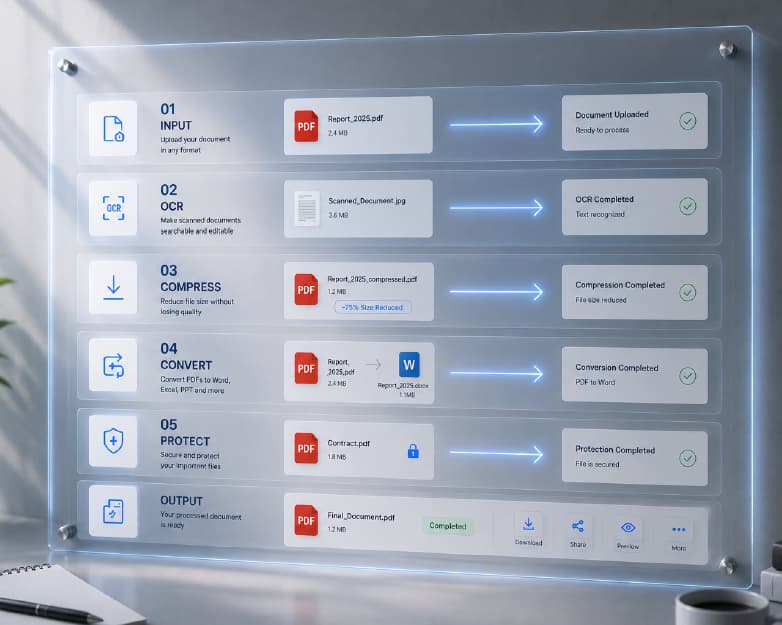
Essential Business Documents and Invoice Templates

What Makes a Good Template?

Not all templates are worth using. Here’s what to look for.

It should be easy to read, with plenty of white space and normal fonts. It should be easy to edit, so you can change names, amounts, and logos without breaking the layout. It should match your style, so it fits your brand colors and tone. And it should be complete, with all the sections you actually need.

If a template looks cluttered or confusing, skip it. A simple one almost always works better.

How to Use Business Templates Step by Step

Here’s a quick way to go from template to finished document.

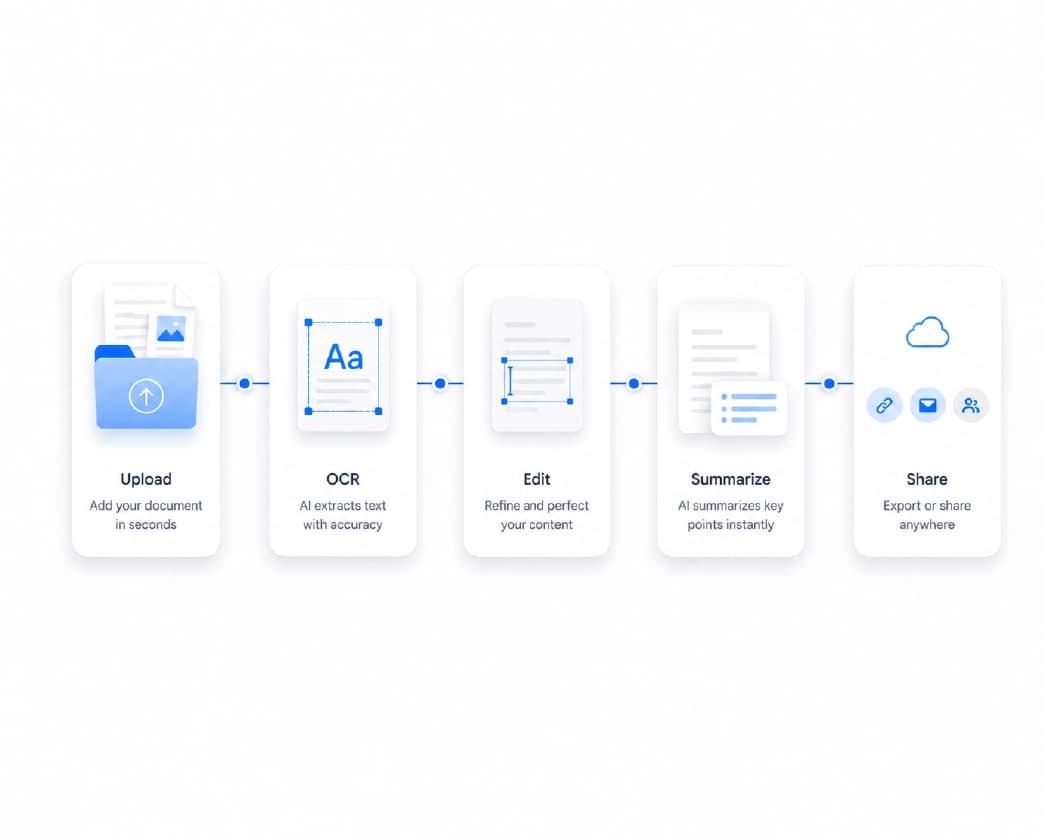
Pick the Right Template

Browse the options and choose one that fits your document. Plainscan has a library of 100+ ready-to-use templates, and you can browse the business ones on its templates page.

Add Your Business Details

Fill in your company name, address, phone, and email. If you have a logo, add it. These details will stay the same across documents, so you only do this once.

Customize It

Adjust colors, fonts, and wording to match your brand. Keep it simple. One or two colors and a clean font go a long way.

Fill In the Specifics

Add the client’s name, the date, the items, and the amounts. For invoices, double check your math and your invoice number.

Review Before Sending

Read it from top to bottom. Check names, numbers, and dates. A small typo in an amount can cause big headaches.

Save and Send

Save the final version as a PDF, so the layout stays fixed and nobody can change it by accident. Give the file a clear name, like “Invoice-1042-Acme-Co.”
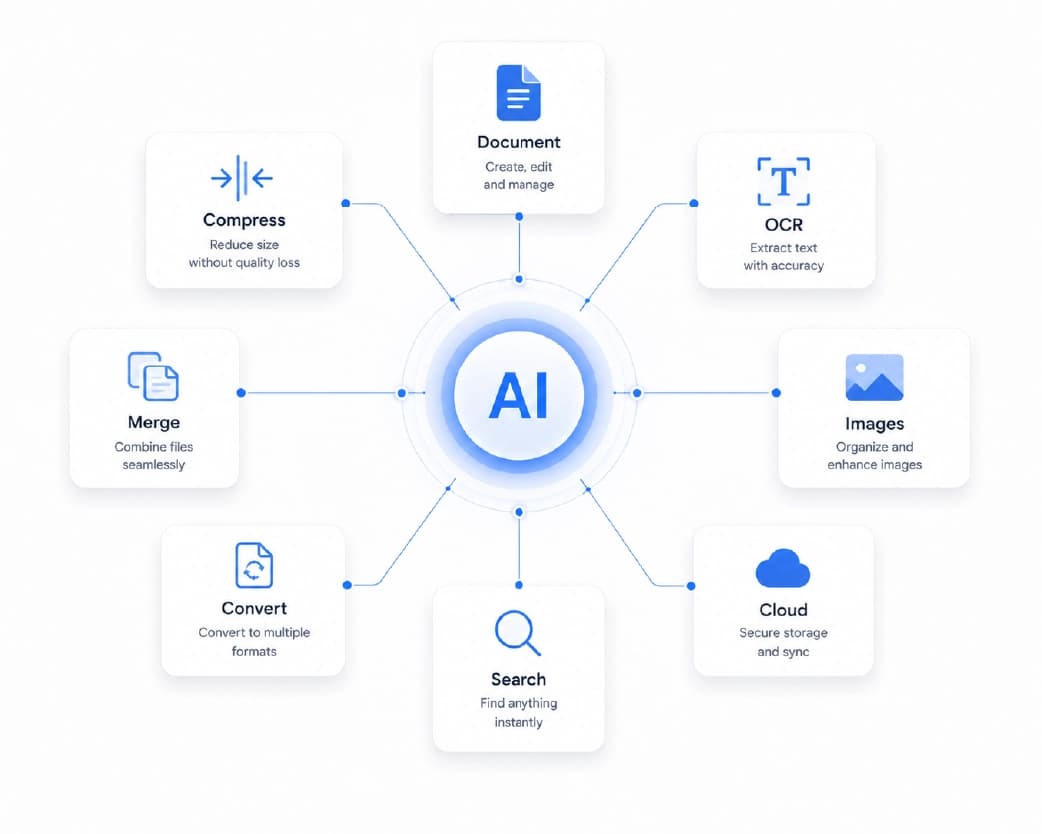
How to Use Business Templates Step by Step

Tips for Getting More Out of Your Templates

Keep a master copy of each template, and make a fresh copy for every use. That way you never overwrite your original.

Use a simple naming system for your files. Include the document type, a number, and the client’s name, so you can find things later.

Review your templates every few months. Prices change, contact details change, and your branding might too.

And remember that rules differ by country and type of business. Things like tax details on invoices have local requirements, so check what applies to you. For legal documents like contracts, a template is a starting point. Have a professional look it over before you rely on it.

Mistakes to Avoid

Leaving in sample text. Placeholder names and dates show up in real documents more often than you’d think.

Skipping payment terms. An invoice without a due date makes it easier for clients to pay late.

Using too many styles. Mixing several fonts and colors makes your documents look messy.

Not saving as PDF. Sending editable files can lead to accidental changes.

Forgetting to proofread. Always read it through before it goes out.
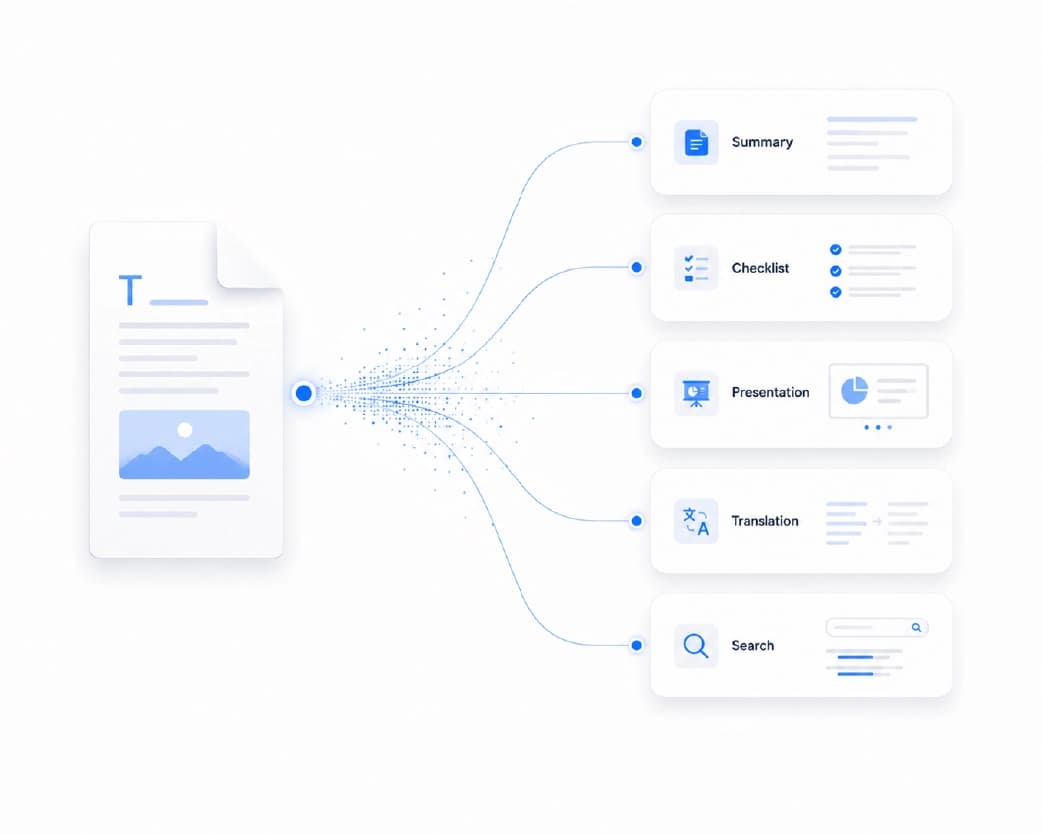
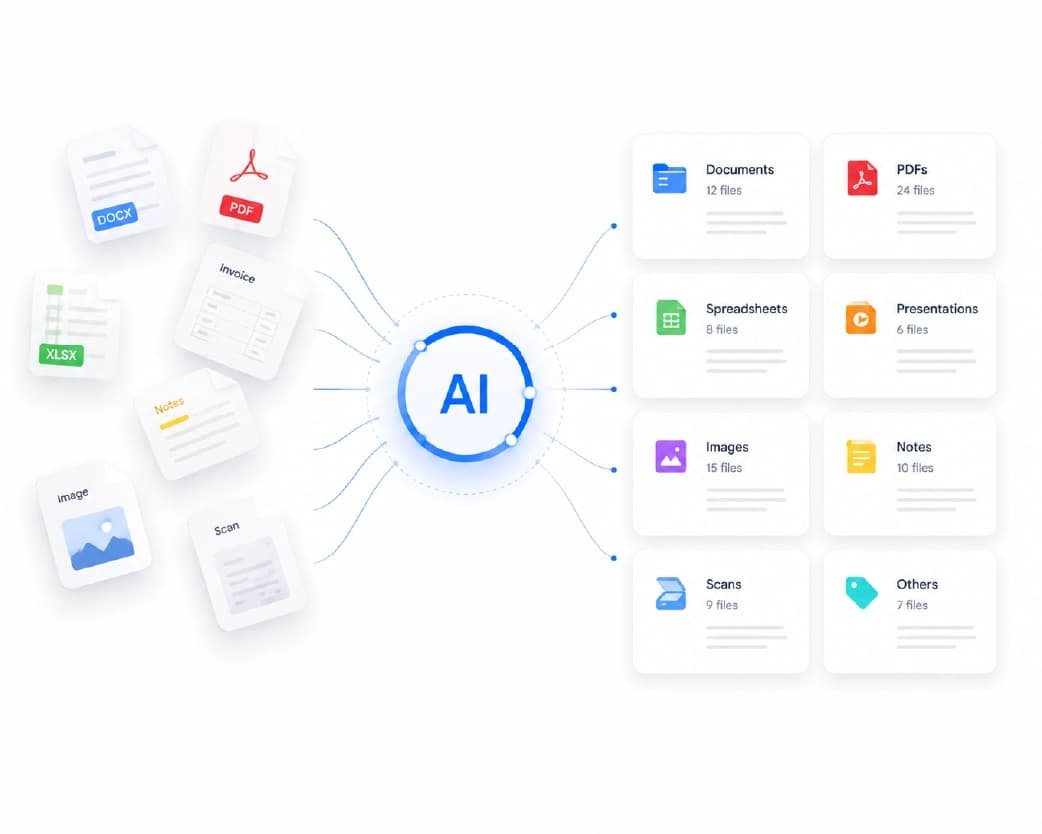
Document Tools and Business Workflow With Plainscan

Handy Tools to Go With Your Templates

After you finish a document, a few other tools can make your workflow smoother. Plainscan is a browser-based set of document tools, so there’s nothing to install. You can sign PDF files on screen, merge several documents into one package, compress a heavy file for email, or add a watermark like “Paid” or “Draft.” If you need to pull numbers out of a PDF, there’s a PDF to Excel tool too. Just keep in mind that Plainscan’s AI tools use credits or a Pro plan, while the basic PDF tools are free to start.

Conclusion

Business templates won’t run your company for you, but they take a lot of repeat work off your plate. You get cleaner documents, fewer mistakes, and more time for the work that actually earns money. Choose a simple layout, add your details, check everything twice, and send it as a PDF. Do that a few times, and it becomes second nature. Ready to stop building from scratch? Head over to Plainscan and see what templates are waiting for you.

Related insights
ID Card Templates: How to Design Clean, Professional Cards Fast

ARTICLE

ID Card Templates: How to Design Clean, Professional Cards Fast

Think about the last time you went to a big event, started a new job, or joined a club. Chances are, someone handed you a card or badge with your name on it. It’s a small thing. But it tells people who you are, where you belong, and that someone planned things properly. A messy, hand-written one does the opposite. Making ID cards from scratch can be a headache, though. Sizes, photo boxes, logos, spacing. That’s where ID card templates come in. They give you a ready-made layout, so you just add your details. Let’s go through how to pick one, how to customize it, and how to print something you’re proud of.

Plainscan Team·November 7, 2026
4 min read
Cover Letter Templates: How to Write a Strong One in 15 Minutes

ARTICLE

Cover Letter Templates: How to Write a Strong One in 15 Minutes

You finished your resume. It looks great. You’re ready to hit submit. Then you see it. “Please attach a cover letter.” Suddenly your motivation drops. What do you say? How long should it be? Do you start with “Dear Sir or Madam,” or is that a little 1995? And how do you write about yourself without sounding like you’re bragging? This is exactly where cover letter templates help. They give you the layout and a clear flow, so you’re not staring at a blank page. Let’s look at how they work, how to use them well, and how to keep your letter from sounding like everyone else’s.

Plainscan Team·November 7, 2026
4 min read
Resume Templates: How to Pick the Right One (and Make It Work for You)

ARTICLE

Resume Templates: How to Pick the Right One (and Make It Work for You)

Opening a blank document to write your resume feels like standing at the bottom of a hill. Where does your name go? How big should the font be? Should your skills come first, or your job history? Twenty minutes later, you’ve moved a text box around eleven times and written nothing. That’s what resume templates are for. They give you the layout, the spacing, and the structure. You just add your story. Let’s talk about how to pick the right one, how to fill it in, and what to avoid.

Plainscan Team·November 7, 2026
4 min read
Free Photo Metadata Editor & EXIF Stripper: Share Photos Without Sharing Secrets

ARTICLE

Free Photo Metadata Editor & EXIF Stripper: Share Photos Without Sharing Secrets

You take a photo of the couch you’re selling and post it online. Simple, right? Here’s what you may not know. That photo might also contain the exact spot where you took it. If you took it at home, that could be your home address, tucked inside the file where nobody can see it. This hidden information is called metadata, and the most common type is EXIF data. A free photo metadata editor & EXIF stripper lets you look at it, change it, or remove it. Let’s go through what it all means and how to use it.

Plainscan Team·November 7, 2026
4 min read
Free Favicon Generator: How to Make a Site Icon in Minutes

ARTICLE

Free Favicon Generator: How to Make a Site Icon in Minutes

Look at the top of your browser right now. See those little pictures next to the page titles? Those are favicons. They’re tiny, but they do a lot. When you have ten tabs open, the icon is how you find the right one fast. When someone bookmarks your site, the icon helps them spot it in a long list. And a site with no icon at all looks a bit unfinished, like a house with no front door sign. The good news is that you don’t need a designer to make one. A free favicon generator can turn your logo into a full set of icons in about a minute. Let’s walk through it.

Plainscan Team·November 7, 2026
4 min read
Base64 to Image Decoder: How to Turn a Long String Back Into a Picture

ARTICLE

Base64 to Image Decoder: How to Turn a Long String Back Into a Picture

Someone sends you an API response. Or you open an email’s source code. Or you copy something out of a database. And right there, in the middle of it all, is a wall of text a mile long. It starts with something like “data:image/png;base64,” and then it just keeps going. Hundreds, maybe thousands of characters. That’s an image in disguise. And to see it, you need a Base64 to image decoder. Let’s go through what it does, how to use it, and what to do when it throws an error.

Plainscan Team·November 7, 2026
4 min read
Image to Base64 Converter: How to Turn Any Image Into Text (and When You Should)

ARTICLE

Image to Base64 Converter: How to Turn Any Image Into Text (and When You Should)

If you’ve ever poked around inside a website’s code, you might have seen something strange. A giant wall of random-looking letters and numbers, starting with “data:image/png;base64.” It looks like a cat walked across the keyboard. But it’s not random. It’s an actual image, turned into text. And the tool that makes it is called an image to Base64 converter. You might need one if you’re building a website, writing an email template, or working with an app that only accepts text. Let’s break down what Base64 is, how to use a converter, and the mistakes that trip people up.

Plainscan Team·November 7, 2026
4 min read
Free Character Counter: How to Check Letters, Spaces, and Limits Fast

ARTICLE

Free Character Counter: How to Check Letters, Spaces, and Limits Fast

You write the perfect bio. It’s funny, short, and sounds just like you. Then the app says it’s too long. You delete a word. Still too long. You delete another. Now it doesn’t make sense. This happens all the time, and it’s why a free character counter is so handy. Instead of guessing which words to cut, you see the exact number and know how far over you are. Let’s go through how it works, when you need one, and how to use it well.

Plainscan Team·November 6, 2026
4 min read
Free Word Counter: How to Check Words, Characters, and More in Seconds

ARTICLE

Free Word Counter: How to Check Words, Characters, and More in Seconds

“Write 500 words.” Seems simple until you’re staring at your draft wondering if you’re at 380 or 620. You could count by hand, but who has time for that? And if you guess wrong, you might lose points, get a post rejected, or have to rewrite half of it at the last minute. That’s where a free word counter comes in. Paste your text, and you see the numbers right away. Let’s look at what it does, who needs it, and how to use it without any stress.

Plainscan Team·November 6, 2026
4 min read
ATS Resume Scanner: How to Check Your Resume Before You Apply

ARTICLE

ATS Resume Scanner: How to Check Your Resume Before You Apply

You spent hours on your resume. You fixed the wording, checked the spelling, and made it look great. Then you applied to twenty jobs and heard back from none. That’s a rough feeling. And it makes you wonder what’s going wrong. Sometimes the problem isn’t your experience at all. It’s that the company’s software couldn’t read your resume properly. Most mid-size and large companies use something called an ATS, and if your file confuses it, your resume may never reach a person. A good ATS resume scanner can show you what the software sees, so you can fix problems before you hit apply.

Plainscan Team·November 6, 2026
4 min read

Get the Plainscan App for iOS & Android