Resume Templates: How to Pick the Right One (and Make It Work for You)
Opening a blank document to write your resume feels like standing at the bottom of a hill. Where does your name go? How big should the font be? Should your skills come first, or your job history? Twenty minutes later, you’ve moved a text box around eleven times and written nothing. That’s what resume templates are for. They give you the layout, the spacing, and the structure. You just add your story. Let’s talk about how to pick the right one, how to fill it in, and what to avoid.
Why Use a Resume Template?
You could build your resume from scratch. But there are good reasons not to.
It saves time. The layout is already done. You skip the fiddling and get right to the writing.
It looks clean. A good template has balanced spacing, readable fonts, and clear sections. That’s hard to get right on your own.
It keeps you consistent. Dates line up. Headings match. Bullet points look the same all the way down the page.
It lowers the stress. Knowing the format is solid lets you focus on the content, which is what employers really care about.
A template won’t get you a job by itself. But a messy layout can hurt you, and a template helps you avoid that.
What Makes a Good Resume Template?
Not all templates are equal. Here’s what to look for.
Easy to Read
Recruiters often spend only a short time on each resume. Clear headings, plenty of white space, and a normal font help them find what they need fast.
Matches Your Field
A bold, creative design might suit a graphic designer. A law firm or a bank probably wants something calmer. Think about who’s going to read it.
Works With Applicant Tracking Systems
Many companies use software to scan resumes. Simple, single-column layouts are usually safest. Heavy graphics, tables, and text boxes can confuse some systems. If you want to know more, we have a full guide on ATS-friendly resumes.
Fits Your Experience Level
If you’re just starting out, a one-page resume that highlights your education and skills works well. If you have years of experience, a layout that focuses on your career story makes more sense.
Easy to Edit
You should be able to change the text, swap sections, and fit your own information without breaking the layout.
Common Resume Template Styles
Plainscan has a library of ready-to-use resume templates, and a few popular styles stand out.
Classic Professional. A traditional layout with simple headings and clean lines. It’s a safe pick for almost any industry, especially business, finance, and government jobs.
Modern Minimal. Lots of white space and simple type. It feels fresh without being flashy, and it suits tech, marketing, and many office roles.
Executive. A more polished, serious look for senior roles. It puts your leadership and results front and center.
Bold Accent. A little color or a strong header to help you stand out, while still looking professional.
Sidebar Pro. A two-part layout with a side column for skills and contact details. It can look sharp, but some applicant tracking systems read side columns poorly, so test it before you rely on it.
You can browse them all on Plainscan’s templates page.
Recommended to Read:Free Favicon Generator: How to Make a Site Icon in Minutes
How to Use a Resume Template Step by Step
Here’s a simple way to go from blank to finished.
Pick One Template and Stick With It
Don’t spend an hour jumping between ten designs. Choose one that fits your field and move on. You can always switch later.
Add Your Contact Details
Start with your name, phone number, email, and city. Use a simple, professional email address. If you have a LinkedIn page or portfolio, add the link.
Write a Short Summary
Two or three lines about who you are and what you do best. Keep it specific. “Customer service pro with five years of experience in retail” says more than “hard-working team player.”
List Your Experience
Put your most recent job first. Under each one, add a few bullet points about what you did and what happened because of it. Numbers help. “Cut customer wait times by 20 percent” beats “helped customers.”
Add Skills and Education
Include skills that match the job you want. Keep education brief unless you’re a recent graduate, in which case it can go higher up.
Read It Through, Then Save It
Check spelling, dates, and names. Read it out loud. Then save it in the format the employer asks for. A PDF is usually a safe choice, as long as it contains real text and not a picture of text.

Tips to Make Any Template Work Better
Tailor your resume to each job. Use words from the job post, as long as they’re honest. Keep it to one page if you can, and two at most unless you have a long career. Use strong action words like “led,” “built,” “improved,” and “organized.” And don’t squeeze the margins just to fit more text. White space is your friend.
Mistakes to Avoid
Picking a design that’s too fancy. If it’s hard to read, it won’t get read.
Using too many fonts or colors. Stick to one or two fonts and a single accent color.
Leaving in the template’s sample text. It happens more often than you’d think. Double check every line.
Having typos. A single mistake can make a hiring manager doubt your attention to detail.
Writing a full life story. Keep only what’s useful for the job you want.
Using an unprofessional email address. Make a new one if you need to.
Don’t Forget the Cover Letter
A resume is often just half of the package. Many employers like a short cover letter that explains why you want the job. Using a matching cover letter template helps your whole application look like it belongs together. Plainscan has cover letter templates too, so you can keep everything in one place.
Handy Tools to Go With Your Template
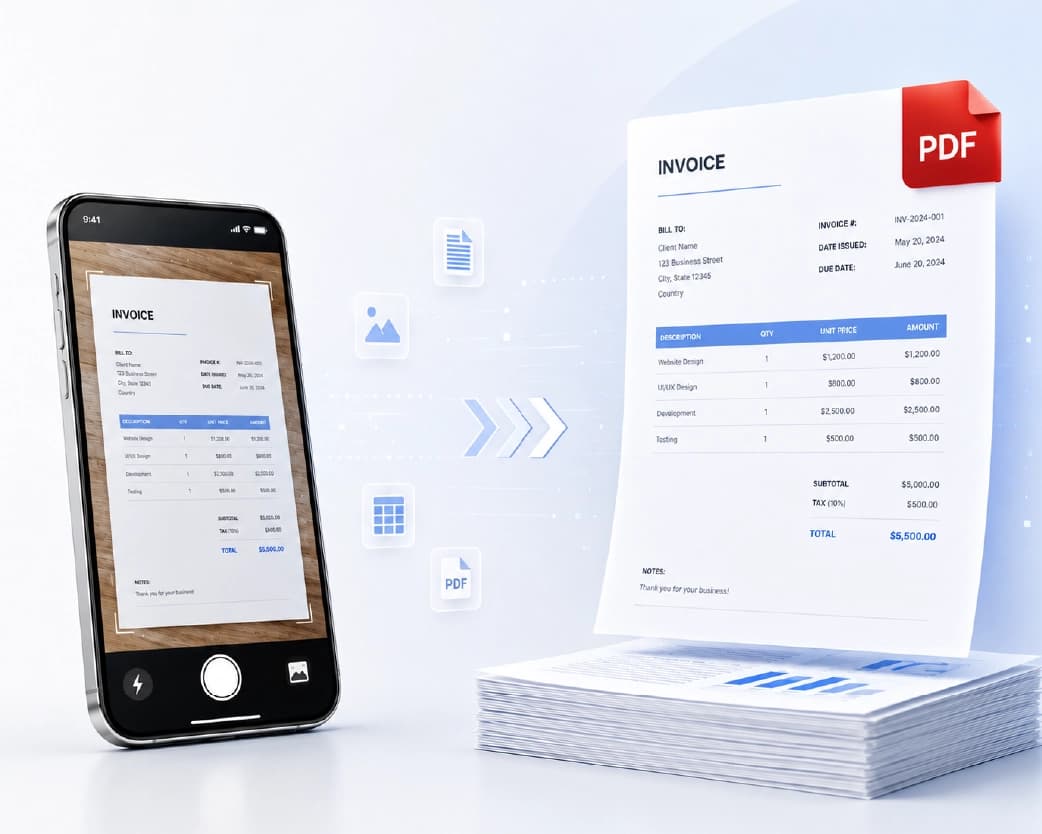
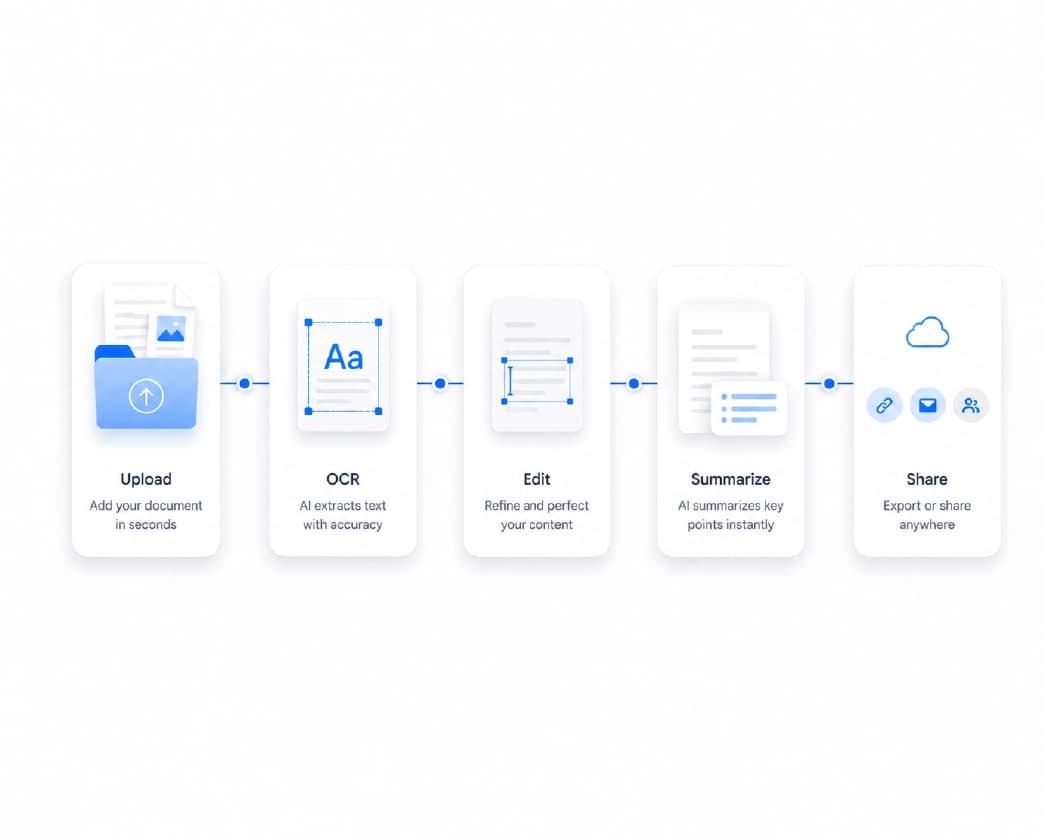
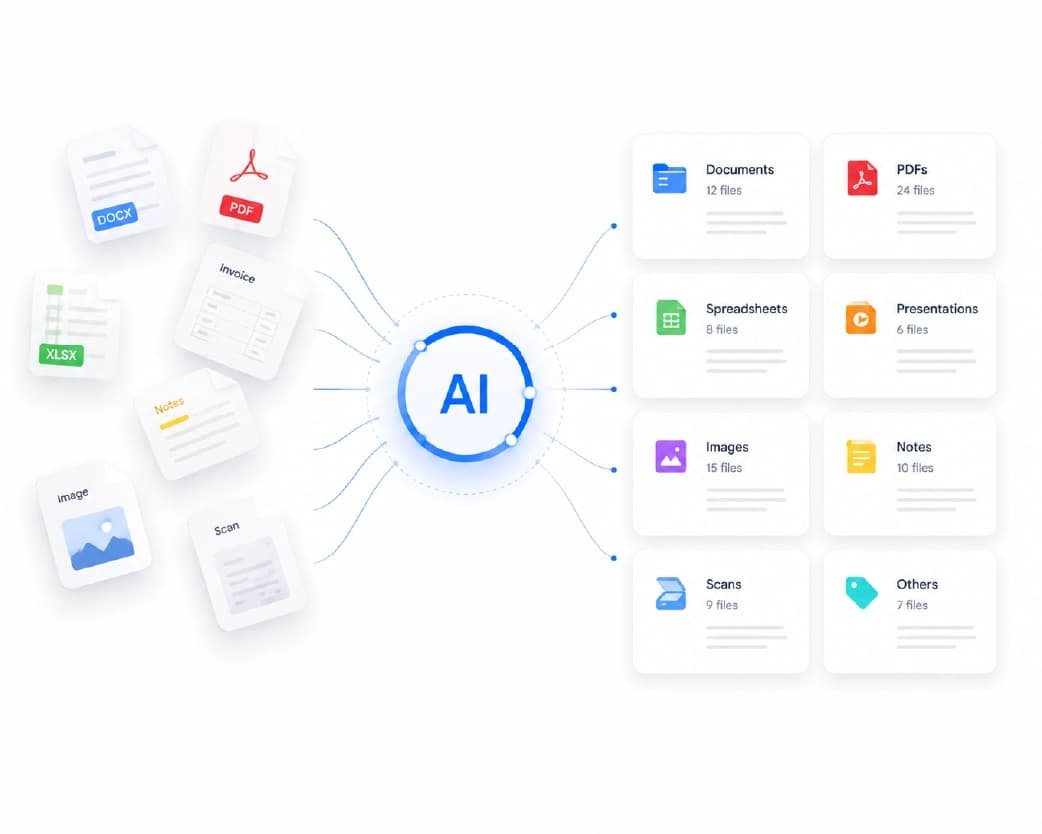
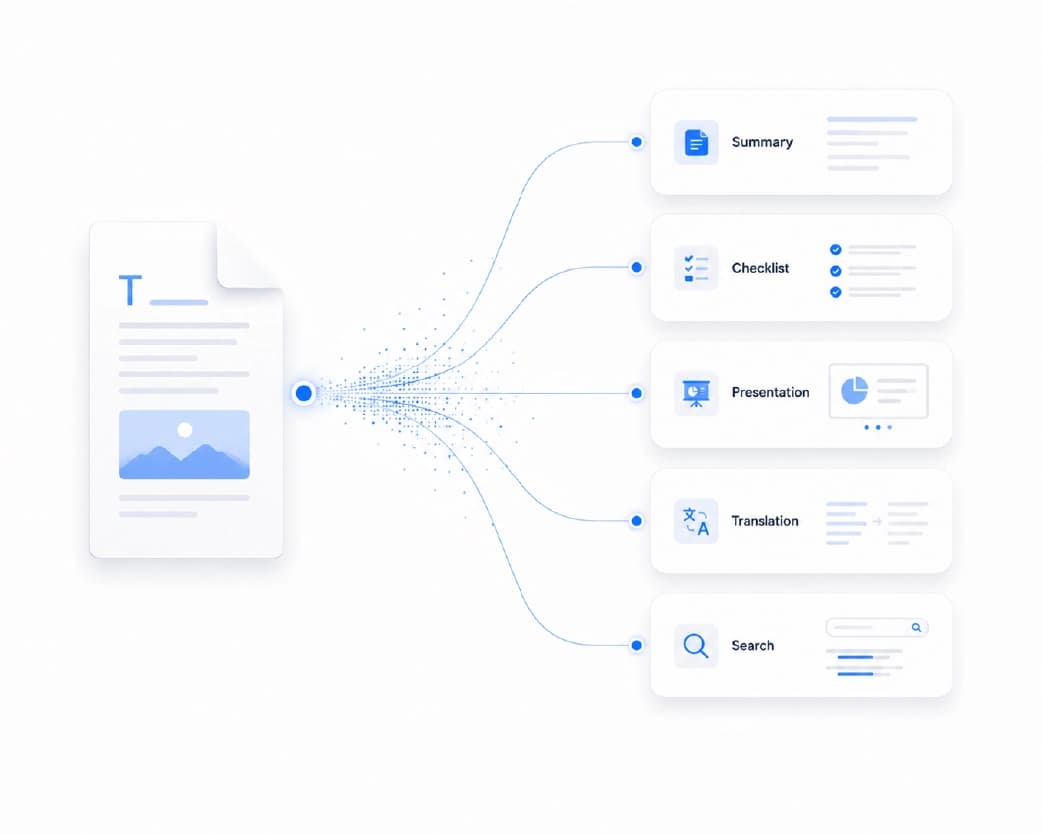
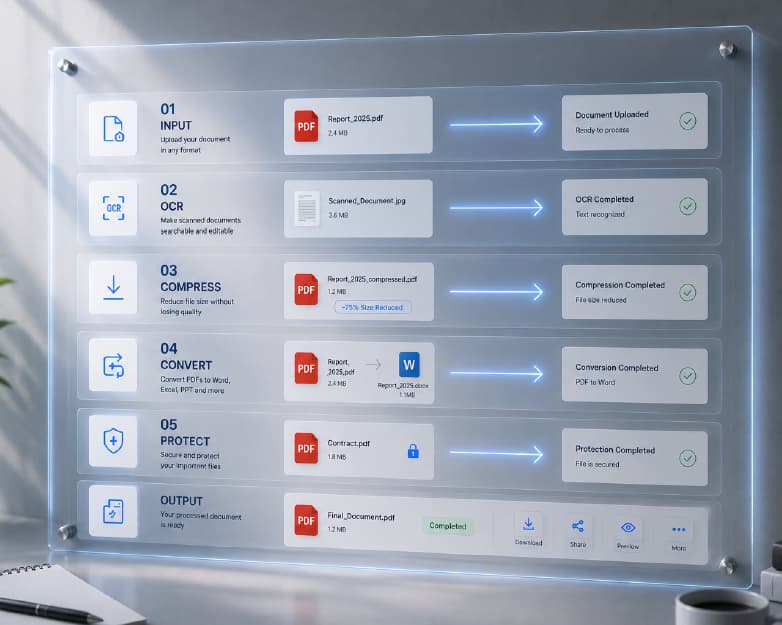
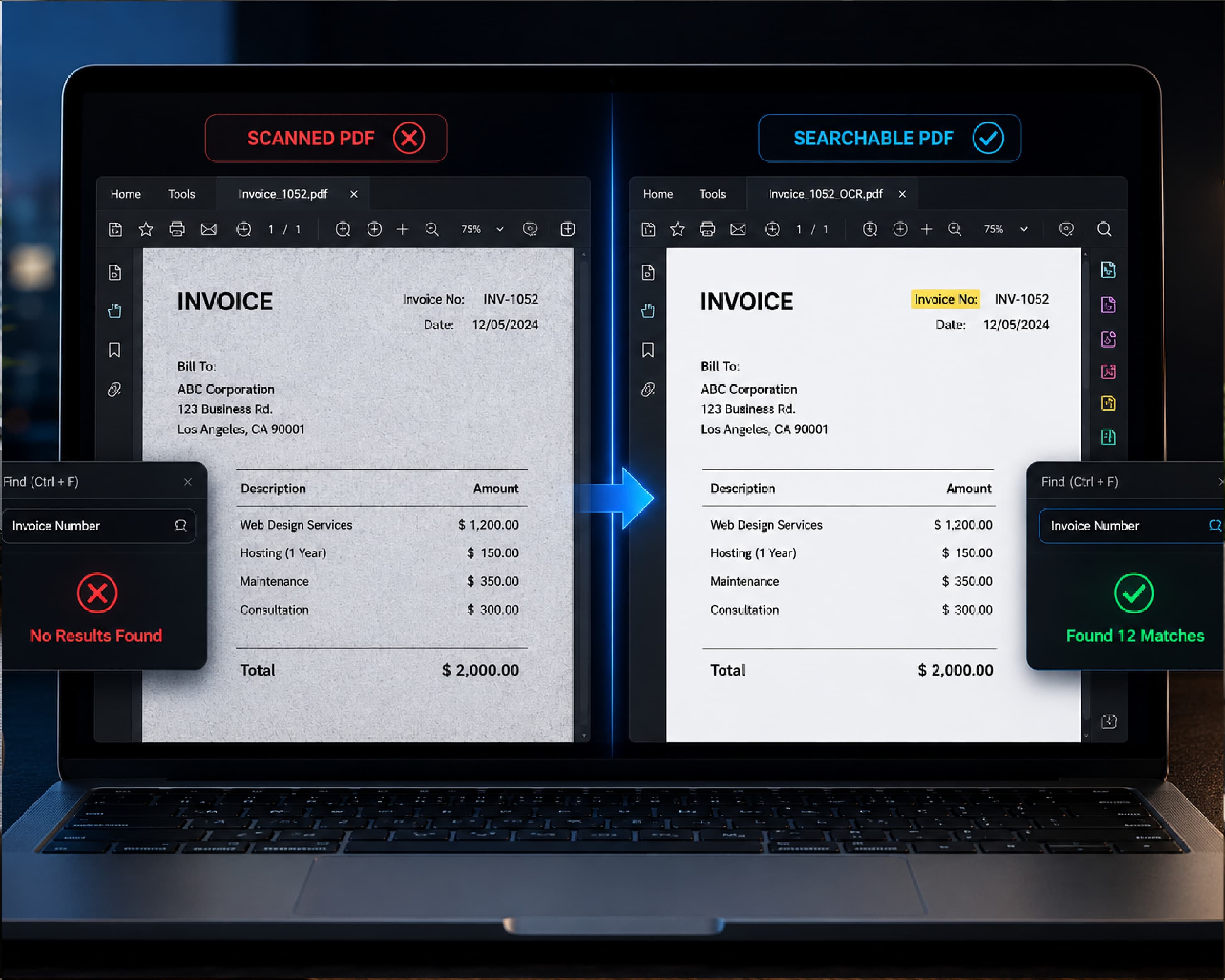
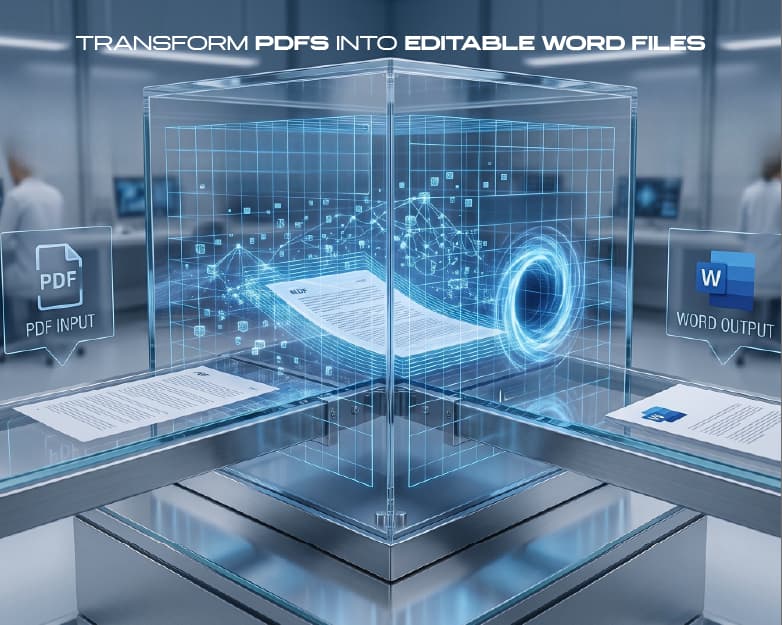
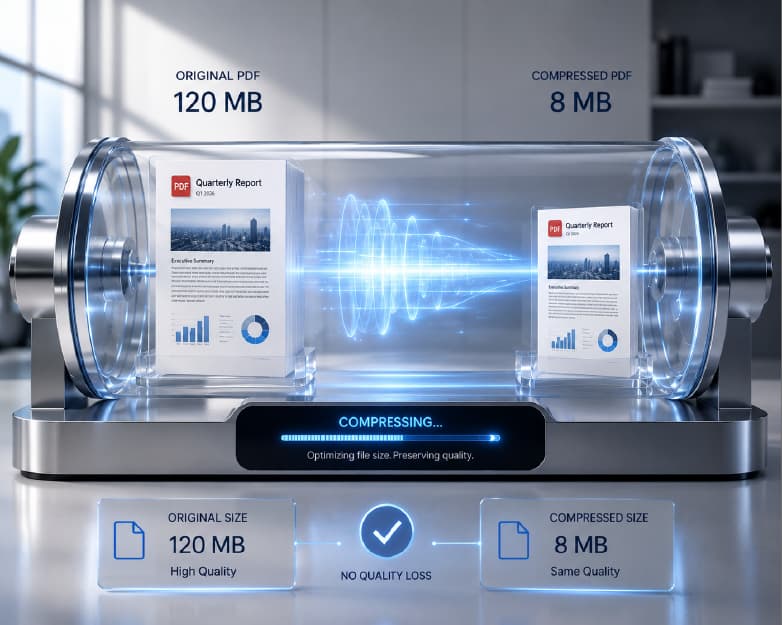
Once your resume is ready, Plainscan can help with the rest. If your old resume is stuck in a PDF, you can convert it to Word to copy your details over. If it’s a scanned copy, the Scan and OCR tool can turn it into real text. When you’re done, you can compress the PDF so it’s easy to email or upload. And if you want a little extra polish, Plainscan lists AI tools to help format and improve resumes. Keep in mind that its AI tools use credits or a Pro plan, while the basic PDF tools are free to start.
Conclusion
The right resume template takes the pressure off and makes your experience easier to see. Pick a clean style that fits your field, fill it in with clear, honest details, and check it twice before you send it. A good resume won’t land the job on its own, but it opens the door to the interview. If you’re ready to get started, head over to Plainscan and browse the templates. Your next opportunity is a lot closer than a blank page.
Related insights

Get the Plainscan App for iOS & Android