Cover Letter Templates: How to Write a Strong One in 15 Minutes
You finished your resume. It looks great. You’re ready to hit submit. Then you see it. “Please attach a cover letter.” Suddenly your motivation drops. What do you say? How long should it be? Do you start with “Dear Sir or Madam,” or is that a little 1995? And how do you write about yourself without sounding like you’re bragging? This is exactly where cover letter templates help. They give you the layout and a clear flow, so you’re not staring at a blank page. Let’s look at how they work, how to use them well, and how to keep your letter from sounding like everyone else’s.
What Is a Cover Letter, Really?
A cover letter is a short note that goes with your resume. Your resume lists what you’ve done. Your cover letter explains why it matters for this specific job.
Think of it as a quick introduction. It’s your chance to show a bit of personality, point out your best match with the role, and show you actually care about the company.
Not every employer reads cover letters. But some do, and when two candidates look similar on paper, a good letter can tip the scale.
Why Use Cover Letter Templates?
You might wonder if a template makes your letter feel generic. It can, if you copy it word for word. But used the right way, it’s a huge help.
It gives you structure. You’ll know what goes where, so you’re never guessing.
It saves time. The formatting is done. You only write the content.
It looks professional. Proper spacing, a clean header, and a tidy layout make a strong first impression.
It’s easy to reuse. You can keep one template and change the details for each application.
The template is your skeleton. The words, the stories, and the voice still need to come from you.
What Goes in a Good Cover Letter?
Most cover letters follow the same simple format. Here’s the breakdown.
Your Contact Details and the Date
Put your name, phone number, email, and city at the top. Then add the date. Some templates also include the company’s details below.
A Greeting
If you can find the hiring manager’s name, use it. “Dear Ms. Patel,” feels much better than “To whom it may concern.” A quick look at the job post or the company’s website often turns up a name. If you really can’t find one, “Dear Hiring Team” works fine.
An Opening That Gets to the Point
Say which job you’re applying for and give one strong reason you’re a fit. Skip lines like “I am writing to apply for the position of.” Try something more direct, like “I’d love to bring my five years of customer service experience to your support team.”
One or Two Body Paragraphs
This is the heart of your letter. Pick two or three things from your experience that match the job and back them up with a real example. Numbers help. “I helped raise our weekly sales by 15 percent” is stronger than “I’m good at sales.”
A Short Closing
Thank the reader for their time. Say you’d welcome the chance to talk more. Keep it warm and simple.
A Sign-Off
“Sincerely” or “Best regards,” then your name. Done.
How Long Should It Be?
Short. Most good cover letters are between 250 and 400 words, and fit on a single page. Hiring managers are busy, and a tight letter shows you respect their time.
If your letter goes past one page, trim it. Cut anything that repeats your resume or doesn’t connect to the job.
How to Use Cover Letter Templates Step by Step
Here’s an easy way to go from blank to finished.
Pick a Template That Matches Your Resume
Using the same style for both makes your application feel like one package. If you need ideas, see our guide to resume templates.
Read the Job Post Carefully
Highlight the top three skills or needs. Those are what your letter should speak to.
Fill In Your Details
Add your contact info, the date, the company name, and the hiring manager’s name if you have it. Double check the company name. Sending a letter to the wrong company is a classic mistake.
Write Your Own Paragraphs
Replace the sample text with your real examples. Keep your sentences simple and honest. Write like a friendly, professional version of yourself.
Read It Out Loud
If any line sounds stiff or fake, rewrite it. If you wouldn’t say it in a real conversation, change it.
Save and Send
Save it as a PDF unless the employer asks for something else. Give the file a clear name, like “Maria-Lopez-Cover-Letter.”
Mistakes to Avoid
Sending the same letter everywhere. Employers can tell. Change at least the opening and the key examples for every job.
Repeating your resume. Your letter should add something new, like the story behind your results.
Starting with “I.” Not a hard rule, but if every sentence starts that way, your letter gets boring fast. Mix it up.
Making it too long. Aim for one page, no more.
Leaving typos. Read it twice, and have someone else read it too.
Gushing or begging. Stay confident and friendly, not desperate.
Forgetting to change template text. Leftover sample lines are an instant red flag.
When Can You Skip It?
If the job post says “no cover letter,” listen. Don’t send one. And if it says “optional,” think about it this way. A strong, short, customized letter can help you stand out. A weak, copy-pasted one probably won’t.
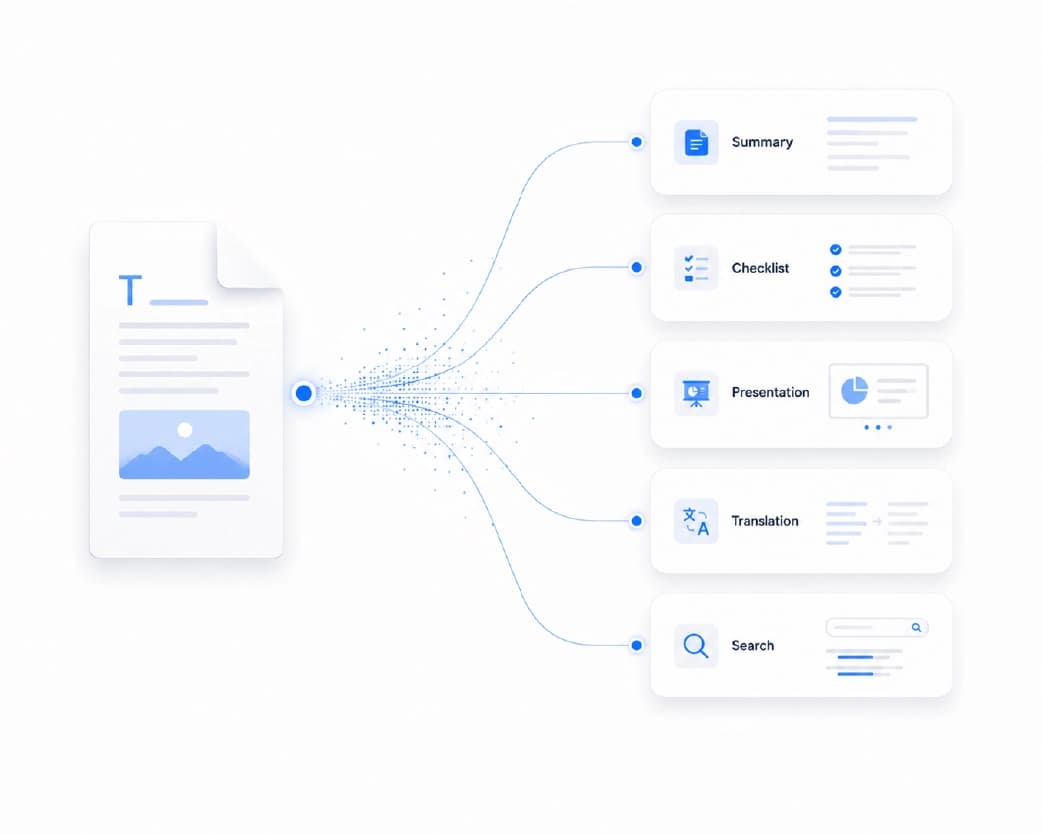
Get Your Cover Letter Ready With Plainscan
Plainscan has a library of professional templates, including cover letters. You can pick one, customize it to fit your own details, and download it in minutes. Browse them on the Plainscan cover letter templates page.
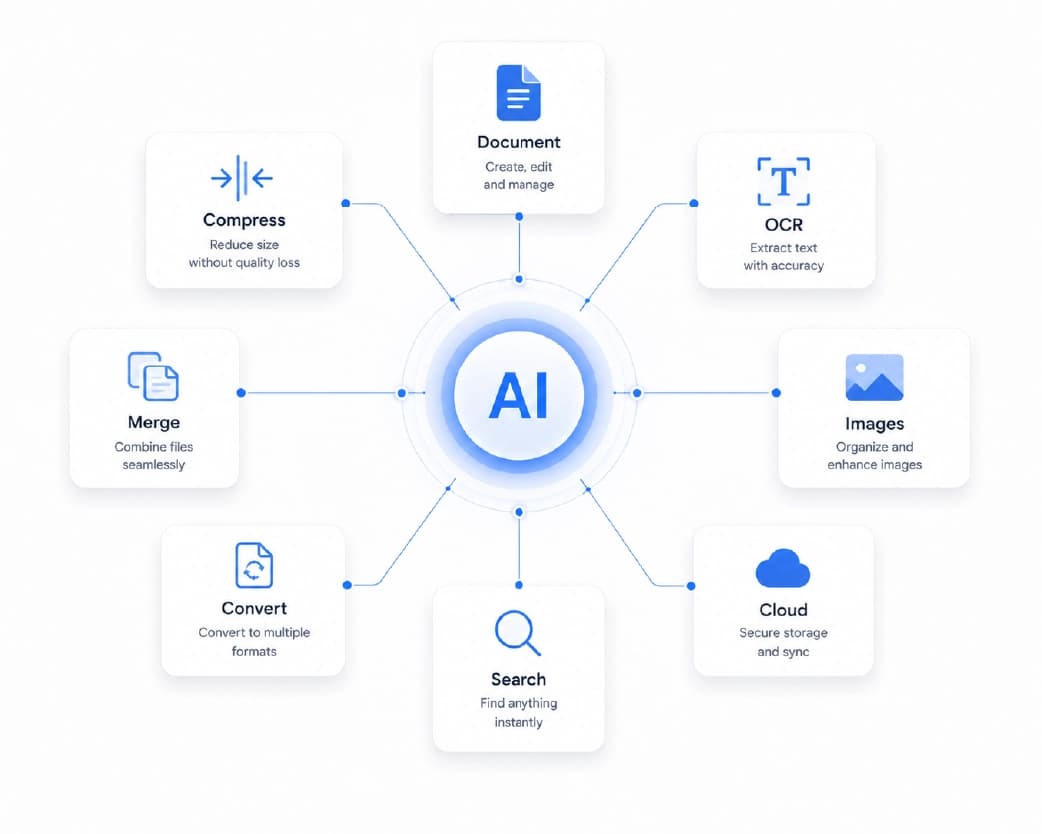
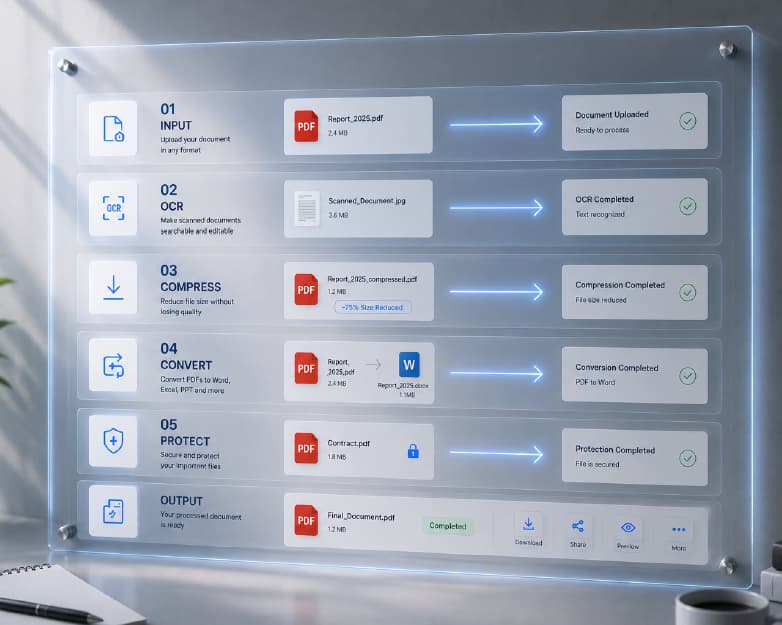
Once you’re done, a few other tools can help. If you want to edit an older letter that’s stuck in a PDF, you can convert it to Word. If the employer wants everything in a single file, you can merge your resume and cover letter into one PDF. If the file is too big to upload, you can compress it. And if a form needs your signature, you can sign the PDF on screen.
Conclusion
A cover letter doesn’t have to be scary. With the right cover letter templates, you get a clean, professional layout, and you can spend your energy on what really counts, which is showing why you’re the right person for the job. Keep it short, be specific, use real examples, and make it sound like you. Then check it twice and hit send. Ready to get started? Head over to Plainscan, pick a template, and write the letter that opens the door.
Related insights
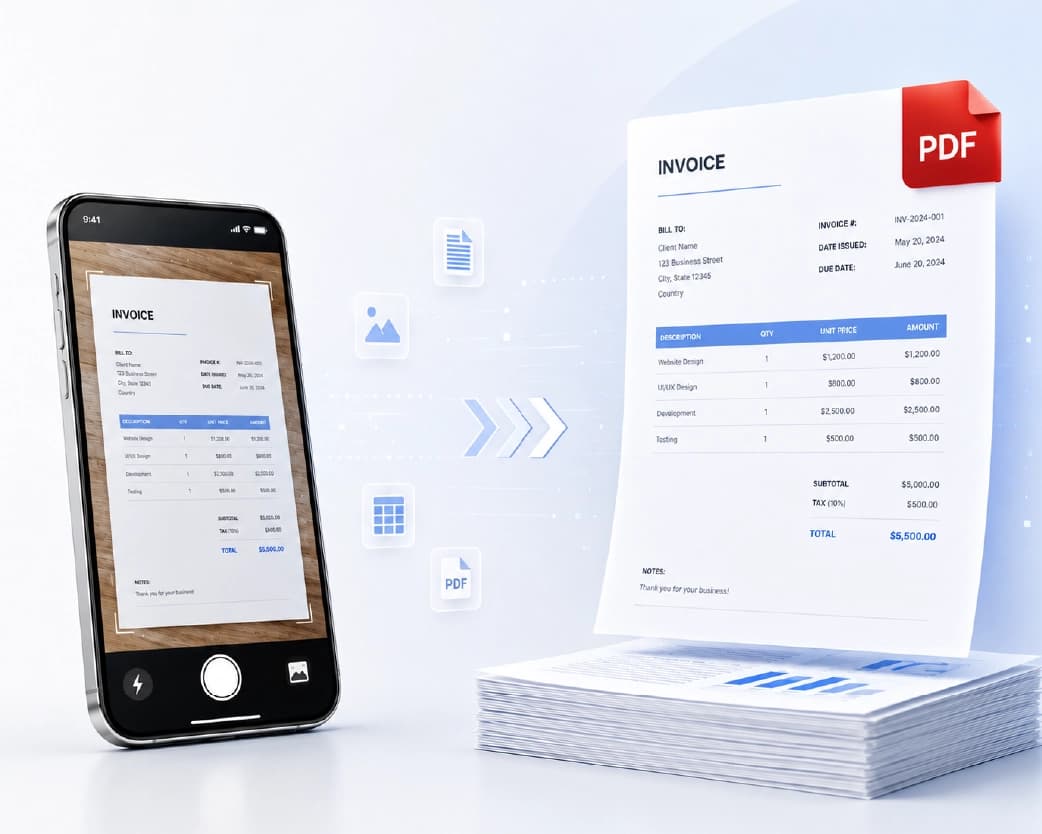
Get the Plainscan App for iOS & Android