How to Compress PDF Files Fast (Without Wrecking the Quality)
Back to Blog

How to Compress PDF Files Fast (Without Wrecking the Quality)

P
Plainscan Team
October 19, 2026
4 min read
Share

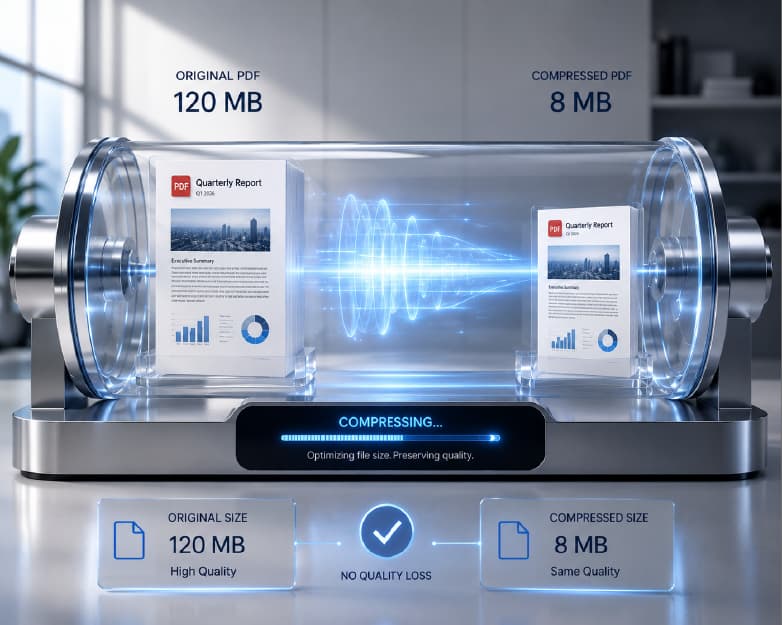
Quick question. When was the last time a PDF refused to upload right when you were running late? Maybe it was a job application. Maybe a college form with a deadline closing in an hour. You click upload, wait a few seconds, and the page tells you the file is too large. Great. Just what you needed. The thing is, you don’t need fancy software to fix it. You just need to compress PDF files, and it takes about a minute. I’ll show you how, and I’ll also explain why this keeps happening in the first place.

Why Is My PDF So Big?

Short answer: it’s probably the pictures.

Images

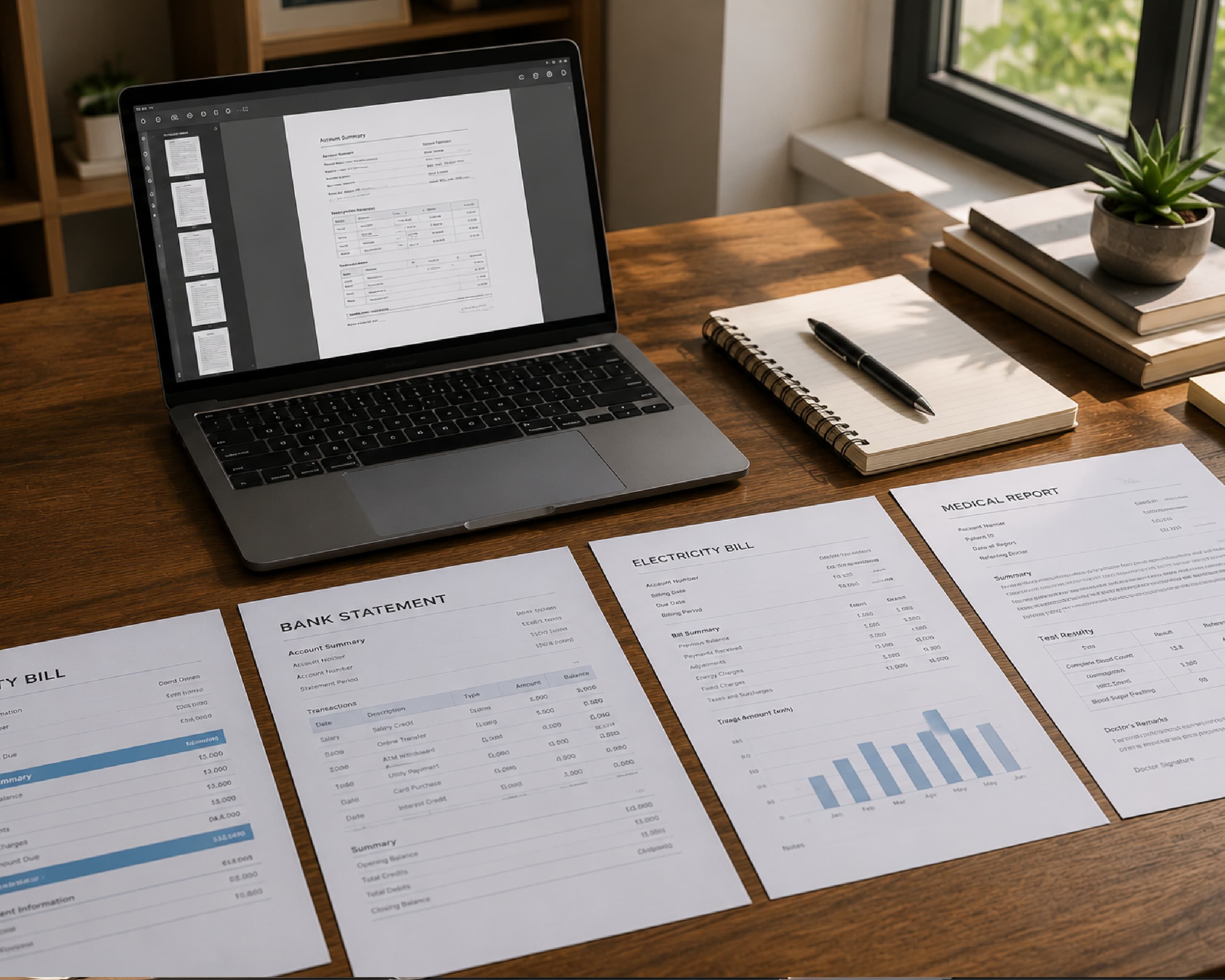
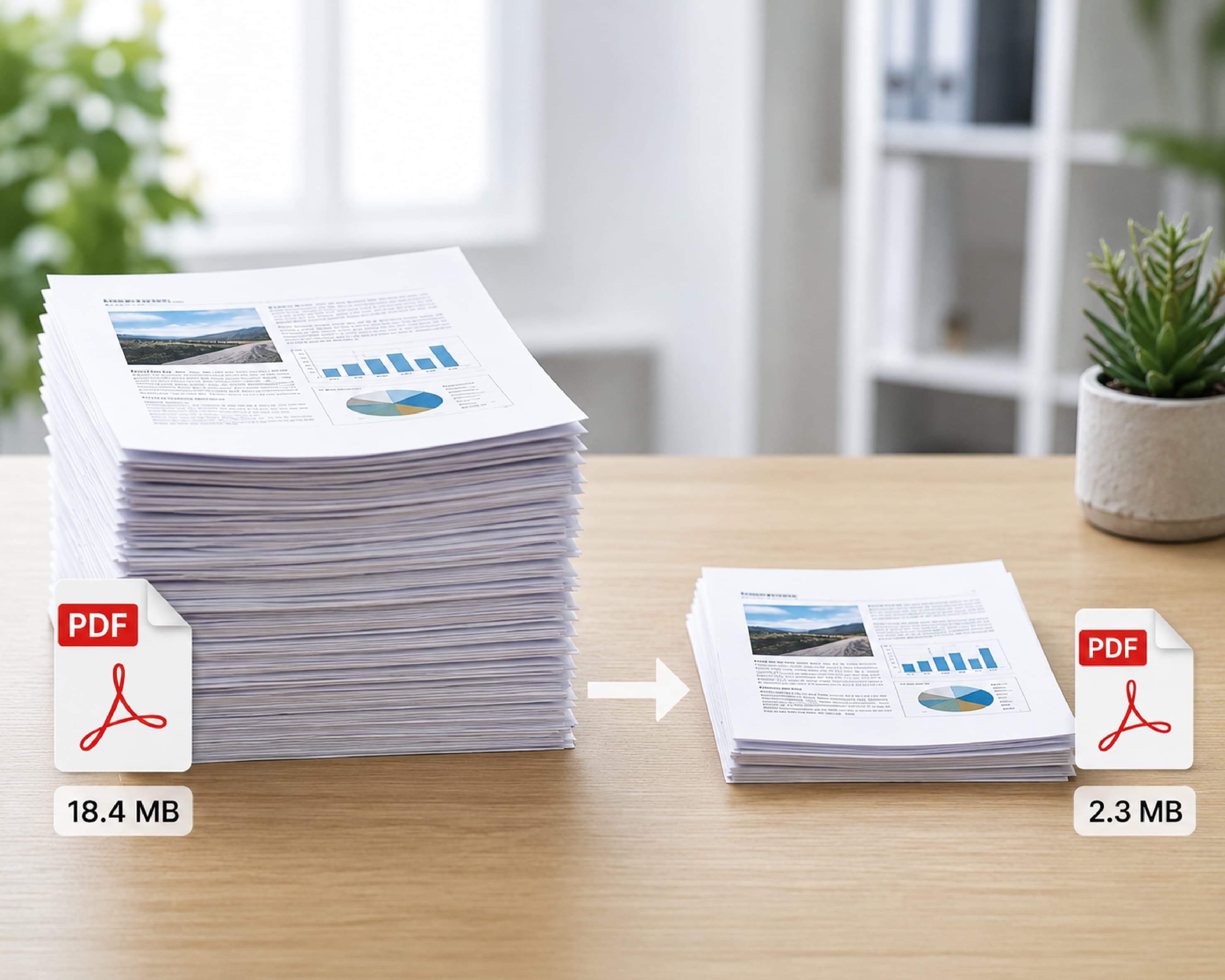
Every photo, logo, or chart in your document has to be stored somewhere, and good-quality ones are big. A few megabytes each is pretty normal. Add up ten of them and your file suddenly weighs more than you’d expect for a few pages.

Scanned pages

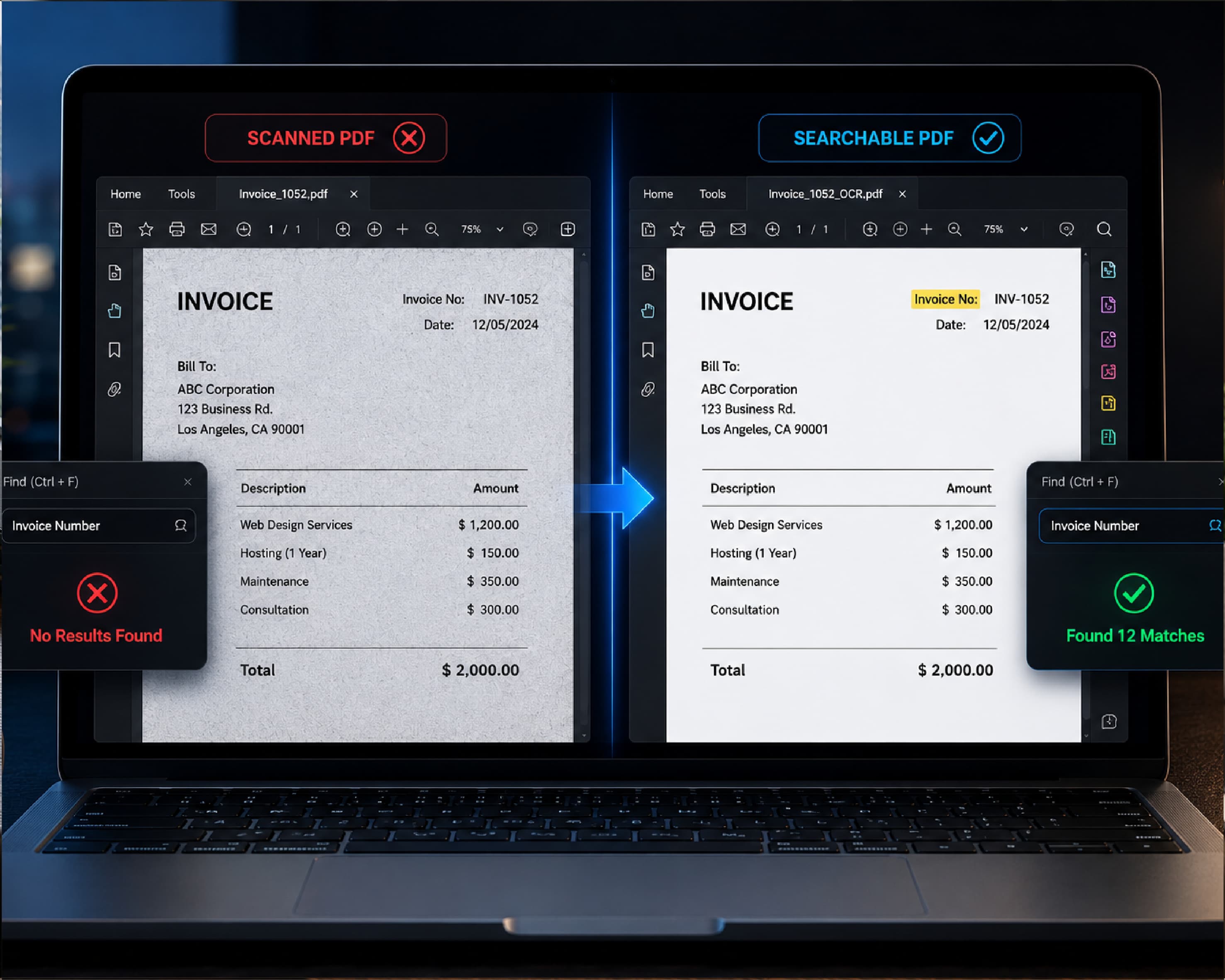
This is the sneaky one. When you scan a paper page, the PDF usually keeps it as a photo of the page, not as actual text. So your 15-page scan is really 15 photos stuck together. That’s why a plain scanned form can be much heavier than a typed one.

The invisible stuff

Fonts and leftover bits from old edits also live inside the file. They’re not a huge deal on their own, but they add up.
Why Is My PDF So Big?

Why Compressing a PDF Is Worth Your Time

Size limits are everywhere. Email services won’t take attachments past a certain size. Job portals love saying “max 2 MB.” Government and college forms can be even stricter, and they won’t bend if you’re only 0.3 MB over.

Besides that, a lighter file opens quicker and sends faster on WhatsApp. It also doesn’t fill up your phone for no reason. If you’ve ever seen “storage almost full” at the worst possible moment, you know how nice a few free megabytes feel.

How to Compress PDF Online with Plainscan

Plainscan runs in your browser, so there’s nothing to install. It works on a phone, a tablet, or a laptop. The site has more than 100 document tools, and the PDF compressor is a good one to start with.

Here’s how it goes.

Open the tool

Go to Plainscan’s Compress PDF page. The upload area is right there waiting for you.

Upload your PDF

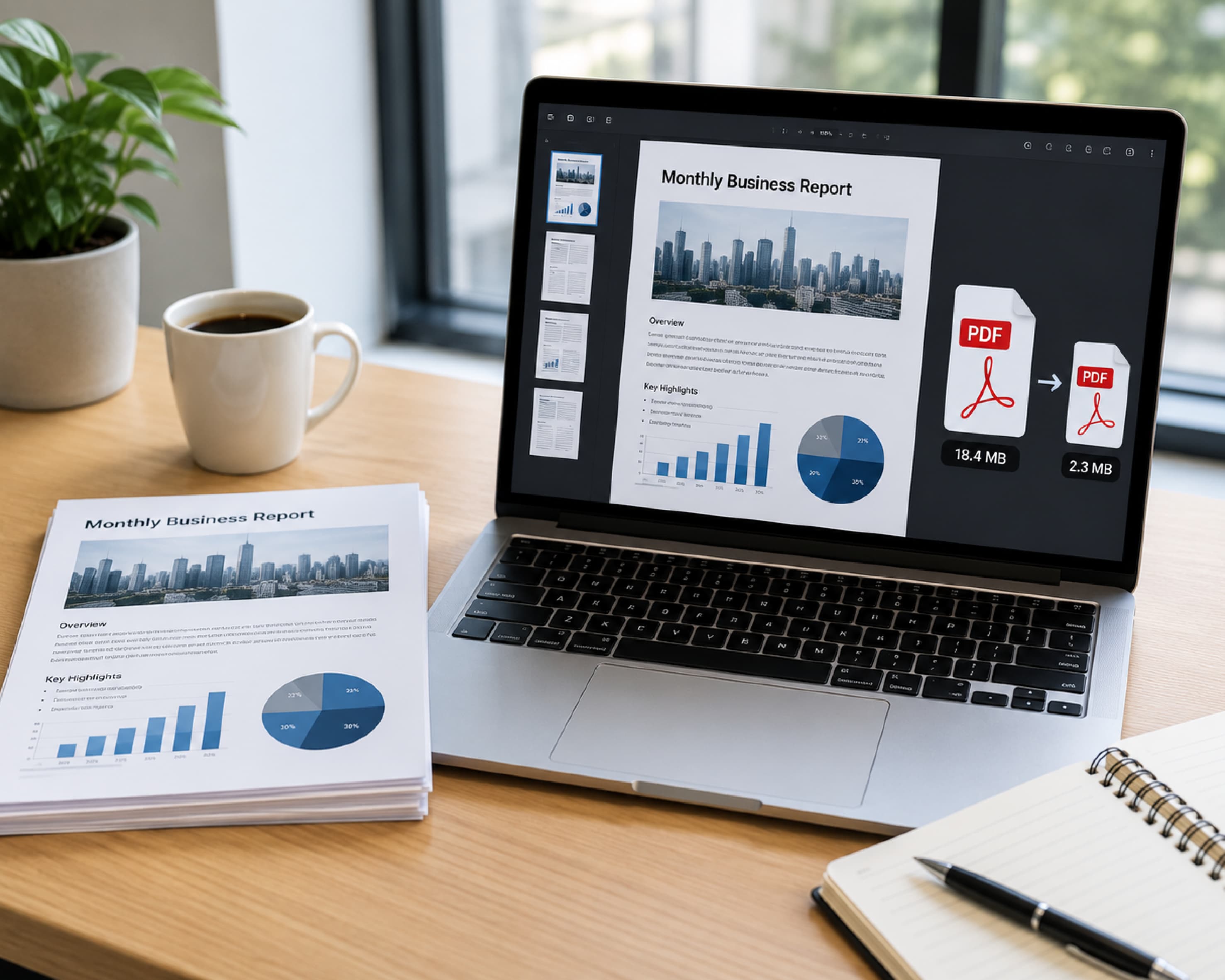
Drag the file in, or choose it from your device. On the free plan you can upload files up to 50 MB, so most normal documents are fine.

Hit compress

Press the button and wait a bit. Small files finish fast. Bigger ones may need a few more seconds, so don’t panic and refresh the page.

Download it and take a quick look

Save the new file, open it, and scroll through. Is the text easy to read? Do the pictures still look okay? Good, you’re done. If something looks off, go back to your original file and try again.
How to Compress PDF Online with Plainscan

How to Keep PDFs Small in the First Place

Prevention beats cure, right? A few habits make a big difference.

  • Save your file as a PDF instead of scanning it. If you wrote your document in Word or Google Docs, use “Save as PDF” or the export option. Printing it and scanning it back in makes the file huge for no good reason.
  • Shrink your photos before you drop them into a document. Plainscan’s Compress Image tool is handy for this and takes seconds.
  • Delete pages you don’t need. Blank ones, old drafts, duplicates. It sounds obvious, but we all forget to do it.
  • And keep your original. Always. If the compressed version turns out too blurry, you’ll want something to go back to.

Is It Safe to Compress PDF Files Online?

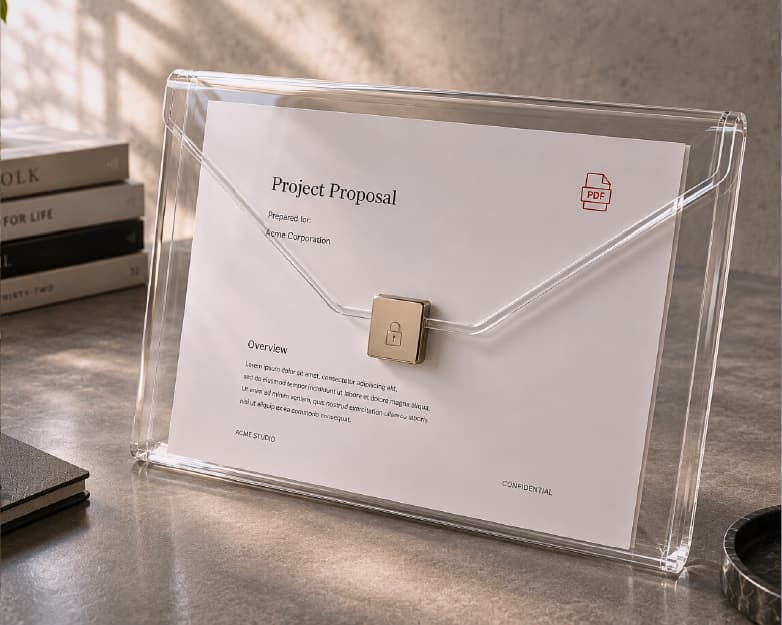
You should ask this before uploading anything anywhere. Plainscan uses HTTPS, which means your file is encrypted while it travels. Uploaded files are deleted automatically within 24 hours, and the site says it doesn’t share them with third parties.

For everyday stuff like resumes, class notes, or bills, that sounds fine to me. For anything very private, like bank details or ID numbers, I’d think twice before uploading it to any website, not just this one.
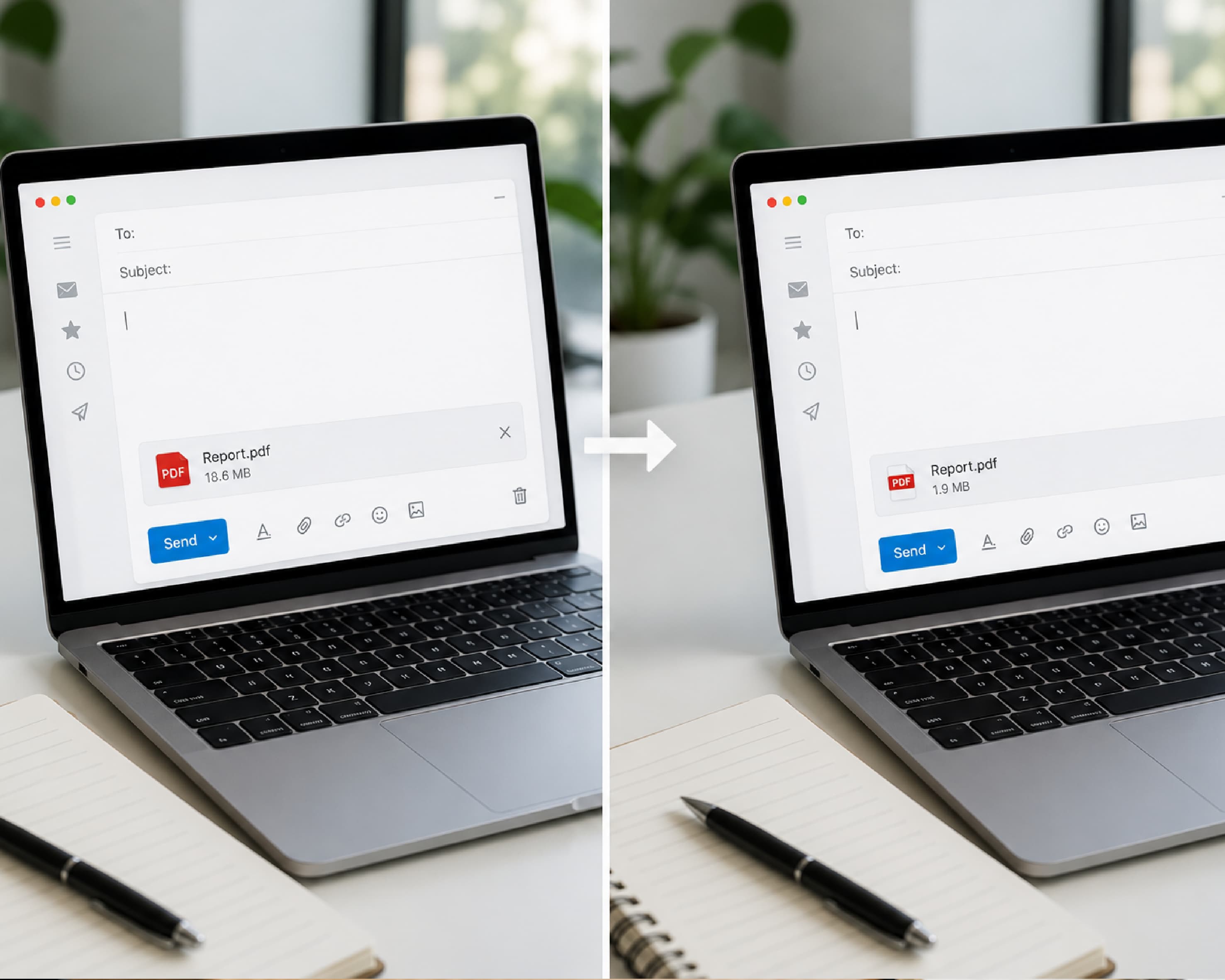
Safe PDF Compression

Free Plan, Pro Plan, and Everything In Between

You can start for free. Create an account and you get four documents a day with the basic PDF tools. The count resets every 24 hours, so you start fresh the next day.

If that’s not enough, the Pro plan removes the daily limit and the file size cap. Or you can buy credits and pay only when you need them, and those credits never expire. Honestly, if you only compress a PDF every now and then, the free plan is probably all you need.

A Few Other Tools That Help

Compressing is usually just one step in a bigger job. Say you’re sending three reports to your manager. Merge PDF joins them into one file, and then you compress the result so it fits in a single email.

Got a scan you need to edit? Scan & OCR can turn it into text. Need your signature on something? Try Sign PDF. Want to rewrite part of a document? PDF to Word has you covered. It’s nice having it all in one place instead of juggling five different tabs.

Small Mistakes That Cause Big Headaches

Compressing the same file again and again is the classic one. Every pass can cost you some quality, so do it once and look at the result before deciding to do more.

Not checking the file before sending is another. It takes ten seconds. That’s all. Those ten seconds can save you from emailing a fuzzy document to your boss or a college office.

Also, look up the size limit before you start. If the form says 1 MB, you know exactly what number you’re aiming for, and you won’t have to compress three times to find out.

Finally, don’t delete your original too early. Wait until you’re sure the upload or email went through.
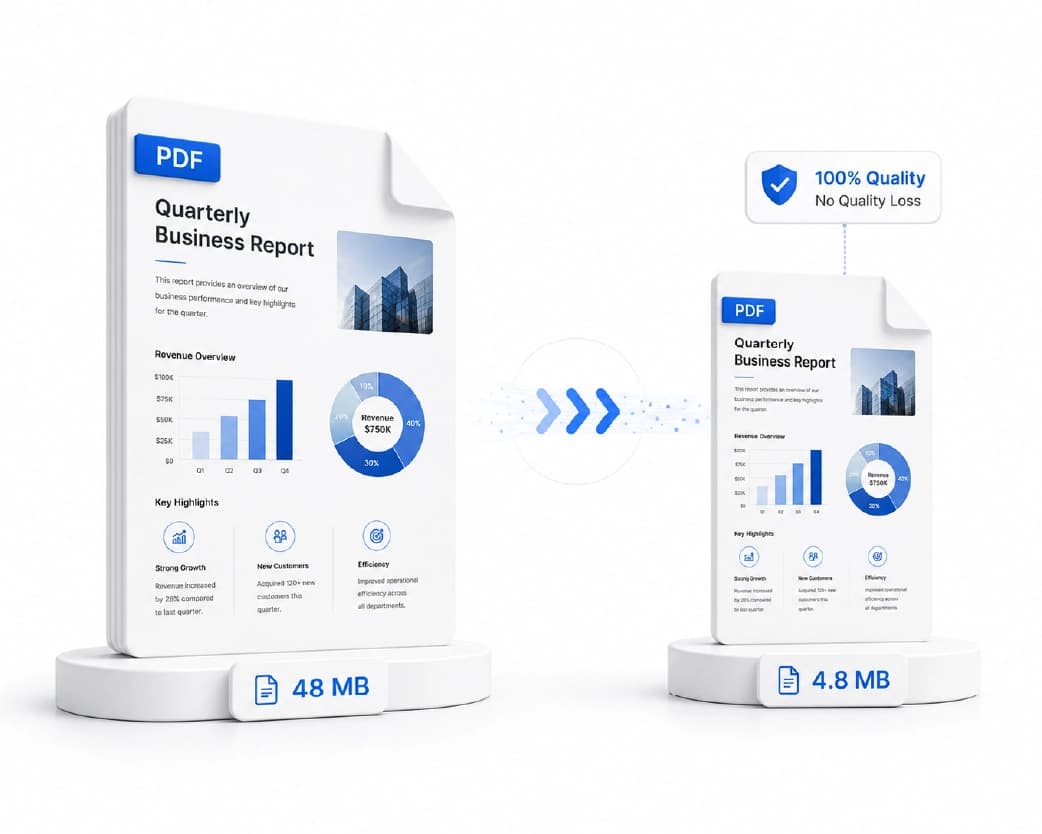
PDF Compression Tips

Conclusion

A big PDF shouldn’t ruin your day. Once you know why files get heavy and have a tool you trust, the whole thing takes a couple of minutes. So the next time a website tells you your file is too large, try Plainscan’s PDF compressor. Upload it, compress it, check it, send it. That’s really all there is to it.

Related insights
How to Convert Word to PDF (and Keep Everything Looking Right)

ARTICLE

How to Convert Word to PDF (and Keep Everything Looking Right)

My friend Rohan spent a whole evening polishing his resume. Clean layout, neat columns, a font he was proud of. He emailed it as a Word file and went to bed happy. The recruiter wrote back the next day: “I think your file got scrambled.” On her computer, the columns had slid apart, the font had changed to something plain, and his name sat in the middle of a bullet list like a typo. His file was fine. Word documents just look different depending on the computer, the app, and the fonts installed. A PDF would have looked the same everywhere. So here’s how to convert Word to PDF, and what to check first.

Plainscan Team·October 26, 2026
4 min read
How to Convert PDF to Word (and Keep Your Layout Looking Right)

ARTICLE

How to Convert PDF to Word (and Keep Your Layout Looking Right)

My cousin needed to update her resume. Easy job. Change one phone number, add one new job. But all she had was a PDF, because the Word file died with her old laptop. So she retyped the whole thing. Every line, every bullet. An hour and a half later she was still fixing the spacing, and one of her job dates had somehow turned into 2019. When I told her she could have converted the PDF to Word in about a minute, she just stared at me. Then she said, “Why does nobody tell you this?” So here it is. How to convert PDF to Word, what to expect, and what to fix afterward.

Plainscan Team·October 26, 2026
4 min read
Free PDF Invoice Generator Online: Make a Professional Invoice in Minutes

ARTICLE

Free PDF Invoice Generator Online: Make a Professional Invoice in Minutes

A friend of mine does freelance photography. She’s really good. Weddings, birthdays, the occasional dog in a tiny bow tie. Her photos are the kind that make you stop scrolling. Her invoices, though? Chaos. For a long time she’d open a blank document, type INVOICE in huge letters, guess at the layout, save it, and hit send. Sometimes she forgot her phone number. Once she forgot to put the total. Yes, the actual amount you owe. I’m not joking. Then one client took three weeks to pay her. When she finally asked what was going on, he said, “Oh, I didn’t see a due date, so I figured there was no rush.” Three weeks of waiting because of one missing line. That’s the moment she decided to get serious. Here’s how a free PDF invoice generator online can help, what every invoice needs, and a few habits that get you paid faster.

Plainscan Team·October 26, 2026
4 min read
Free PDF Repair Tool: How to Fix a Corrupted PDF Online

ARTICLE

Free PDF Repair Tool: How to Fix a Corrupted PDF Online

My brother-in-law is a freelance accountant. A few weeks ago a client sent him a 60-page report as a PDF. He downloaded it, double-clicked, and got a message: the file is damaged and can’t be opened. The report was due the next morning. He tried again. Same error. Different app. Same error. He called me at 10 p.m. and asked, “Is it just gone?” It wasn’t. A broken PDF can often be saved, or at least partly saved. Here’s how to use a free PDF repair tool, and how much to expect from one.

Plainscan Team·October 26, 2026
4 min read
Print Optimize PDF: How to Get Sharp, Clean Printouts Every Time

ARTICLE

Print Optimize PDF: How to Get Sharp, Clean Printouts Every Time

My sister designed flyers for her yoga class. On her screen, they looked fantastic. She sent the PDF to a print shop, paid for fifty copies, and picked them up the next day. The logo was blurry. The text near the edge was sliced off. And the soft pink background she picked had turned into a muddy brown. Fifty flyers, straight into the recycling bin. She was not happy, and the print shop guy just shrugged and said, “Your file wasn’t print-ready.” That phrase confuses a lot of people. So here’s what it means, how to print optimize PDF files, and a checklist you can use before you hit print.

Plainscan Team·October 24, 2026
4 min read
PDF to Grayscale: How to Turn Any PDF Black and White Online

ARTICLE

PDF to Grayscale: How to Turn Any PDF Black and White Online

My uncle once printed a 40-page report for a meeting. Colorful charts, a blue header on every page, a green footer. Halfway through, the printer made a sad noise and quit. The cyan cartridge was empty. He still had plenty of black ink. The printer just wouldn’t use it, because the pages were in color. That’s when people find out about grayscale. Here’s how to turn a PDF to grayscale, and the one catch that can make your charts hard to read.

Plainscan Team·October 24, 2026
4 min read
What Is an N-up PDF? (And How to Make One Online)

ARTICLE

What Is an N-up PDF? (And How to Make One Online)

Last-minute printing is a special kind of stress. You’ve got a 40-page PDF, a meeting in twenty minutes, and a printer that’s already making that grinding noise. Then you notice the stack of paper growing. And growing. Here’s the thing most people don’t know. You can fit two, four, or even six pages on a single sheet. It’s called N-up, which sounds like something from a math test, but it’s really not. I’ll show you what it means, when it’s worth using, and how to make an N-up PDF online without any software.

Plainscan Team·October 24, 2026
4 min read
How to Crop PDF Pages (Cut the Extra Stuff Out)

ARTICLE

How to Crop PDF Pages (Cut the Extra Stuff Out)

A friend of mine downloaded a recipe PDF to read on her tablet while cooking. Great recipe. Awful layout. The actual text sat in the middle of each page, wrapped in about two inches of empty white space on every side. On a small screen, that meant zooming in, sliding the page around, zooming out, and losing her place. Meanwhile the onions were burning. She texted me a photo of the tablet with the caption, “Why is it like this?” I told her to crop it. She said, “Crop a PDF? You can do that?” Yes, you can. It takes less time than chopping an onion. Here’s how to crop PDF pages, when it’s worth doing, and the one thing cropping can’t do that catches a lot of people off guard.

Plainscan Team·October 24, 2026
4 min read
How to Flatten PDF Files (and Why Your Forms Need It)

ARTICLE

How to Flatten PDF Files (and Why Your Forms Need It)

A friend of mine fills out a lot of paperwork for her small business. One day she typed answers into a PDF form, saved it, and emailed it to a supplier. The supplier wrote back, “This form is empty.” It wasn’t empty on her computer. Every box was full. But on the supplier’s phone, the typed answers had vanished, because the phone didn’t read the form fields right. The fix was one word: flatten. Here’s what it means to flatten PDF files, when to do it, and what to watch out for.

Plainscan Team·October 24, 2026
4 min read
How to Compare PDF Files Online (and Catch Every Change)

ARTICLE

How to Compare PDF Files Online (and Catch Every Change)

A friend of mine works at a small property company. Last year a landlord sent back a lease with a note: “Just a couple of tiny edits.” She read it twice. Looked the same. It wasn’t. The rent increase date had moved up a month, and a line about repairs had quietly disappeared. She only caught it because her boss remembered the old date. Nobody should have to rely on luck for that. Here’s how to compare PDF files online, and what to check first.

Plainscan Team·October 24, 2026
4 min read

Get the Plainscan App for iOS & Android