AI Flashcard Generator: How to Study Smarter in Less Time
It’s the night before a big test. You’ve got a stack of notes, a blank pile of index cards, and about three hours of energy left. You start writing out cards. Card one. Card two. By card twenty, your hand hurts and you’ve barely covered chapter one. Sound familiar? That’s exactly why so many students are trying an AI flashcard generator. You give it your notes, and it builds the cards for you. That means more time studying and less time copying words onto paper. But there’s a right way and a wrong way to do this. Let’s cover both.
What Is an AI Flashcard Generator?
It’s a tool that makes study cards from your material. You paste in your notes, a chapter summary, or a list of key terms. The tool reads it and creates cards with a question on one side and the answer on the other.
You might also hear it called a flashcard maker. Some are free, and some charge for extra features. Most work right in your browser, so you don’t need to install anything. The big win is speed. A job that takes an hour by hand can take a minute.
Why Flashcards Work So Well
Flashcards have been around for a long time, and there’s a good reason. They force you to pull answers out of your own head instead of just reading them again.
That’s called active recall. When you try to remember something, even if you get it wrong, your brain holds on to it better. Rereading your notes feels productive, but it’s much weaker.
Flashcards are also great for spaced repetition. That just means you review cards over several days instead of all at once. Cards you know well come up less often. Cards you miss come up more often. Over time, you remember more with less effort.
How to Use an AI Flashcard Generator Step by Step
It’s simple, but a little care at each step makes a big difference.
Gather Clean Notes
The tool can only work with what you give it. If your notes are messy, the cards will be messy too. Take a few minutes to clean them up, fix obvious typos, and group related ideas together.
Paste in One Topic at a Time
Don’t dump a whole semester into the box. Add one chapter or topic at a time. You’ll get cards that are more focused, and it’s easier to check them.
Read Every Card
This is the step people skip. Go through each card and ask, “Is this right?” and “Would this actually help me remember?” Delete the weak ones. Fix the wrong ones. A smaller set of good cards beats a huge pile of bad ones.
Add Your Own Touch
Rewrite a few answers in your own words. Add a quick example or a little drawing. The more you make the cards yours, the easier they are to remember.
What a Good Flashcard Looks Like
Not all flashcards are equal. A great card is short, clear, and tests one idea.
Here’s a weak one: “Tell me everything about photosynthesis.” That’s way too big. You can’t answer it quickly, and you can’t tell if you got it right.
Here’s a better one: “What gas do plants take in during photosynthesis?” Short question, one clear answer, easy to check.
A few simple rules help:
- One idea per card
- Keep questions short
- Keep answers to a word, a phrase, or a sentence
- Skip anything you don’t actually need to know
If the generator gives you long, wordy cards, split them up or trim them down.
Where AI Flashcards Can Go Wrong
Let’s be real. These tools save time, but they’re not perfect.
Sometimes the cards are wrong. The tool might misread your notes, or mix up two ideas. Sometimes the cards are too easy and only test simple facts, when your exam asks you to think. And sometimes you get way too many cards, which just makes studying feel heavy.
The fix is simple. Always check the cards against your textbook or class notes. If something looks off, trust your source, not the tool. And if your test has essay questions or problem solving, don’t rely on flashcards alone.
How to Study With Your Cards
Making the cards is only half the job. How you use them matters just as much.
Study a little every day instead of cramming. Fifteen minutes a day for a week beats two hours the night before. Shuffle your cards so you don’t memorize the order. Say the answer out loud before you flip the card. And put the cards you miss in a separate pile to review more often.
If you’re using an app, many of them handle the spaced repetition for you. If you’re using paper cards, you can do it yourself with a few piles. Cards you know go in the “later” pile. Cards you missed stay in the “today” pile.
Pair Flashcards With Practice Tests
Flashcards are great for facts, terms, and definitions. But exams usually test more than that. They ask you to apply what you know.
So once you feel okay with your cards, try some real practice questions. Plainscan has question banks and mock tests for a bunch of exams, with answer explanations and progress tracking. Taking a few of those shows you what you actually know, and what you still need to work on.
It’s a good combo. Flashcards build your memory, and mock tests build your confidence.
Get Your Notes Ready With Plainscan
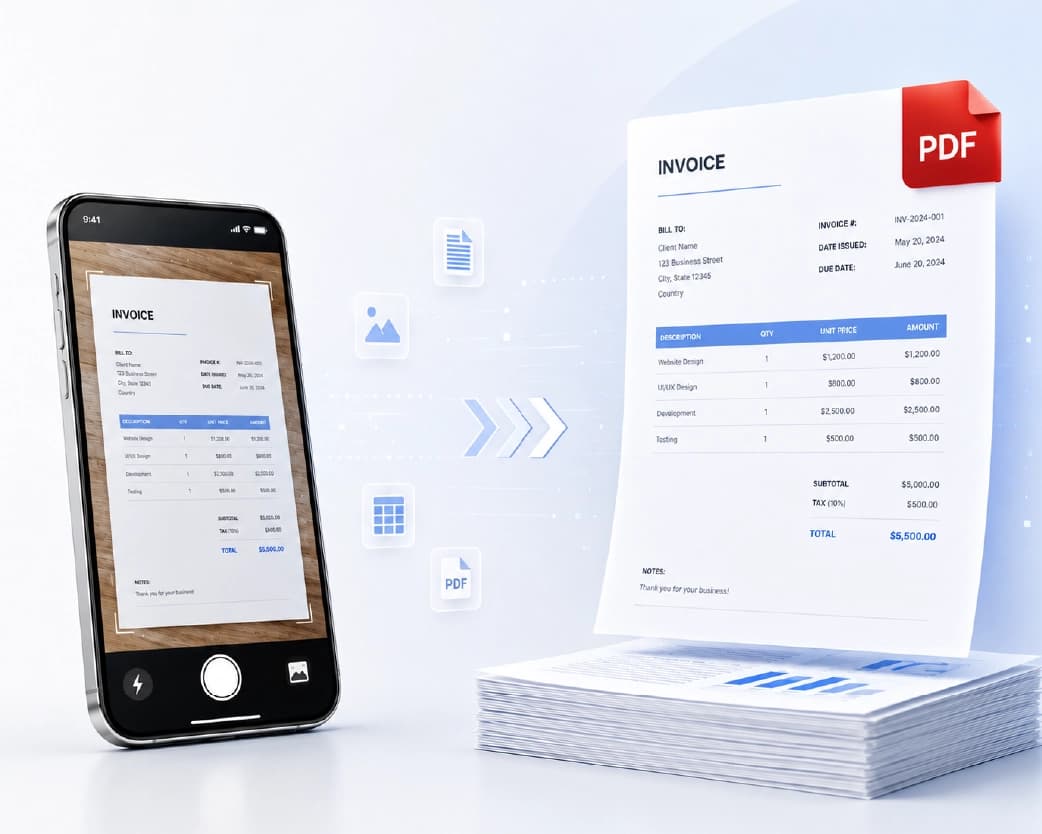
Not everyone starts with neat typed notes. Maybe you have a photo of a handwritten page, a scanned chapter, or a long PDF that’s hard to copy from.
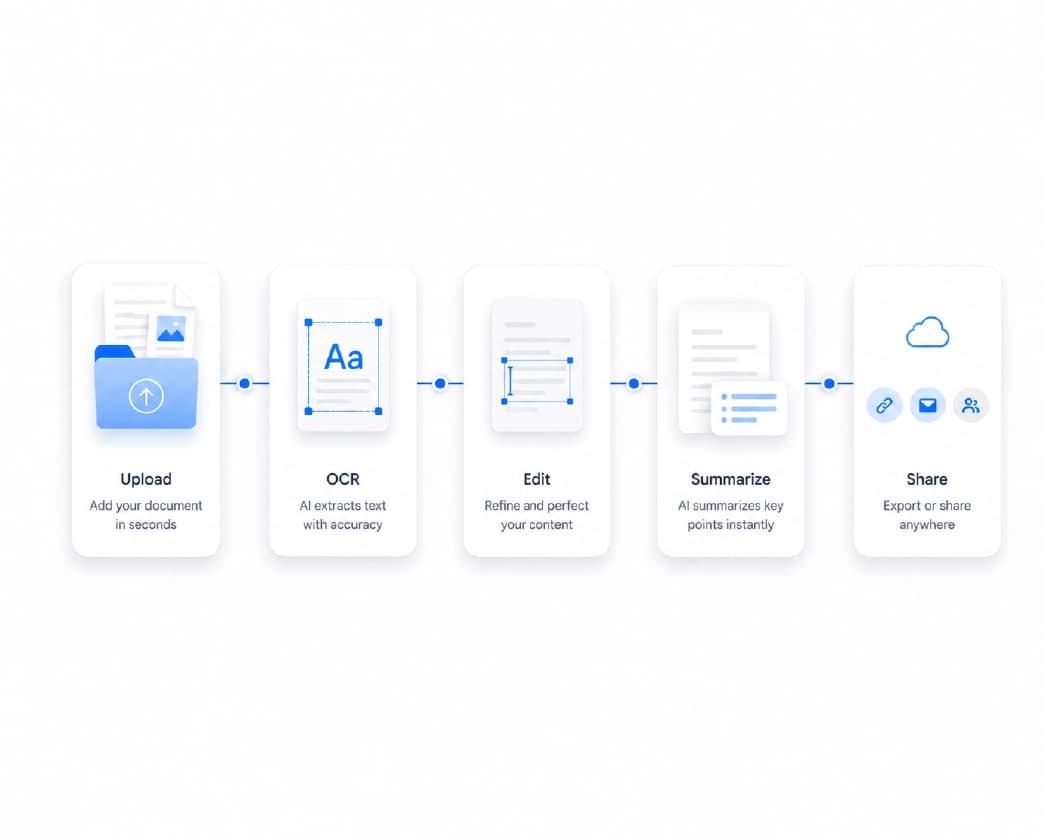
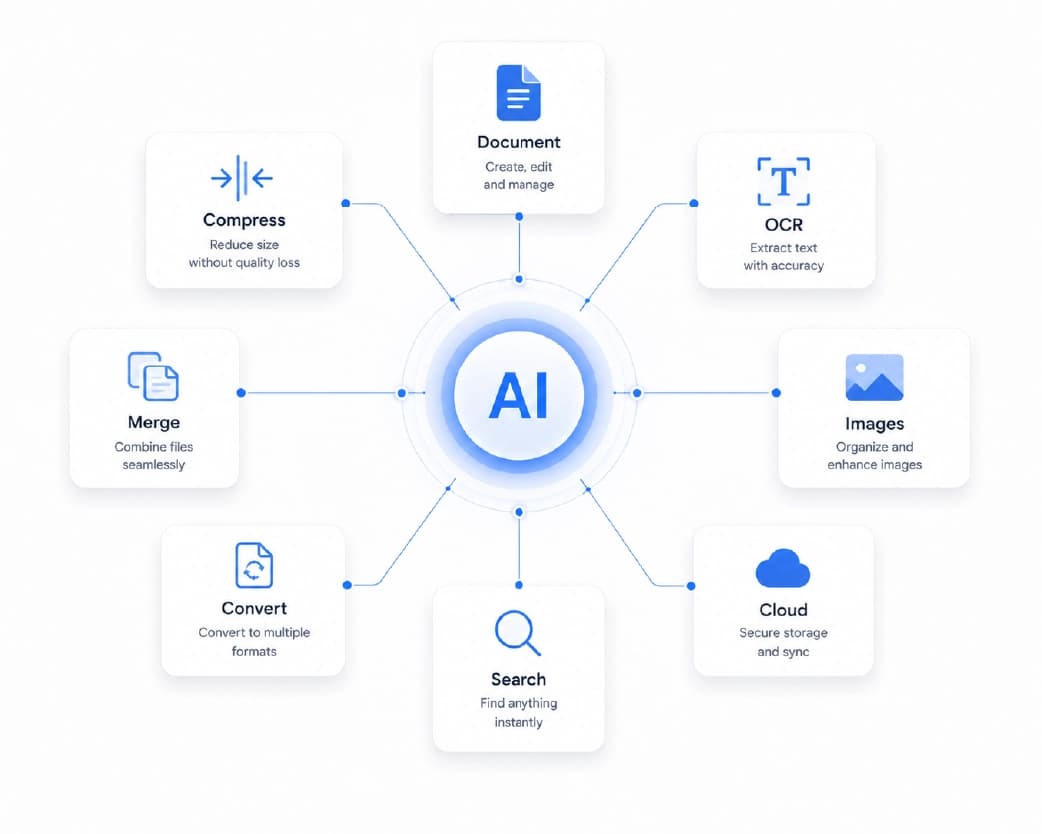
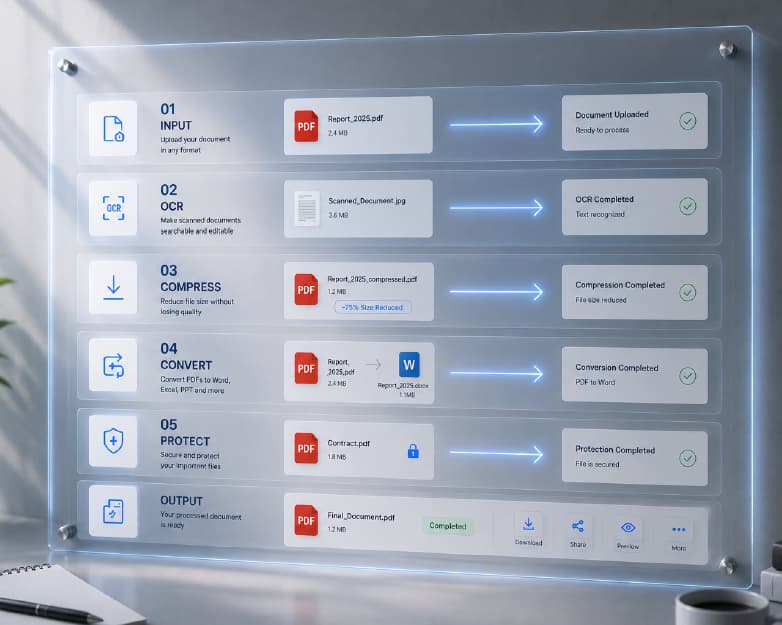
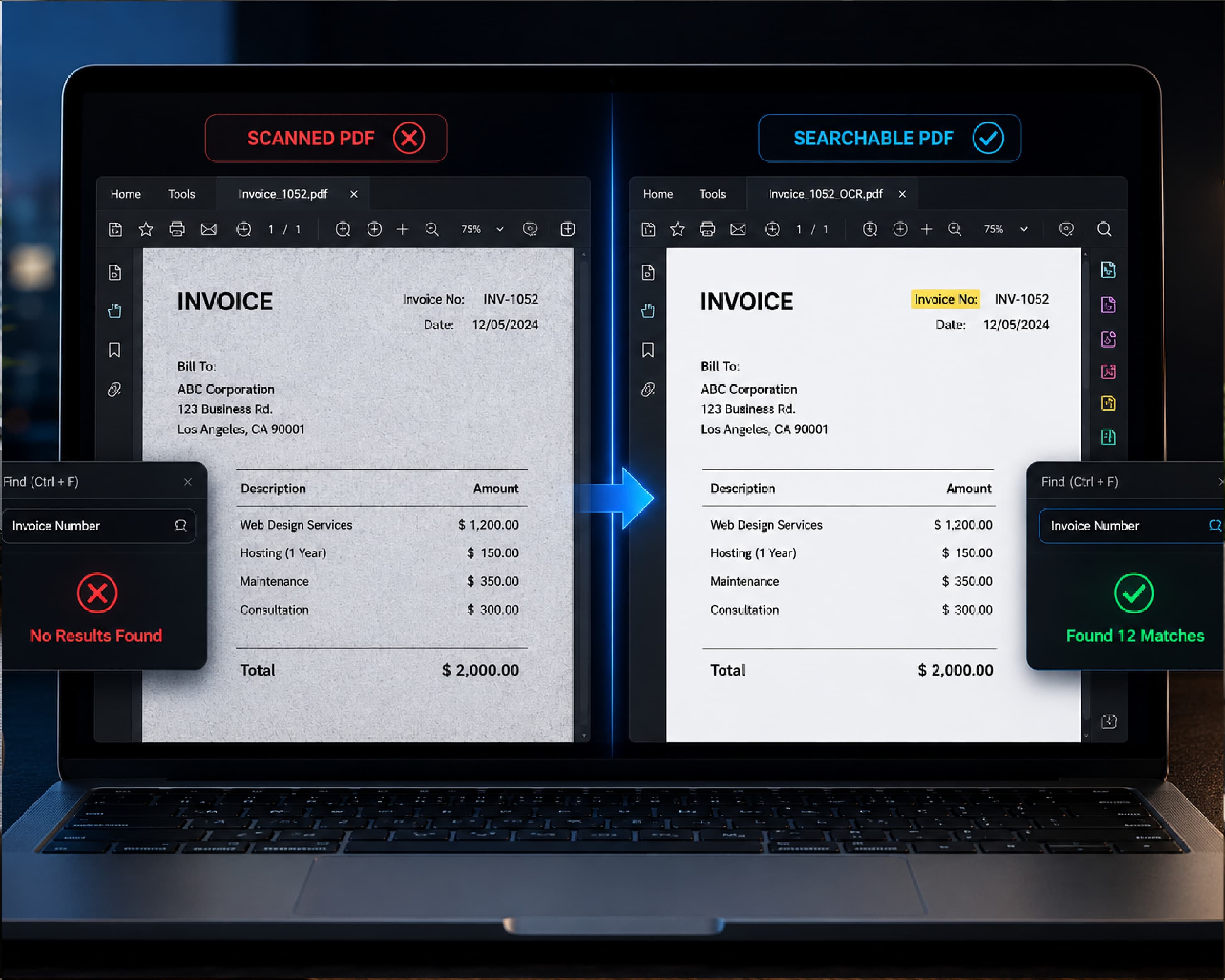
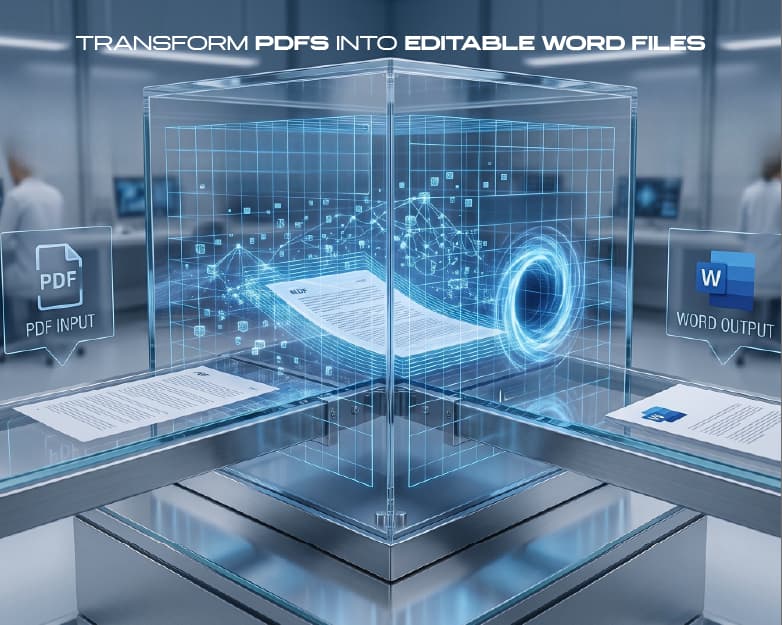
Plainscan can help with that. Its Scan and OCR tool can pull the text out of a photo or scan, so you can paste it into your flashcard tool. If your notes are really long, the AI Summarize tool can boil them down to the main points first. And if a lecture PDF is stuck in a format you can’t edit, you can convert it to a Word file. Just keep in mind that Plainscan’s AI tools use credits or a Pro plan, while the basic PDF tools are free to start.
You can try them at Plainscan.
Continue Reading:AI Email Writer: How to Write Better Emails in Half the Time
Conclusion
An AI flashcard generator won’t do the learning for you. But it takes away the slow, boring part, so you can spend your energy on actually remembering things. Start with clean notes, check every card, keep each one short, and study a little bit every day. Mix in some practice tests, and you’ll feel a lot more ready on test day. Next time you’ve got a pile of notes, skip the index cards and give it a shot. And if your notes need some cleanup first, Plainscan has the tools to help.
Related insights

Get the Plainscan App for iOS & Android