AI Proofreader: How to Catch Mistakes Before Anyone Else Does
There’s a special kind of dread that comes right after you send an email. You glance at it one more time, and there it is. A missing letter. A wrong word. Maybe even your boss’s name spelled wrong. Small mistakes can make good work look careless. And the worst part is that we can’t see our own errors. Our brains know what we meant to write, so they fill in the gaps and skip right over the problem. That’s why more people are turning to an AI proofreader. It acts like a second pair of eyes, and it never gets tired. Let’s look at how it works and how to get the most out of it.
What Is an AI Proofreader?
It’s a tool that reads your writing and points out mistakes. You paste in your text, and it checks things like spelling, grammar, and punctuation. Then it suggests fixes, which you can accept or ignore.
You might also hear it called an AI grammar checker or a proofreading tool. They’re close cousins. Some focus on fixing errors, while others also help with clarity and style. Many have a free AI proofreader option that works right in your browser, so you can check grammar online without signing up for anything.
What Can It Catch?
Quite a lot, actually. A good tool can find:
- Spelling mistakes and typos
- Grammar problems, like mixing up “its” and “it’s”
- Missing or extra commas and other punctuation slips
- Words you repeated by accident
- Long, tangled sentences that are hard to follow
- Spots where the tone feels off
That’s a pretty handy list. And it usually takes seconds, not minutes.
What It Can’t Do
Here’s the honest part. An AI proofreader is helpful, but it isn’t a mind reader.
It doesn’t know what you meant to say. If you wrote the wrong name, or the wrong date, or a number that’s off by a zero, it probably won’t notice, because those words are spelled correctly. It can also miss mistakes where a real word is used in the wrong place, like “there” instead of “their” in a tricky sentence.
And sometimes it just suggests something worse. Maybe it makes your sentence stiff, or changes a phrase you did on purpose. That’s why you should always read each suggestion before you accept it.
Think of the tool as a helper, not the final boss.
How to Use an AI Proofreader Step by Step
You don’t need any special skills. Just follow a simple routine.
Finish Your Draft First
Don’t proofread as you write. Get your ideas down first, then clean them up. Jumping back and forth slows you down and makes the writing feel choppy.
Paste In Smaller Chunks
If you have a long piece, check it a section at a time. It’s easier to see what’s changing, and you’re less likely to miss something.
Look at Every Suggestion
This is the most important step. Don’t click “accept all” and move on. Read each change and ask yourself, “Is this what I meant?” Keep the good ones and skip the rest.
Read It Out Loud
After the tool is done, read your writing out loud. Your ear will catch awkward spots that no software can. If you stumble while reading, your reader will too.
Who Gets the Most Out of It?
Pretty much anyone who writes. But a few groups really feel the difference.
Students can check essays and reports before turning them in. Job seekers can polish a resume and cover letter, where one typo can cost you a good first impression. Bloggers and small business owners can keep their posts and product pages clean. And people who are writing in a second language can feel more confident that their English reads well.
Tips for Better Results
A few small habits make a big difference.
Set the right language style if the tool lets you. US and UK spelling are different, and you don’t want your writing flipping between them. Keep your own list of names and special words, since tools sometimes flag those as mistakes. And don’t rely on a single tool for something really important, like a job application or a legal document. Get a real person to look at it too.
Also, take a break before you proofread. If you can wait an hour, or even overnight, you’ll see your writing with fresher eyes. It’s one of the oldest tricks around, and it still works.
Keep Your Own Voice
One risk with any editing tool is that it can sand away your personality. If you always accept the “cleaner” version, your writing might start to sound like everyone else’s.
So keep an eye out. If a suggestion makes your sentence flatter, say no to it. Short sentences, little jokes, and your own way of saying things are what make your writing yours. A good proofreader fixes mistakes. It shouldn’t turn you into somebody else.
Be Careful With Private Information
Before you paste anything into an online tool, think about what’s in it. Passwords, bank details, medical information, and private company data shouldn’t go into just any website.
If you need to proofread something sensitive, remove or replace the private parts first. Or stick to tools you trust and have read the privacy rules for.
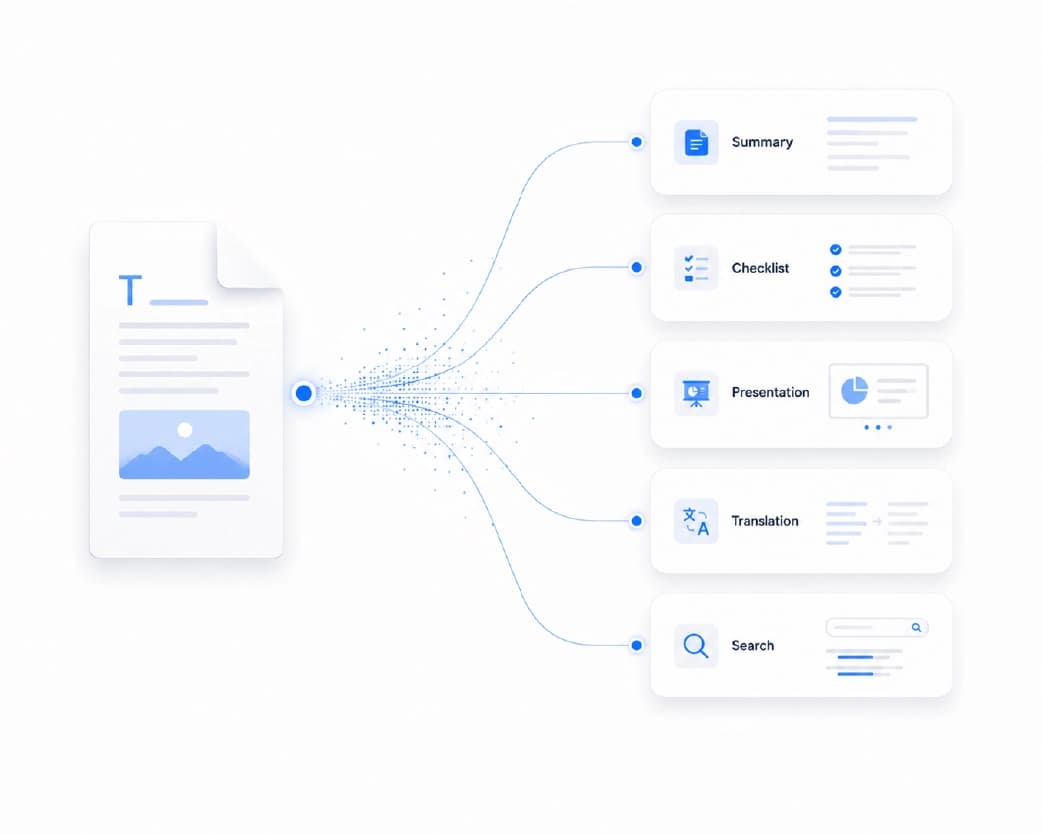
Proofreading Documents and PDFs
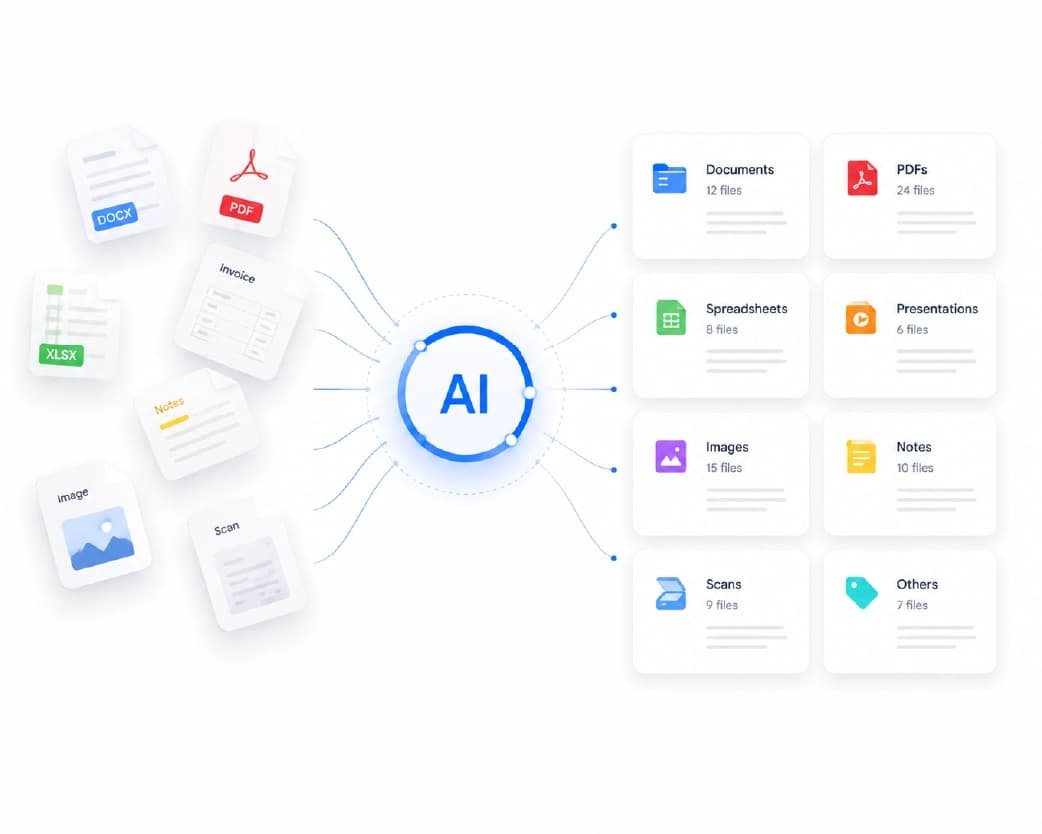
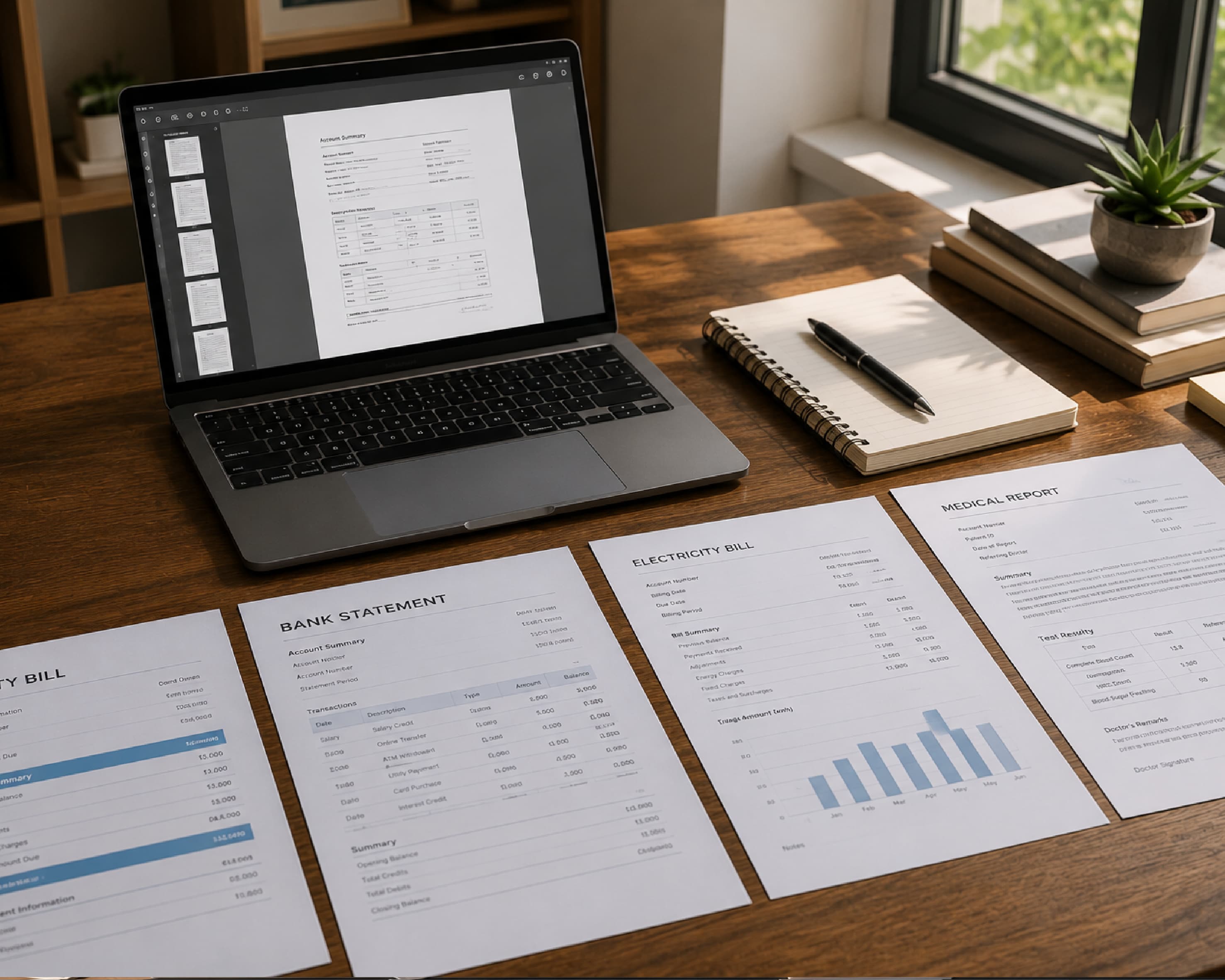
A lot of writing doesn’t start as plain text. It might be a scanned page, a PDF someone sent you, or a document that’s stuck in a format you can’t easily edit.
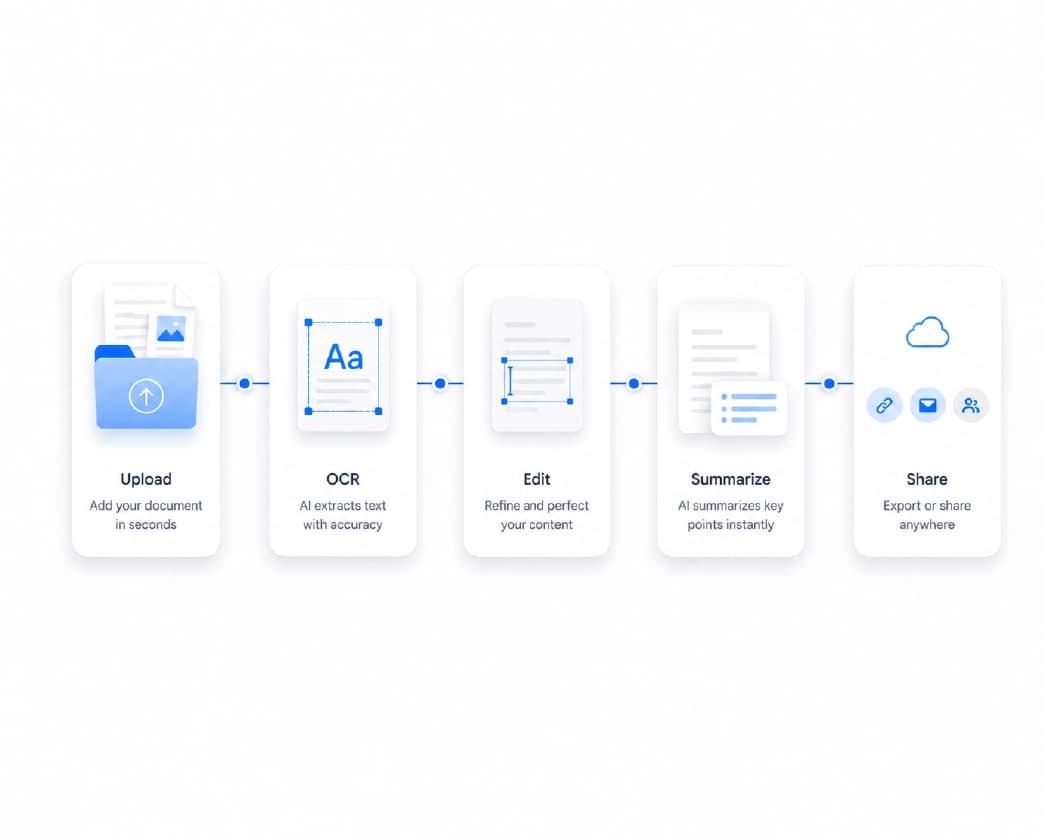
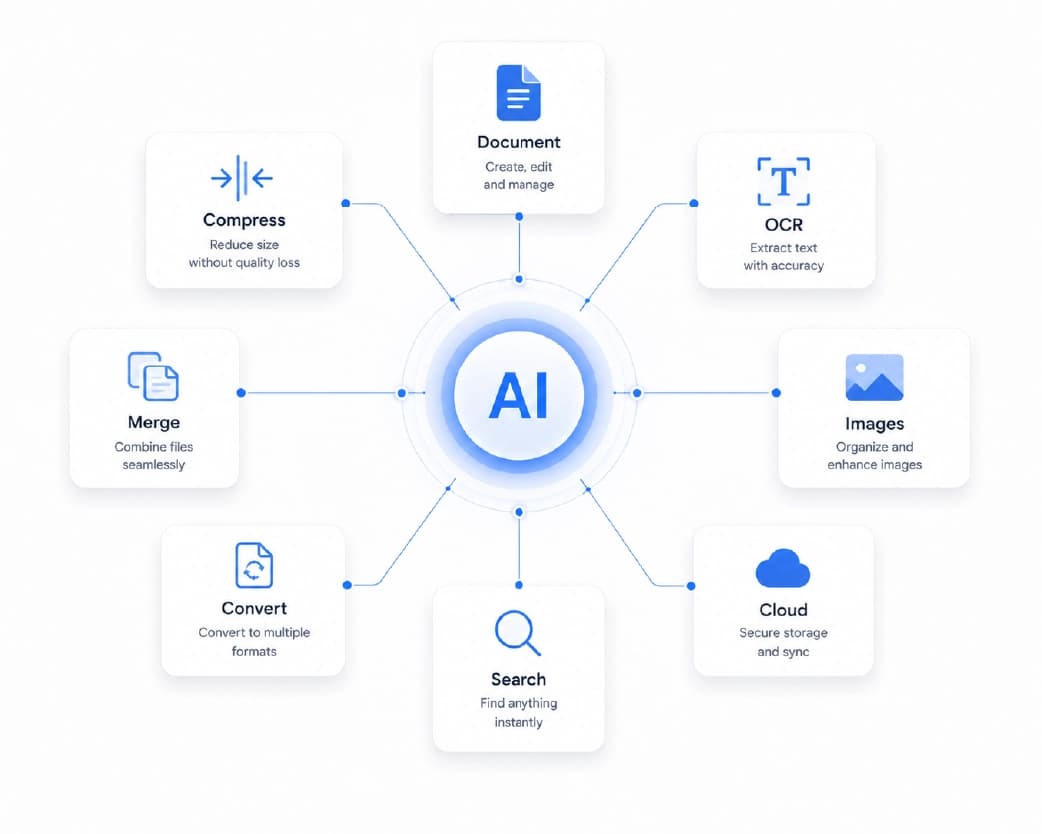
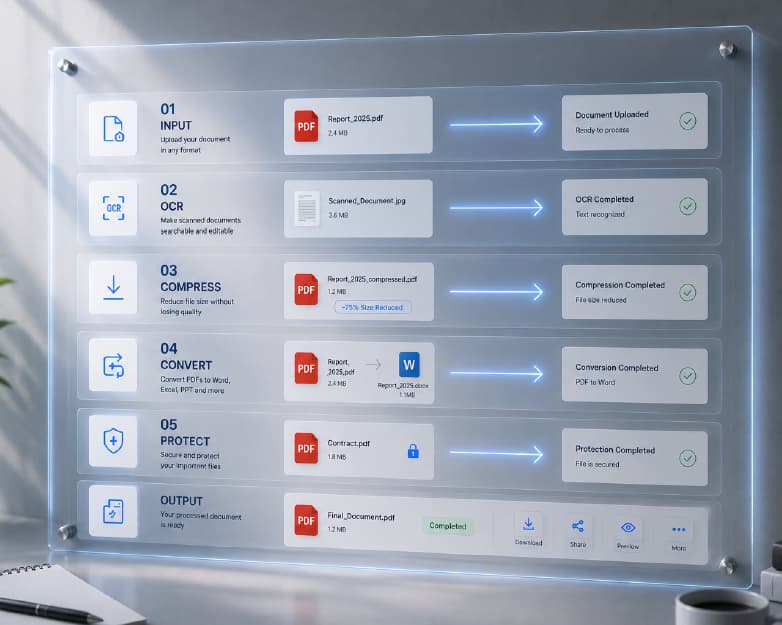
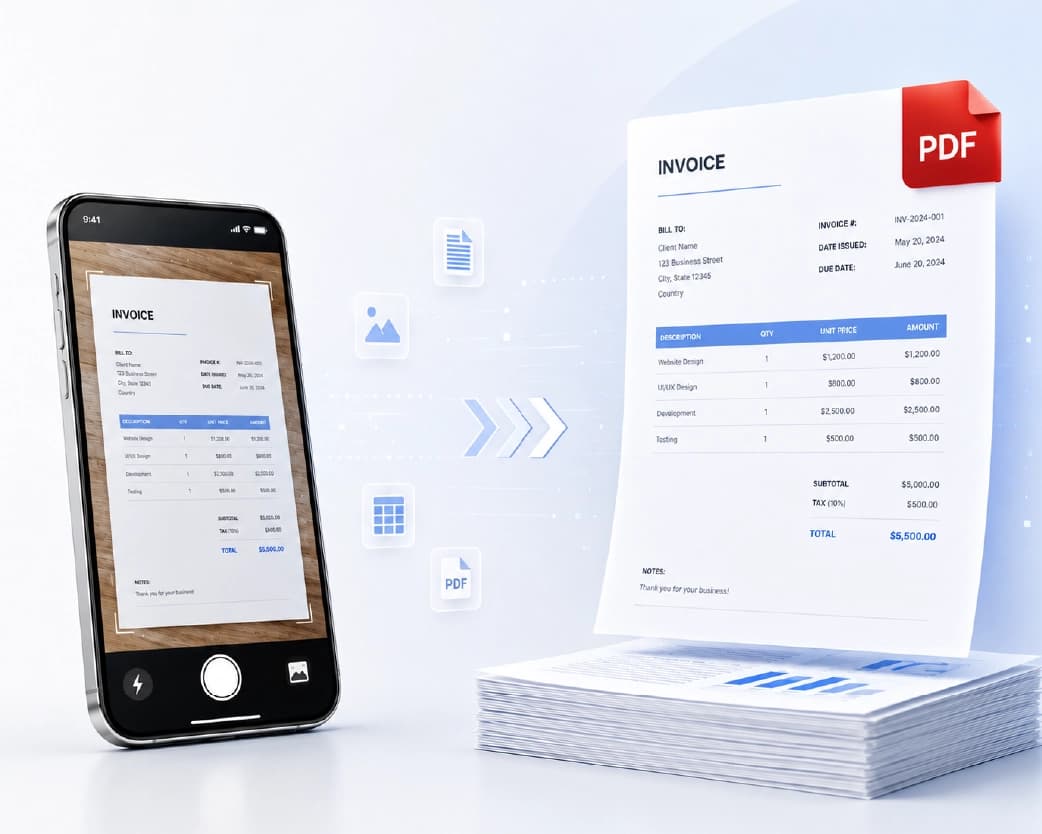
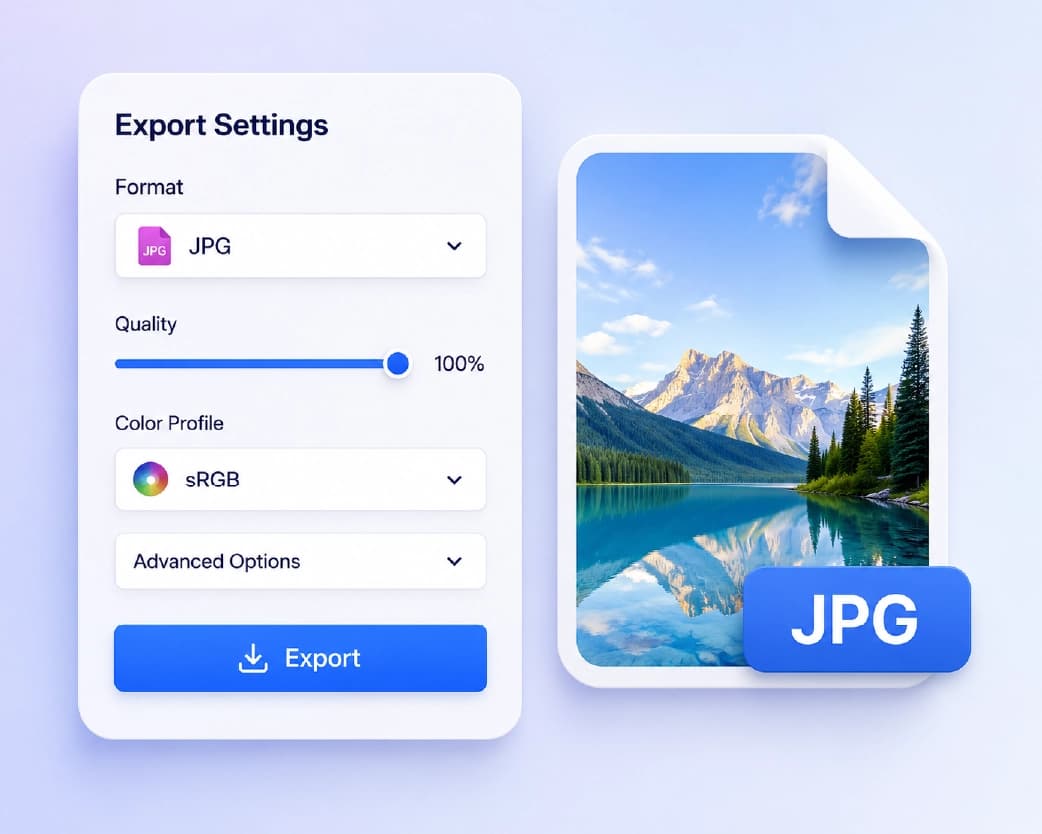
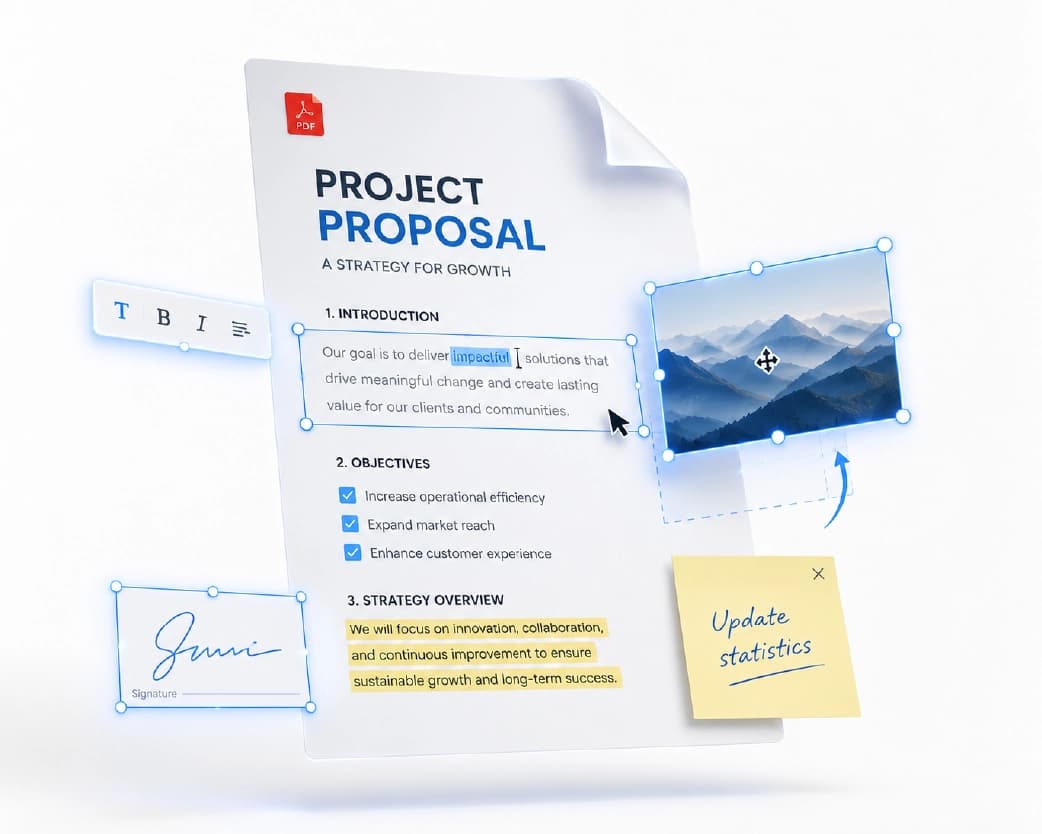
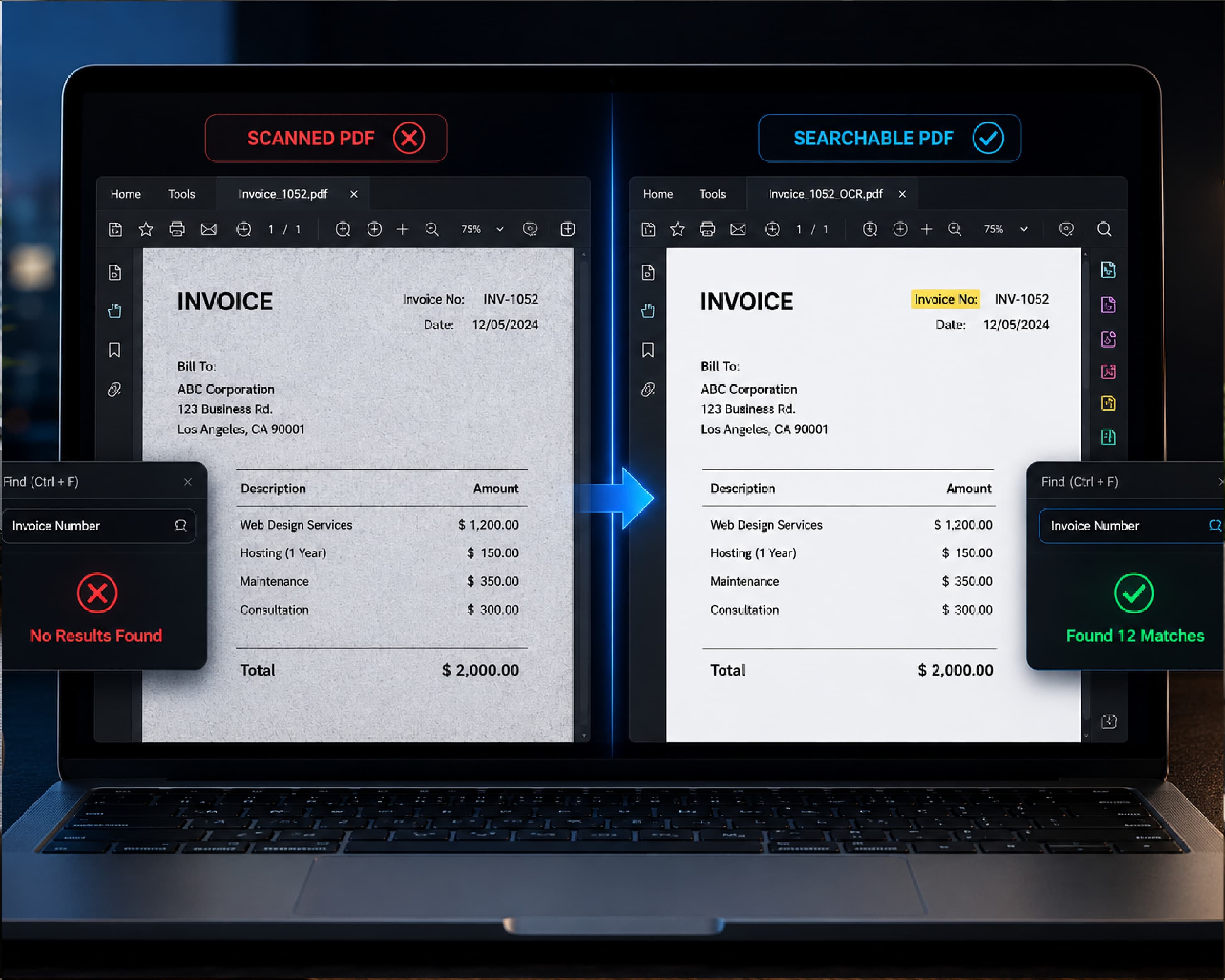
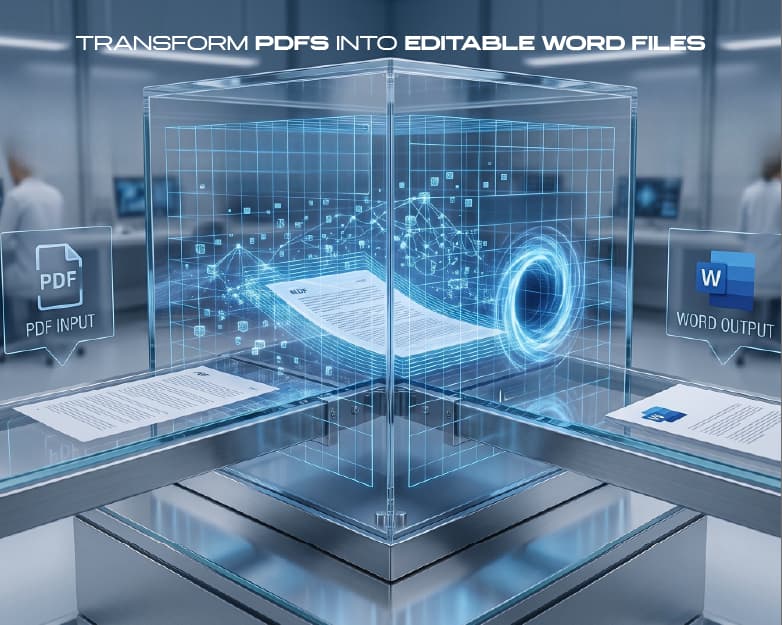
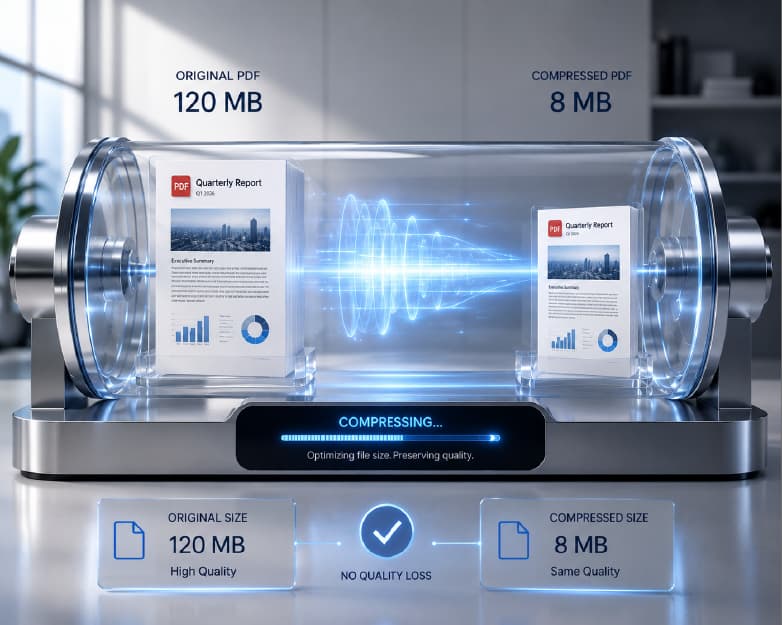
That’s where Plainscan can help. It’s a browser-based set of document tools, so you can get your text into shape before you proofread it. If you have a scanned page, the Scan and OCR tool can pull the words out so you can check them. If you have a PDF you need to edit, you can convert it to a Word file, fix the mistakes, and then turn it back into a PDF when you’re done. And if the final file is too heavy to email, you can compress it.
So the full flow looks like this: get the text out, run it through your AI proofreader, fix what matters, and send a clean file. You can find these tools on Plainscan.
Recommended to Read:Online Batch PDF Converter: How to Convert Many PDFs Without Losing Your Mind
Conclusion
Everyone makes typos. The goal isn’t to never make mistakes. It’s to catch them before someone else does. An AI proofreader is a quick, easy way to do that. Use it after you finish your draft, read every suggestion, and keep your own voice. Add a read-aloud and a short break, and your writing will look sharper almost right away. The next time you’ve got an email, essay, or report to send, give it a quick check first. And if the file needs some cleanup, Plainscan is ready when you are.
Related insights

Get the Plainscan App for iOS & Android