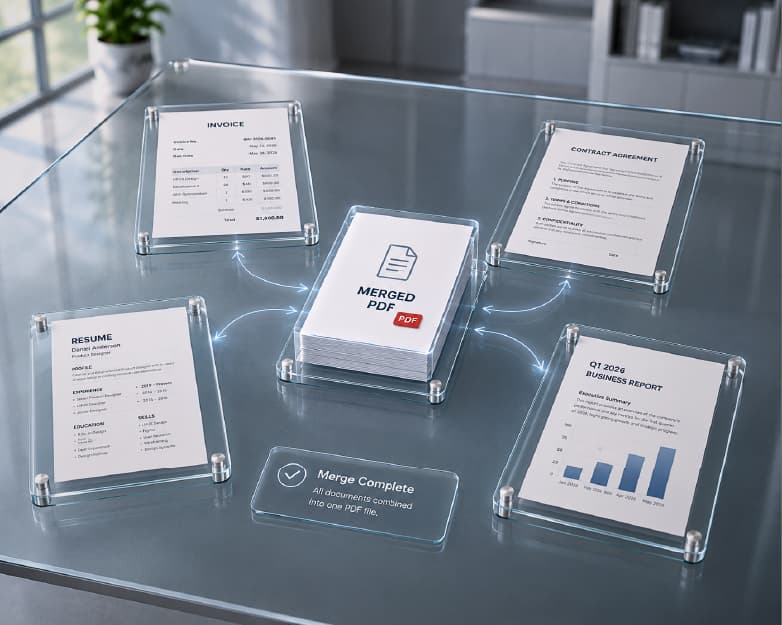
AI Plagiarism Checker: How to Find Copied Text Before You Hit Publish
You write a paragraph. It sounds good. It sounds really good, actually. Almost too good. Then a little voice in your head says, “Wait. Did I read this somewhere?” That happens to students, bloggers, and professional writers all the time. We read so much that bits of other people’s words sneak into our own without us noticing. An AI plagiarism checker helps you catch that before anyone else does. Let me show you how it works, how to use one, and what to do when it finds a match.
You may also like:AI Detector: How to Check Whether Text Sounds Human (and What the Score Really Means)
What Does a Plagiarism Checker Do?
It compares your text with a huge pile of other writing, like web pages, articles, and papers, and looks for matching passages. If part of your text looks the same as something already out there, it highlights that part and often shows where the match came from.
The “AI” part usually means the tool is smarter about what counts as a match. Older tools mostly caught word-for-word copying. Newer ones can also spot text that’s been lightly reworded, where someone swapped a few words but kept the same sentence shape and ideas.
You usually get a similarity percentage and a list of matches. That’s your starting point, not your final answer.
Plagiarism Checker vs. AI Detector
People mix these up all the time, so here’s the difference.
An AI detector guesses whether a machine wrote the text. A plagiarism checker looks for text that matches something that already exists. They answer different questions. One asks, “Who wrote this?” The other asks, “Has this been written already?”
Both can be useful. But a piece of writing can pass one and fail the other. Human writing can be copied, and AI writing can be completely original. So if you care about both, check both.
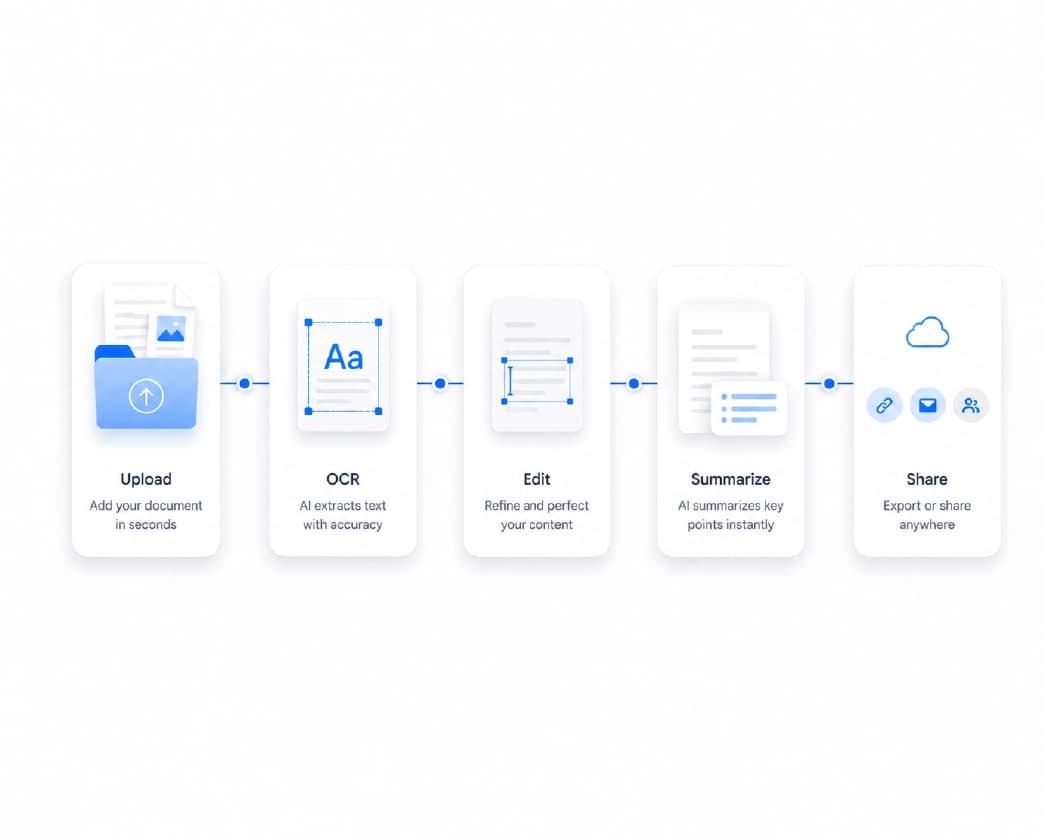
How to Use an AI Plagiarism Checker on Plainscan
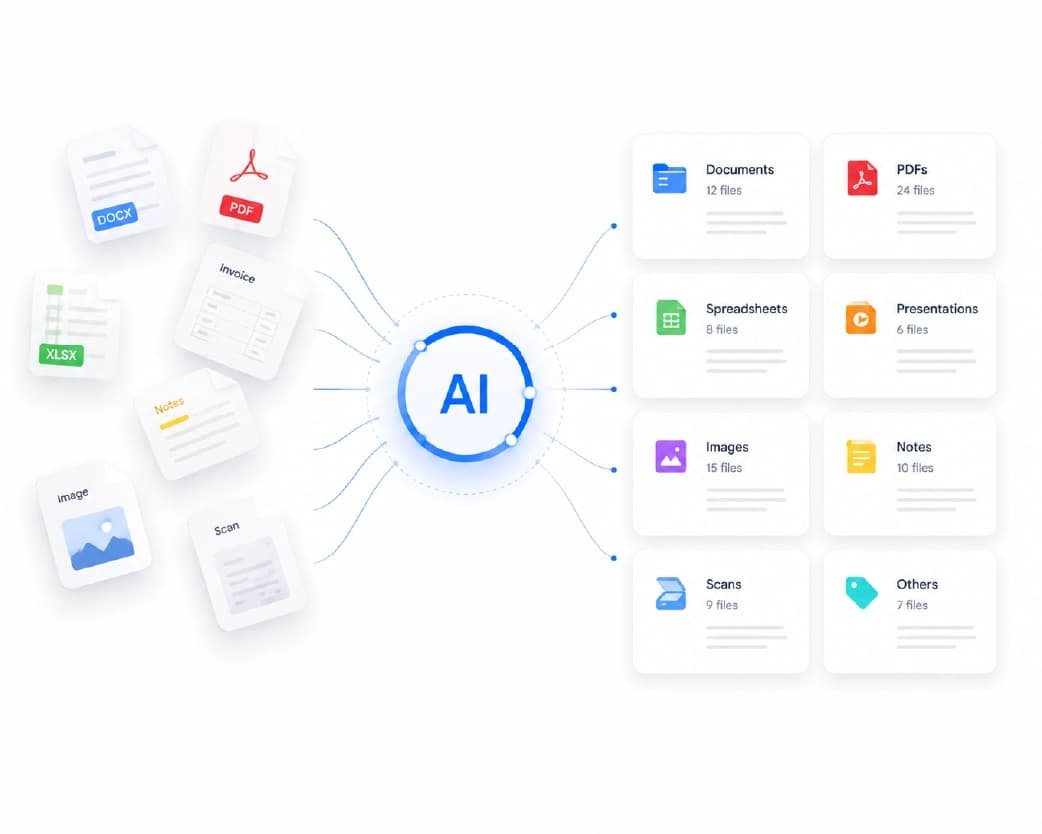
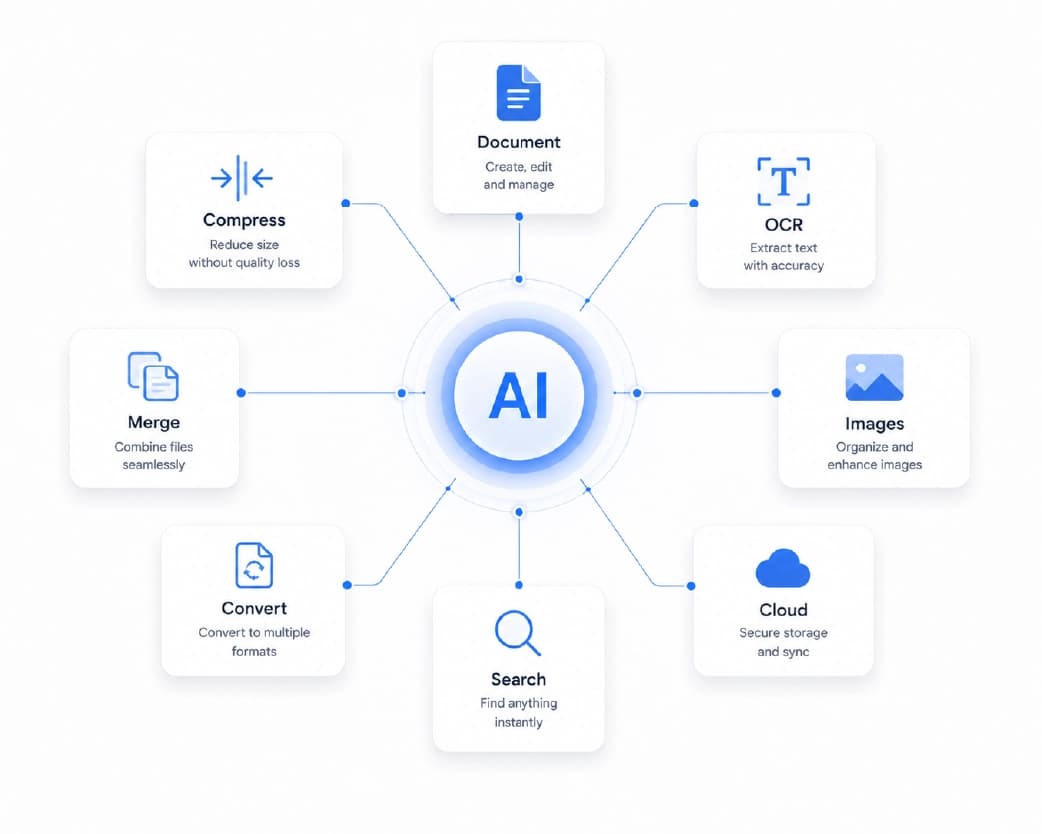
Plainscan works in your browser, so there’s nothing to install. Phone, tablet, laptop, whichever’s closest. The site has over 100 document tools, including AI ones, and it’s free to start.
- Open the tool: Go to the plagiarism checker page on Plainscan. You’ll see a place to add your text.
- Add your writing: Paste in your text, or upload a file if the tool allows it. Check the whole piece when you can, because matches can hide anywhere.
- Run the check: Start the process and give it a moment. Longer documents take more time.
- Go through the matches: Look at what got highlighted. Don’t just stare at the percentage. Click through each match and see where it came from.
How to Read the Results
A similarity score isn’t a guilty verdict. It’s a map of overlap, and some overlap is totally normal.
Direct quotes with proper credit will show up as matches. So will common phrases and names, like the title of a book or the name of a law. A bibliography or reference list almost always lights up too. None of that is a problem.
What you care about are the matches that aren’t quotes. Whole sentences or paragraphs that look like someone else’s work, with no credit. Those are the ones to fix.
Also, remember that no checker is perfect. It can miss things, and it can flag things that are fine. Use it as a helper and trust your own judgment, too.
Recommended to Read:AI Humanizer: How to Make AI-Written Text Sound Like You (and What It Can’t Do)
How to Fix a Match the Right Way
Found a match? Here’s what to do.
- If it’s a quote you want to keep, put it in quotation marks and name the source. That’s the honest way to use someone else’s words.
- If it’s an idea or a fact from another source, rewrite it in your own words, and still credit the source. Changing a few words isn’t enough. If the structure and ideas are the same, it’s still too close.
- If it’s a common phrase or something everyone knows, you may not need to change anything. Use your judgment.
- And if you can’t remember where something came from, find the source and cite it, or cut the passage. Better safe than sorry.
Habits That Keep Your Writing Original
A few small habits prevent most problems.
- Take notes in your own words while you research. If you copy and paste into your notes, mark it clearly so you don’t forget it isn’t yours later.
- Keep a list of your sources as you go. Writing citations at the end, from memory, is how mistakes happen.
- Start your draft away from your sources. Read, close the tabs, then write what you understood. You’ll sound like yourself, and you’ll copy less by accident.
- And check your work before you hand it in or publish it. It’s a lot better to find a problem yourself than to have a teacher or editor find it.
Who Gets the Most Out of This?
- Students: Check essays and papers before you submit. It’s a safety net, and it helps you learn how to cite correctly.
- Bloggers and SEO writers: Duplicate content can hurt how your pages do in search. Checking for matches helps keep your posts original and your site healthy.
- Teachers and editors: A checker is a quick first look when something feels off. Follow it up with a real conversation, not an instant accusation.
- Businesses: Product descriptions, reports, and marketing copy should be original. A quick check protects your brand from awkward surprises.
Is It Safe to Paste Text Online?
Smart thing to ask. Plainscan uses encrypted HTTPS connections, and the site says it doesn’t share your files with third parties. For everyday writing, that sounds reasonable.
But if your text has very private details, like bank information, ID numbers, or confidential company secrets, think twice before pasting it into any website. That’s true for every online tool, not just this one.
What About the Free Plan?
You can start without paying. Plainscan has a free plan with daily limits, plus a Pro plan if you need more. There’s also a pay-as-you-go option where you buy credits only when you need them. If you only check a piece of writing now and then, free will probably be enough. Check the tool page for the current limits.
Mistakes to Avoid
- Chasing a zero percent score is a common one. A little overlap is normal, especially with quotes and references. Focus on the matches that matter.
- Another is fixing a match by swapping a few words. If the structure and ideas still belong to someone else, it’s still a problem.
- Don’t skip citations because a checker didn’t flag something. A tool can’t know what you read and forgot to credit.
- And don’t treat the tool as a judge. It’s a helper. The final call is yours.
Conclusion
Writing original work isn’t about being perfect. It’s about being honest and careful. An AI plagiarism checker makes that easier by catching overlap before it turns into a problem. So next time you finish a draft, run it through a plagiarism checker on Plainscan, read the matches with a calm mind, and fix what needs fixing. Then hit publish or submit, knowing your words are really yours.
Related insights

Get the Plainscan App for iOS & Android