AI Cover Letter Generator: How to Get a Strong Draft Without Sounding Like a Robot
My friend Imran used to spend four hours on every cover letter. Four hours. For one job. He’d open a blank page, type a sentence, hate it, delete it, make tea, come back, type another sentence, hate that one too. By the time he finished, he had no energy left to apply anywhere else. He once told me he’d rather clean the bathroom than write another “Dear Hiring Manager.” So one night he tried an AI cover letter generator. Thirty seconds later, he had a full letter. Clean, polite, nicely structured. He was thrilled. He changed nothing and hit send. Two days later, the recruiter wrote back, very kindly: “Thanks for applying to Brightwell, but this role is at Brightfield.” The AI had swapped the company name. Imran wanted to crawl under his desk and live there. That story is basically the whole lesson. An AI cover letter generator is a great way to get unstuck, and a terrible way to skip the part where you read, fix, and make it yours. Here’s how to use one without ending up like Imran.
So What Does It Actually Do?
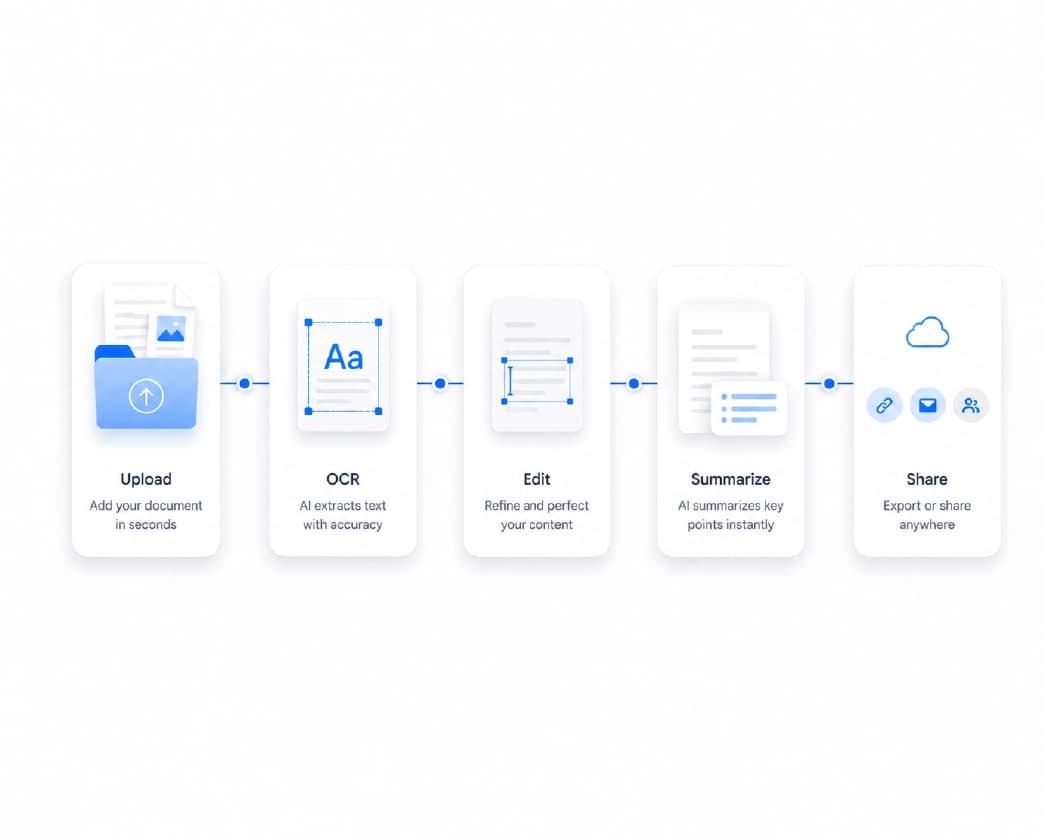
You tell the tool a few things, usually the job title, the company, and some details about your experience. Some tools also read your resume or the job posting. Then it writes a draft with an opening, a few paragraphs, and a closing, in a polite professional tone.
Think of it as a very fast first draft. Not a finished letter. A lump of clay.
My Honest Take on What It’s Good At
It’s great at getting you past the blank page. I can’t overstate this. Fixing a bad paragraph is so much easier than writing the first one from nothing.
It’s also good at structure, because it knows a letter should open, prove something, and close. It writes clean grammar. And if you’re applying to several jobs, it can make a rough draft for each in minutes.
And What It’s Not Good At
It doesn’t know you. It doesn’t know your real stories, your actual results, or the reason you got excited about this company in the first place.
It can also get facts wrong, like Imran’s Brightwell and Brightfield mix-up, or it can invent a detail that sounds nice and isn’t true.
And it tends to sound a bit stiff. You’ve probably seen the phrases. “I am excited to leverage my skills.” “A passionate, results-driven team player.” Recruiters read these all day, and their eyes glaze over. If everyone uses the same tool the same way, all the letters start to look alike.
So I use AI for speed, and myself for everything else.
How to Use an AI Cover Letter Generator
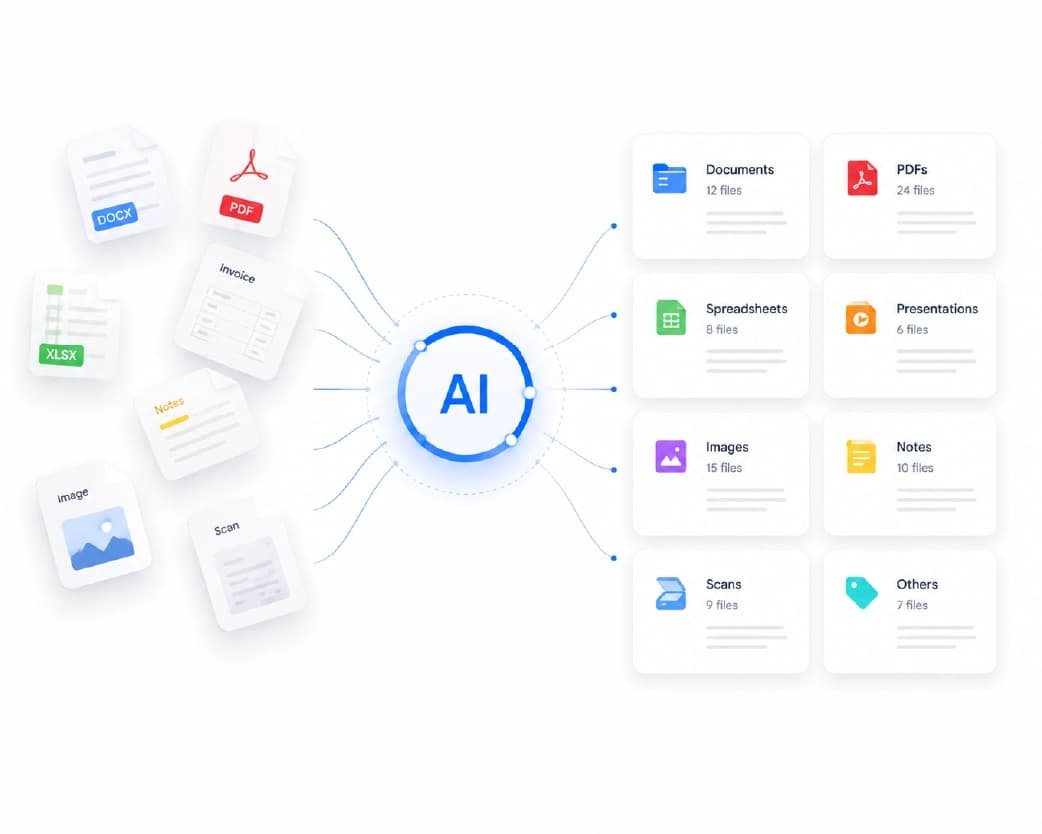
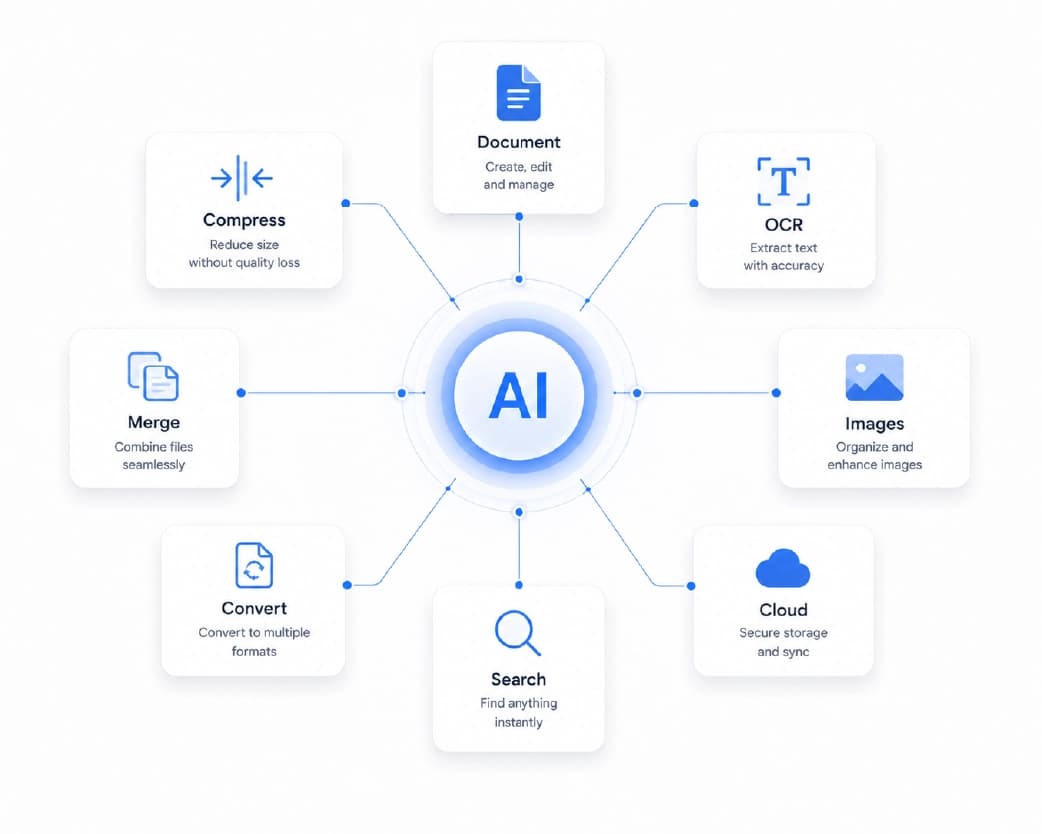
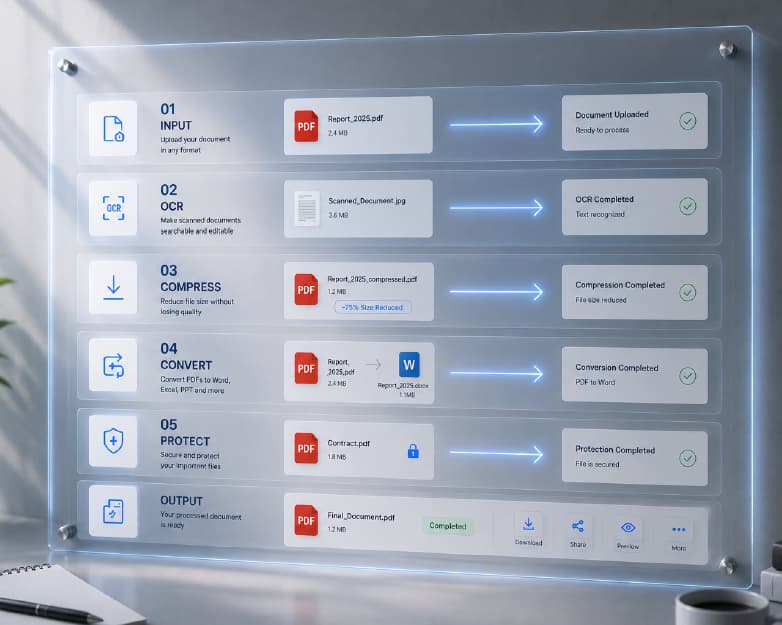
Plainscan runs in your browser and has over 100 document and image tools, so there’s nothing to install. You can start from the tools page.
- First, collect your ingredients. Before you open any tool, grab the job posting, your resume, and a few notes about the company. What do they do? What do they care about? What made you want this job? Even one real sentence here is worth more than a page of generic text.
- Then give it real details. The more specific you are, the less generic the draft will be. Add two or three concrete things you’ve done, with numbers if you have them, like “cut response time from two days to four hours.” Add the exact job title and the exact company name. Spell the hiring manager’s name right, if you have it.
- Generate, but don’t judge yet. Read what comes out. It’s a rough draft. Don’t decide whether it’s good or bad. Just look for useful pieces.
- Rewrite it in your own voice. This is the real work, and it’s the part I’ll explain next.
Is it free?
You can start for free. After creating a free account, you can process up to 4 documents a day with basic tools. If you want unlimited use, there may be a paid plan, or you can buy credits and use them only when you need to.
What a Good Cover Letter Looks Like
Whatever tool you use, the best letters tend to follow the same simple shape.
- Start with a real greeting. “Dear Ms. Patel” beats “To whom it may concern” every time, and finding a name usually takes five minutes of searching.
- Open with something that isn’t “I am writing to apply for.” Say why this job, in a sentence a person would actually say.
- Then give two short paragraphs of proof. A story, a result, a number. Show how your experience fits what they need.
- Add a bit about why this company. This is where AI is weakest and you can shine. One or two honest sentences go a long way.
- Finish quickly. Say thanks, say you’d like to talk, stop. And keep the whole thing to one page, around 250 to 400 words.
My Editing Checklist (Please Don’t Skip This)
- Check every name. Company, job title, hiring manager, and your own. This is the Imran rule.
- Check every fact. Dates, numbers, tools, degrees. If it’s wrong, it’s out.
- Delete the buzzwords. “Leverage,” “synergy,” “passionate,” “results-driven.” They say nothing. Replace each one with a real example.
- Add one thing only you could write. A short story, a specific project, or a reason you love their product.
- Read it out loud. If a sentence sounds stiff when you say it, rewrite it the way you’d say it to a friend.
- Cut it down. Most drafts are too long.
- Trim the intro fluff. A helpful editing habit: delete the opening paragraph and start again from the second, where the real substance usually begins.
If you want a hand smoothing out a clunky sentence, Plainscan’s AI Rewrite tool can help by improving clarity and flow without losing your meaning. Just remember, the final voice should still be yours.
Be Honest About What You Did
A cover letter is a promise about who you are. Don’t let a tool invent experience for you. If the draft says you “led a team of ten” and you didn’t, delete it. Interviewers love to ask about whatever’s in your letter, and an invented detail can end the conversation fast.
Also, read the job posting. Some employers ask you not to use AI for applications, or give specific rules. If they’ve said no, respect it.
Sending It the Right Way
Unless the posting says otherwise, send your cover letter as a PDF. It looks the same on every device. Give the file a clear name, like “Imran-Khan-Cover-Letter-Brightfield.pdf.” And open it once before you send, to make sure the layout didn’t shift.
If the file is too big for the application form, Plainscan’s Compress PDF tool can shrink it down in seconds while keeping the text sharp.
Keep Your Private Stuff Private
Think about what you paste into any AI tool. Skip your ID number, your date of birth, your home address if it isn’t needed, and any confidential information from your current employer. A cover letter doesn’t need any of that. Read the privacy policy of a new tool first, and delete drafts you don’t need.
Who Uses This?
Recent graduates with zero cover letter experience. Career changers explaining a switch. Busy people applying to lots of jobs. Non-native English speakers who want clean phrasing. And anyone who has stared at a blank page and felt their motivation drain right out of their shoes.
Mistakes I’d Skip
- Sending the draft untouched. That’s the whole Imran story.
- Using one letter for every job. At the very least, change the opening and the “why this company” part.
- Letting AI invent facts.
- Leaving buzzwords in.
- Going over one page.
- Forgetting to proofread. AI makes new kinds of typos, like the wrong company name.
Conclusion
An AI cover letter generator works best as a starting point. Give it real details, take the draft, and spend your time on the parts only you can write: the true stories, the real reasons, and your own voice. If you’ve been putting off a cover letter, try Plainscan today. It’s an easy way to get a first draft, and there are plenty of other free tools worth poking around in while you’re there. Imran now uses a draft to get started, rewrites the middle in his own words, and reads the company name three times before he hits send. He got an interview last week. At Brightfield.
Recommended to Read:AI Text Expander: How to Turn a Few Lines Into Clear, Full Writing
Related insights
Get the Plainscan App for iOS & Android