
AI Quiz Generator: How to Make Great Quizzes in Minutes, Not Hours
Writing a good quiz is harder than it looks. You have to come up with questions. Then you need answers. If it’s multiple choice, you also need three wrong answers that sound believable but aren’t right. Do that twenty times, and your evening is gone. That’s why so many teachers, students, and trainers are turning to an AI quiz generator. You give it some text, and it builds the questions for you. It won’t be perfect, but it gets you most of the way there fast. Let’s talk about how to use it the smart way.
What Is an AI Quiz Generator?
It’s a tool that creates quiz questions from material you provide. You paste in notes, an article, or a chapter summary. The tool reads it and writes questions, usually with the right answers marked.
You may also see it called a quiz maker. Some are free, and some have paid plans with extra features. Most of them work in your browser, so there’s nothing to install. If you’ve ever wanted to create a quiz from text without doing all the writing, this is what it’s for.
Who Uses a Quiz Generator?
More people than you’d guess.
Students use it to test themselves before an exam. Reading your notes again feels easy, but answering questions shows what you really know.
Teachers use it to build quick quizzes, warm-up questions, or practice sheets without spending hours writing them.
Trainers and managers use it to check whether staff understood a new policy or lesson.
Parents use it to make fun practice questions for their kids on a school topic.
Basically, anyone who needs to check understanding can get some use out of it.
Why Quizzes Help You Learn
Quizzes aren’t just for grades. They actually help you remember things.
When you try to answer a question, you have to pull the answer out of your memory. That effort makes the memory stronger. It’s often called retrieval practice, and it works much better than just rereading.
Even getting a question wrong helps. You see what you missed, and you’re more likely to remember it next time. That’s why a study quiz is one of the best ways to prepare, even when it’s short.
How to Use an AI Quiz Generator Step by Step
You don’t need to be a tech person. Just follow a few simple steps.
Pick Your Material
Choose what the quiz is about. A single chapter or topic works better than a huge pile of notes. The more focused your text, the more focused your questions.
Choose the Question Type
Most tools offer a few options. Multiple choice questions are quick to grade and easy to take. True or false is great for simple facts. Short answer questions make you think harder. If you can, mix them up.
Set the Difficulty and Number
Decide how many questions you want and how hard they should be. For a quick check, ten questions is plenty. For a bigger review, go for twenty or more.
Generate, Then Read Everything
Hit the button and look at what you got. Don’t trust it blindly. Read every question and check every answer. That part takes a few minutes, but it matters a lot.
What Makes a Good Quiz Question?
A good question is clear, fair, and tests something that matters.
Here’s a weak one: “Which of these is true?” That’s too vague. You can’t tell what it’s really asking.
Here’s a better one: “What is the main job of the heart?” It’s short, direct, and has one clear answer.
For multiple choice, the wrong answers should be believable, but not tricky in a mean way. If two answers could both be right, the question is bad. If one answer is silly and obviously wrong, the question is too easy.
When the generator gives you a bad question, don’t just delete it. Fix it. A small rewrite can turn a so-so question into a great one.

Where AI Quiz Tools Slip Up
These tools are useful, but they have limits.
They sometimes mark the wrong answer as correct. They can write questions that are too easy, or questions about small details that don’t matter. And they can come up with answer choices that are confusing or unfair.
The fix is to always check the answers against your source. If your textbook says one thing and the quiz says another, trust the textbook. And if the quiz is for a real class or a test that counts, read every single question before anyone sees it.
Use Your Quiz the Right Way
Making the quiz is only the first part. How you use it matters too.
If you’re studying, try answering without looking at your notes first. Then check your answers and write down what you missed. A day or two later, retake the quiz and see if your score goes up.
If you’re a teacher, use quizzes for learning, not just for grades. A short, low-pressure quiz can show you what the class understood and what you need to explain again.
And if you want to practice for a real exam, mix in some actual past questions. Plainscan has question banks and mock tests for a range of exams, with answer explanations and progress tracking. They’re a great way to see how you’d do under real test conditions.
Get Your Material Ready With Plainscan
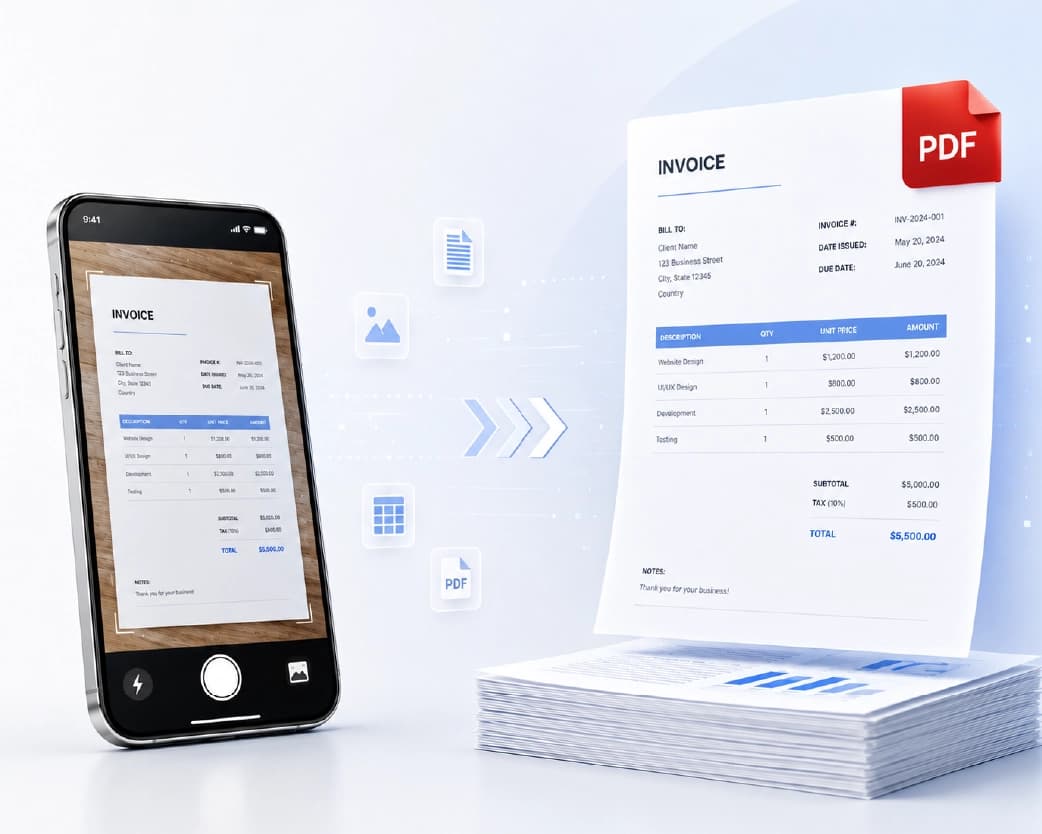
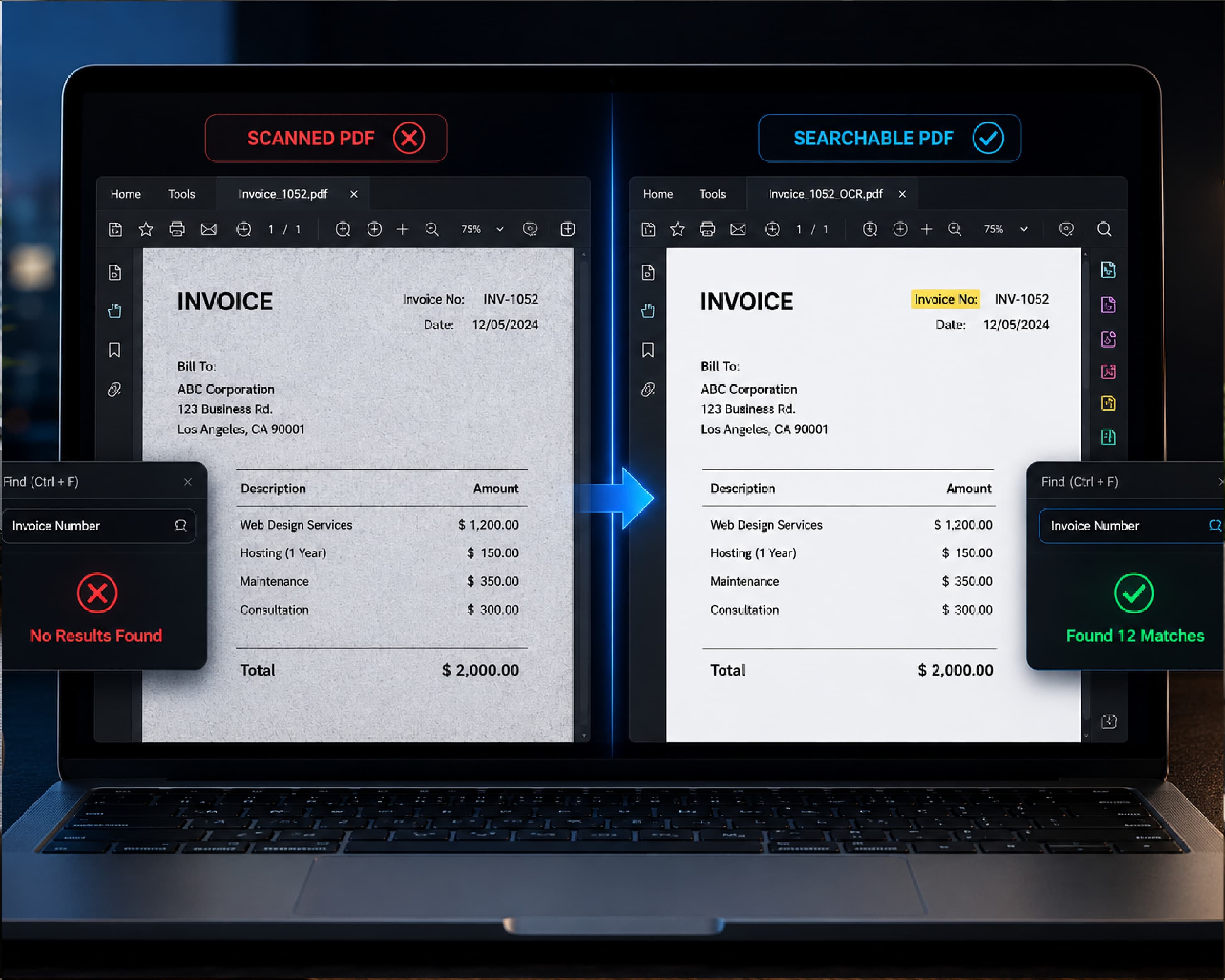
Sometimes your notes aren’t in a neat, typed form. You might have a photo of a handwritten page, a scanned worksheet, or a long PDF that won’t let you copy text.
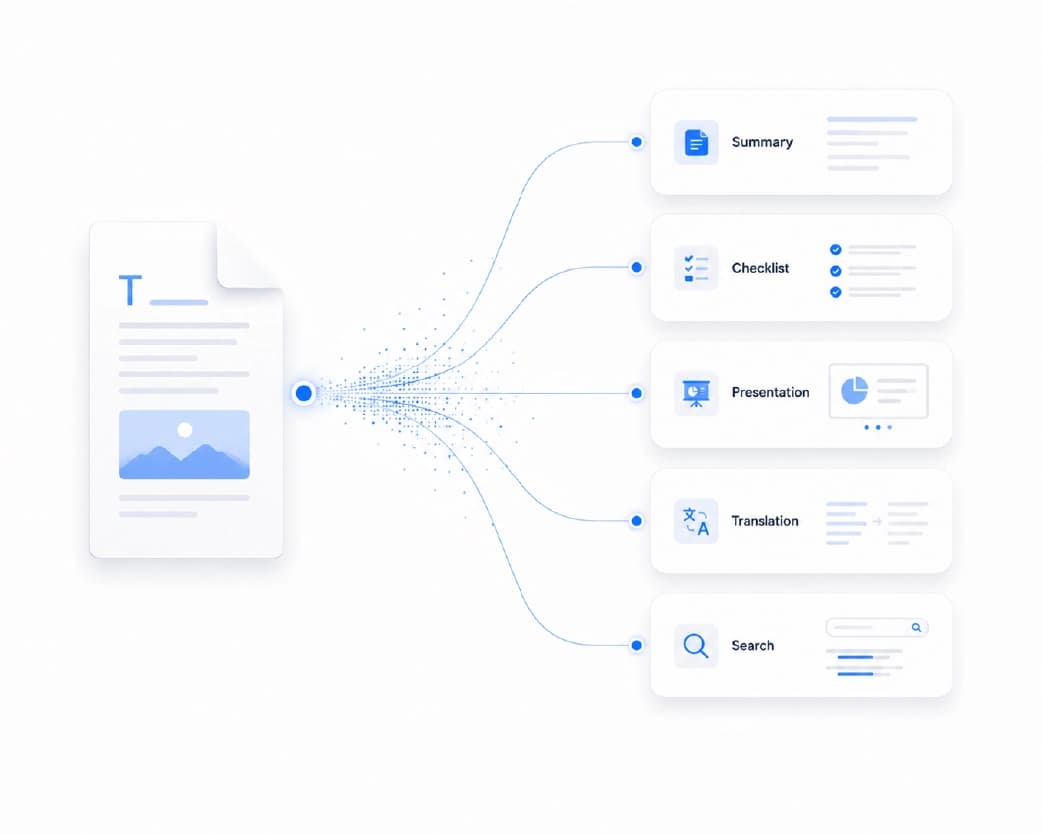
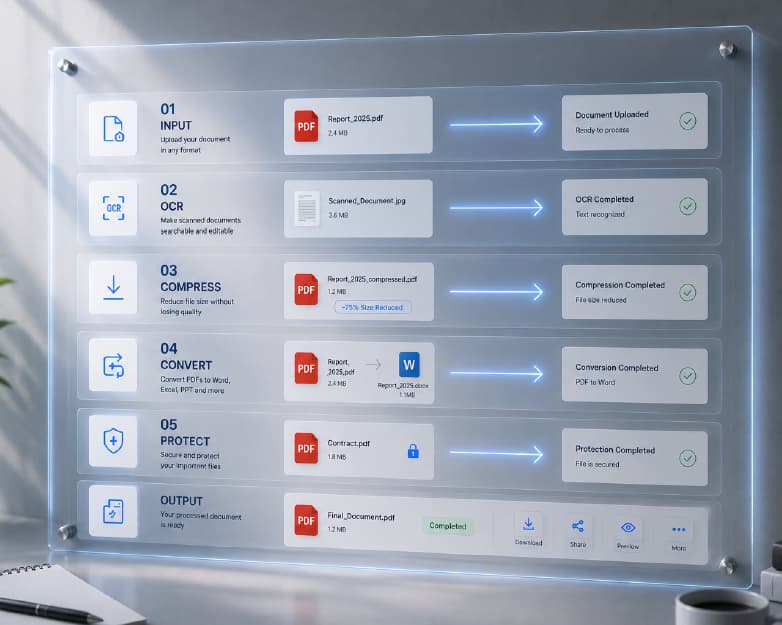
Plainscan can help here. Its Scan and OCR tool can pull the text out of photos and scans, so you can paste it into your quiz tool. For really long notes, the AI Summarize tool can shrink them to the main points first. And once your quiz is done, you can save it as a PDF to print or share, then compress it if the file is too big for email. Just know that Plainscan’s AI tools use credits or a Pro plan, while the basic PDF tools are free to start.
You can find all of it at Plainscan.
Further Reading:AI Proofreader: How to Catch Mistakes Before Anyone Else Does
Conclusion
An AI quiz generator won’t replace your own thinking, but it takes the slowest part of quiz making off your plate. That leaves you more time to teach, study, and actually learn. Start with focused material, pick a mix of question types, and check every answer before you use it. Then take the quiz, look at what you missed, and try again later. The next time you need a quiz, don’t spend your whole evening writing one. Let a tool give you a head start. And when your files need a little cleanup, Plainscan is right there to help.
Related insights

Get the Plainscan App for iOS & Android