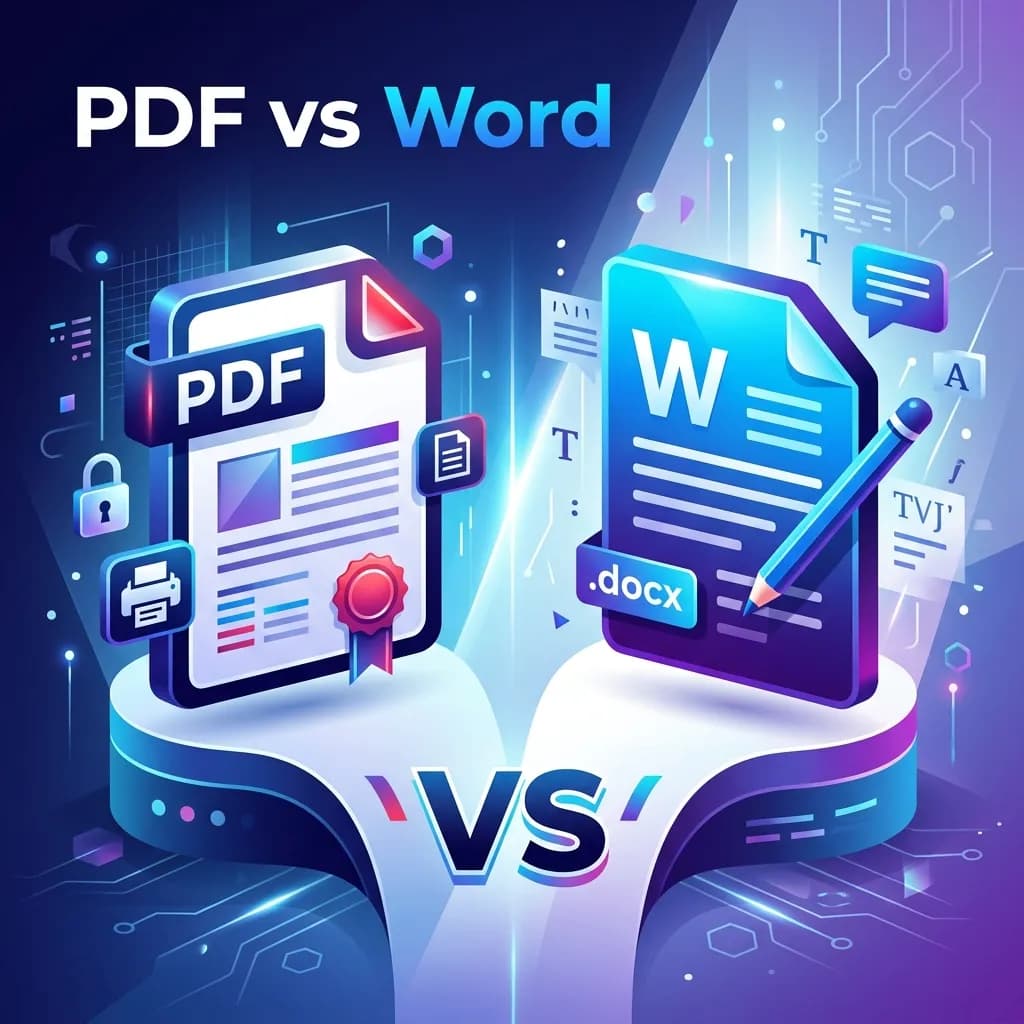
PDF and Word (.docx) are the two most dominant document formats in the world — but they serve very different purposes. Choosing the wrong format can mean sending a document that looks broken on the recipient's device, losing your formatting, or locking yourself out of editing content you need to change. Here's a complete guide to when you should use PDF, when Word is better, and how to switch between them in seconds.
What Is a PDF and Word Document?
What Is a PDF?
PDF (Portable Document Format) was created by Adobe in the 1990s and is now an open standard. A PDF preserves the exact layout, fonts, colors, and graphics of a document regardless of what device, operating system, or software is used to view it. What you see is always what the recipient gets.
What Is a Word Document?
A Word document (.docx) is a dynamic, editable document created by Microsoft Word. Its appearance can change depending on the software version, installed fonts, and screen settings of the person opening it. Word files are optimized for creation and collaboration, not for finalized distribution.
PDF vs Word: Key Differences
- Editability: Word is easy to edit; PDFs are locked by default (unless you convert them)
- Consistency: PDFs look identical everywhere; Word files may reflow on different systems
- File size: PDFs are usually smaller (especially after compression); Word files can be large with embedded assets
- Compatibility: PDFs can be opened anywhere without software; Word requires Word or compatible apps
- Collaboration: Word supports real-time collaboration in Microsoft 365 and Google Docs; PDFs require special tools for editing
- Security: PDFs can be password-protected and permissions-locked; Word has basic protection features
- Printing: PDFs are print-ready and WYSIWYG; Word may print differently than it appears
When to Use PDF
- Sending final contracts, invoices, or agreements
- Sharing resumes and job applications
- Distributing reports, whitepapers, or presentations for reading
- Publishing content for web download
- Submitting official forms or government documents
- Archiving documents for long-term storage
When to Use Word (.docx)
- Drafting and collaborating on documents
- Writing content that will be reviewed and revised
- Creating templates that others will fill out and customize
- Working with editors or proofreaders using Track Changes
How to Convert Between PDF and Word in Seconds
Need to switch formats? Plainscan makes it instant:
Convert locked PDFs into editable .docx files or your draft into a professional, fixed PDF.
Frequently Asked Questions
Should I send my resume as PDF or Word?
Almost always PDF. A PDF ensures your resume formatting looks identical on any device. Unless the employer specifically requests a .docx file, PDF is the professional standard for resumes.
Can a PDF be edited?
By default, PDFs are not easily editable. You can convert a PDF to Word to edit it, or use a PDF editor tool. Plainscan's PDF-to-Word converter makes editing straightforward.
Which is smaller in file size — PDF or Word?
It depends on the content, but PDFs are often smaller — especially when compressed. A heavily formatted Word document with images can be much larger than an equivalent PDF.
Is PDF better than Word for printing?
Yes. PDFs are print-ready files — what you see on screen is exactly what comes out of the printer. Word documents can have margin, font, and layout differences depending on the printer settings.
Recommended Reading
12 Best PDF to Word Converters in 2026: Free, Accurate, and Built for Real Work
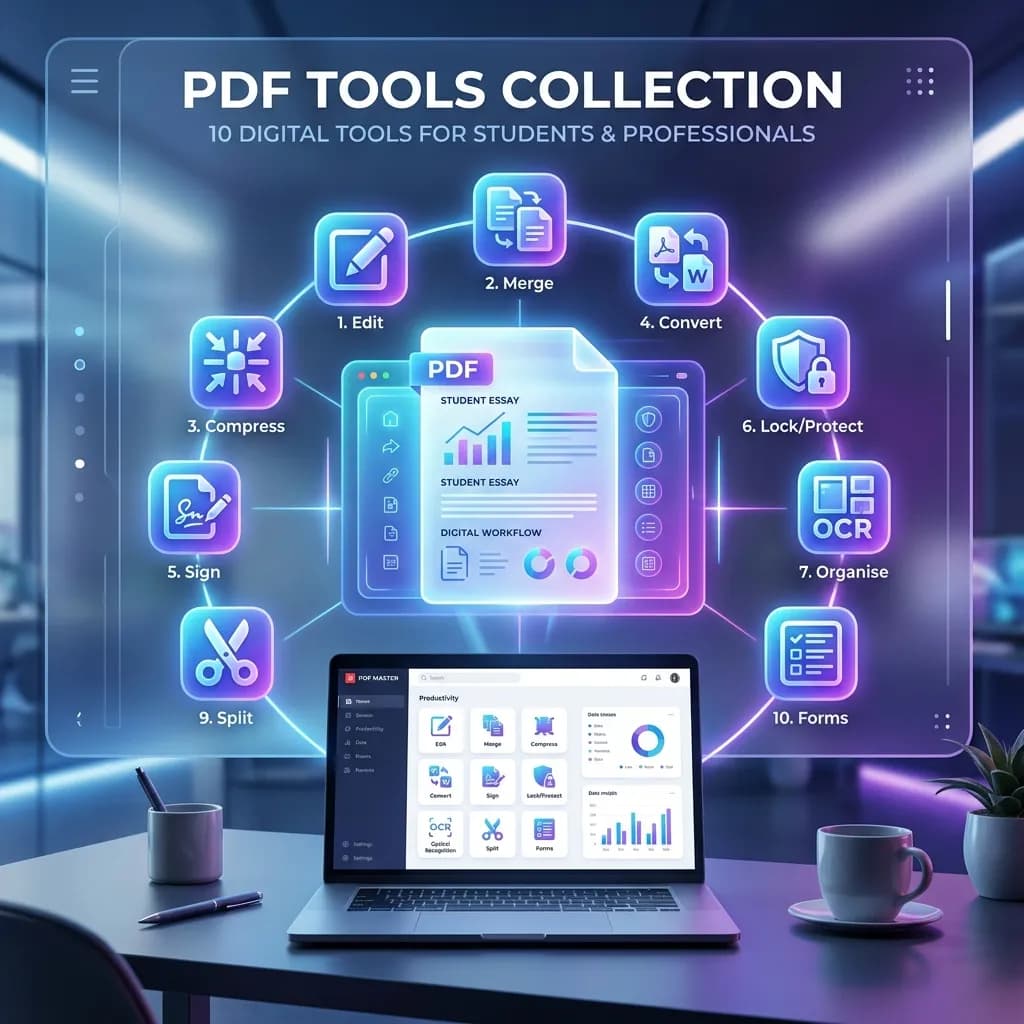
10 Best Free Online PDF Tools for Students and Professionals in 2026
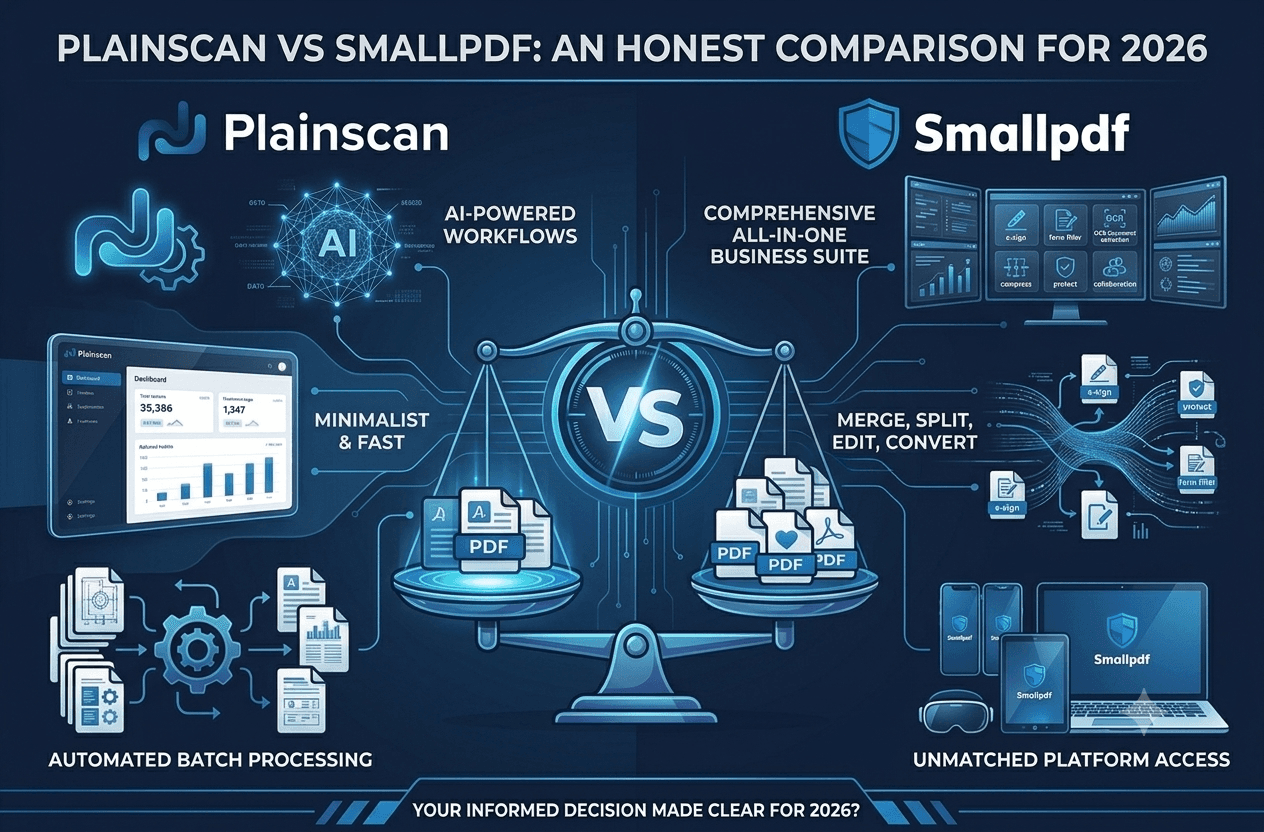
Plainscan vs Smallpdf: An Honest Comparison for 2026

The Ultimate All-in-One AI Document Tool for Students and Professionals

Plainscan: The All-in-One AI-Powered Document and Productivity Platform
How to Compress a PDF Without Losing Quality (Free Guide 2026)
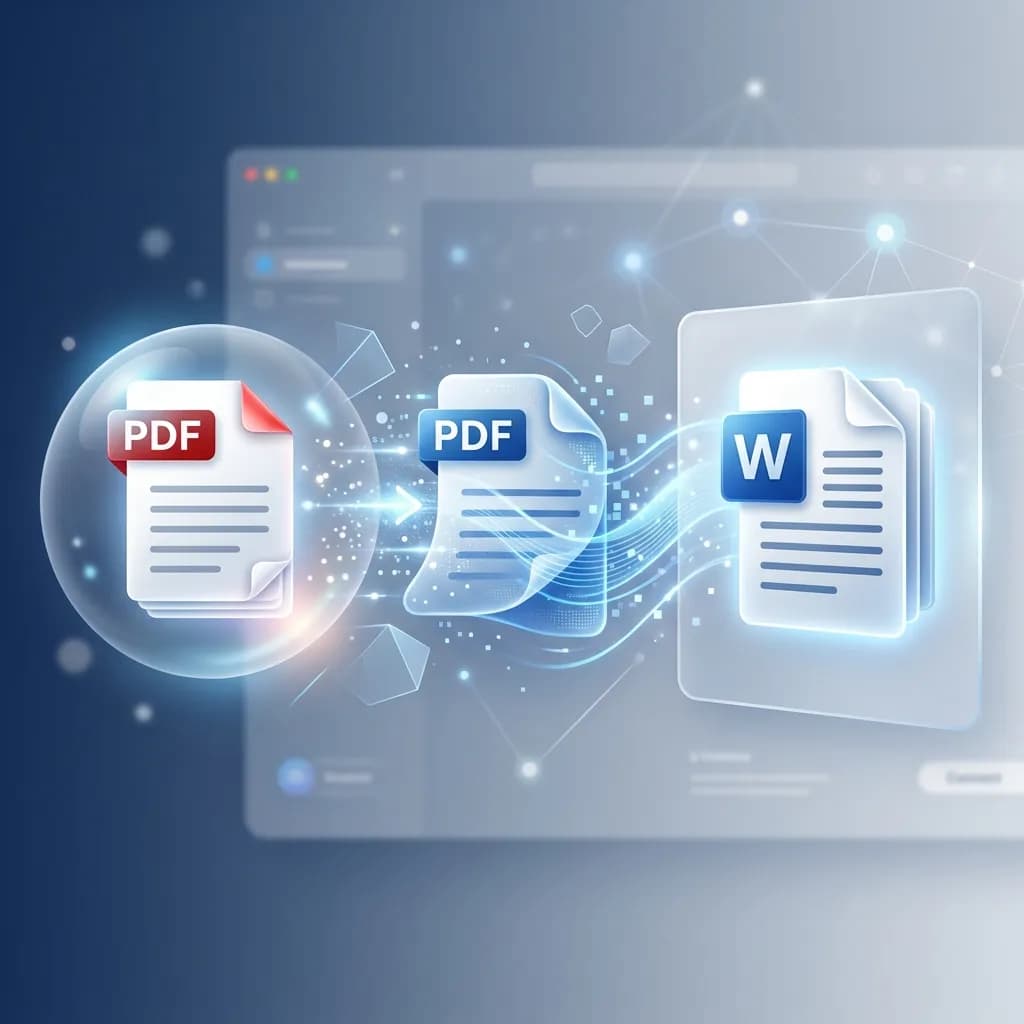
How to Convert PDF to Word Online for Free (Step-by-Step Guide)
How to Merge Multiple PDFs Into One File (Free & Online)

How to Remove a Background from an Image Online for Free
What Is OCR? How to Extract Text from Scanned Documents (Free Guide)
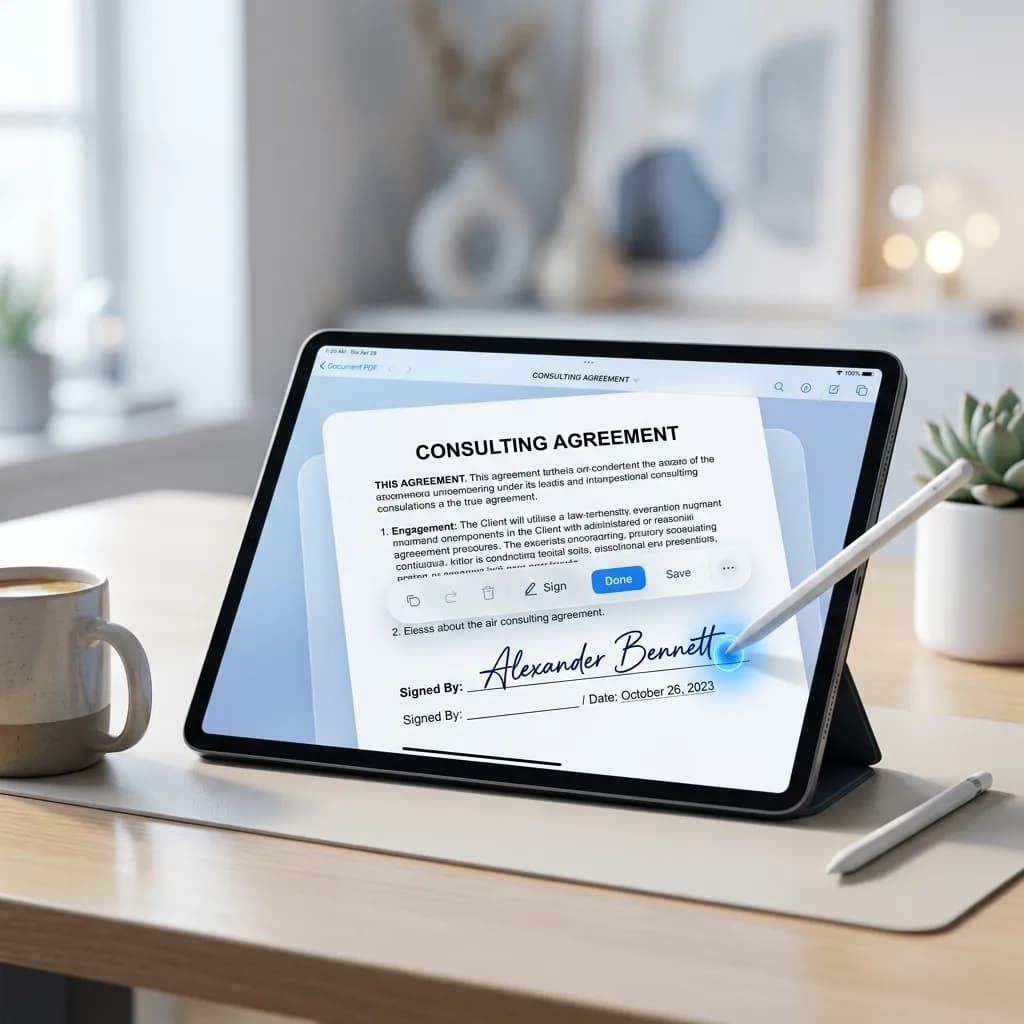
How to Sign a PDF Online Without Printing — Free & Legal
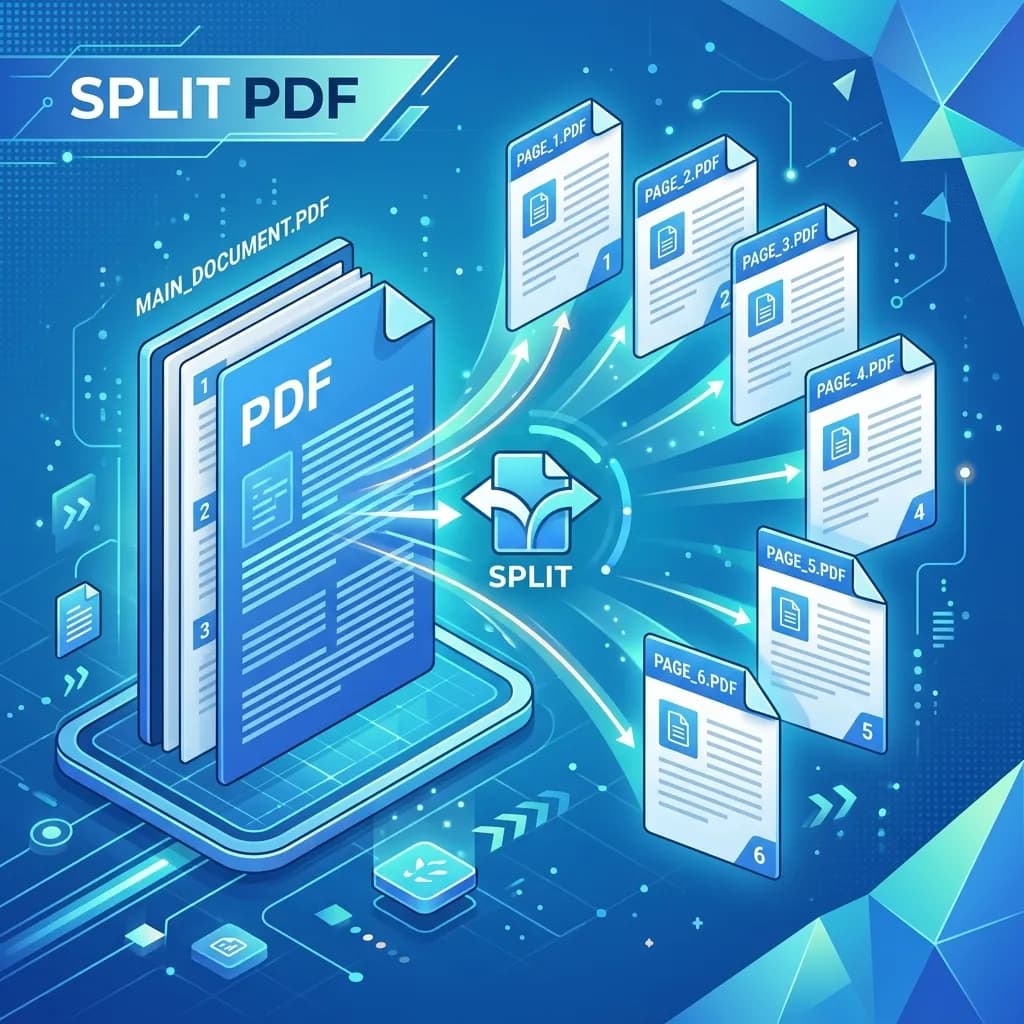
How to Split a PDF Into Multiple Files Online (Free & Fast)
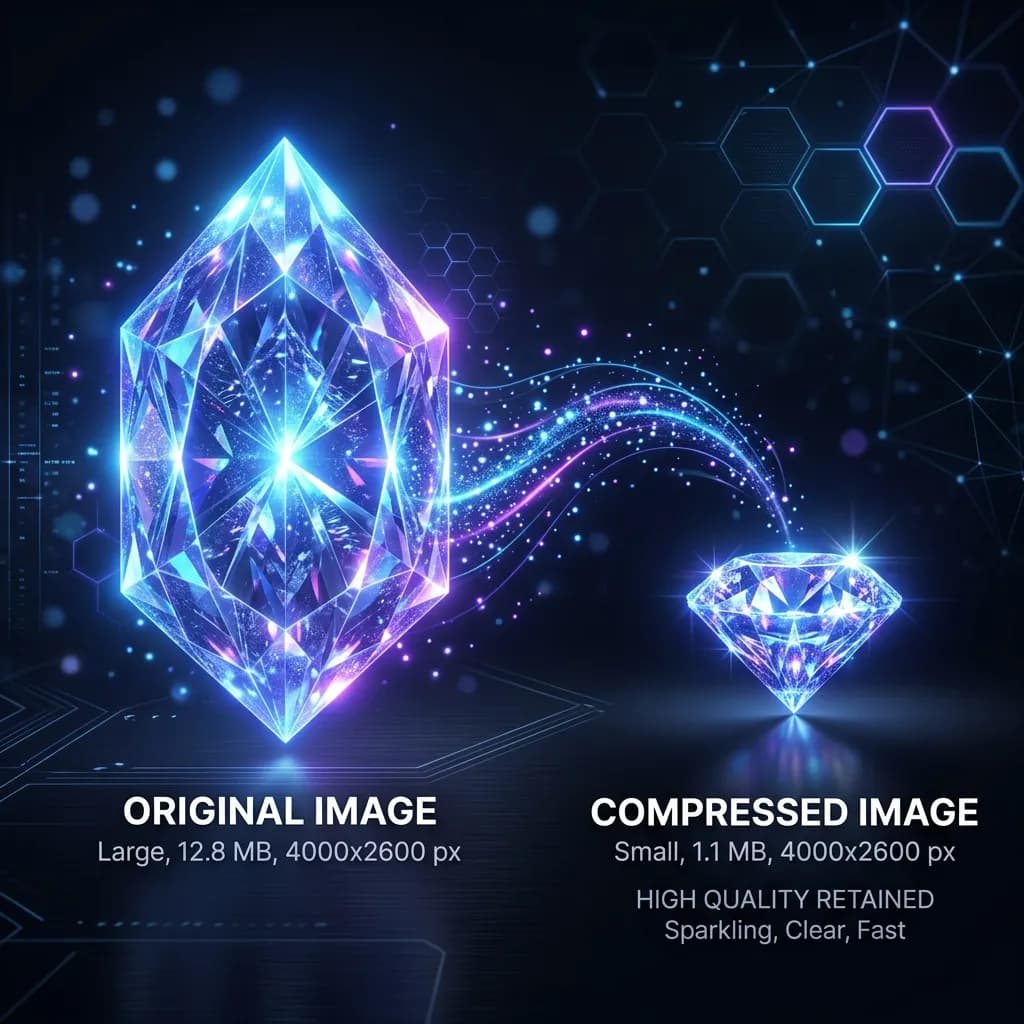
How to Compress Images Without Losing Quality (PNG, JPEG, WEBP)
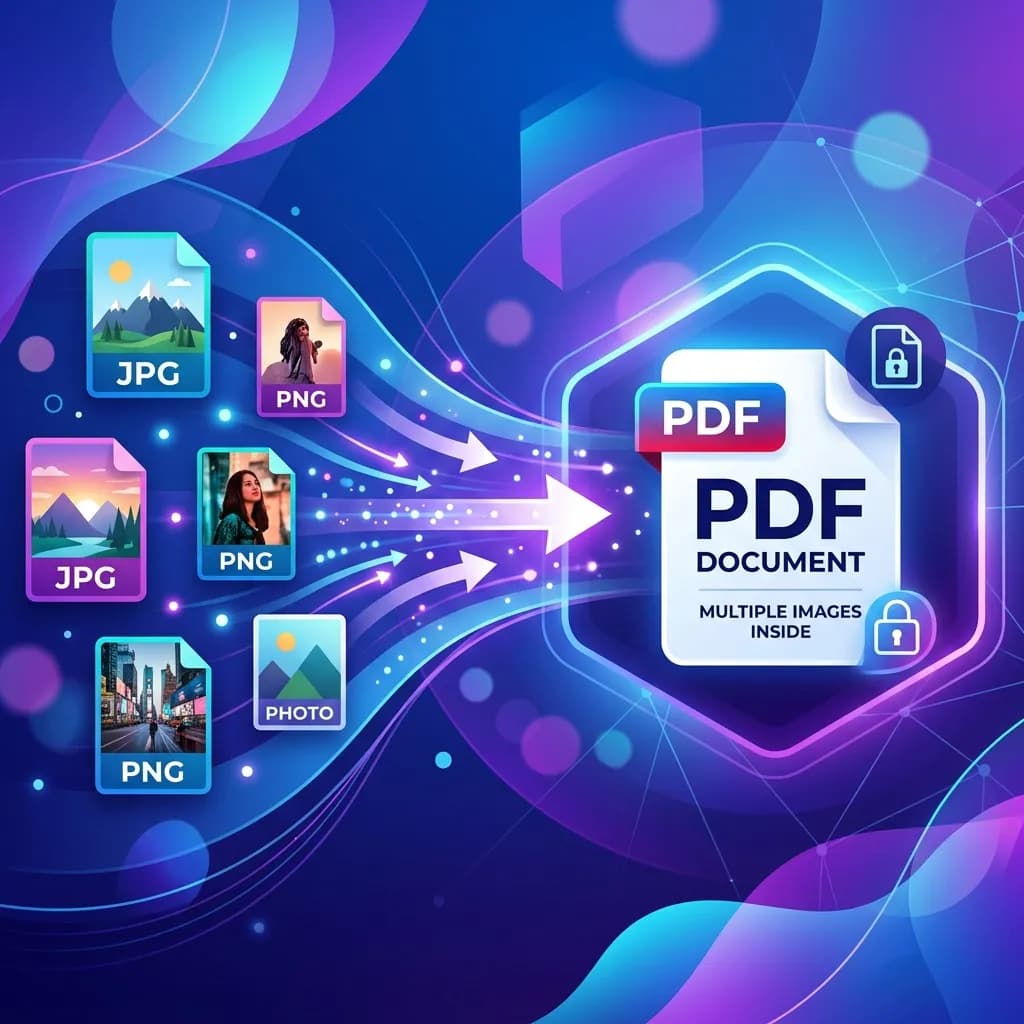
How to Convert Images to PDF Online Free (JPG, PNG, WEBP → PDF)
10 Best Free PDF Tools You Need in 2026 (All-in-One Guide)
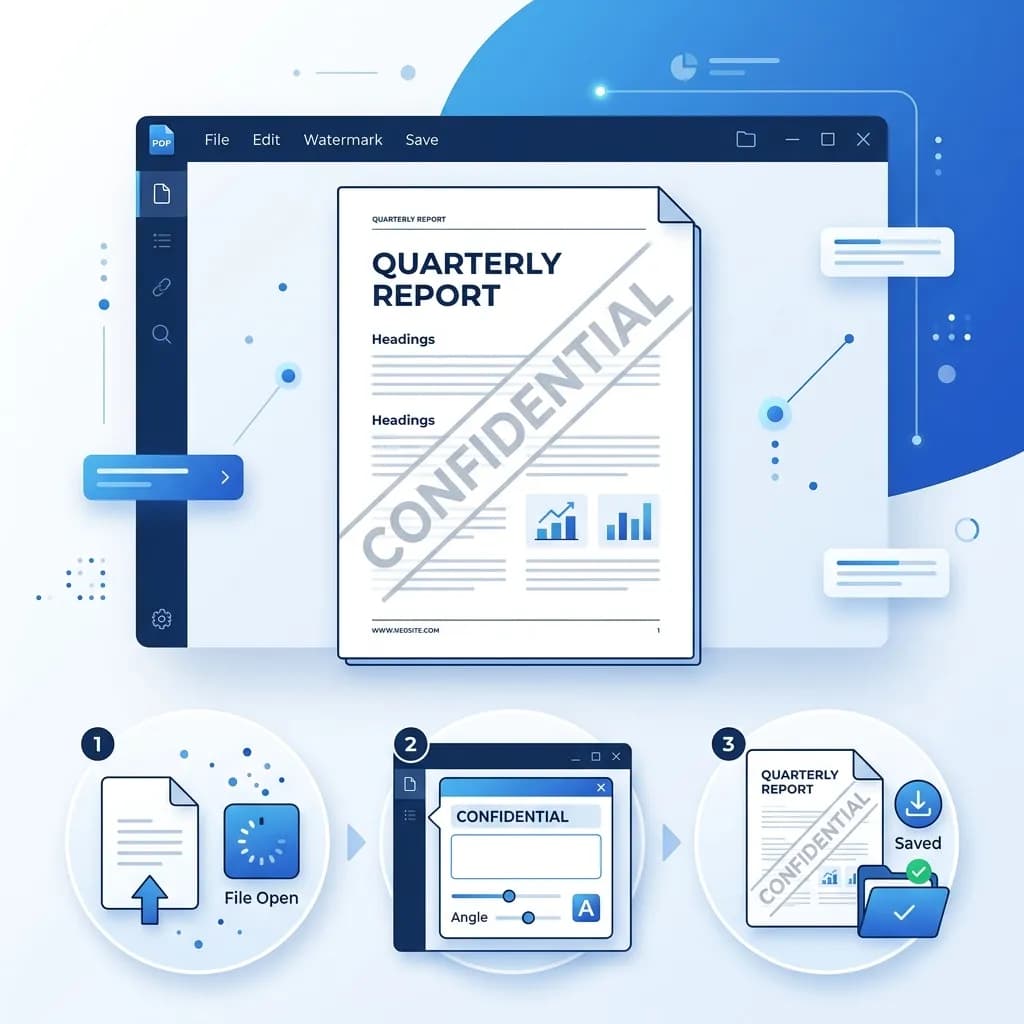
How to Add a Watermark to a PDF Online Free
How to Password Protect a PDF Online Free
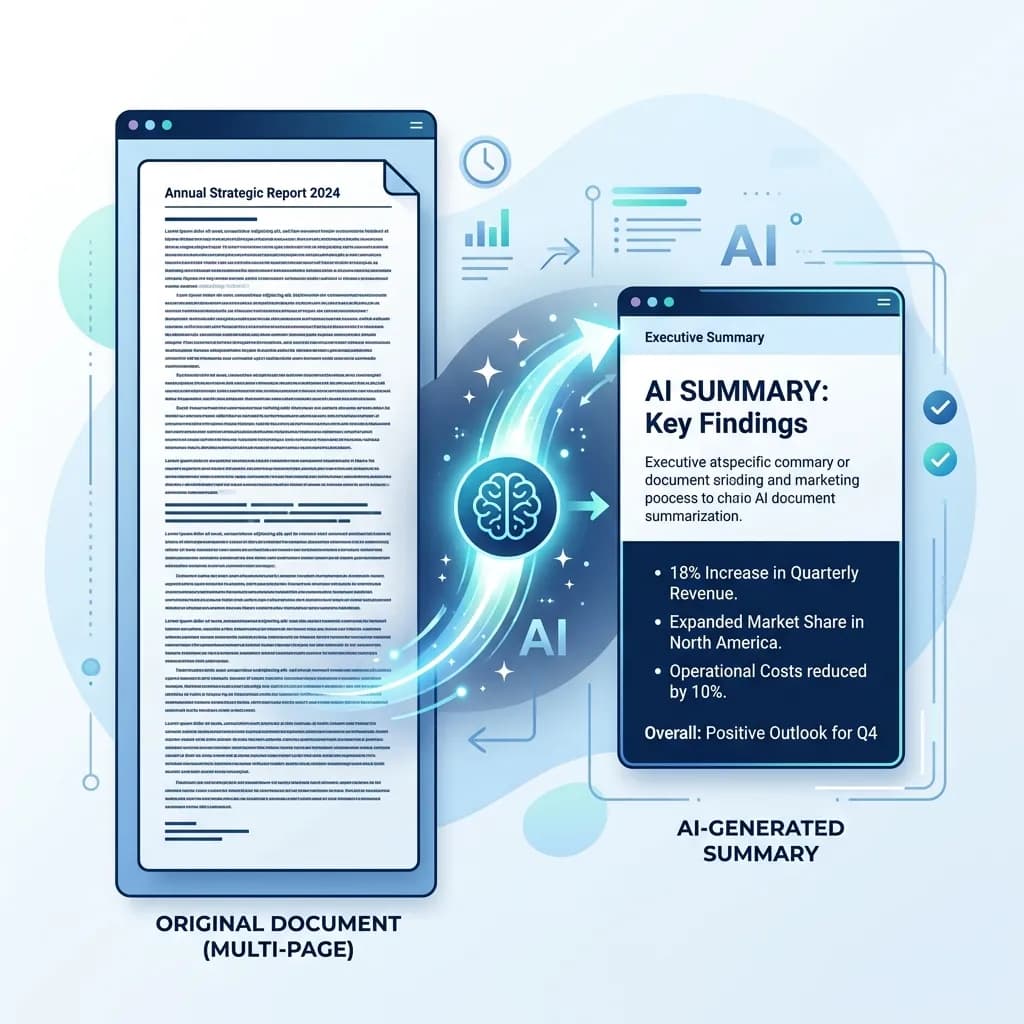
AI Document Summarizer: How to Summarize Long Documents in Seconds
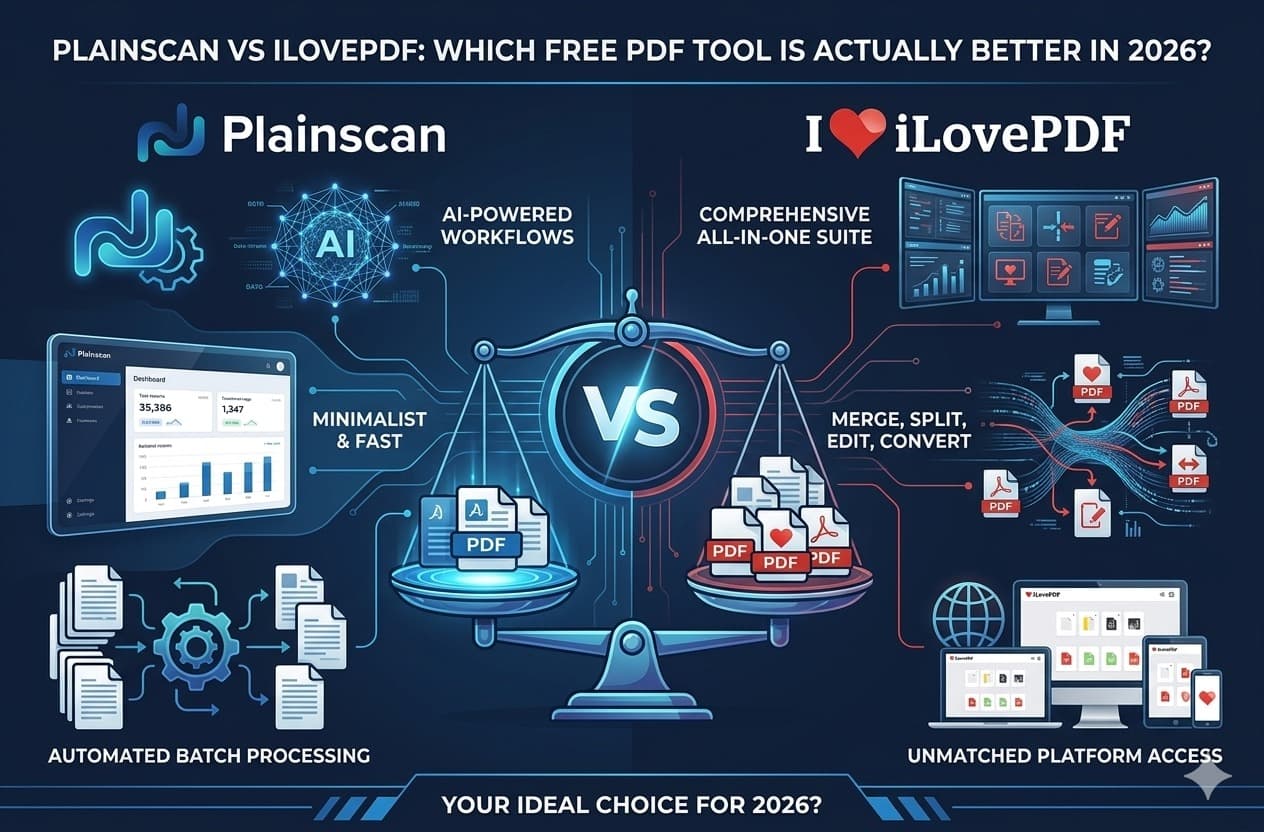
Plainscan vs iLovePDF: Which Free PDF Tool Is Actually Better in 2026?