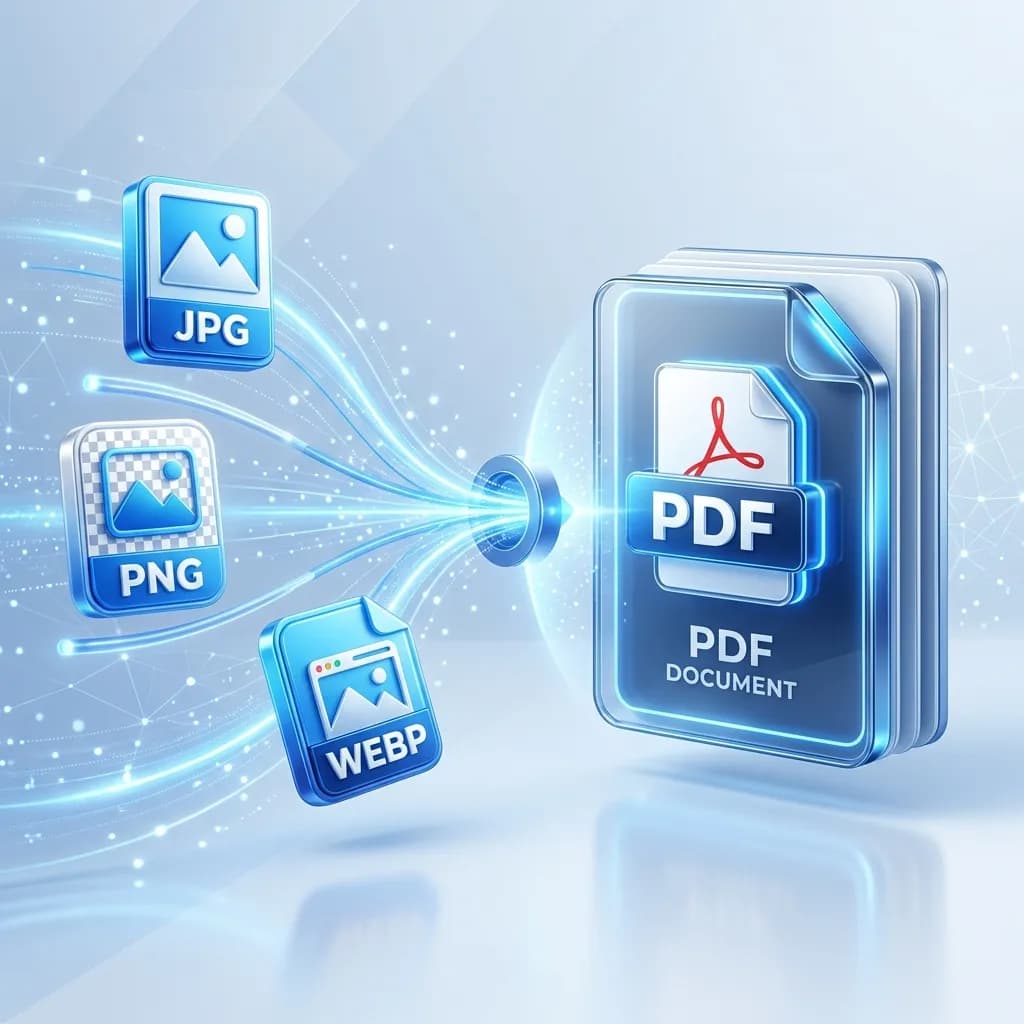
10 Best Free PDF Tools You Need in 2026 (All-in-One Guide)
Whether you're a student, business owner, or everyday professional, you deal with PDFs constantly. But most comprehensive PDF software costs hundreds of dollars per year. The good news: in 2026, you don't need to spend a penny. Plainscan offers 21 dedicated PDF tools completely free (for up to 5 uses per day), covering every PDF task you'll ever encounter. Here are the 10 you'll reach for most often.
The 10 Best PDF Tools on Plainscan
1. PDF Compressor
The most-used PDF tool on Plainscan. Shrink any PDF by 30–80% without visible quality loss. Perfect for email attachments, web uploads, and storage management.
→ Try PDF Compressor2. PDF to Word Converter
Unlock any PDF and turn it into a fully editable Word document. Preserves formatting including tables, headings, and images.
→ Try PDF to Word3. PDF Merger
Combine any number of PDF files into a single document. Drag to reorder pages, merge in seconds.
→ Try PDF Merger4. PDF Splitter
Extract specific pages or split a large PDF into individual page files. Great for billing, reports, and legal documents.
→ Try PDF Splitter5. PDF Sign
Digitally sign any PDF using a drawn, typed, or uploaded signature. Legally valid in 60+ countries.
→ Try PDF Sign6. PDF Password Protector
Encrypt your PDF with a password to restrict access. Set separate passwords for opening and for editing permissions.
→ Try PDF Protect7. PDF Watermark
Add text or image watermarks to PDFs — great for marking drafts, confidential documents, or branded materials.
→ Try PDF Watermark8. PDF to Excel Converter
Extract tables from PDFs directly into editable Excel spreadsheets. Saves hours compared to manual data entry.
→ Try PDF to Excel9. PDF Rotate
Fix upside-down or sideways pages. Rotate individual pages or the entire document.
→ Try PDF Rotate10. PDF to Image
Convert any PDF page into a high-quality JPG, PNG, or WEBP image. Useful for thumbnails, social media previews, and presentations.
→ Try PDF to Image
💡 Pro Tip: All 10 tools above are available completely free on Plainscan with no account required (up to 5 files/day). Need unlimited access? Plainscan Pro is just $9.99/month and includes all 100 tools, AI features, and 100MB file support.
Frequently Asked Questions
What is the best free PDF tool online in 2026?
Plainscan offers the most comprehensive free PDF toolkit in 2026 — 21 PDF tools including compression, conversion, merging, splitting, signing, watermarking, and more, all in one platform with no software download needed.
Is there a truly free PDF editor online?
Yes. Plainscan offers free PDF editing tools including annotation, form filling, signature, watermarking, and text editing — all online with no download needed. Free users get 5 daily tool uses.
Do I need to create an account to use PDF tools on Plainscan?
No. All tools are accessible without an account on the free plan (5 uses/day). Creating a free account unlocks additional features and history tracking.
Recommended Reading
12 Best PDF to Word Converters in 2026: Free, Accurate, and Built for Real Work
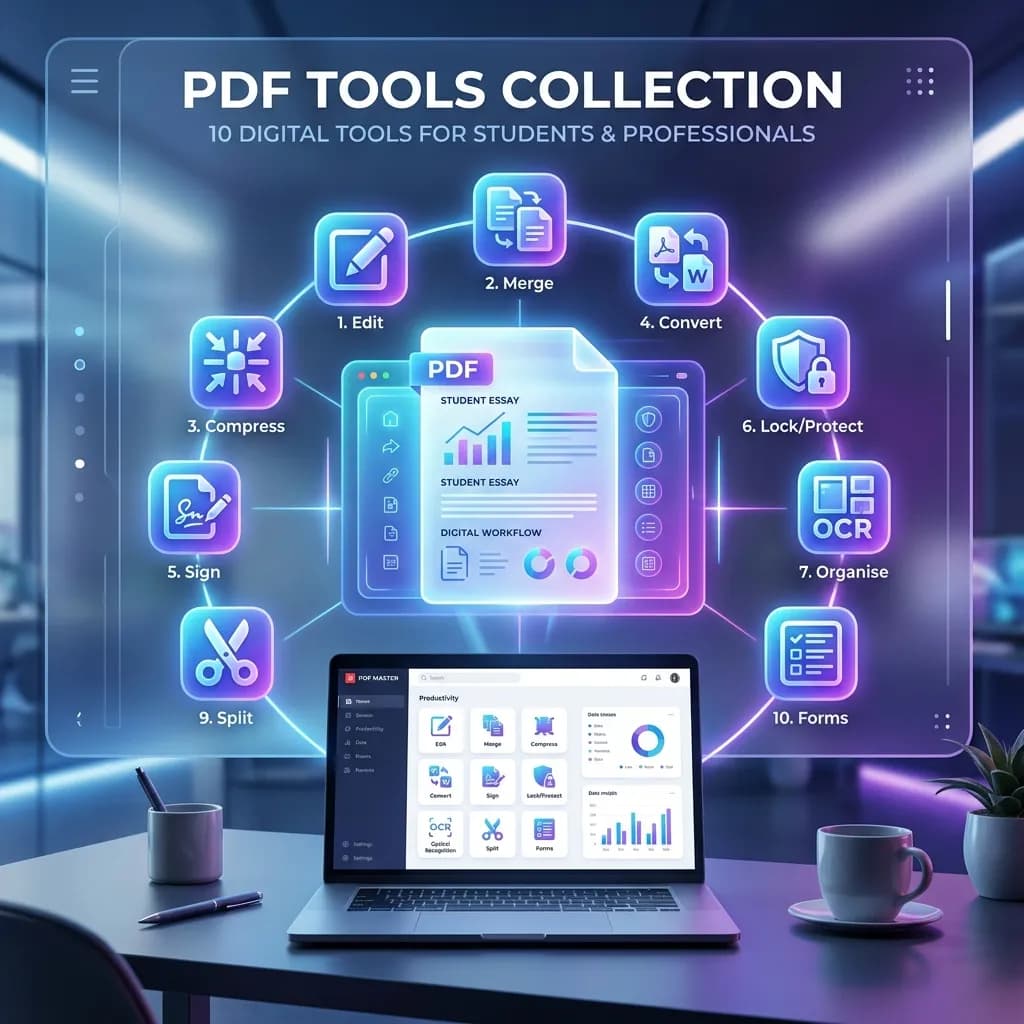
10 Best Free Online PDF Tools for Students and Professionals in 2026
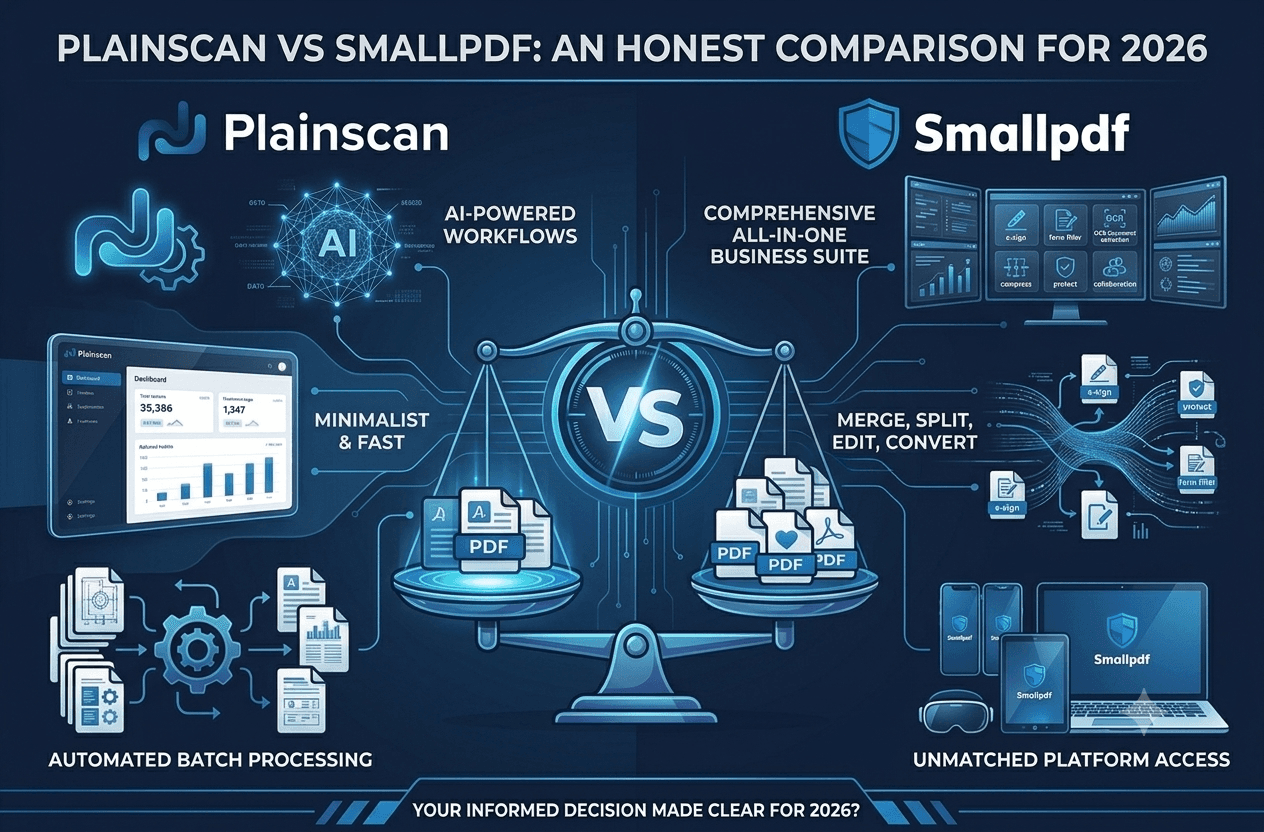
Plainscan vs Smallpdf: An Honest Comparison for 2026

The Ultimate All-in-One AI Document Tool for Students and Professionals

Plainscan: The All-in-One AI-Powered Document and Productivity Platform
How to Compress a PDF Without Losing Quality (Free Guide 2026)
How to Convert PDF to Word Online for Free (Step-by-Step Guide)
How to Merge Multiple PDFs Into One File (Free & Online)

How to Remove a Background from an Image Online for Free
What Is OCR? How to Extract Text from Scanned Documents (Free Guide)
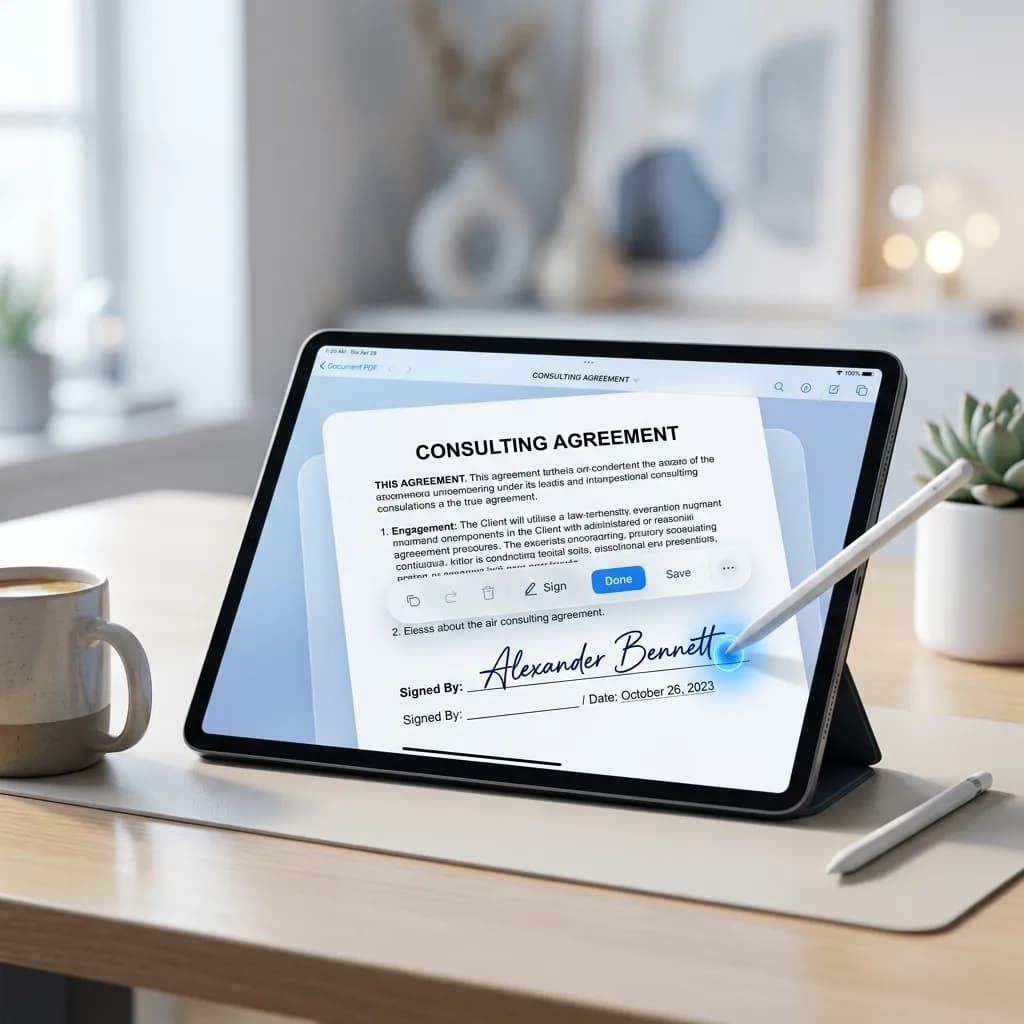
How to Sign a PDF Online Without Printing — Free & Legal
PDF vs Word: Which Format Should You Use and When?
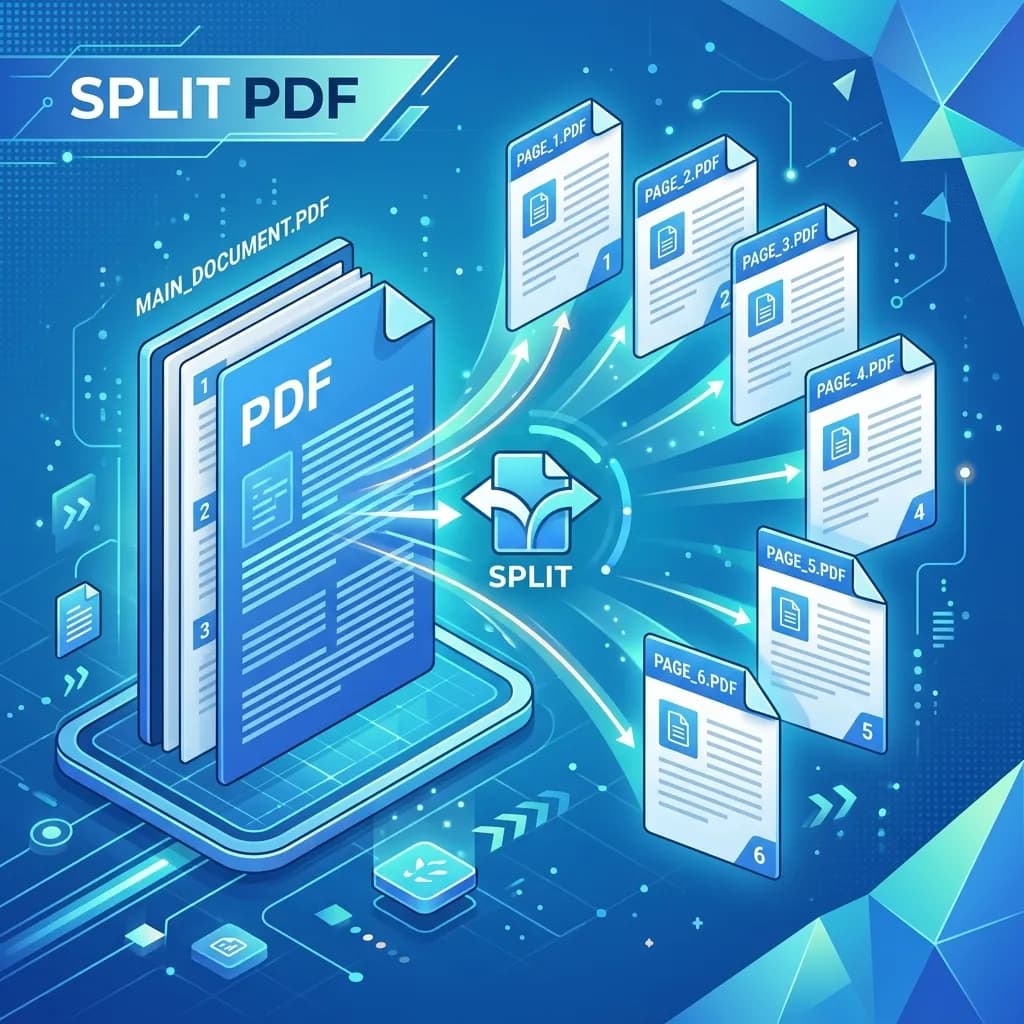
How to Split a PDF Into Multiple Files Online (Free & Fast)
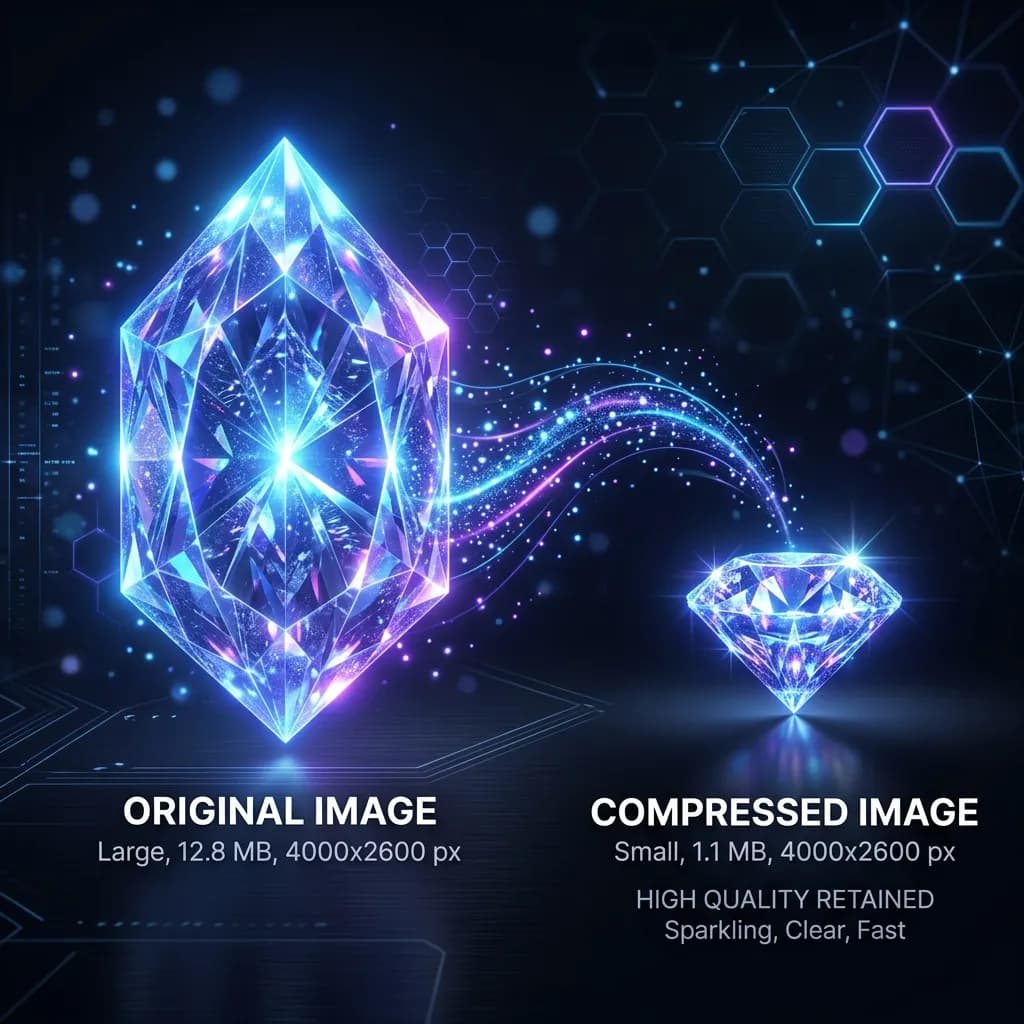
How to Compress Images Without Losing Quality (PNG, JPEG, WEBP)
How to Convert Images to PDF Online Free (JPG, PNG, WEBP → PDF)
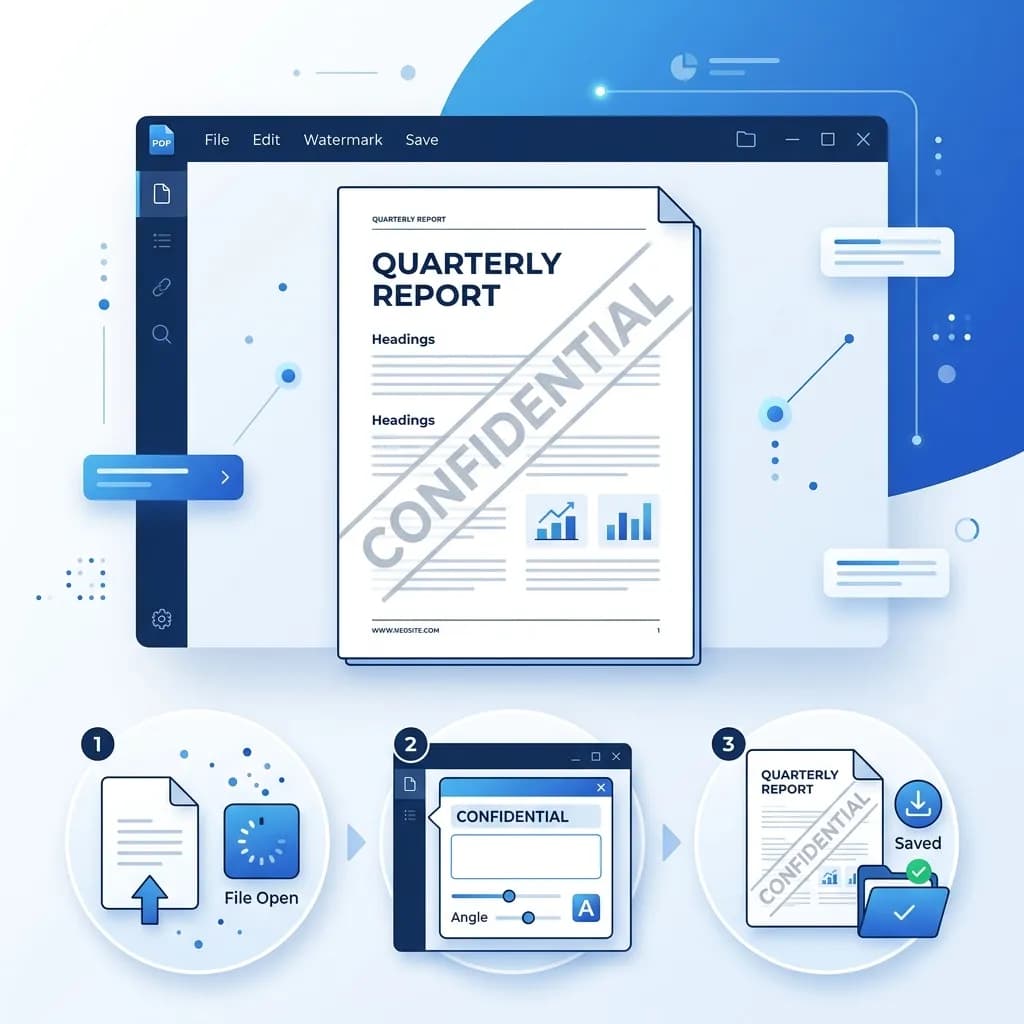
How to Add a Watermark to a PDF Online Free
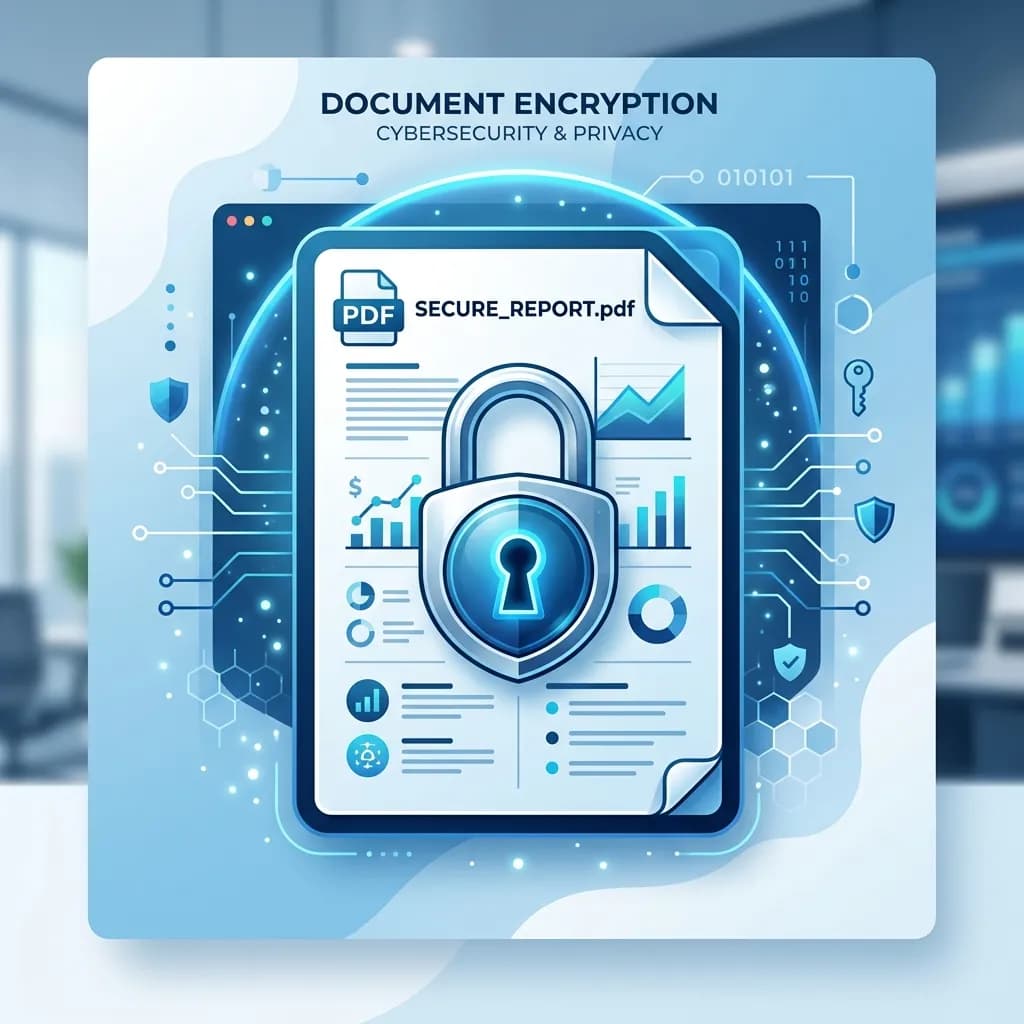
How to Password Protect a PDF Online Free
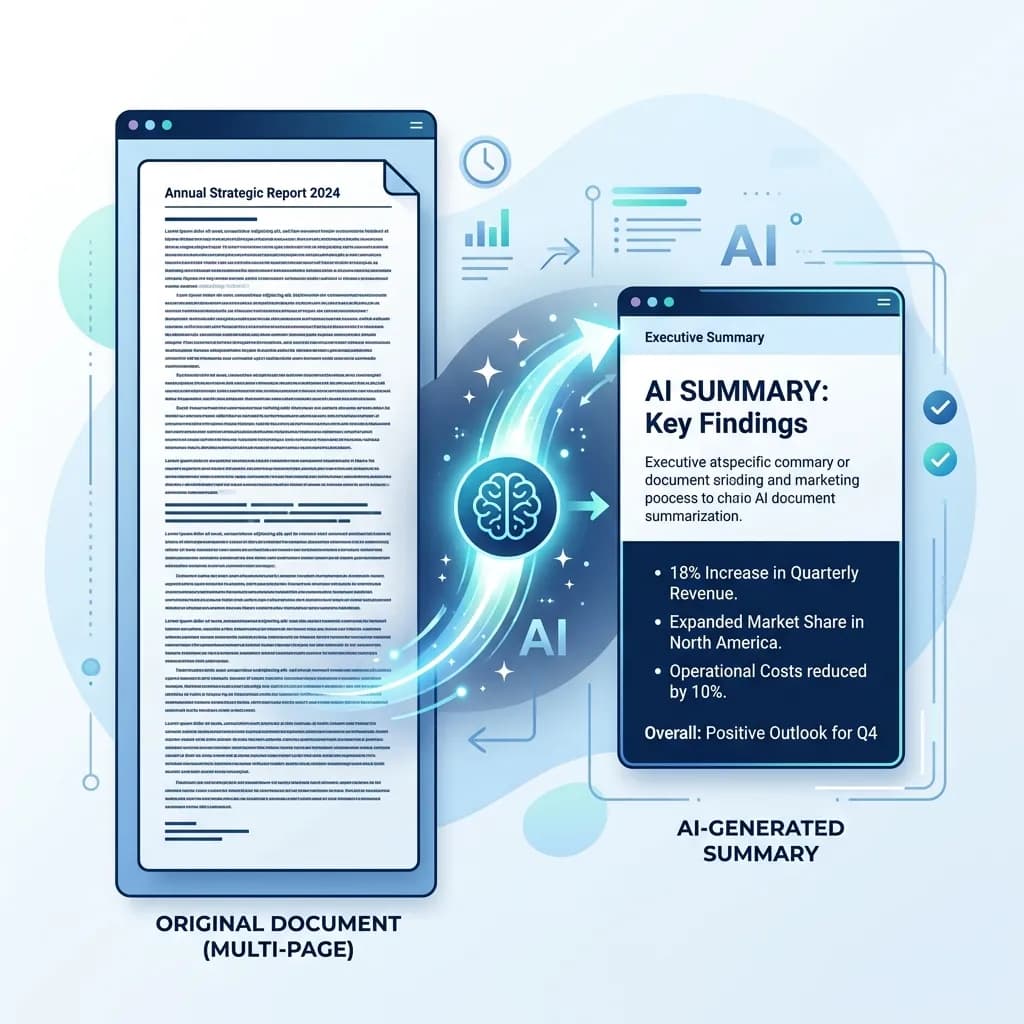
AI Document Summarizer: How to Summarize Long Documents in Seconds
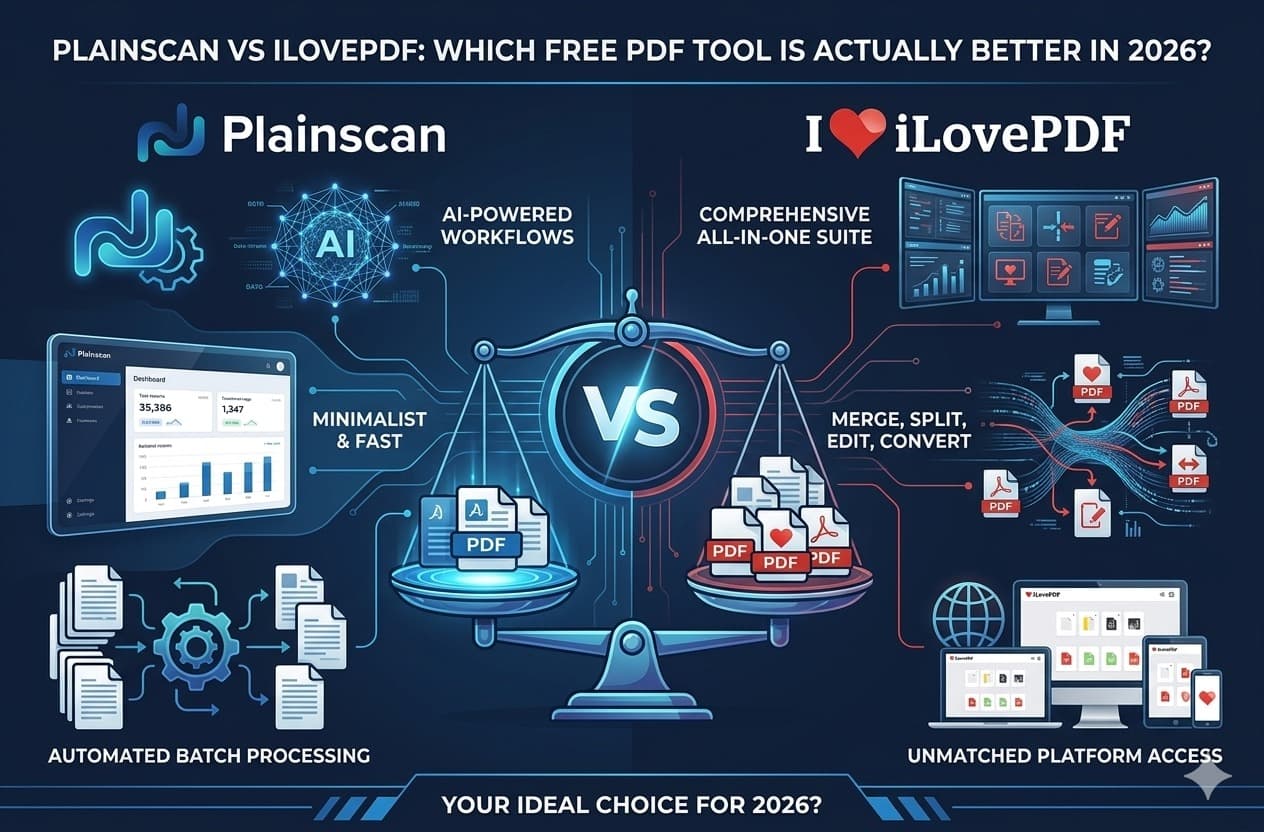
Plainscan vs iLovePDF: Which Free PDF Tool Is Actually Better in 2026?